- Age rating4+
- CategoryProductivity
- DeveloperHatice Ilkbahar
- LanguagesEnglish+ 73 more
- Size37.7 MB
Links to the official App Store page
Download.org hosts no file of DocMerge Go. The button opens its official App Store page, published by Hatice Ilkbahar. Listing last checked on Nov 12, 2026.
Screenshots


About
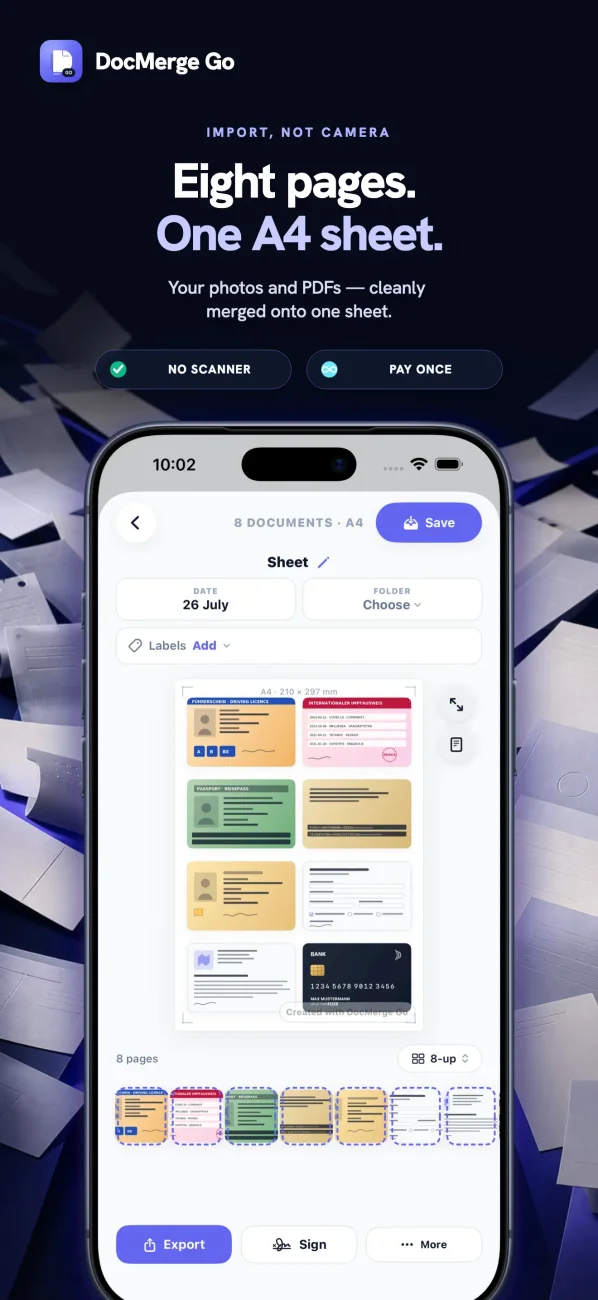
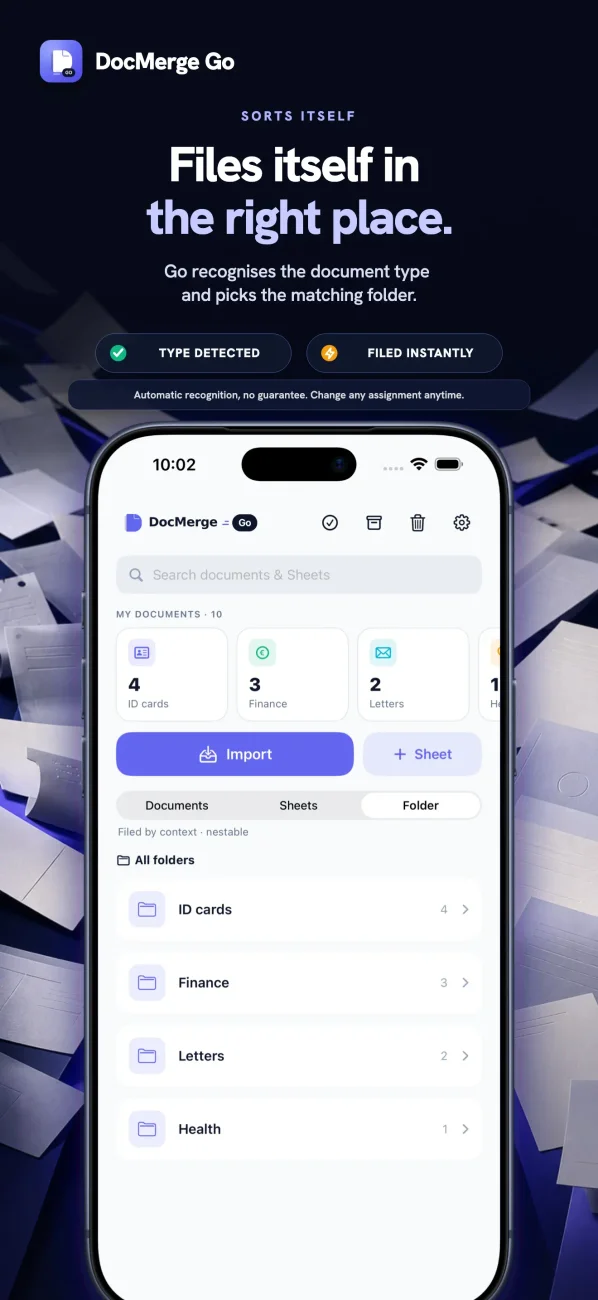
DocMerge Go is the lean import & merge app: import photos, images and PDFs, arrange them on an A4 sheet (2/4/6/8-up, mosaic, multi-page, booklet) and export as PDF or image.
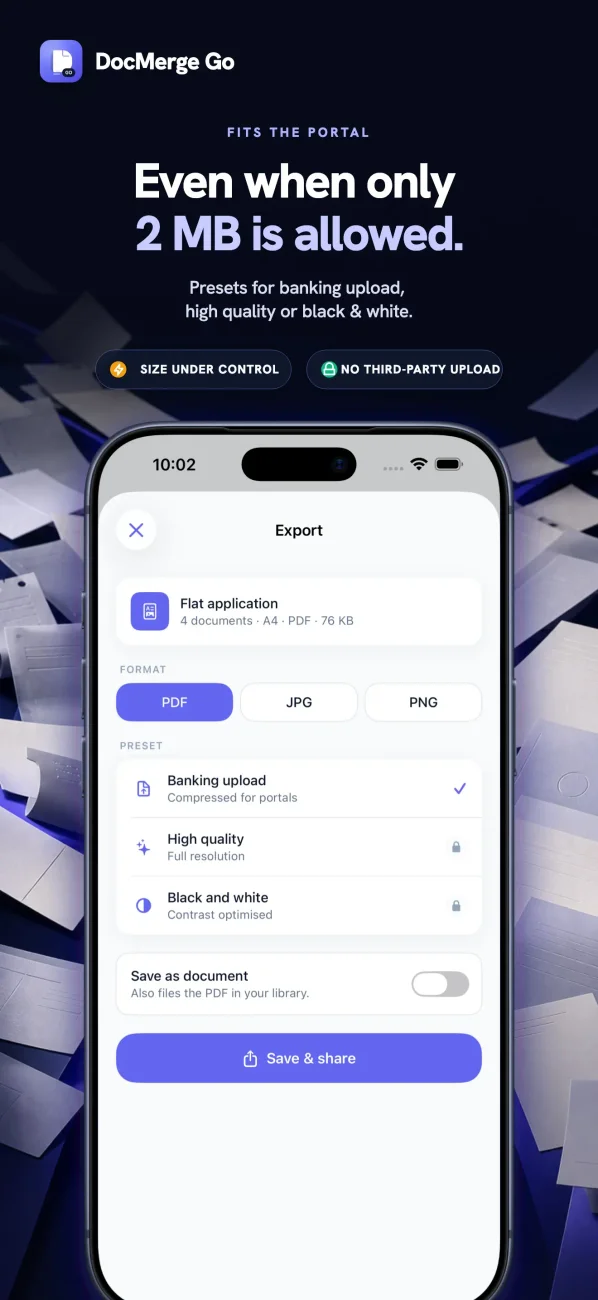
NO SUBSCRIPTION. The app is free to use; a single one-time purchase removes the watermark and unlocks signing, 6/8-up layouts, export presets and PDF password protection.
PRIVATE BY DESIGN
• Everything stays on your device — no account, no servers, no analytics.
• Import from Photos, Files and iCloud Drive. No camera, no scanning.
• Share into DocMerge Go directly from other apps.
FEATURES
• PDF pages become individual sheets on import.
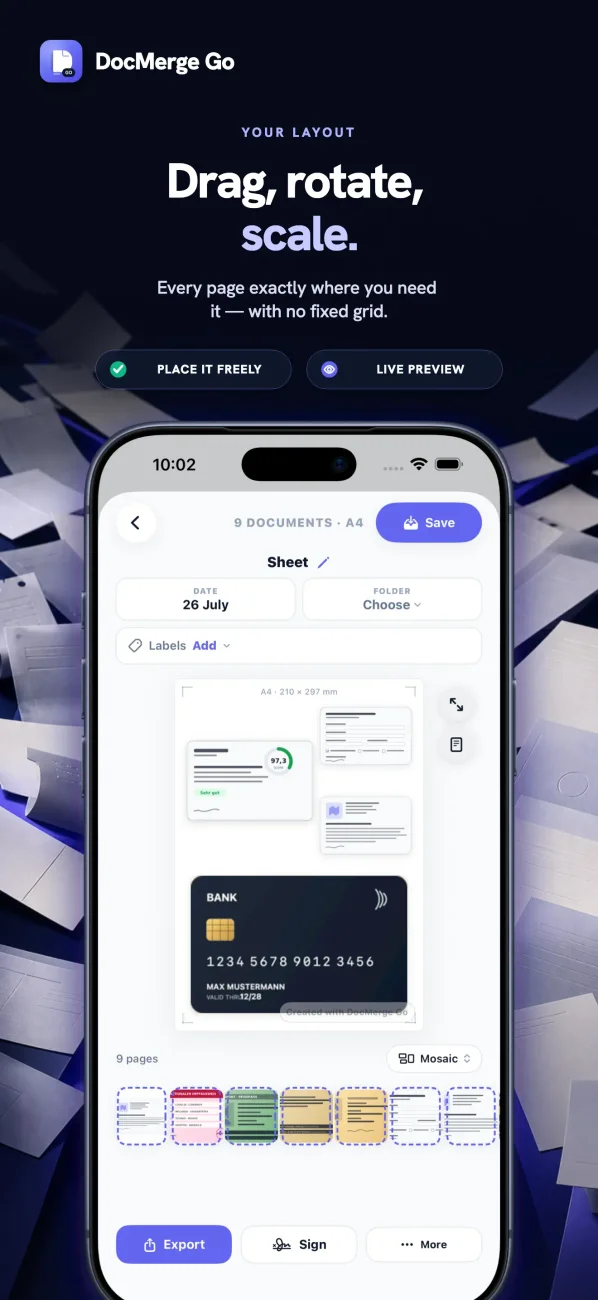
• Auto-arrange, move, scale, rotate, snap-to-grid.
• Redact sensitive areas manually; add your signature (unlock).
• Protect sheets with Face ID or a password.
• Export as PDF, JPG or PNG — with compression presets.
Need a scanner with text recognition? The full DocMerge app is the right choice.
App privacy
What Hatice Ilkbahar declares on the App Store about how this app handles data.
-
Data not collected
The developer does not collect any data from this app.
Privacy practices may vary, for example with the features you use or your age.
Information
- Seller
- Hatice Ilkbahar
- Category
- Productivity
- Version
- 0.10
- Updated
- Jul 31, 2026
- Released
- Jul 31, 2026
- Size
- 37.7 MB
- Requires
- iOS 18.6 or later
- Age rating
- 4+
- In-app purchases
- Yes
- Languages
- English, Afrikaans, Albanian, Amharic, Arabic, Armenian, Azerbaijani, Basque, Belarusian, Bengali, Bulgarian, Burmese + 62 more
- Copyright
- © 2026 Qulubia
You might also like
-
 Photos to PDF - Offline MakerTrue size or A4, one-time buy
-
 JPG & Photos to PDF: PagefitPNG, HEIC, Image Converter
-
 PDF Converter-File Creator AppConvert My Photos To Document
-
 PDF Scanner App & EditorPDF Editor. Doc Scanner App.
-
 Photo Pages - Layout & PrintPrint Multiple Photos per Page
-
 Red LineProductivity
-
 URL Shortener AppShort URL
-
 CREWlife: Crew & LogbookRoster, layovers & crew chat
-
 SalesBoost AIProductivity
-
 Multiple Stopwatches & LapsFolders, notes & CSV export