Document Scanner And PDF
Convert paper to digital
Designed for iPhone, iPad, iPod touch
Free · In-app purchases
- Age rating4+
- CategoryUtilities
- DeveloperYalintech
- LanguagesEnglish
- Size25.8 MB
Links to the official App Store page
Download.org hosts no file of Document Scanner And PDF. The button opens its official App Store page, published by Yalintech. Listing last checked on Nov 17, 2026.
Screenshots


About
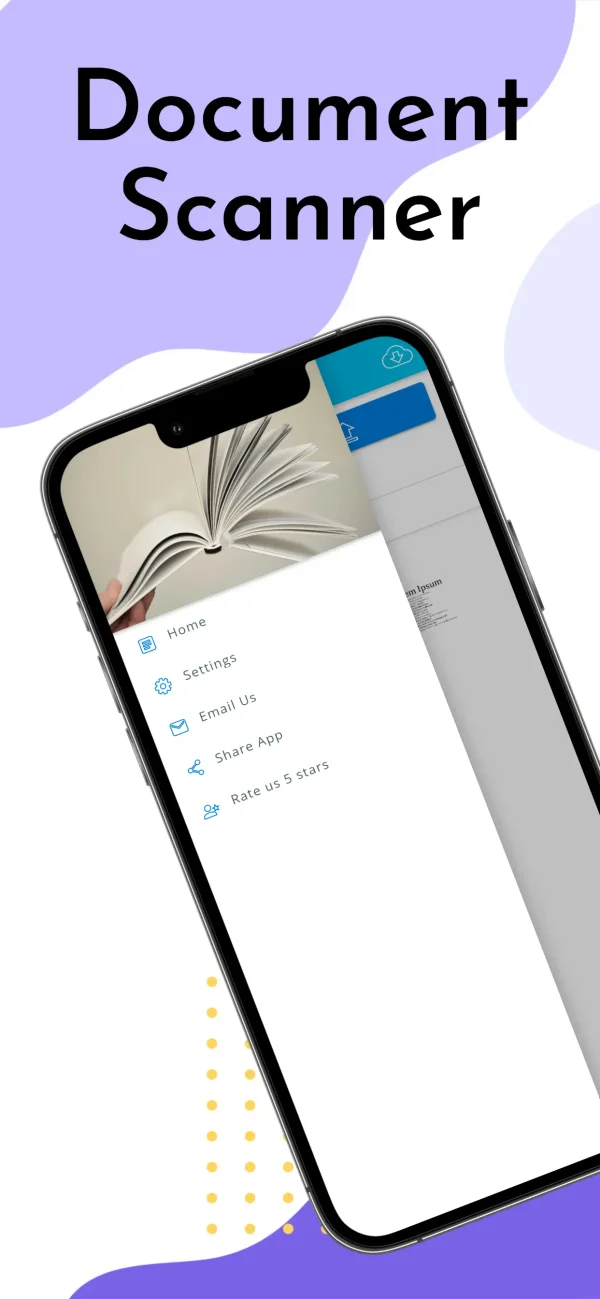
PDF Scanner app helps you to scan with your phone's camera professionally and easily. Our Document Scanner will quickly scan and convert the file to PDF.
The Scanner application has all the features that you need-
• Manage all your receipts, notes, reports, documents, photos, and business cards in one place.
• Convert all documents to PDF files
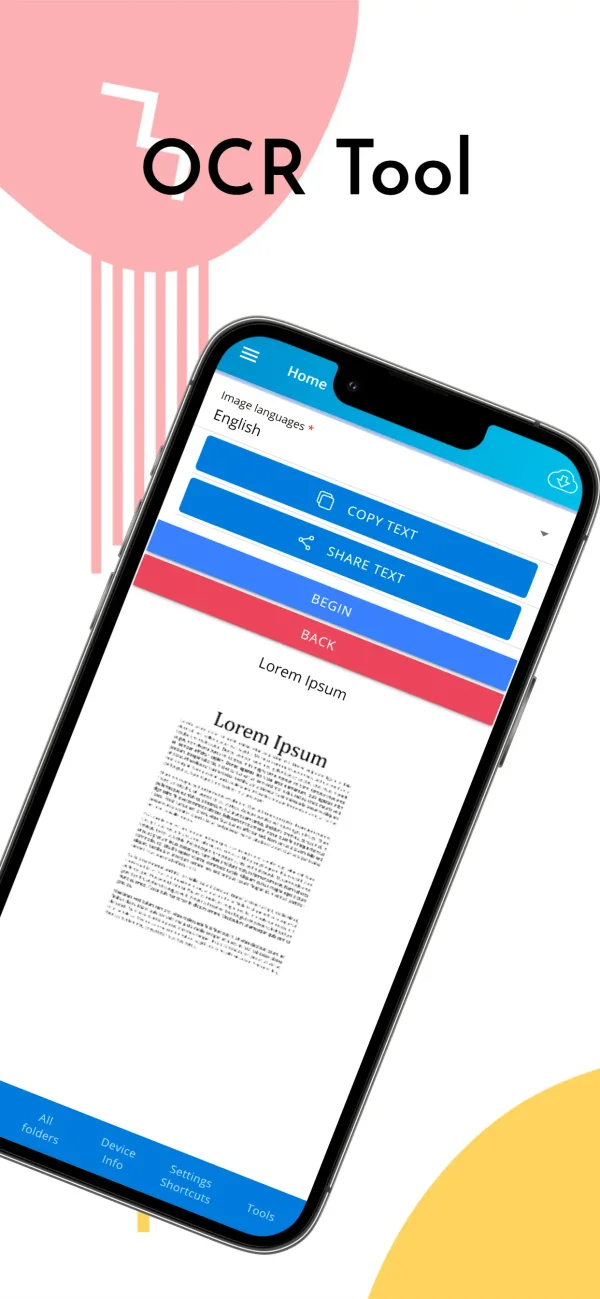
• Support OCR text recognition in more than 60 languages
• Edit photos&documents easily and convert to PDF
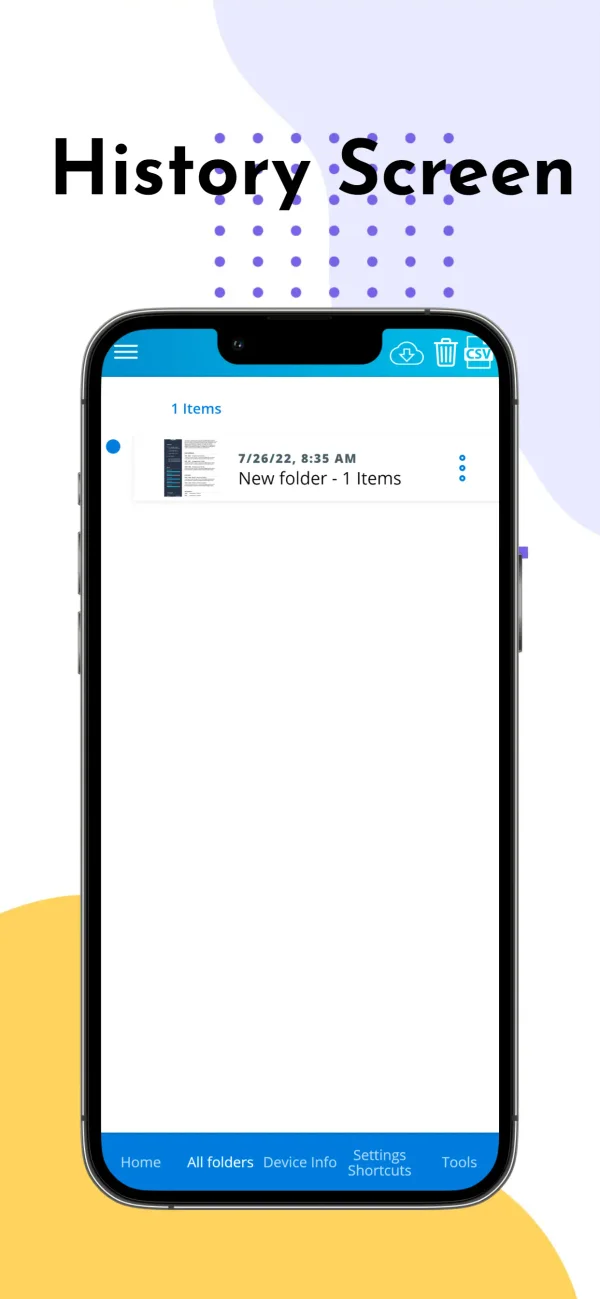
• History page - contain all your scan history
• Add a password to protect your PDF documents
• Backup and synchronize files- WhatsApp, Google Drive, Dropbox and more
PDF Scanner is an innovative mobile application designed to help users scan documents, receipts, and other types of paper-based media with their phone's camera. With this app, users can easily and professionally scan and convert their documents to PDF format. The app is simple and easy to use, making it a convenient tool for users who need to digitize their paper documents.
The PDF Scanner app allows users to capture high-quality scans of their documents quickly and easily. Users can point their phone's camera at the document they want to scan, and the app will automatically detect the edges of the document and crop the image accordingly. This ensures that the final scanned image is clean and sharp, without any unnecessary background or distortion.
The app also includes advanced features such as automatic document detection and image enhancement. The automatic document detection feature uses AI technology to detect the edges of the document and crop the image accordingly. This ensures that the final scanned image is clean and sharp, without any unnecessary background or distortion.
The image enhancement feature enhances the quality of the scanned document by adjusting the brightness, contrast, and other parameters. This ensures that the final scanned image is clear and legible, making it easy to read and understand.
Once the user has completed the scan, the app converts the image to PDF format, making it easy to share and store. Users can save their scanned documents to their device, or upload them to their cloud storage account. The app also supports sharing via email, text message, or social media.
The PDF Scanner app is perfect for users who need to digitize their paper documents quickly and easily. It can be used by anyone, from students and professionals to small business owners and entrepreneurs. Whether you need to scan receipts, contracts, or other types of documents, the PDF Scanner app has got you covered.
In conclusion, the PDF Scanner app is a powerful tool that can help users scan and convert their paper documents to digital format quickly and easily. With its advanced features and easy-to-use interface, the app is a must-have for anyone who wants to digitize their paper documents.
Document Scanner app is free, fast, secure, easy and you can use it without limits.
Privacy Policy: https://www.yalintech.com/privacy_policy_barcodeScanner.html
Terms Of Use: https://www.yalintech.com/terms_of_use_barcodescanner.html
Our site: https://www.yalintech.com/
What’s new
Version 1.14.5 · Aug 20, 2026
We’ve improved your scanning experience:
• Smart edge detection with manual corner adjustment
• Improved camera stability and performance
• Updated editing tools with zoom, rotate, and filters
• Bug fixes and performance enhancements
App privacy
What Yalintech declares on the App Store about how this app handles data.
-
Data used to track you
May be used to track you across apps and websites owned by other companies.
- Location
-
Data linked to you
May be collected and linked to your identity.
- Location
-
Data not linked to you
May be collected but is not linked to your identity.
- Usage data
- Diagnostics
Privacy practices may vary, for example with the features you use or your age.
Information
- Seller
- Yalintech
- Category
- Utilities
- Version
- 1.14.5
- Updated
- Aug 20, 2026
- Released
- Aug 9, 2022
- Size
- 25.8 MB
- Requires
- iOS 15.0 or later
- Age rating
- 4+
- Price
- Free
- In-app purchases
- Yes
- Languages
- English
- Copyright
- © Copyright (c) 2024, Yalintech
You might also like
-
 Text EnhancerInstantly Polish Your Text
-
 OCR Scanner - Camera ScannerPDF Scanner App
-
 Trace PrivacyPhone Security & Privacy
-
 DSP-A10Utilities
-
 Sett Solutions HostProperty Cleaning, Simplified
-
 PBN netOneUtilities
-
 Blink - Morse Code FlashlightOffline SOS Torch, Signal Tool
-
 SANBOKUtilities
-
 Bookmark Pro - Save LinksOrganize bookmarks with tags
-
 Sett Solutions CleanerUtilities