Document Scanner And PDF
Convert paper to digital
Được thiết kế cho iPhone, iPad, iPod touch
Miễn phí · Mua hàng trong ứng dụng
- Độ tuổi4+
- Danh mụcTiện Ích
- Nhà phát triểnYalintech
- Ngôn ngữTiếng Anh
- Kích thước25,8 MB
Liên kết đến trang App Store chính thức
Download.org không lưu trữ tệp nào của Document Scanner And PDF. Nút này mở trang ứng dụng trên App Store, nơi Yalintech phát hành ứng dụng. Trang được kiểm tra lần cuối: 17/11/2026.
Ảnh chụp màn hình
Giới thiệu
Nhà phát triển chưa cung cấp nội dung này bằng ngôn ngữ của bạn.
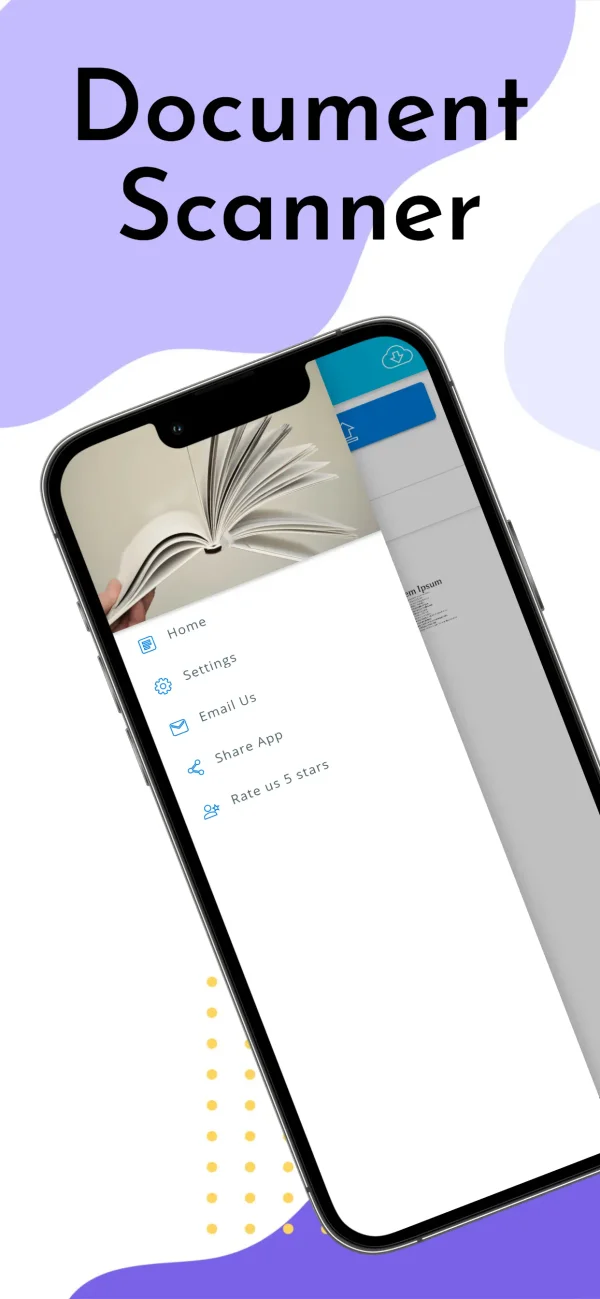
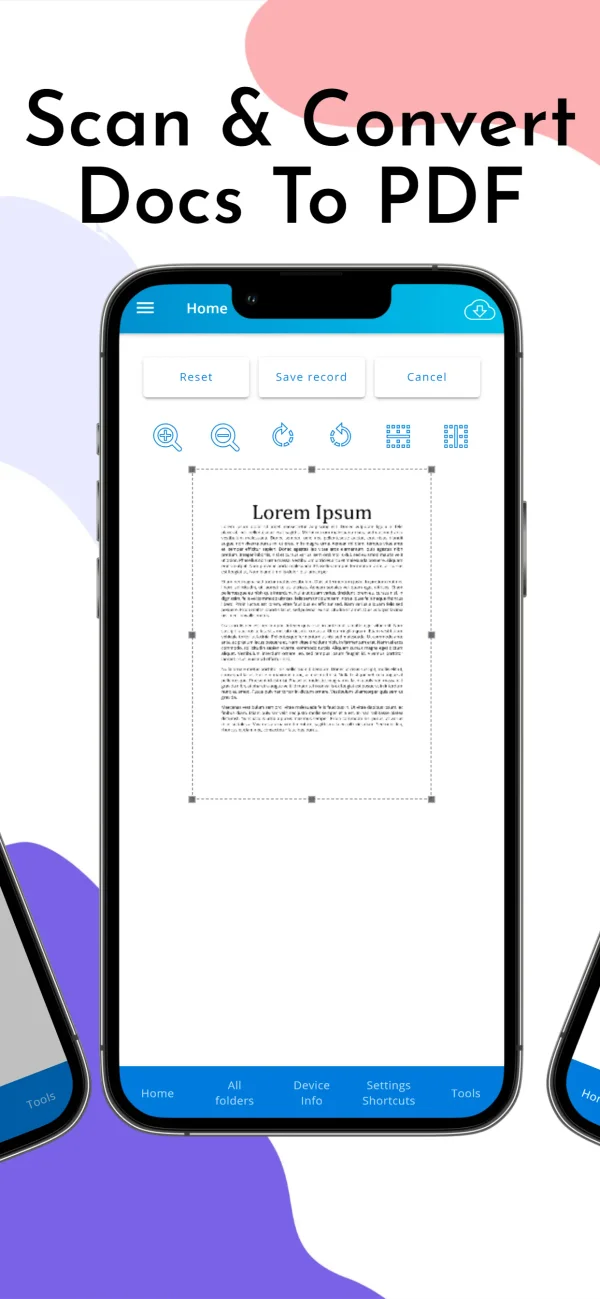
PDF Scanner app helps you to scan with your phone's camera professionally and easily. Our Document Scanner will quickly scan and convert the file to PDF.
The Scanner application has all the features that you need-
• Manage all your receipts, notes, reports, documents, photos, and business cards in one place.
• Convert all documents to PDF files
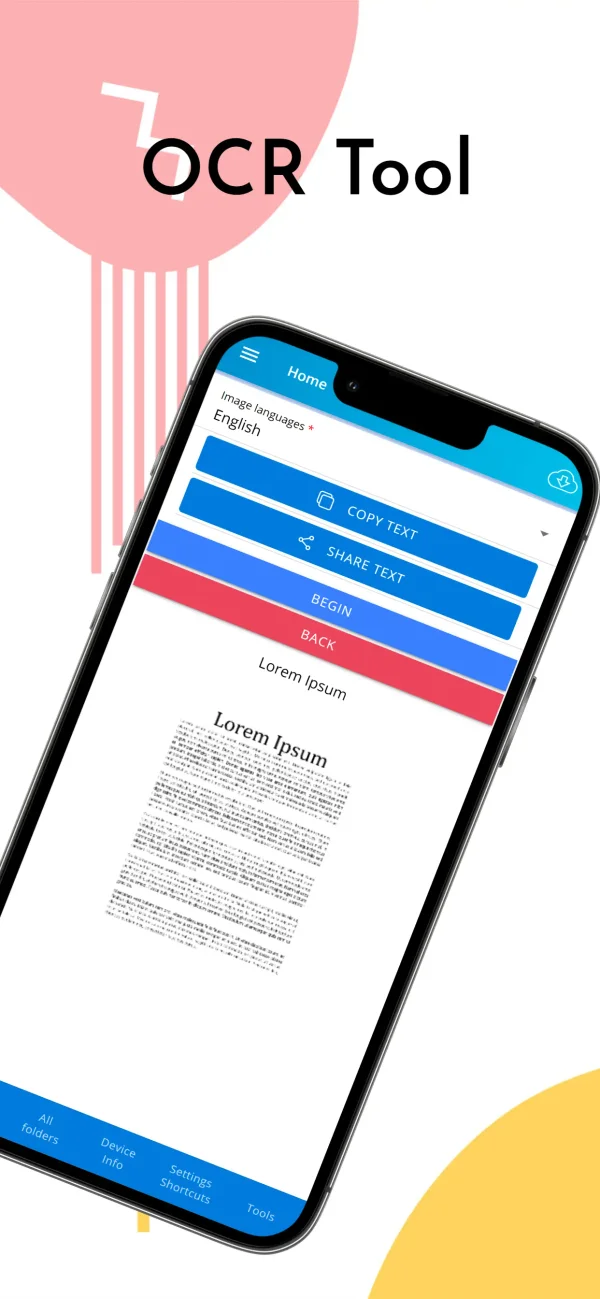
• Support OCR text recognition in more than 60 languages
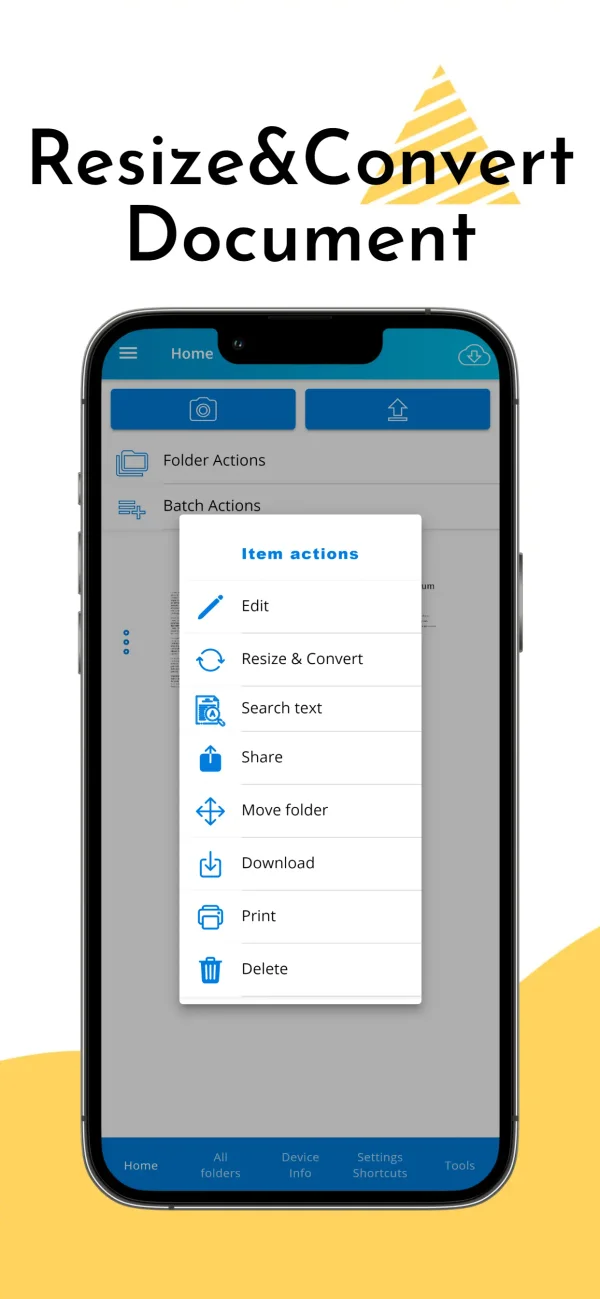
• Edit photos&documents easily and convert to PDF
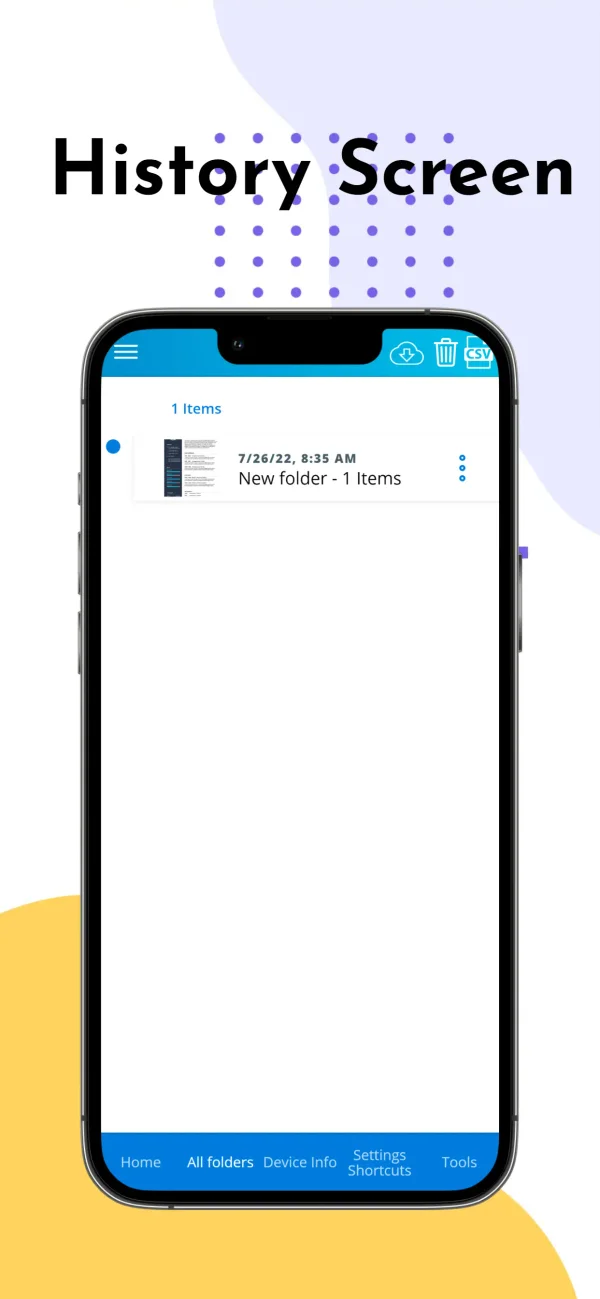
• History page - contain all your scan history
• Add a password to protect your PDF documents
• Backup and synchronize files- WhatsApp, Google Drive, Dropbox and more
PDF Scanner is an innovative mobile application designed to help users scan documents, receipts, and other types of paper-based media with their phone's camera. With this app, users can easily and professionally scan and convert their documents to PDF format. The app is simple and easy to use, making it a convenient tool for users who need to digitize their paper documents.
The PDF Scanner app allows users to capture high-quality scans of their documents quickly and easily. Users can point their phone's camera at the document they want to scan, and the app will automatically detect the edges of the document and crop the image accordingly. This ensures that the final scanned image is clean and sharp, without any unnecessary background or distortion.
The app also includes advanced features such as automatic document detection and image enhancement. The automatic document detection feature uses AI technology to detect the edges of the document and crop the image accordingly. This ensures that the final scanned image is clean and sharp, without any unnecessary background or distortion.
The image enhancement feature enhances the quality of the scanned document by adjusting the brightness, contrast, and other parameters. This ensures that the final scanned image is clear and legible, making it easy to read and understand.
Once the user has completed the scan, the app converts the image to PDF format, making it easy to share and store. Users can save their scanned documents to their device, or upload them to their cloud storage account. The app also supports sharing via email, text message, or social media.
The PDF Scanner app is perfect for users who need to digitize their paper documents quickly and easily. It can be used by anyone, from students and professionals to small business owners and entrepreneurs. Whether you need to scan receipts, contracts, or other types of documents, the PDF Scanner app has got you covered.
In conclusion, the PDF Scanner app is a powerful tool that can help users scan and convert their paper documents to digital format quickly and easily. With its advanced features and easy-to-use interface, the app is a must-have for anyone who wants to digitize their paper documents.
Document Scanner app is free, fast, secure, easy and you can use it without limits.
Privacy Policy: https://www.yalintech.com/privacy_policy_barcodeScanner.html
Terms Of Use: https://www.yalintech.com/terms_of_use_barcodescanner.html
Our site: https://www.yalintech.com/
Có gì mới
Phiên bản 1.14.5 · 20/08/2026
We’ve improved your scanning experience:
• Smart edge detection with manual corner adjustment
• Improved camera stability and performance
• Updated editing tools with zoom, rotate, and filters
• Bug fixes and performance enhancements
Quyền riêng tư của ứng dụng
Những gì Yalintech khai báo trên App Store về cách ứng dụng này xử lý dữ liệu.
-
Dữ liệu được sử dụng để theo dõi bạn
Có thể được sử dụng để theo dõi bạn trên các ứng dụng và trang web do công ty khác sở hữu.
- Vị trí
-
Dữ liệu liên kết với bạn
Có thể được thu thập và liên kết với danh tính của bạn.
- Vị trí
-
Dữ liệu không liên kết với bạn
Có thể được thu thập nhưng không liên kết với danh tính của bạn.
- Dữ liệu sử dụng
- Chẩn đoán
Phương thức đảm bảo quyền riêng tư có thể khác nhau, chẳng hạn như tuỳ theo các tính năng bạn sử dụng hoặc độ tuổi của bạn.
Thông tin
- Người bán
- Yalintech
- Danh mục
- Tiện Ích
- Phiên bản
- 1.14.5
- Cập nhật
- 20/08/2026
- Phát hành
- 09/08/2022
- Kích thước
- 25,8 MB
- Yêu cầu
- iOS 15.0 trở lên
- Độ tuổi
- 4+
- Giá
- Miễn phí
- Mua hàng trong ứng dụng
- Có
- Ngôn ngữ
- Tiếng Anh
- Bản quyền
- © Copyright (c) 2024, Yalintech