Document Scanner And PDF
Convert paper to digital
iPhone, iPad, iPod touch向けに設計
無料 · アプリ内課金
- 対象年齢4+
- カテゴリユーティリティ
- 開発元Yalintech
- 言語英語
- サイズ25.8 MB
App Storeの公式ページにリンクしています
Download.orgはDocument Scanner And PDFのファイルを一切ホストしていません。ボタンを押すと、Yalintechが公開しているApp Storeのアプリページが開きます。ページの最終確認:2026/11/17。
スクリーンショット
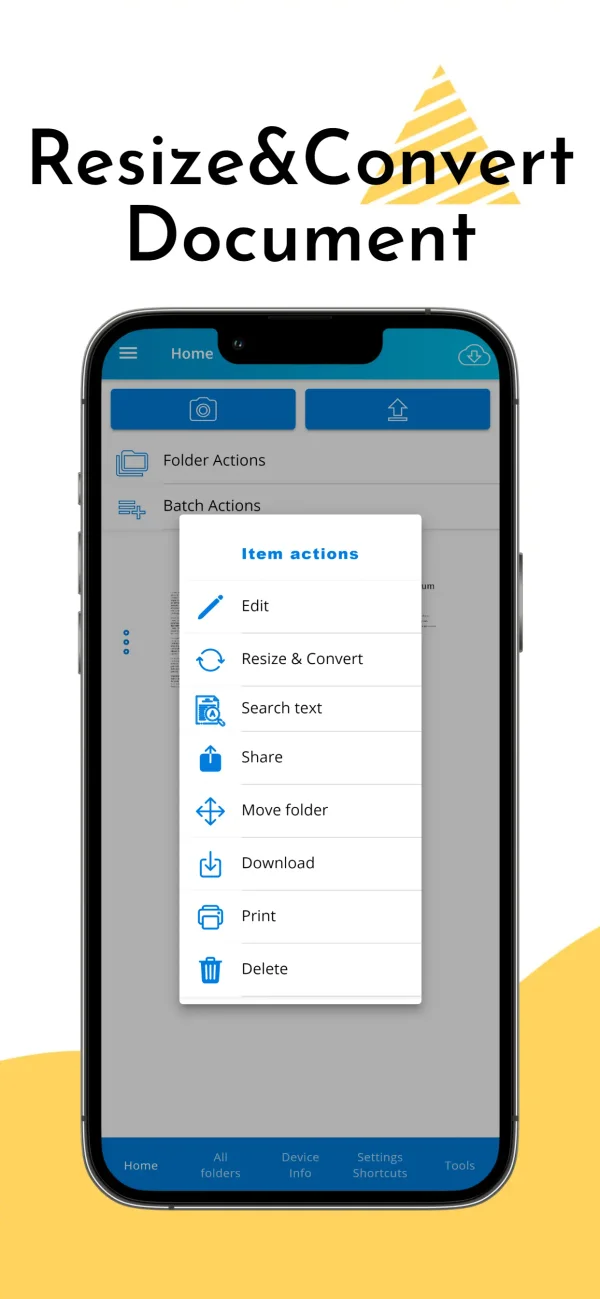
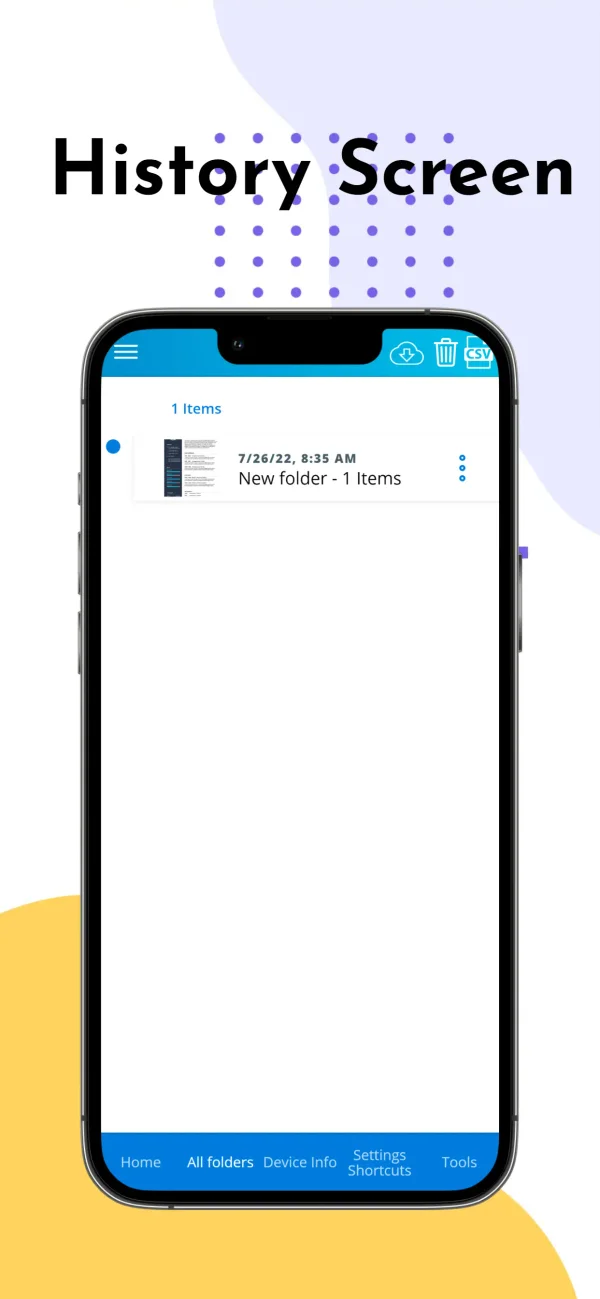
概要
開発元はこのテキストをお使いの言語で提供していません。
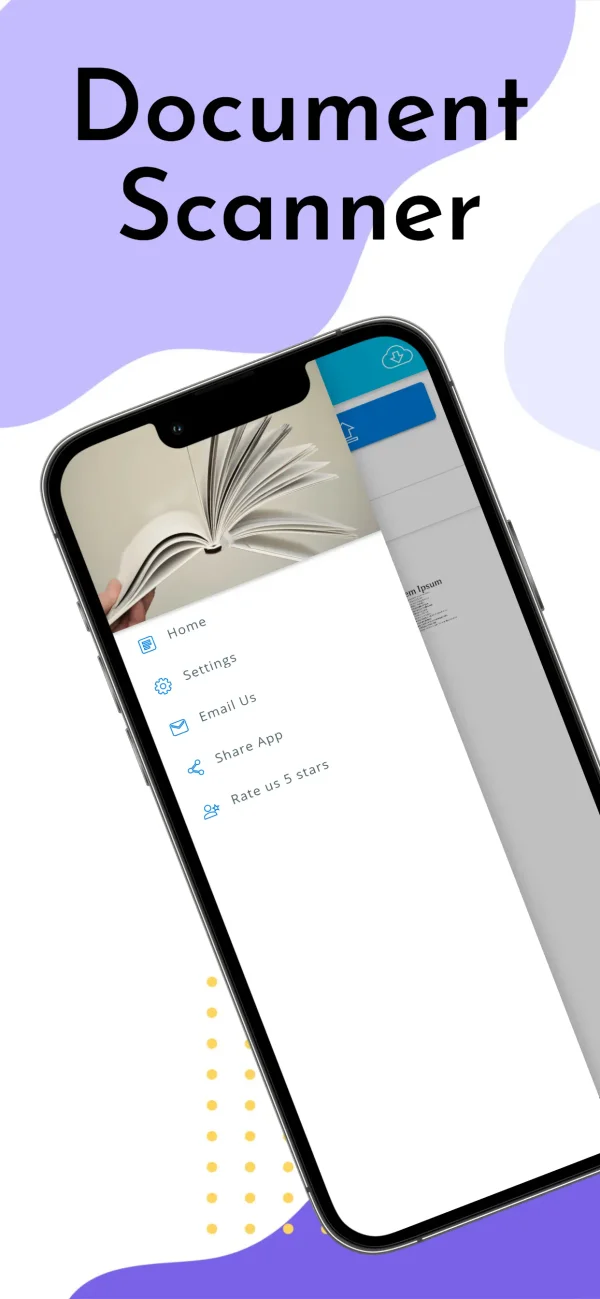
PDF Scanner app helps you to scan with your phone's camera professionally and easily. Our Document Scanner will quickly scan and convert the file to PDF.
The Scanner application has all the features that you need-
• Manage all your receipts, notes, reports, documents, photos, and business cards in one place.
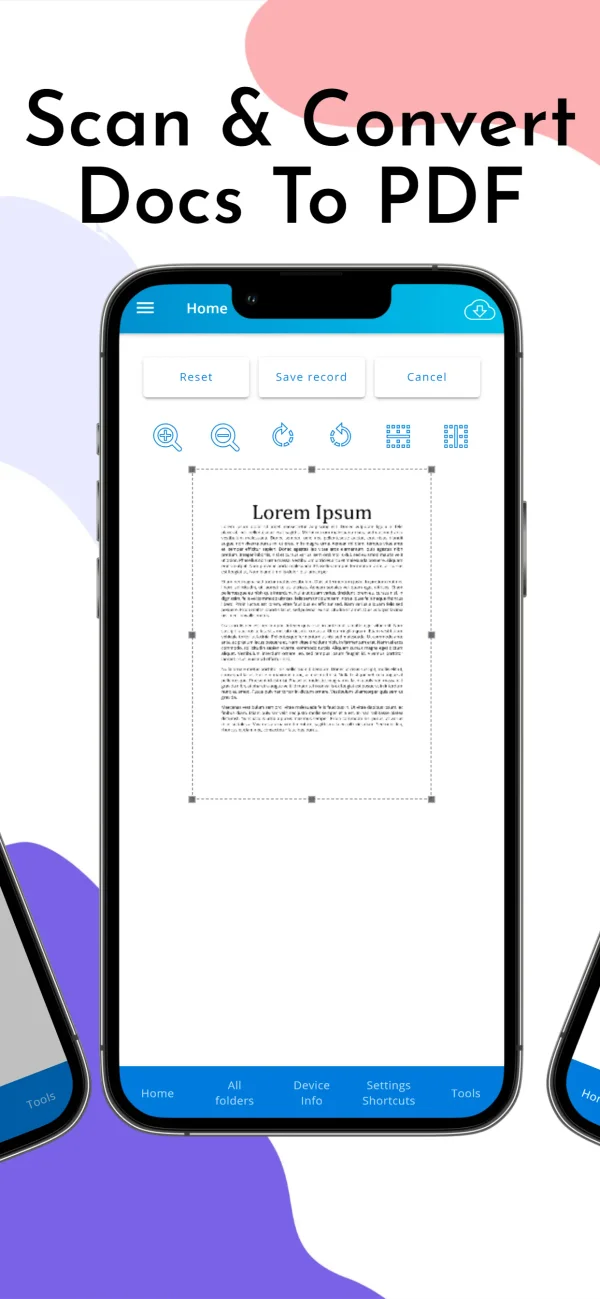
• Convert all documents to PDF files
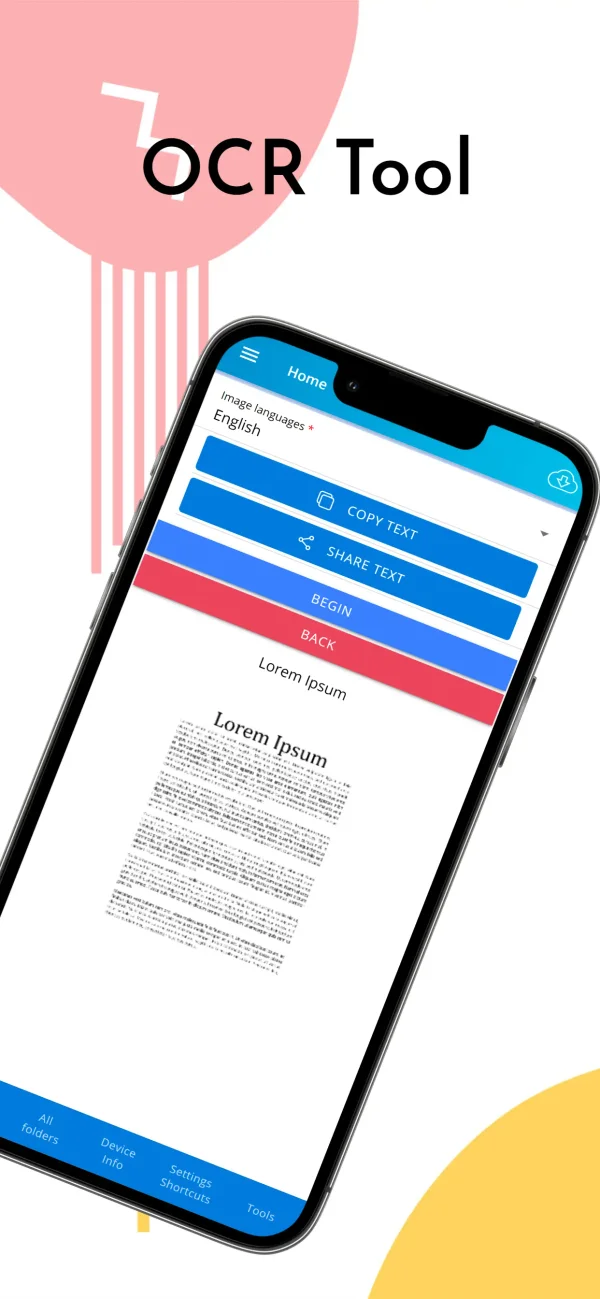
• Support OCR text recognition in more than 60 languages
• Edit photos&documents easily and convert to PDF
• History page - contain all your scan history
• Add a password to protect your PDF documents
• Backup and synchronize files- WhatsApp, Google Drive, Dropbox and more
PDF Scanner is an innovative mobile application designed to help users scan documents, receipts, and other types of paper-based media with their phone's camera. With this app, users can easily and professionally scan and convert their documents to PDF format. The app is simple and easy to use, making it a convenient tool for users who need to digitize their paper documents.
The PDF Scanner app allows users to capture high-quality scans of their documents quickly and easily. Users can point their phone's camera at the document they want to scan, and the app will automatically detect the edges of the document and crop the image accordingly. This ensures that the final scanned image is clean and sharp, without any unnecessary background or distortion.
The app also includes advanced features such as automatic document detection and image enhancement. The automatic document detection feature uses AI technology to detect the edges of the document and crop the image accordingly. This ensures that the final scanned image is clean and sharp, without any unnecessary background or distortion.
The image enhancement feature enhances the quality of the scanned document by adjusting the brightness, contrast, and other parameters. This ensures that the final scanned image is clear and legible, making it easy to read and understand.
Once the user has completed the scan, the app converts the image to PDF format, making it easy to share and store. Users can save their scanned documents to their device, or upload them to their cloud storage account. The app also supports sharing via email, text message, or social media.
The PDF Scanner app is perfect for users who need to digitize their paper documents quickly and easily. It can be used by anyone, from students and professionals to small business owners and entrepreneurs. Whether you need to scan receipts, contracts, or other types of documents, the PDF Scanner app has got you covered.
In conclusion, the PDF Scanner app is a powerful tool that can help users scan and convert their paper documents to digital format quickly and easily. With its advanced features and easy-to-use interface, the app is a must-have for anyone who wants to digitize their paper documents.
Document Scanner app is free, fast, secure, easy and you can use it without limits.
Privacy Policy: https://www.yalintech.com/privacy_policy_barcodeScanner.html
Terms Of Use: https://www.yalintech.com/terms_of_use_barcodescanner.html
Our site: https://www.yalintech.com/
新機能
バージョン 1.14.5 · 2026/8/20
We’ve improved your scanning experience:
• Smart edge detection with manual corner adjustment
• Improved camera stability and performance
• Updated editing tools with zoom, rotate, and filters
• Bug fixes and performance enhancements
アプリのプライバシー
このアプリのデータの取り扱いについて、YalintechがApp Storeで申告している内容です。
-
ユーザーのトラッキングに使用されるデータ
他社のアプリやウェブサイトを横断してユーザーをトラッキングする目的で使用される場合があります。
- 位置情報
-
ユーザーに関連付けられたデータ
収集され、ユーザーの識別情報に関連付けられる場合があります。
- 位置情報
-
ユーザーに関連付けられないデータ
収集される場合がありますが、ユーザーの識別情報には関連付けられません。
- 使用状況データ
- 診断
プライバシーの取り扱いは、ご利用の機能やお客様の年齢などに応じて異なる場合があります。
情報
- 販売元
- Yalintech
- カテゴリ
- ユーティリティ
- バージョン
- 1.14.5
- 更新日
- 2026/8/20
- リリース
- 2022/8/9
- サイズ
- 25.8 MB
- 必要条件
- iOS 15.0以降
- 対象年齢
- 4+
- 価格
- 無料
- アプリ内課金
- あり
- 言語
- 英語
- 著作権
- © Copyright (c) 2024, Yalintech