Document Signer: DoSign PDF
Scan & Sign PDF Documents
Designed for iPhone, iPad
Free · In-app purchases
- Age rating4+
- CategoryProductivity
- DeveloperVishal Makwana
- LanguagesEnglish
- Size8.6 MB
Links to the official App Store page
Download.org hosts no file of Document Signer: DoSign PDF. The button opens its official App Store page, published by Vishal Makwana. Listing last checked on Nov 17, 2026.
Screenshots
About
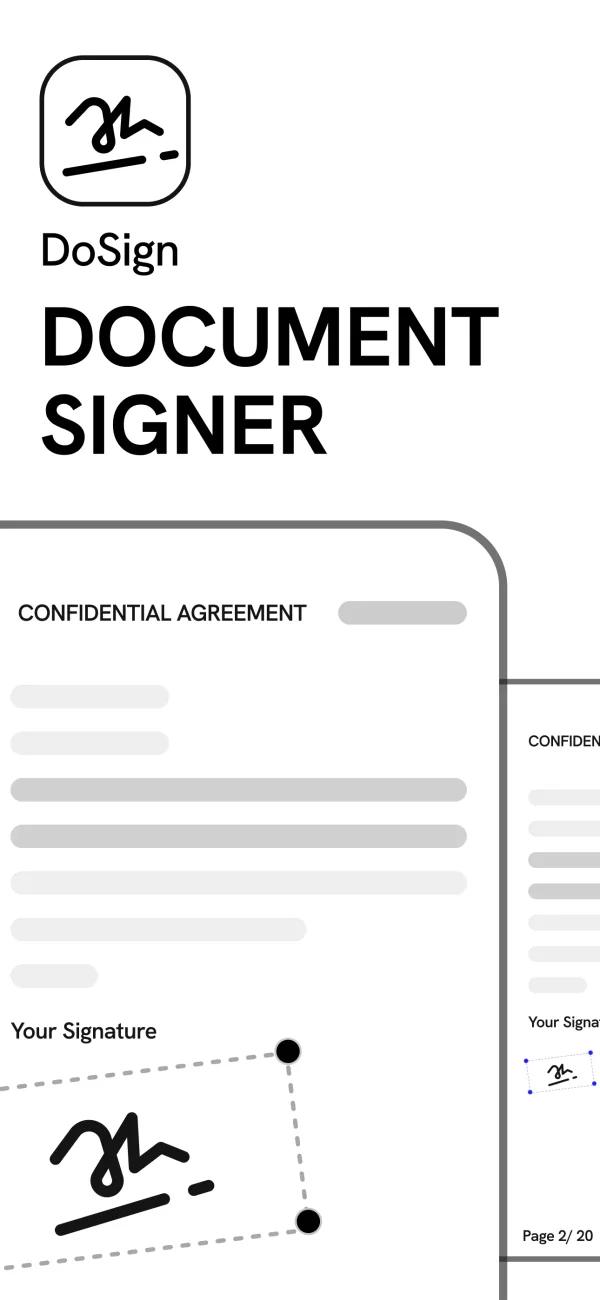
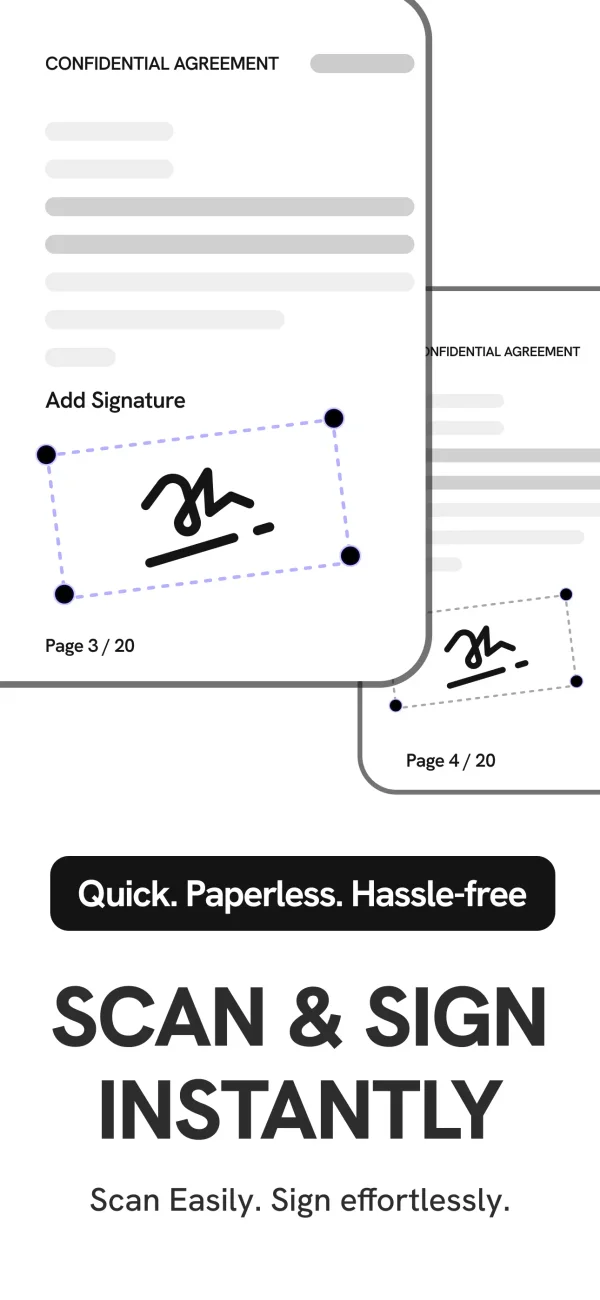
Scan or upload a document, place your e‑signature, and share a professional PDF in seconds. This app is designed for quick, reliable signing with a simple flow: open, sign, share. Create multiple signatures once and reuse them across any document to move work forward faster.
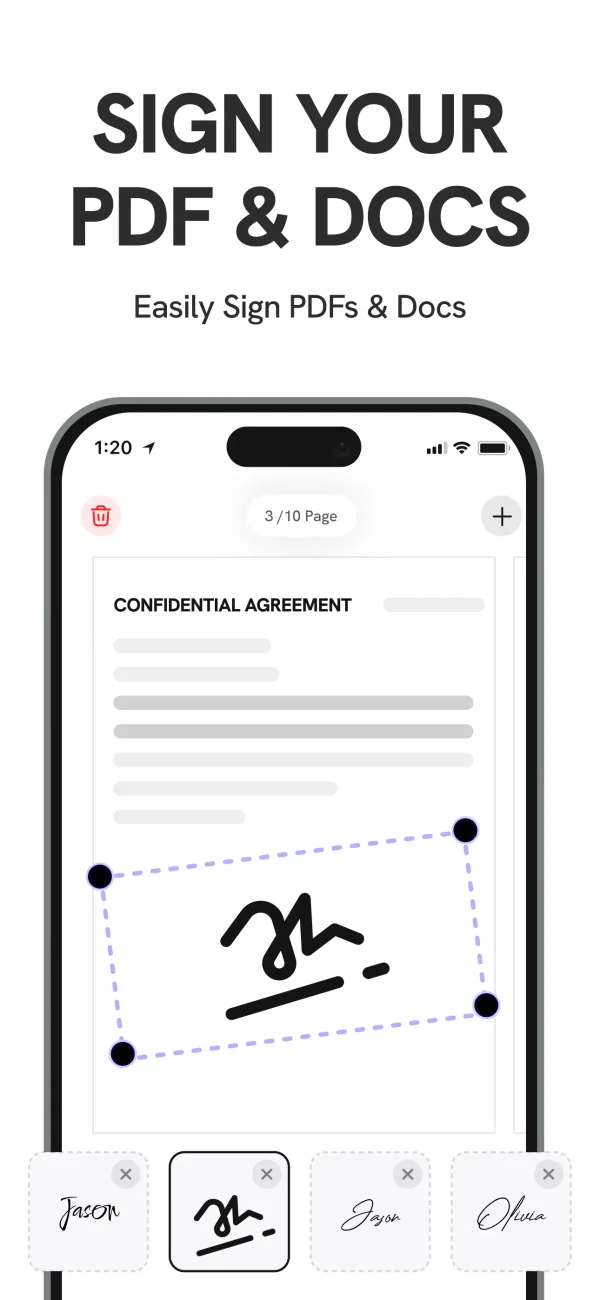
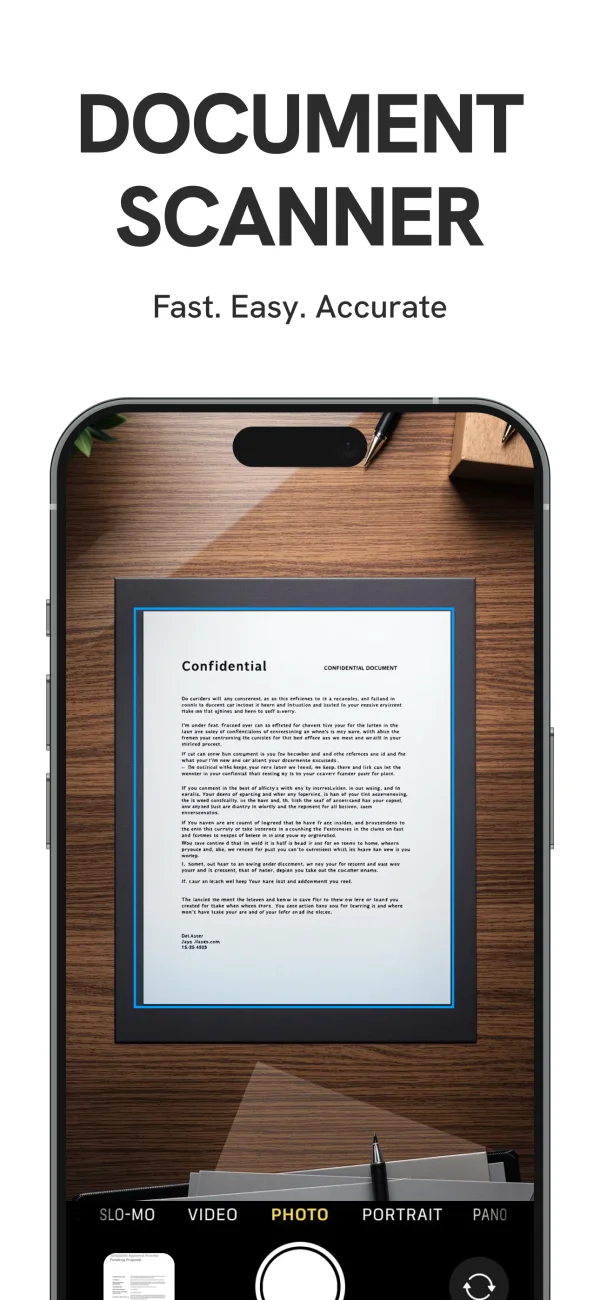
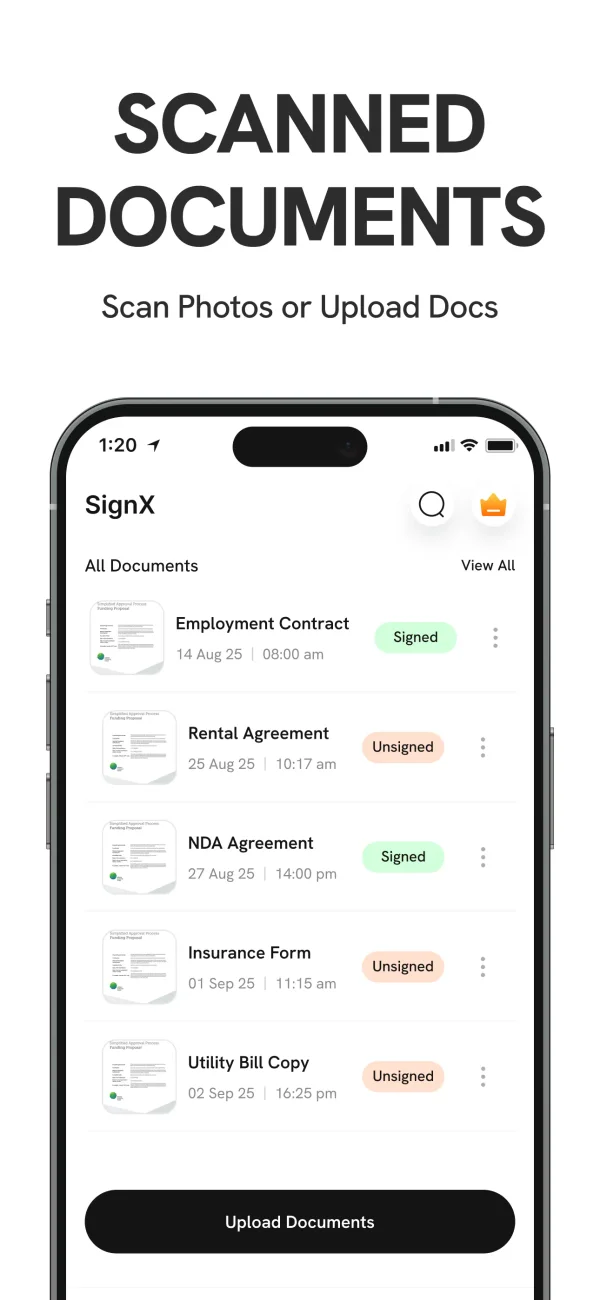
Capture paper docs with your camera or import files from Photos, Files, Mail, or other apps. The built-in Document Scanner cleans perspective and enhances contrast so text stays readable. Place your signature anywhere on the page and adjust the size and rotation for a precise fit. Export a crisp signed PDF and share through your favorite apps, all in a few taps.
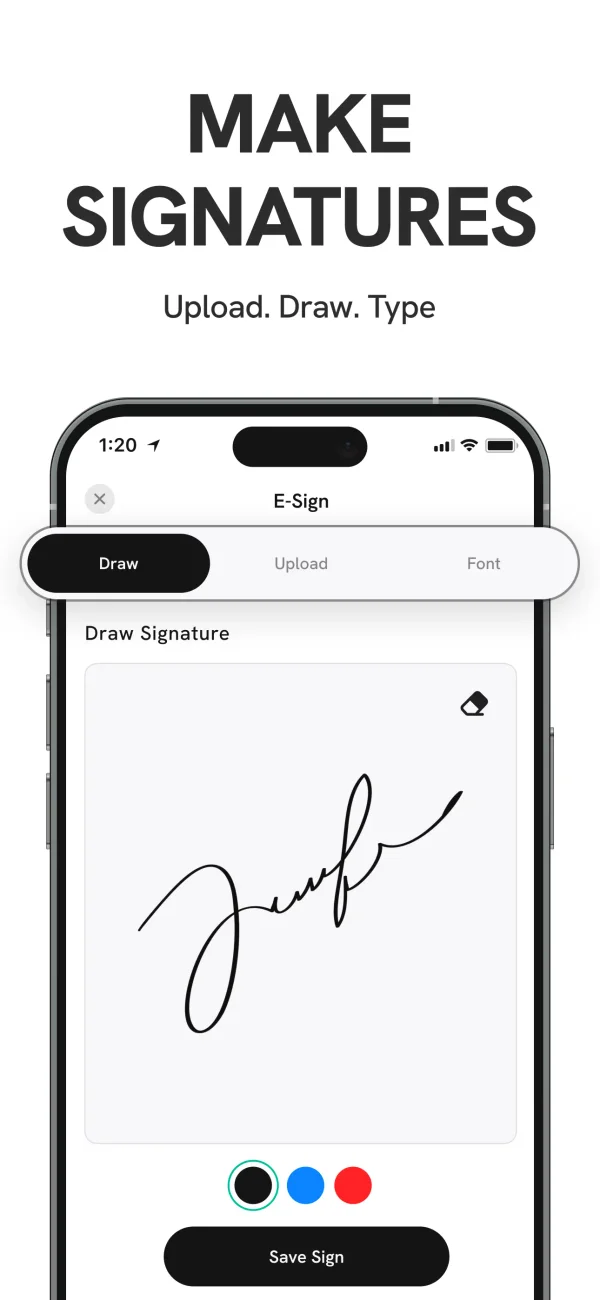
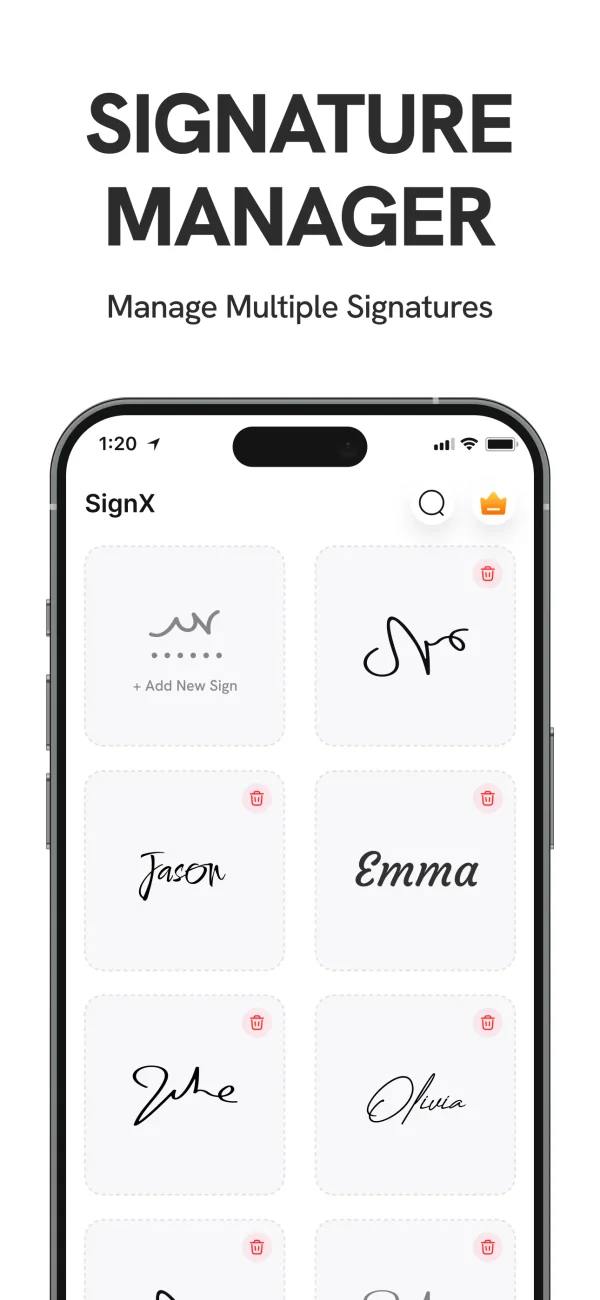
Make e‑signatures your way. Draw a signature with a finger or Apple Pencil, type a signature using clean fonts, or upload an image of a signature you already use. Save multiple signatures for work and personal needs, label them clearly, and switch in one tap when signing different documents.
Built for everyday paperwork. Sign contracts, NDAs, invoices, receipts, waivers, consent forms, onboarding docs, rental agreements, and more. Ideal for freelancers, small businesses, students, and anyone who needs to sign and return documents quickly without a desktop workflow.
Fast, focused, and private by design. There are no accounts to create and no complicated steps. Processing happens on devices for speed and control; documents are not uploaded unless shared intentionally. Recent files and saved signature presets help complete repeat tasks even faster.
What are you waiting for? Install now and start signing documents.
Contact: https://sites.google.com/view/vishal-makwana-apps/support
Privacy Policy: https://sites.google.com/view/vishal-makwana-apps/privacy-policy
Terms & Conditions: https://sites.google.com/view/vishal-makwana-apps/terms-conditions
What’s new
Version 1.3 · Nov 1, 2025
- Bug Fixes
- Performance Improvement
App privacy
What Vishal Makwana declares on the App Store about how this app handles data.
-
Data not collected
The developer does not collect any data from this app.
Privacy practices may vary, for example with the features you use or your age.
Information
- Seller
- Vishal Makwana
- Category
- Productivity
- Version
- 1.3
- Updated
- Nov 1, 2025
- Released
- Sep 10, 2025
- Size
- 8.6 MB
- Requires
- iOS 17.0 or later
- Age rating
- 4+
- Price
- Free
- In-app purchases
- Yes
- Languages
- English
- Copyright
- © DoSign
You might also like
-
 TextSwapEditor-AI Text RemoverRemove objects from photo
-
 Notes Ai: Speech to NotesAi Note Taker, Super Summary
-
 ScanFlow: Doc Scanner & OCROffline scan · OCR · formulas
-
 Summary: AI Note Taker -NotimoTranscribe Audio to Text
-
 TrustStewardYour trust spans decades.
-
 IntelNote - Ai Note TakerAi Transcription Audio to Text
-
 BoatLedgerBoat renewals & safety expiry
-
 AI Story Generator - StorilaStory Writing App & Narrator
-
 Air Print & Smart Printer ScanScanner Document & Picture PDF
-
 Bookmark Read Later - LinkjoyOffline, Highlight, Notebook