DocuScan - AI Based CamScanner
Scan, OCR & sign — on-device
Designed for iPhone, iPad, iPod touch
Free · In-app purchases
- Age rating4+
- CategoryProductivity
- DeveloperMd Kamrul Hasan
- LanguagesEnglish
- Size31.7 MB
Links to the official App Store page
Download.org hosts no file of DocuScan - AI Based CamScanner. The button opens its official App Store page, published by Md Kamrul Hasan. Listing last checked on Nov 23, 2026.
Screenshots
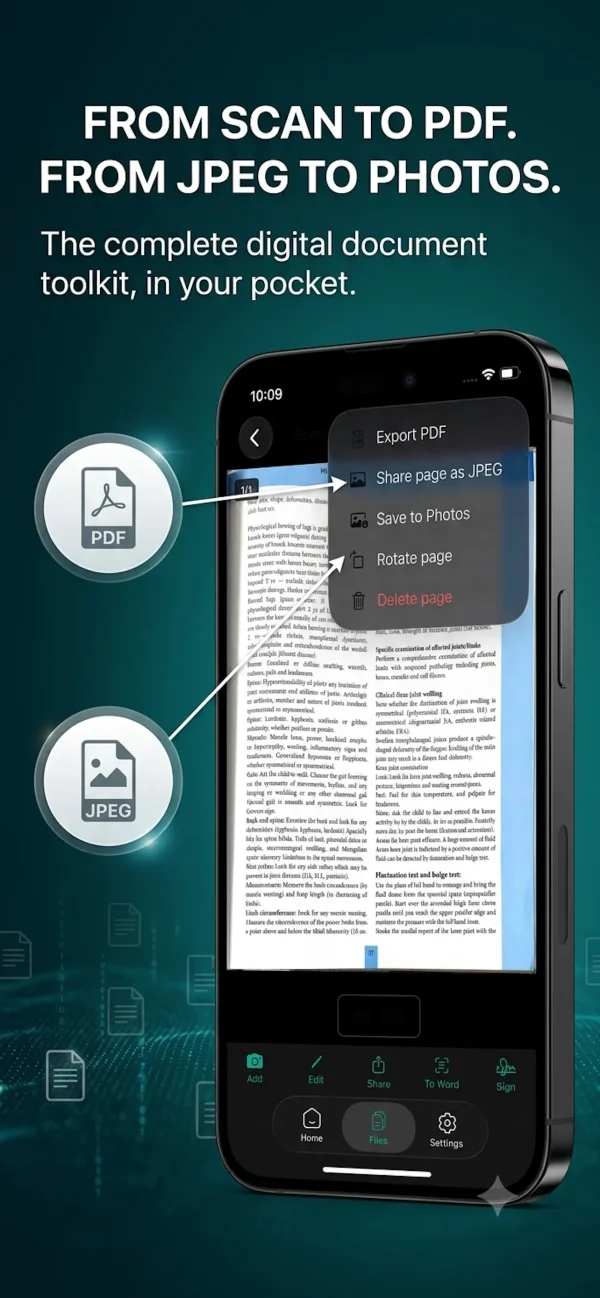

About
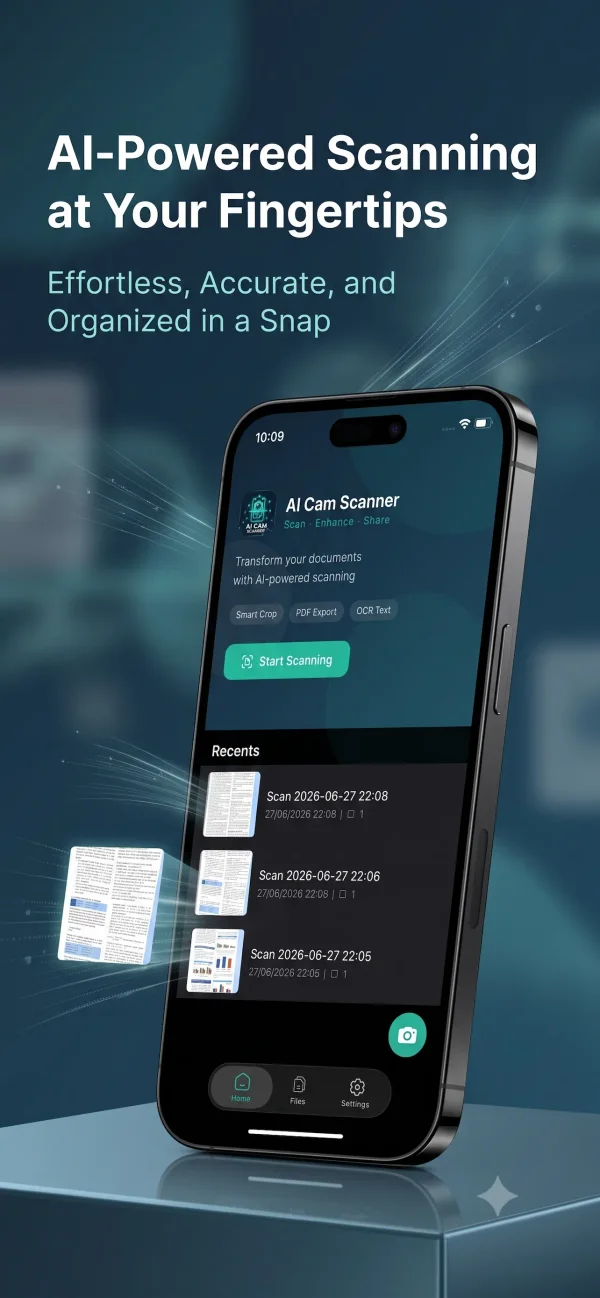
AI Cam Scanner turns your iPhone into a fast, private document scanner. Snap a page, get a clean PDF — no cloud, no accounts, no ads.
— Built for students and everyday life —
• Scan homework, class notes, and worksheets
• Capture receipts, IDs, and warranty cards
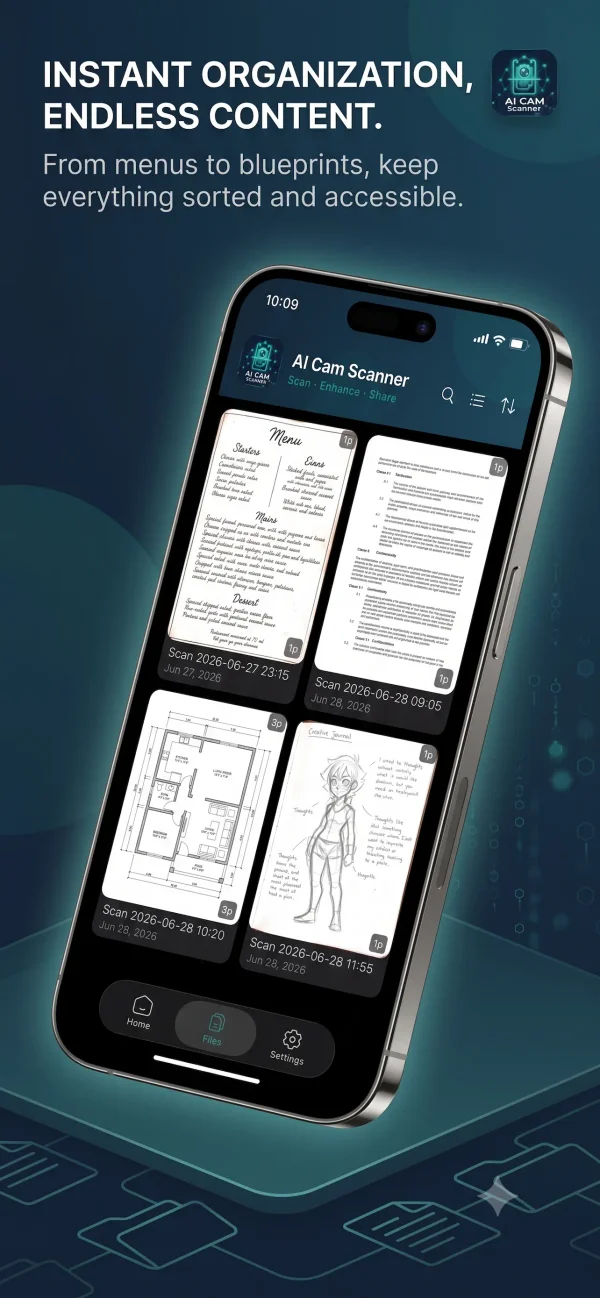
• Save handwritten notebook pages with auto-cropping
• Share PDFs to email, AirDrop, or messaging in one tap
— What's inside —
SMART CAPTURE
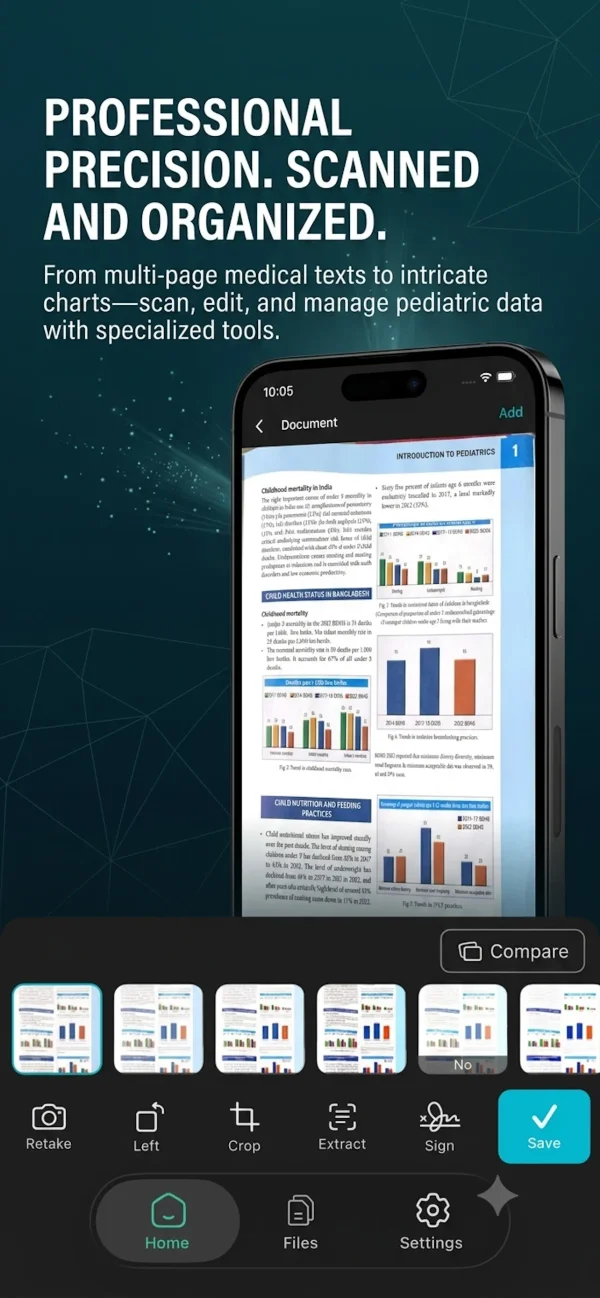
Apple's VisionKit scanner auto-detects page edges, corrects perspective, and lets you capture multiple pages in one session.
ENHANCEMENTS
Twelve filter modes — Original, Lighten, Enhance, Magic Pro, No Watermark, No Shadow, No Handwriting, B&W, Eco, Grayscale, Color, and Art — all rendered on-device with Core Image.
EXTRACT TEXT
Powered by Apple's Vision framework, OCR reads printed and handwritten text directly on your iPhone. Copy to clipboard or export as a .txt file.
SIGN
Draw your signature with a finger or Apple Pencil, then drag and resize it onto the page. The signature is composited into the JPEG and re-saved in place.
PDF EXPORT
A4-sized PDFs with proper centering, one tap from the share menu. Free exports carry a small DocuScan footer below the scan; DocuScan Pro removes it.
ZOOM & REVIEW
Pinch-to-zoom and pan on any fullscreen page; double-tap to reset. Reorder, rotate, or delete pages from the viewer.
— Privacy by design —
Your scans never leave your device. There is no account and there are no ads. The only data shared is anonymous subscription information, handled by our purchase provider, RevenueCat. The app only asks for camera and photo-library access when you scan or save.
— Customizable —
• Pick the default filter (Auto / Magic Pro / B&W / …)
• Set a capture timer (3 s / 5 s / 10 s)
• Toggle auto-enhance, HD capture, and auto-capture
• Choose VisionKit or a manual AVFoundation camera
• Light / Dark / Auto appearance
— DocuScan Pro (optional subscription) —
Scanning, cropping, enhancing and PDF export are free. DocuScan Pro unlocks PDFs without the DocuScan footer, text extraction, signatures, watermarks, Smart Erase and Annotate.
• DocuScan Pro Yearly — $24.99 per year, with a 3-day free trial for new subscribers
• DocuScan Pro Monthly — $4.99 per month
Prices are for the United States and may vary by country. Payment is charged to your Apple ID at confirmation of purchase. Subscriptions renew automatically unless cancelled at least 24 hours before the end of the current period. Manage or cancel in your App Store account settings.
Terms of Use: https://www.apple.com/legal/internet-services/itunes/dev/stdeula/
Privacy Policy: https://sites.google.com/view/mkhg-lab/privacy-policy
— Made by MKHG Lab —
Designed and built in Bangladesh. Feedback, bug reports, and feature requests are always welcome.
What’s new
Version 1.1.0 · Nov 16, 2026
Introducing DocuScan Pro
• Export clean PDFs without the DocuScan footer
• Extract text, sign documents, add watermarks, Smart Erase and Annotate
• Try the yearly plan free for 3 days
• A refreshed look for Home, Files and Settings, with a new floating tab bar
• Faster photo import
Scanning, cropping, enhancing and PDF export stay free.
App privacy
What Md Kamrul Hasan declares on the App Store about how this app handles data.
-
Data not linked to you
May be collected but is not linked to your identity.
- Purchases
Privacy practices may vary, for example with the features you use or your age.
Information
- Seller
- Md Kamrul Hasan
- Category
- Productivity
- Version
- 1.1.0
- Updated
- Nov 16, 2026
- Released
- Jul 1, 2026
- Size
- 31.7 MB
- Requires
- iOS 15.0 or later
- Age rating
- 4+
- Price
- Free
- In-app purchases
- Yes
- Languages
- English
- Copyright
- © 2026 MKHG Lab
You might also like
-
 Tertiary ScannerScan documents to PDF
-
 PaperGuard: Private ScannerPDF & OCR docs, never uploaded
-
 QuranWords: FlashcardLearn the words of Quran
-
 Scan360: AI ScannerProductivity
-
 SwiftScan: PDF Scanner & ToolsScan, Edit & Manage PDFs
-
 PDF Scan: Document Scanner OCRSignature, Text Copy, QR Codes
-
 Unscribble Handwriting to TextCursive OCR, Image & Note Scan
-
 Privascan: PDF Scanner & OCRPrivate, Offline, No Watermark
-
 ComOn AppComOn App
-
 Document Scanner & ExtractorProductivity