Docx: Open & Edit Documents
DOCX reader, PDF to DOCX
Designed for iPhone, iPad
Free · In-app purchases
- Age rating4+
- CategoryProductivity
- DeveloperYOU SEUNGMIN
- LanguagesEnglish+ 43 more
- Size106.1 MB
Links to the official App Store page
Download.org hosts no file of Docx: Open & Edit Documents. The button opens its official App Store page, published by YOU SEUNGMIN. Listing last checked on Nov 24, 2026.
Screenshots
About
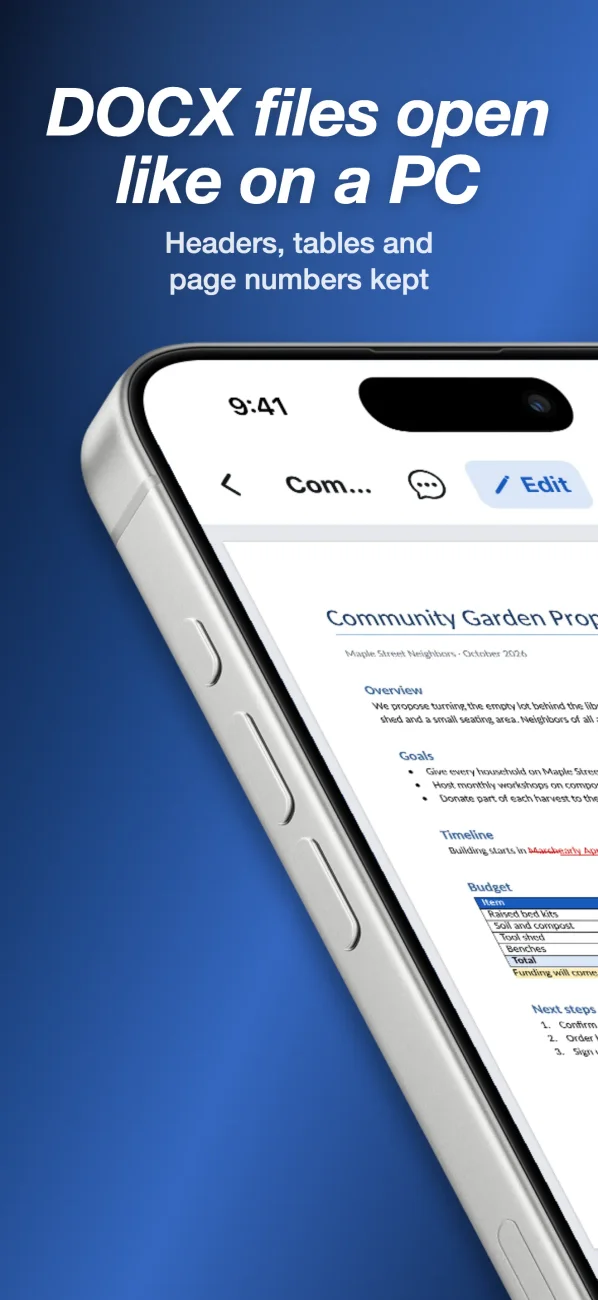
Open, read and edit DOCX documents on your phone. Pages are laid out like on a computer, and your changes are saved back in the same DOCX format. No account, no sign-in.
OPEN FILES YOU RECEIVE
• Open DOCX files (also DOCM and DOTX) from Files, iCloud Drive or Google Drive, or share them from Mail or a chat app.
• Print Layout shows the pages as they will print: tables with merged and shaded cells, pictures, headers, footers and page numbers.
• Mobile View fits the text to your screen for easy reading.
• Find and replace, with match case and whole words. Jump between headings.
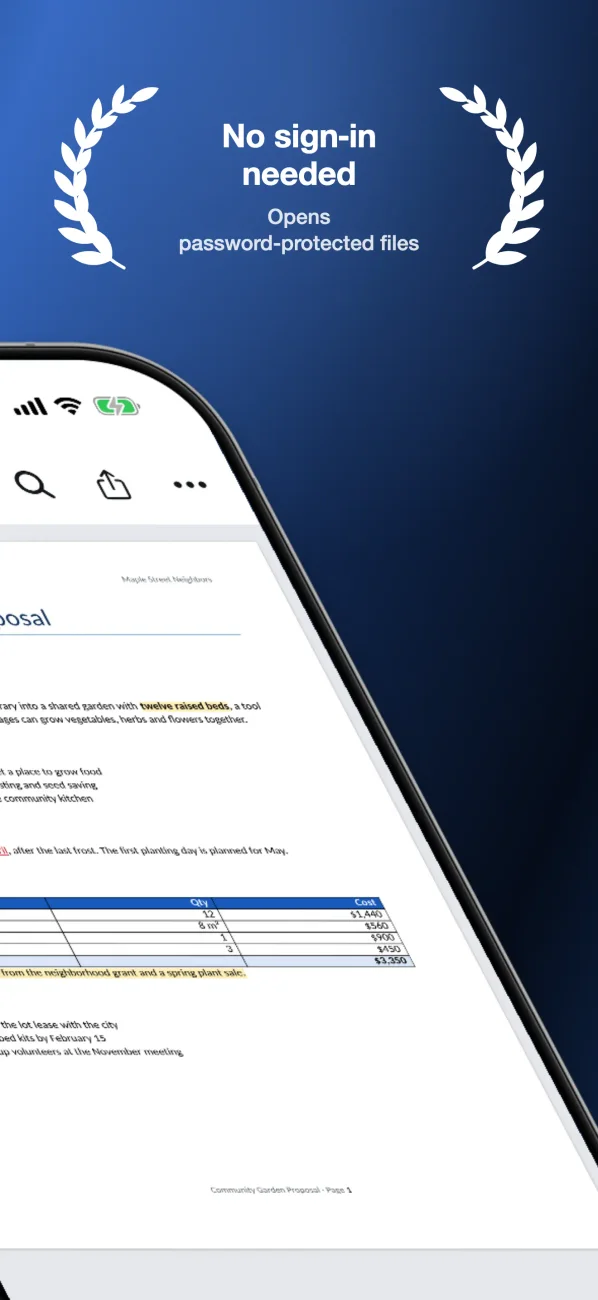
• Password-protected documents open when you enter the password, and stay protected when you save.
EDIT ON YOUR PHONE
• Font, size, bold, italic, underline, strikethrough, font color and highlight
• Alignment, line spacing, indent, bullets and numbering
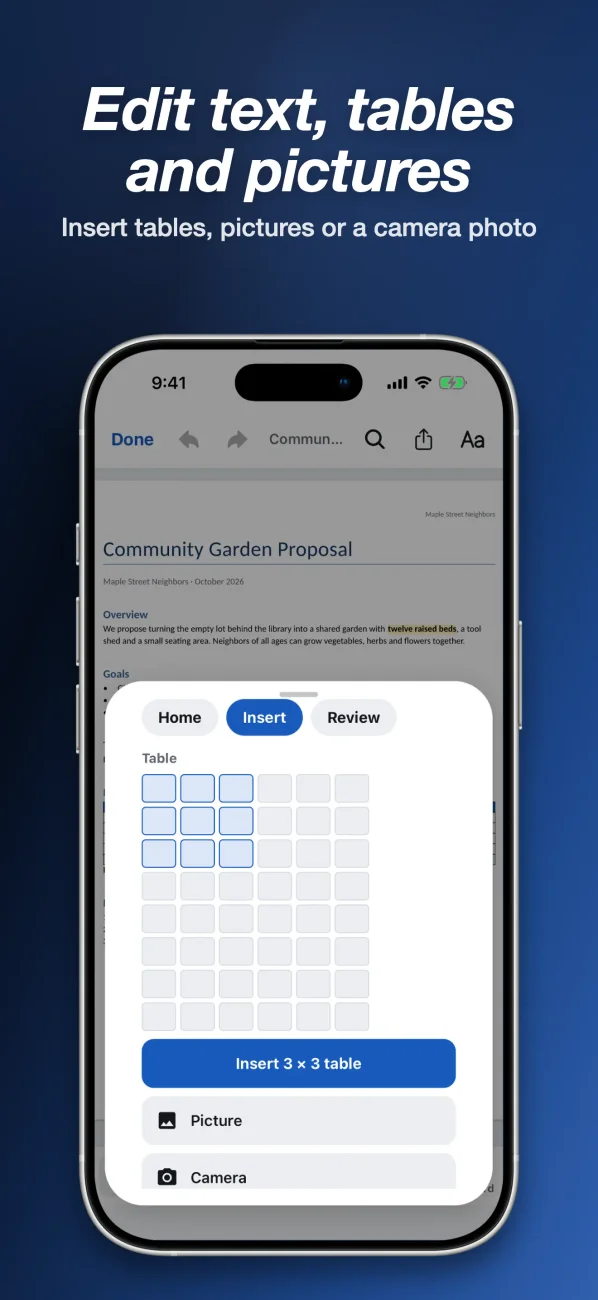
• Insert tables, pictures from your photo library or camera, and page breaks
• Tables: insert rows and columns, delete, merge and split cells, cell shading
• Undo and redo. Changes are saved as you work.
• Documents opened with Open a file are saved back to the original file.
REVIEW
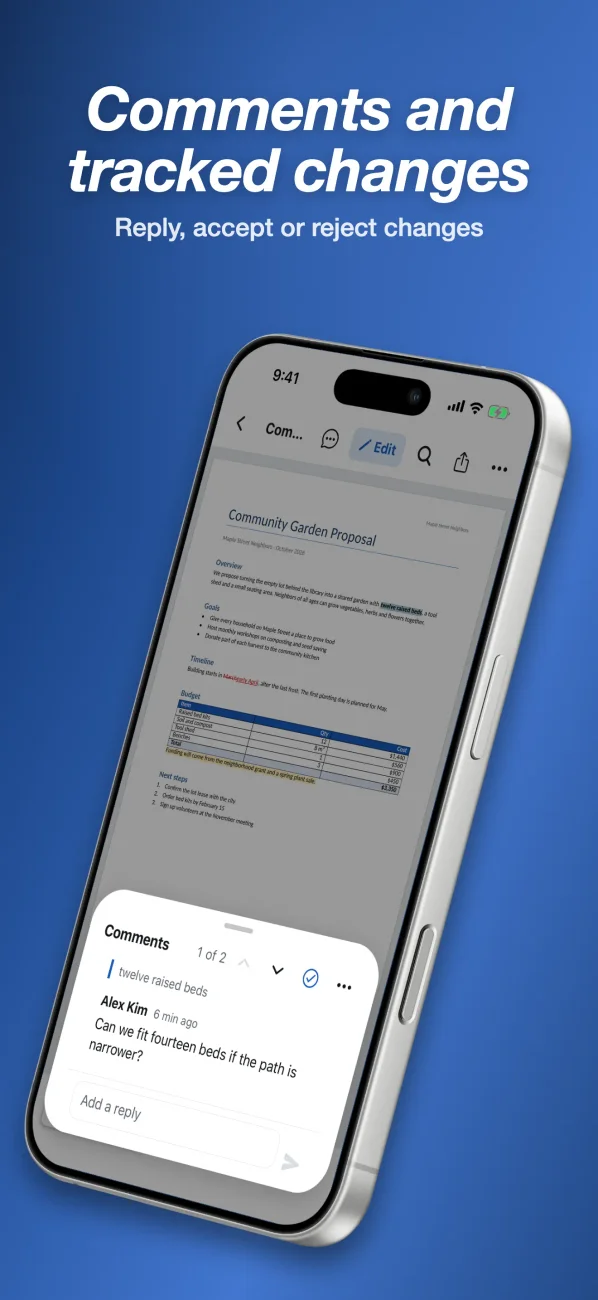
• Read comments, add your own, reply, resolve and delete.
• See tracked changes and accept or reject them one by one or all at once.
START NEW
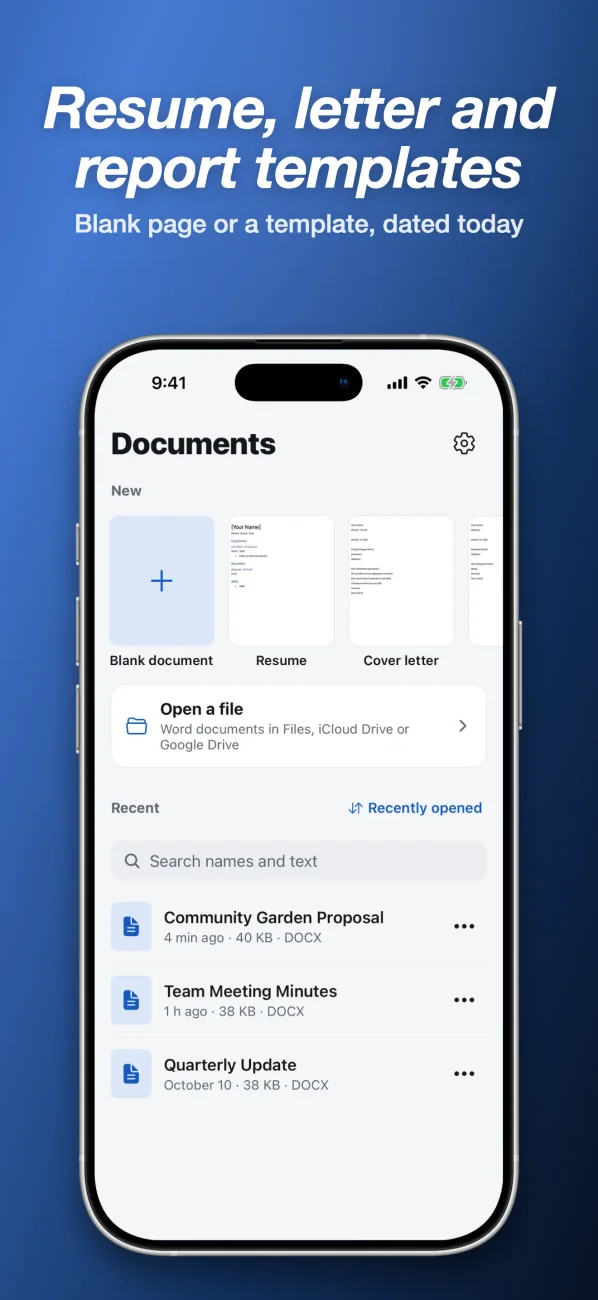
• Blank document, resume, cover letter, letter, project proposal, report, meeting minutes and invoice. Paper size, dates and currency follow your device settings.
PDF
• Save or share a document as PDF, or print it.
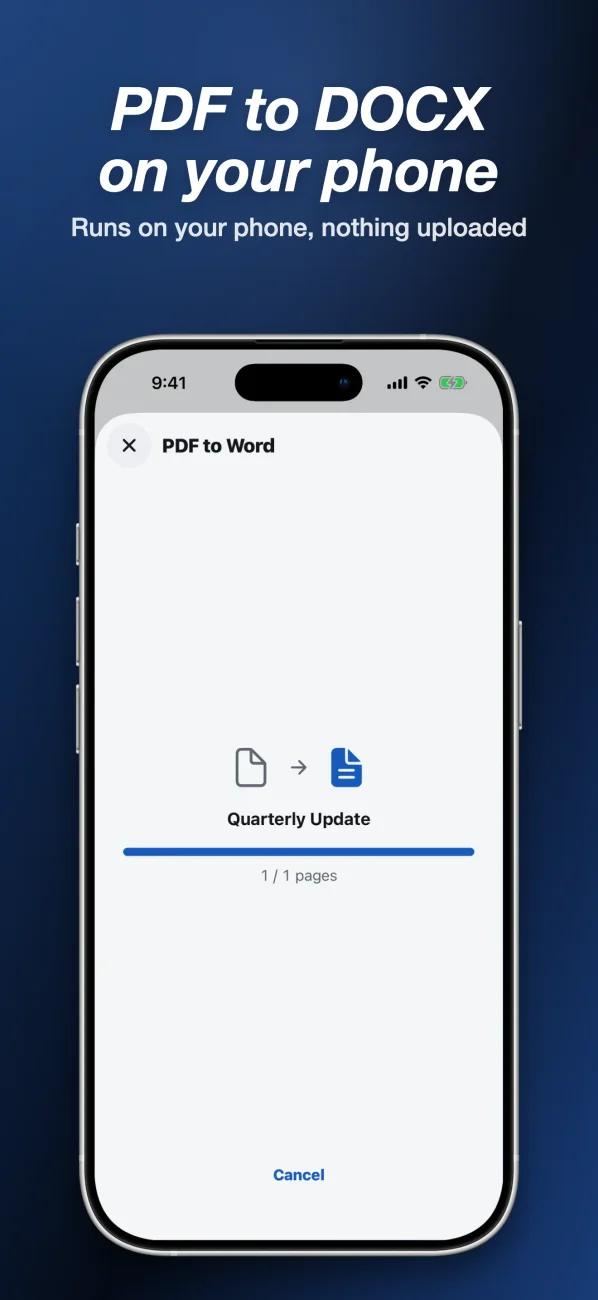
• PDF to DOCX: turn a PDF into an editable DOCX document on your device. Scanned pages are converted with on-device text recognition.
MORE
• Word count, page setup (paper size, orientation and margins) and page color.
• Search documents by name and text, favorites, sort, rename and save a copy.
• Full screen reading and dark mode.
YOUR DOCUMENTS STAY ON YOUR DEVICE
• Documents are opened, converted and saved on this device and never uploaded.
FREE WITH ADS, OR PREMIUM
Every feature is free. There are no ads while you read or edit a document. Premium (monthly subscription or a one-time lifetime purchase) removes all ads.
Privacy Policy: https://dsm0829.github.io/docx-privacy/
Terms of Use: https://www.apple.com/legal/internet-services/itunes/dev/stdeula/
What’s new
Version 1.0.6 · Nov 23, 2026
• Your latest typing is kept, even if you leave right away or the app is closed in the background.
• Messages at the bottom of the screen now show correctly on tablets in landscape.
App privacy
What YOU SEUNGMIN declares on the App Store about how this app handles data.
-
Data used to track you
May be used to track you across apps and websites owned by other companies.
- Location
- Identifiers
- Usage data
-
Data not linked to you
May be collected but is not linked to your identity.
- Location
- Identifiers
- Usage data
- Diagnostics
Privacy practices may vary, for example with the features you use or your age.
Information
- Seller
- YOU SEUNGMIN
- Category
- Productivity
- Version
- 1.0.6
- Updated
- Nov 23, 2026
- Released
- Oct 30, 2026
- Size
- 106.1 MB
- Requires
- iOS 16.4 or later
- Age rating
- 4+
- Price
- Free
- In-app purchases
- Yes
- Languages
- English, Arabic, Bengali, Catalan, Croatian, Czech, Danish, Dutch, Finnish, French, German, Greek + 32 more
- Copyright
- © 2026 YOU SEUNGMIN
You might also like
-
 Word Editor: Edit Docx & PDFWrite, format and review
-
 PDF Editor for iPhoneEdit PDF Files
-
 Simple Text to PDF: SlateAIInstant shareable PDF layout
-
 Verso WriterClean, focused word processing
-
 PDF на телефоне: редакторProductivity
-
 Text+Your text home base.
-
 Sign PDF: Signature MakerEdit, eSign & Fill Documents
-
 ATS CV Checker & Resume MakerCover Letter & Interview Prep
-
 Editify: PDF Editor & AI ChatFill, Sign, Compress · Offline
-
 Word Office: PDF, DOCX, XLSXView, edit, sign & convert