
Editify: PDF Editor & AI Chat
Fill, Sign, Compress · Offline
Designed for iPhone, iPad
In-app purchases
- Age rating4+
- CategoryProductivity
- DeveloperSefa Beker
- LanguagesRussian+ 11 more
- Size8.4 MB
Links to the official App Store page
Download.org hosts no file of Editify: PDF Editor & AI Chat. The button opens its official App Store page, published by Sefa Beker. Listing last checked on Nov 13, 2026.
Screenshots

About
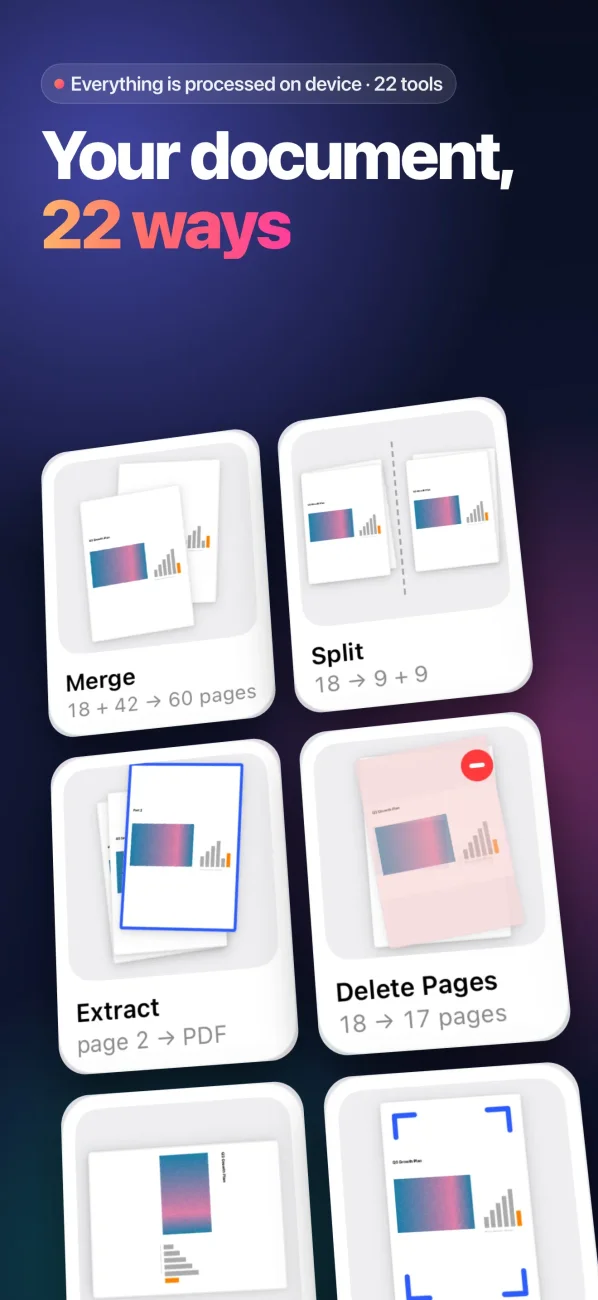
Editify puts 22 PDF tools in one app, and every one of them works right on your iPhone or iPad. Edit, sign, scan and convert PDFs without uploading anything. No account. No ads.
YOUR DOCUMENT, 22 WAYS
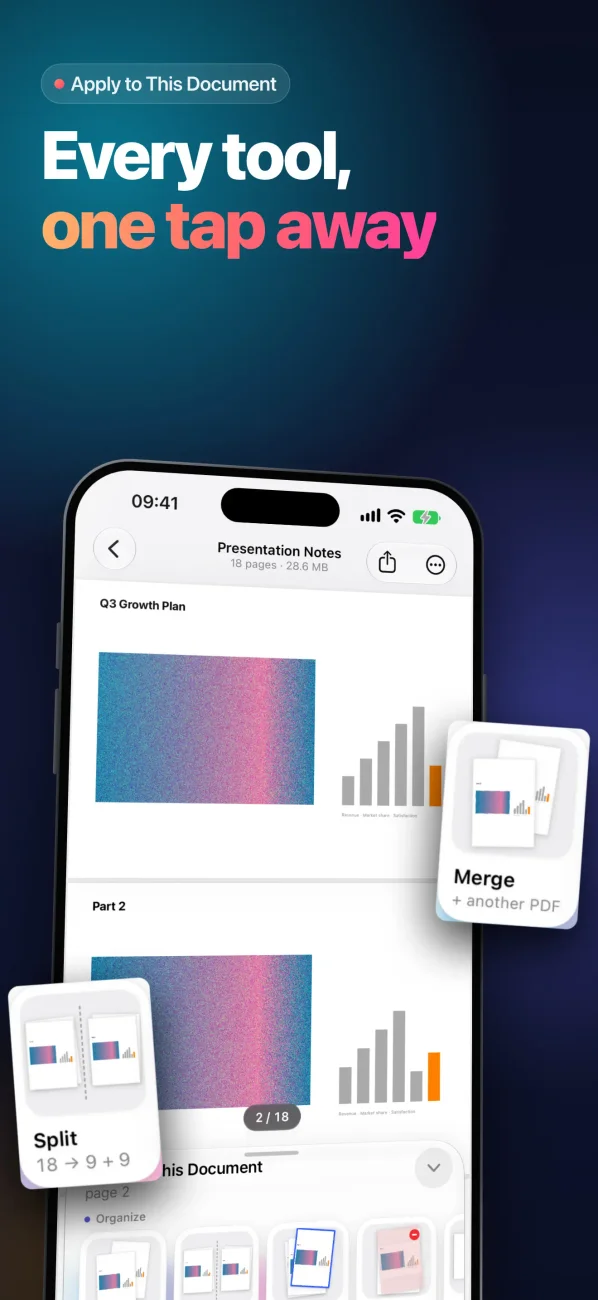
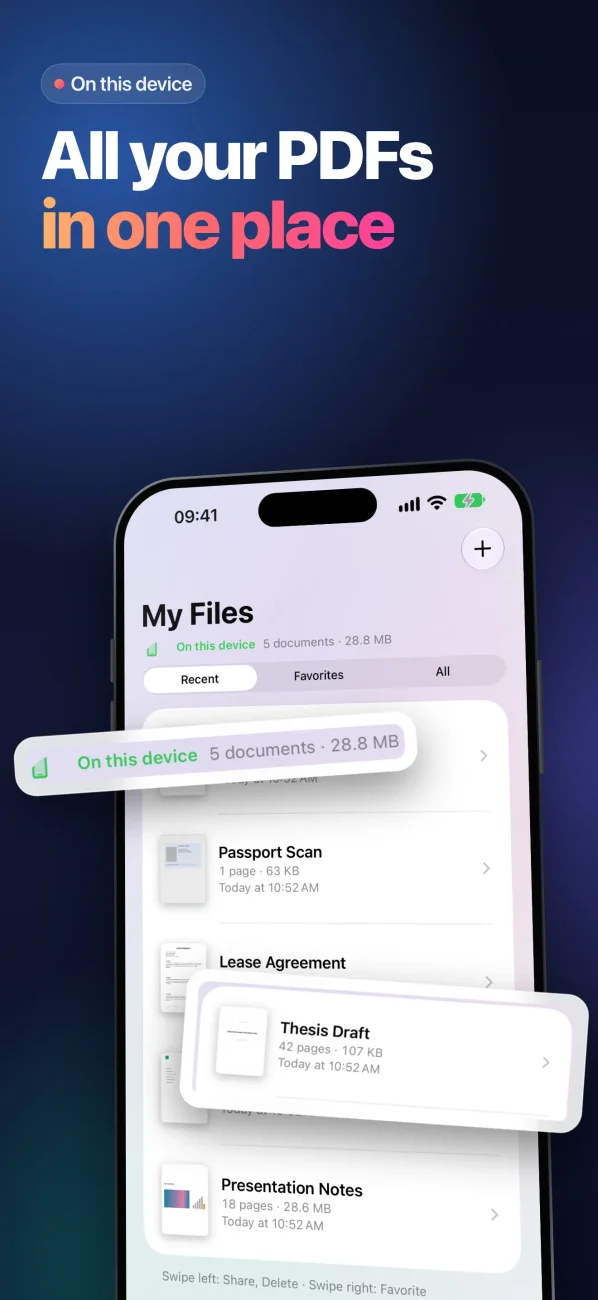
Pick a document and the Home tab shows it after each tool: rotated, signed, locked, compressed. Each tile tells you what will change, such as “42 → 41 pages” or the estimated file size. PDF tools open with that document already loaded, and your recent documents sit in a film strip at the top.
ASK THE DOCUMENT (AI CHAT)
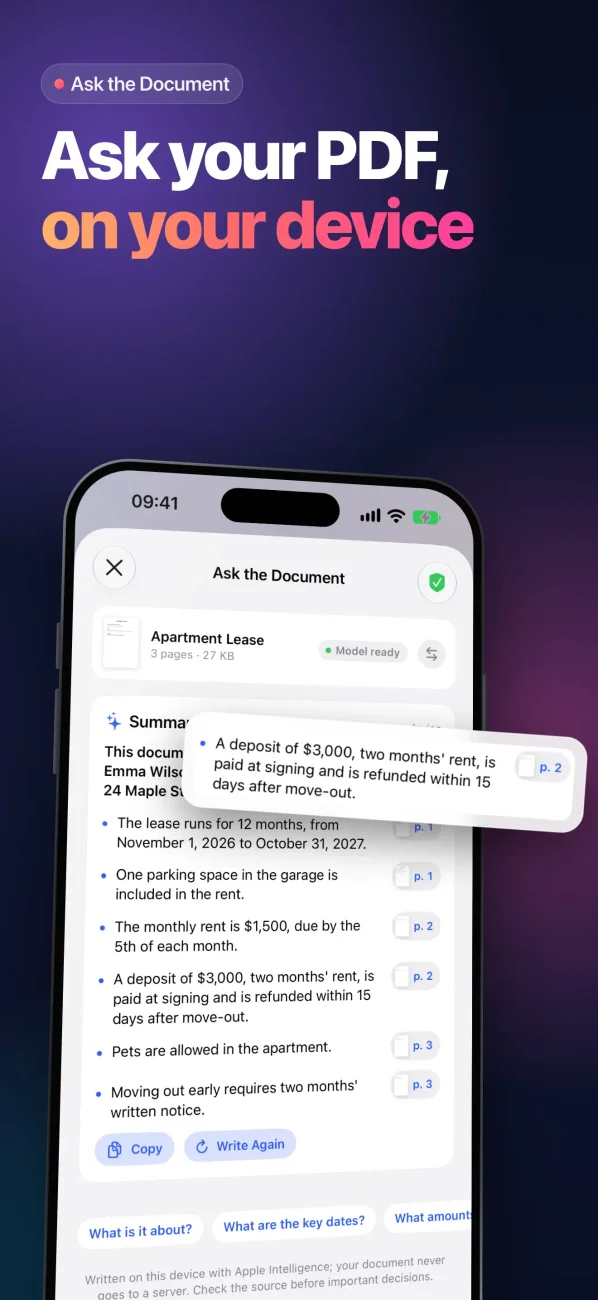
Summarize a document and ask it questions with Apple Intelligence, entirely on device: “How much is the deposit?” Every answer shows the page it comes from. Free on devices that support Apple Intelligence.
ORGANIZE
• Merge PDFs: combine two or more files into one
• Split PDF: every page, every few pages or your own ranges
• Extract Pages: save the pages you choose as a new PDF
• Delete Pages, Rotate Pages, Crop Pages
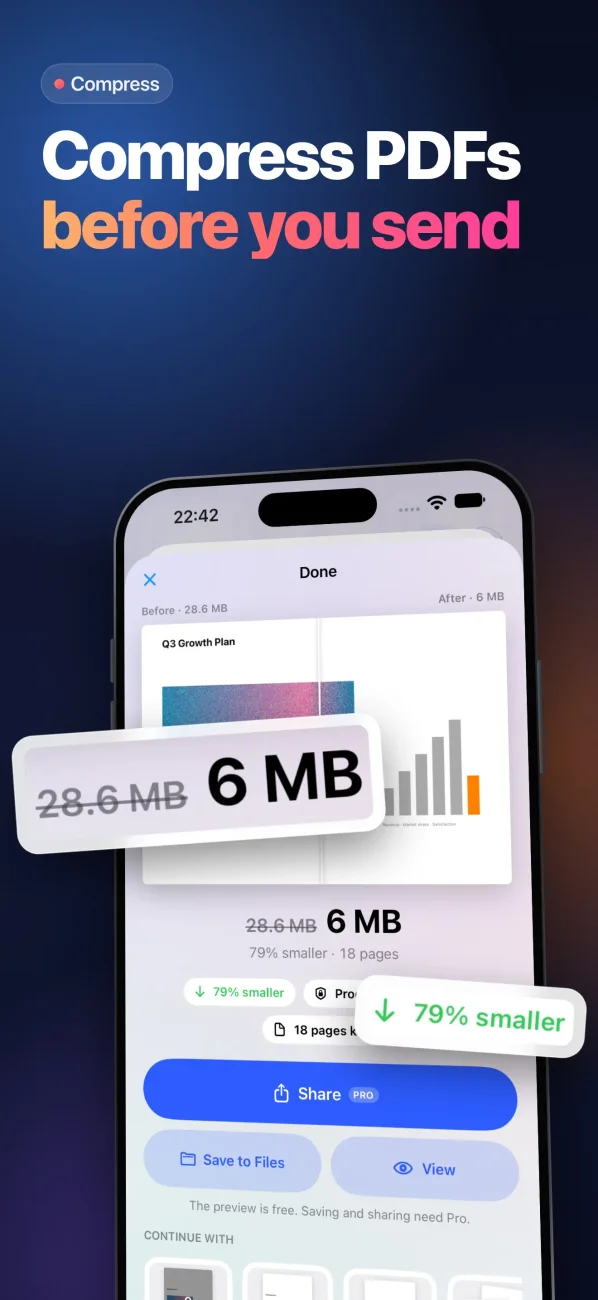
• Compress PDF (Pro): three quality levels, with the size before and after
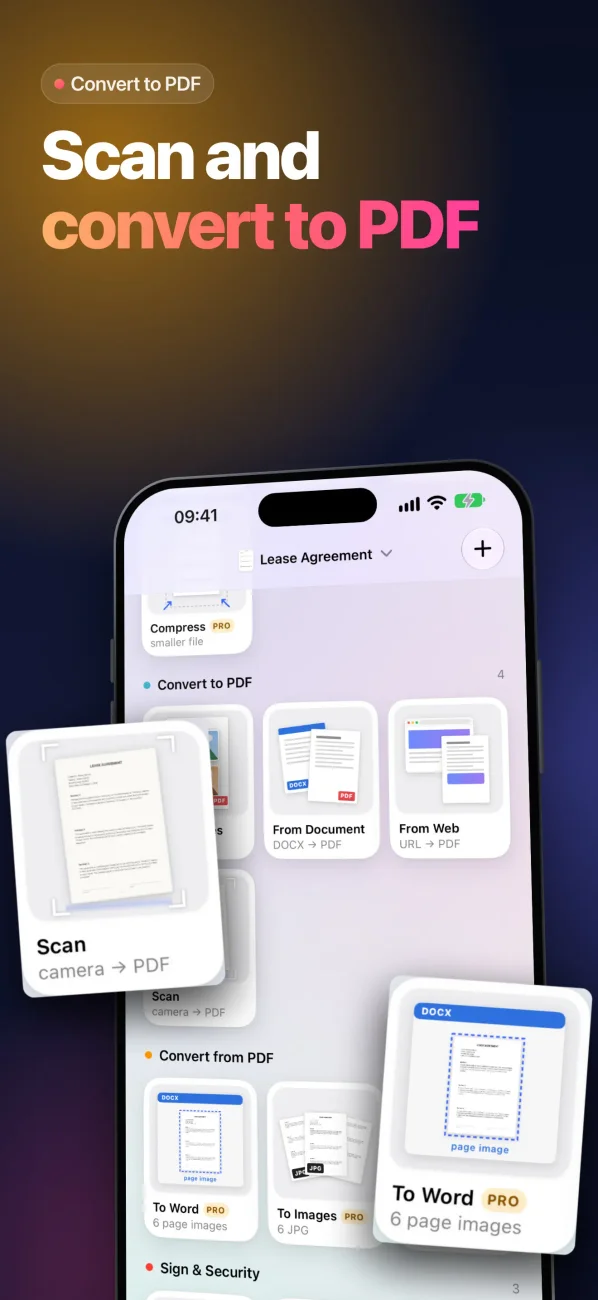
CONVERT TO PDF
• Image to PDF: JPG, PNG and HEIC
• Document to PDF: TXT, RTF and Word (DOCX)
• Web Page to PDF: save a web page as a PDF
• Camera Scanner: scan paper documents with your camera
CONVERT FROM PDF
• PDF to Word (Pro): a Word file with each page placed as an image. The layout looks the same; the text is not editable.
• PDF to Image (Pro): JPG or PNG, all pages or the ones you pick
• Text Recognition (OCR) (Pro): turn scanned pages into a PDF you can search and copy text from
SIGN & SECURITY
• Fill Form: fill in a PDF form's fields, or tap anywhere on a form without fields and type; what you type becomes part of the page when you save
• Sign PDF (Pro): draw, type or add your signature from an image, or sign with your certificate (.p12/.pfx)
• Protect PDF: add a password and choose whether printing and copying are allowed
• Add Watermark: text or image, on every page or on one
VIEW & EDIT
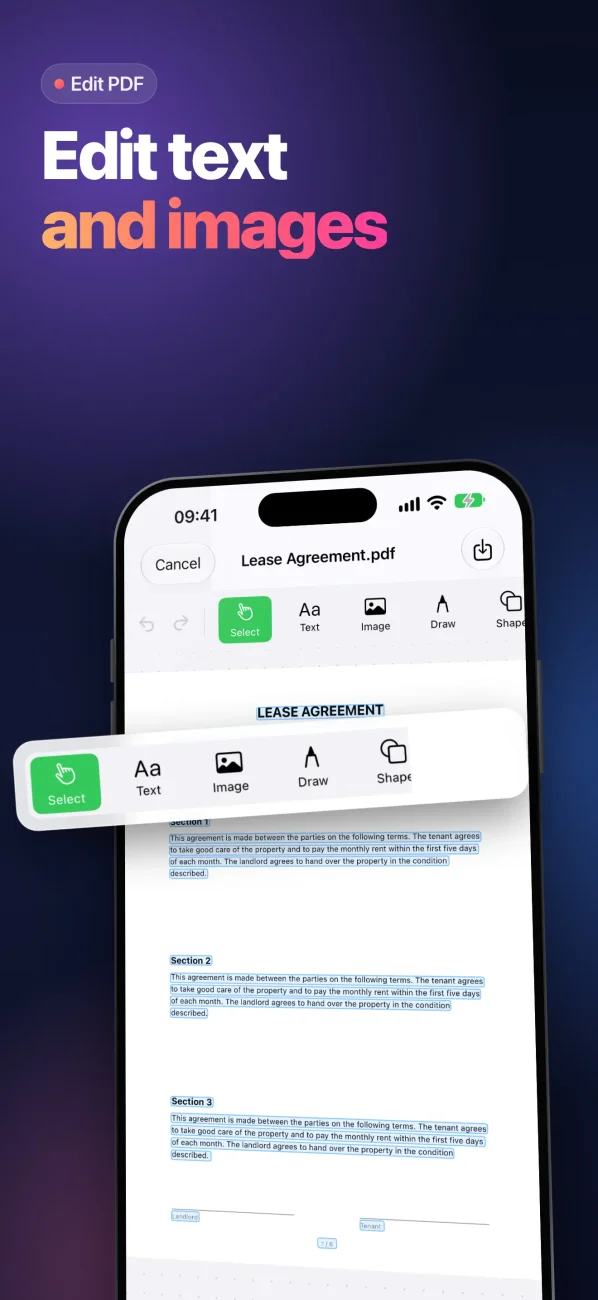
• Edit PDF (Pro): add text, images, drawings and shapes, or replace a block of text or an image
• Add Page Numbers
• Edit Metadata: title, author, subject and keywords
• Annotate PDF: highlight, underline, strike through, add notes and text
FREE AND PRO
You can open and try every tool for free and see the result before you decide.
• 16 tools are free. Files you save or share from them carry a small “Edited by Editify” watermark.
• The 6 Pro tools are Compress PDF, PDF to Word, PDF to Image, Text Recognition, Sign PDF and Edit PDF. Saving or sharing their results needs Editify Pro.
• Pro also removes the watermark from every tool.
PRIVATE BY DESIGN
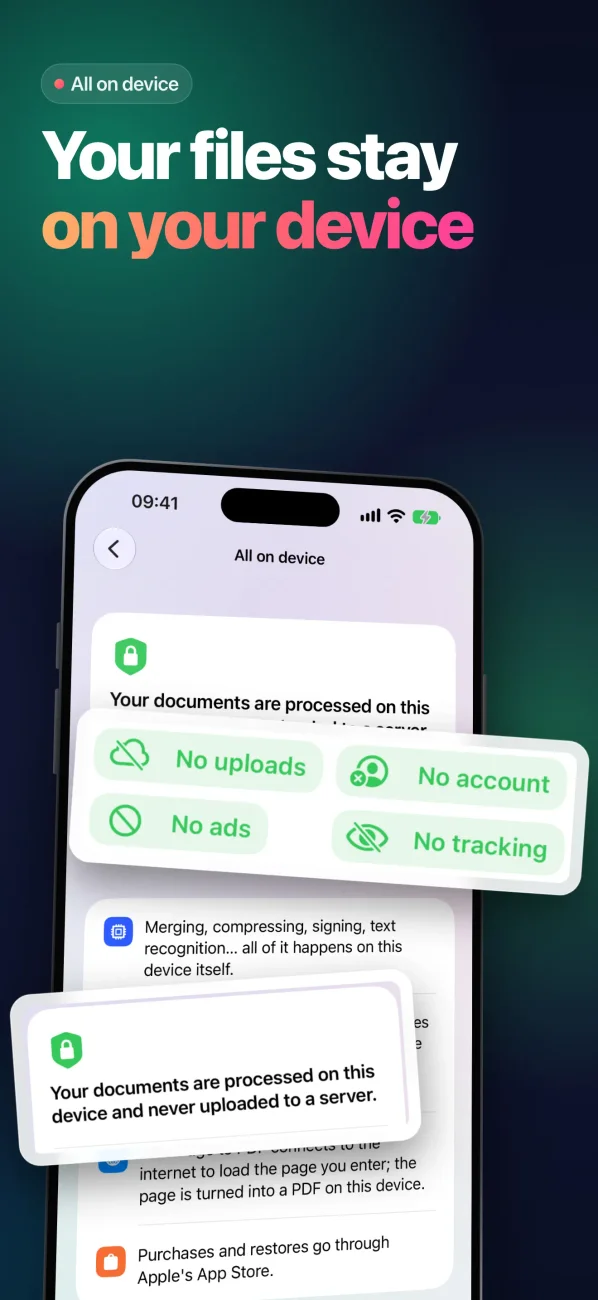
• Your documents are processed on your device and never sent to a server or an AI service.
• The only tool that goes online is Web Page to PDF, to load the page you enter.
• No account, no ads, no tracking.
• Open PDFs from Files, Mail and other apps.
ABOUT EDITIFY PRO
Pro is available as an auto-renewing subscription or as a one-time lifetime purchase. Plans, prices and any free trial are shown in the app before you buy. Payment is charged to your Apple Account when you confirm the purchase. A subscription renews automatically unless it is canceled at least 24 hours before the end of the current period, and the renewal is charged within the 24 hours before the period ends. You can manage and cancel subscriptions in your App Store account settings.
Terms of Use (EULA): https://sefabkr.github.io/editify-web/terms-of-use.html
Privacy Policy: https://sefabkr.github.io/editify-web/privacy-policy.html
What’s new
Version 1.2.1 · Nov 12, 2026
• New: Fill Form. Type into a PDF form's own fields, or tap anywhere on a form without fields to add text. When you save, what you typed becomes part of the page, so everyone who opens the file sees it.
• After you get Editify Pro, you now see what it opens and, during a free trial, the day the trial ends.
• Fix: text added with Annotate PDF keeps its look in files saved without Pro (it could turn yellow).
App privacy
What Sefa Beker declares on the App Store about how this app handles data.
-
Data not collected
The developer does not collect any data from this app.
Privacy practices may vary, for example with the features you use or your age.
Information
- Seller
- Sefa Beker
- Category
- Productivity
- Version
- 1.2.1
- Updated
- Nov 12, 2026
- Released
- Jun 17, 2026
- Size
- 8.4 MB
- Requires
- iOS 17.0 or later
- Age rating
- 4+
- In-app purchases
- Yes
- Languages
- Russian, English, Dutch, Spanish, Italian, Korean, German, Portuguese, Turkish, Simplified Chinese, French, Japanese
- Copyright
- © 2026 Sefa Beker
You might also like
-
 OnePDF: Scanner & EditorScan, OCR, Convert & Sign
-
 PDF Editor & Scanner ProSign, Fill Forms & Merge Docs
-
 PDF Editor : Edit Text & SignReal PDF Text Editing
-
 PDF Toolkit: PDF Editor & ScanScan, Convert, Edit, Compress
-
 PDF Toolkit: Edit Sign RedactOCR, compress, merge & fill
-
 PDF Editor, Converter - ReaderPhoto to PDF, Pdf Compressor
-
 PDF Properties ToolboxEdit and clean PDF metadata
-
 Kajr: AI Bookmark ManagerSave Links & Read It Later
-
 Document Scan & EditFast PDF Scanner & Editor
-
 Docx: Open & Edit DocumentsDOCX reader, PDF to DOCX