- Age rating9+
- CategoryEducation
- DeveloperDoug Abbot
- LanguagesEnglish
- Size627.0 KB
Links to the official App Store page
Download.org hosts no file of DPS Worksheet Helper. The button opens its official App Store page, published by Doug Abbot. Listing last checked on Nov 20, 2026.
Screenshots
About
Worksheet Helper – Scan, Type, Draw, Speak
Your all‑in‑one digital worksheet companion for iPad.
Worksheet Helper turns your iPad into an interactive workspace for paper worksheets, handouts, and assignments. Simply take a photo, add text boxes, highlight with a highlighter, and let Live Text read the content aloud – all within one clean, intuitive app.
Key Features
Scan Any Worksheet
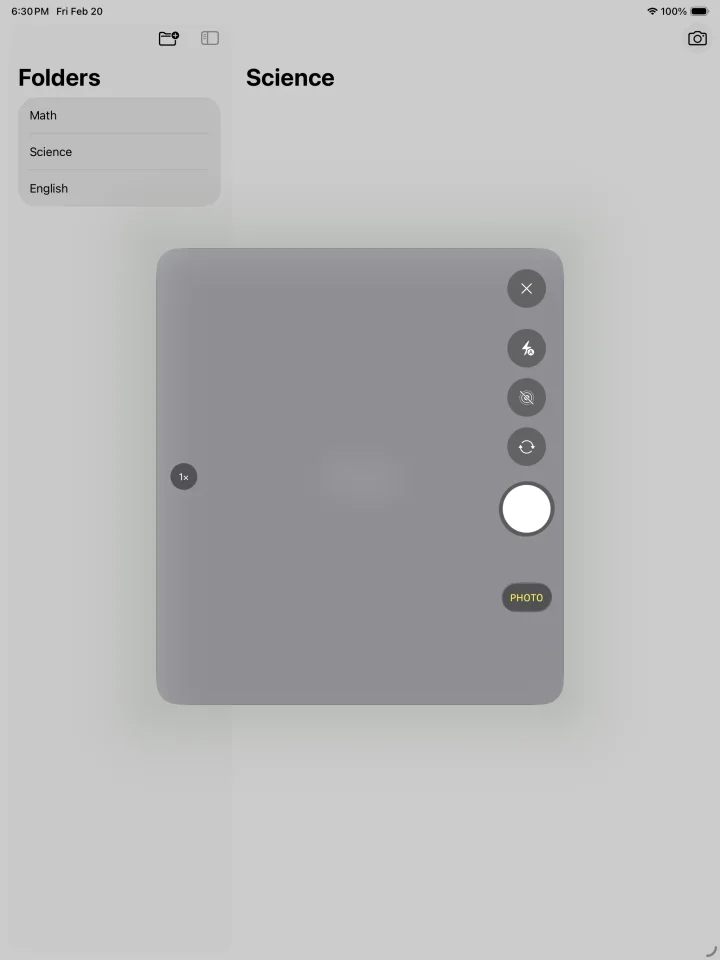
Use the built‑in camera to capture worksheets, book pages, or any printed material.
Live Text OCR automatically recognizes text – tap any word or paragraph to have it spoken aloud (great for struggling readers or learning new vocabulary).
Add & Customize Text Boxes
Overlay resizable text boxes anywhere on the image.
Type your answers, notes, or instructions.
Text wraps automatically and the box expands as you type.
Adjust font size with a simple slider.
Draw & Highlight with PencilKit
Switch to drawing mode to annotate directly on the worksheet.
Choose between pen and eraser, adjust thickness, and pick from five high‑visibility colours (yellow, green, blue, red, black).
Perfect for underlining key points, circling answers, or adding quick sketches.
Organize Your Work
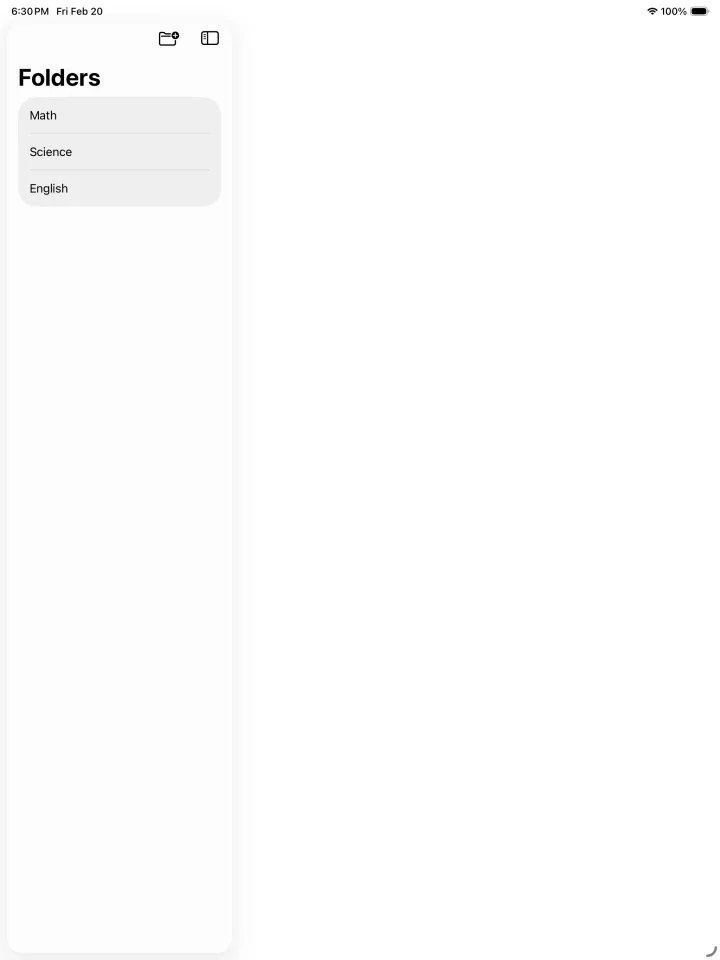
Create folders for different subjects, classes, or projects.
Save all your worksheets in one place, neatly categorized.
Swipe to delete folders or individual worksheets when you’re done.
Export as PDF
Generate a PDF that includes the original image, all your typed text boxes, and (optionally) your drawings.
Share via email, AirDrop, save to Files, or print directly from the share sheet.
Built‑in Text‑to‑Speech
Powered by iOS’s high‑quality speech synthesizer.
Select any text (via Live Text) and hear it read aloud – one paragraph at a time.
Helps with reading comprehension, pronunciation, and independent learning.
Who It’s For
Students who need a flexible way to complete digital worksheets.
Teachers creating interactive assignments for remote or classroom use.
Tutors working one‑on‑one with learners.
Anyone who prefers to type or draw rather than print and fill out paper forms.
Requirements
iPad with iPadOS 16.0 or later (required for Live Text and PencilKit).
Camera access for taking photos of worksheets.
What’s new
Version 1.15 · Apr 2, 2026
Drawnings are now exported along with the text boxes.
App privacy
What Doug Abbot declares on the App Store about how this app handles data.
-
Data not collected
The developer does not collect any data from this app.
Privacy practices may vary, for example with the features you use or your age.
Information
- Seller
- Doug Abbot
- Category
- Education
- Version
- 1.15
- Updated
- Apr 2, 2026
- Released
- Feb 23, 2026
- Size
- 627.0 KB
- Requires
- iOS 16.6 or later
- Age rating
- 9+
- Price
- Free
- Languages
- English
- Copyright
- © SET-BC
You might also like
-
 Visual Math: ADHD & DyslexiaAI Word Problem & Quiz Helper
-
 Sketchwise: Learn How to DrawStep-by-Step Guide from Photo
-
 Noise Meter - Keep QuietHelp kids stay silent
-
 Telling Time For Kids + ClockFun Learn To Tell Time Games
-
 Learn Words: Practice EnglishLearning vocabulary&languages
-
 Toddler educational games kidsLearning 2-4 year old children
-
 Grid for iPad - AACSymbol and text communication
-
 Spelling Quiz: English WordsPicture Vocabulary Builder
-
 Twinkl Symbols AAC SystemPicture & Voice Communication
-
 WhiteBoard by LiveBoardBlackboard to tutor & teach