Dragitor: PDF Editor & Files
Compress, Convert & Translate
Designed for iPhone, iPad
Free · In-app purchases
- Age rating4+
- CategoryProductivity
- Developermofeed al-shaeb
- LanguagesEnglish+ 5 more
- Size377.0 MB
Links to the official App Store page
Download.org hosts no file of Dragitor: PDF Editor & Files. The button opens its official App Store page, published by mofeed al-shaeb. Listing last checked on Nov 16, 2026.
Screenshots


About
The all-in-one file studio for iPhone and iPad. Edit any PDF, write Word documents, shrink videos and photos, and translate files: fast, private and right on your device.
EDIT PDFS LIKE A PRO
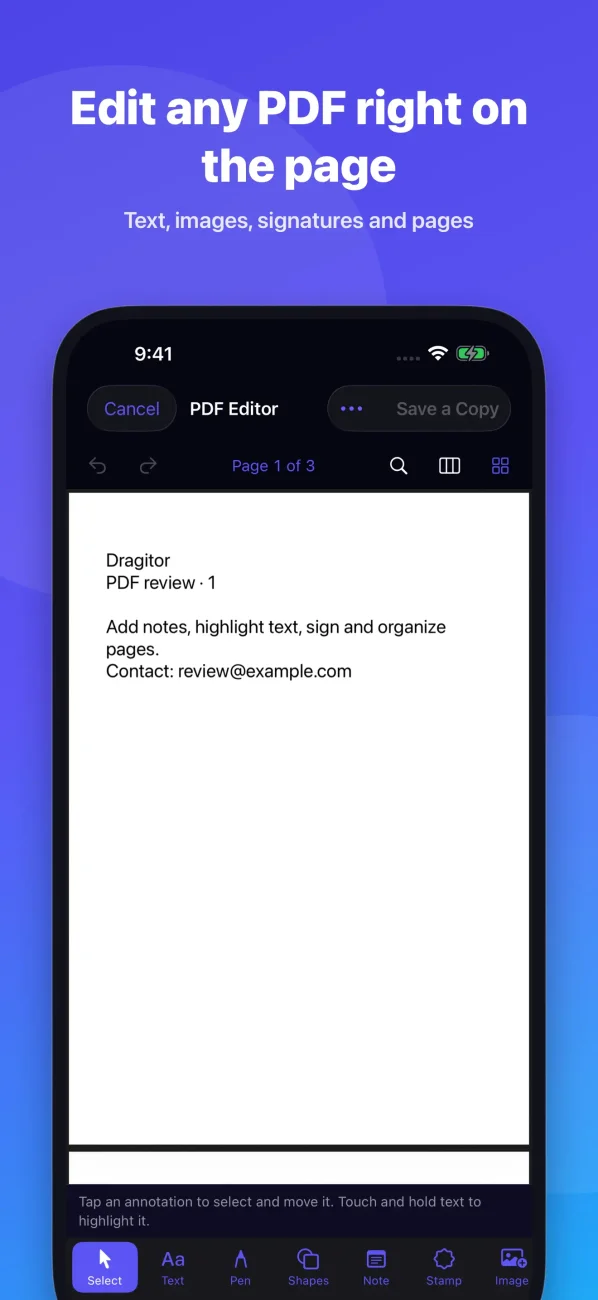
• Change, move or delete the existing text and images on any page
• Type on the page, draw with pen and shapes, add notes, stamps and highlights
• Sign, reorder, rotate, insert and delete pages, with full undo and redo
• Merge, split, compress and password-protect PDFs, and make scans searchable with OCR
CREATE POLISHED DOCUMENTS
• Ready templates for invoices, CVs, reports and letters, exported as clean PDFs
• A Word-style editor that opens and saves DOCX and RTF, with headings, lists, tables and images
• A code editor for JSON, XML, YAML, Markdown, HTML and 18 programming languages: syntax colors, tabs, minimap and live error checks
• Add your own TTF and OTF fonts and write with them
SHRINK AND CONVERT ANYTHING
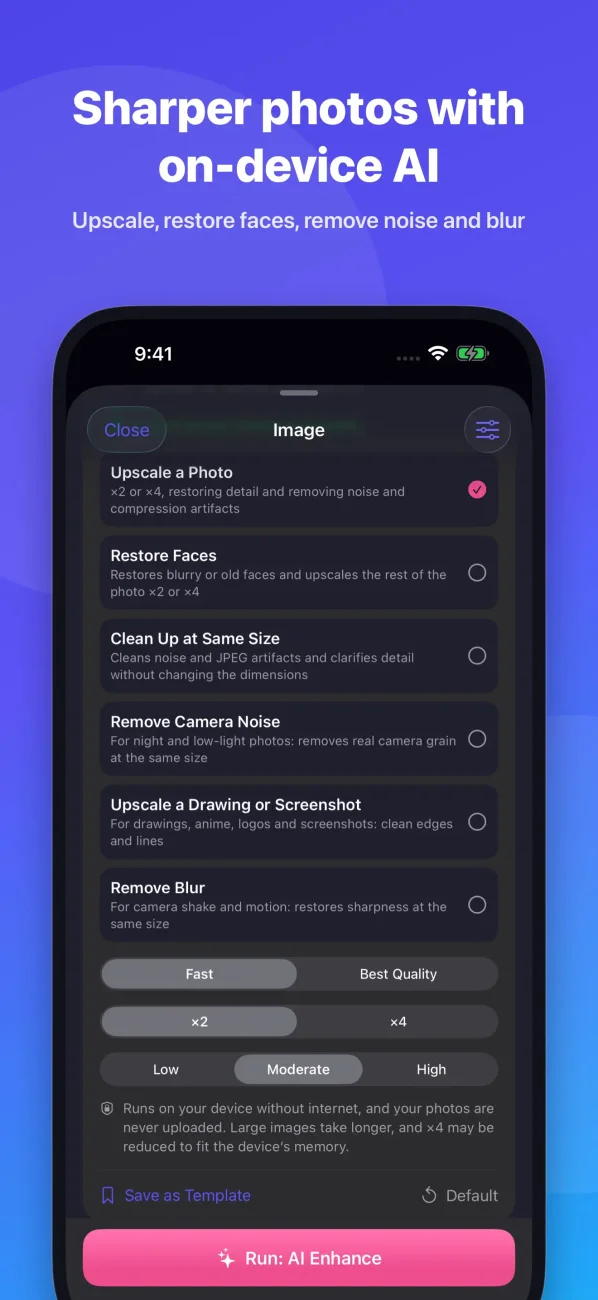
• Enhance photos with on-device AI: upscale up to 4×, restore faces, remove noise and fix blur, no internet needed (Pro)
• Compress photos, videos and audio to the size you need for messages, email or uploads
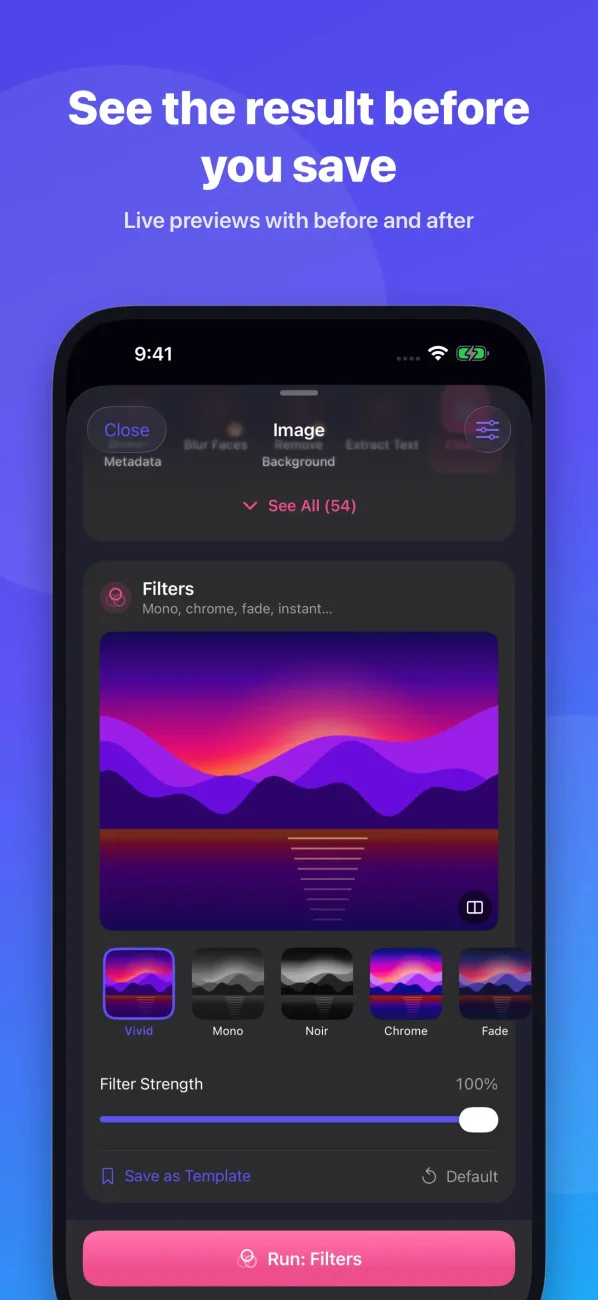
• Convert HEIC, JPG, PNG, PDF, MP4, GIF, AAC and more, resize images and remove location data
• Turn a video into a Live Photo or a live wallpaper, and back again
• Trim media, create and open ZIP archives, and rename files in batches
TRANSLATE ON YOUR DEVICE
• Translate text, PDFs and photos with automatic language detection, without uploading them
WORKS WHERE YOU WORK
• Run any tool straight from the Share Sheet in Photos, Files and other apps
• My Files keeps your documents in one place, also visible in the Files app
• Siri Shortcuts, widgets, Control Center buttons and five color themes
PRIVATE BY DESIGN
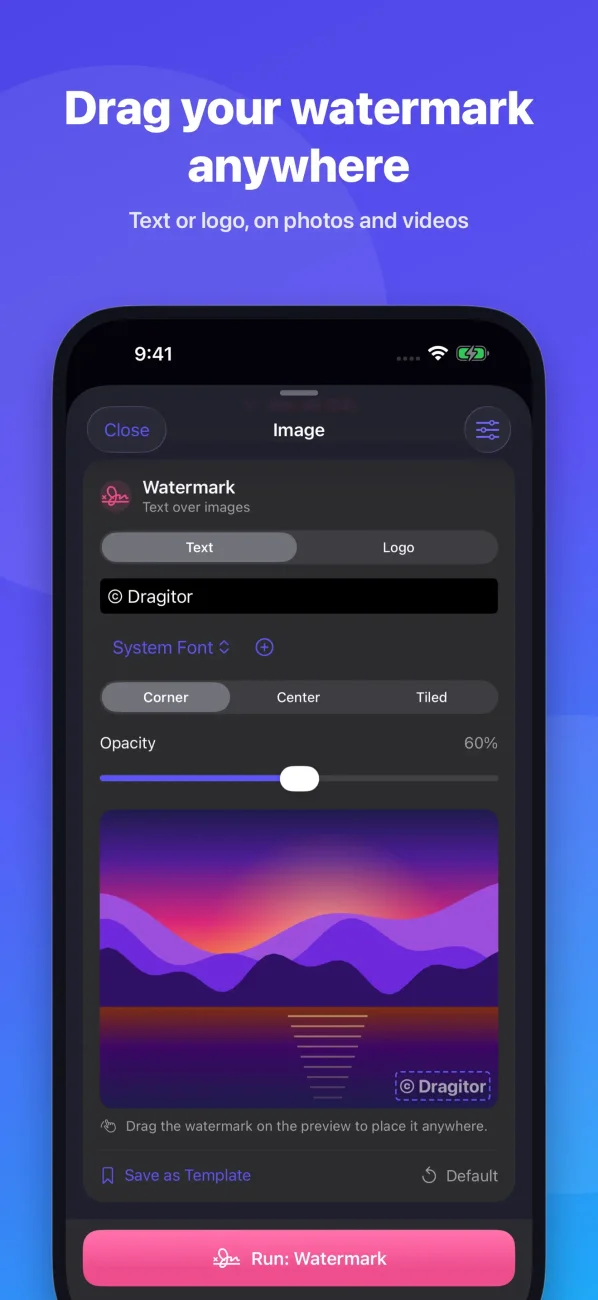
Compression, conversion, PDF editing and translation run on your device, so your files stay with you. No account, no ads, no watermark, and the original is always kept.
FREE TO START, PRO WHEN YOU NEED IT
Core tools are free. Dragitor Pro is a single purchase, not a subscription, for large batches, saved chains and the tools marked with a crown. Everyone gets one free Pro use every day.
Good to know: speech transcription may use Apple servers depending on language and device, after you allow it. Translation may download a language model from Apple the first time. A drawn signature is not a certificate-based digital signature. Available in Arabic, English, French, Spanish, German and Turkish; some specialized technical settings appear in English.
What’s new
Version 1.7 · Nov 8, 2026
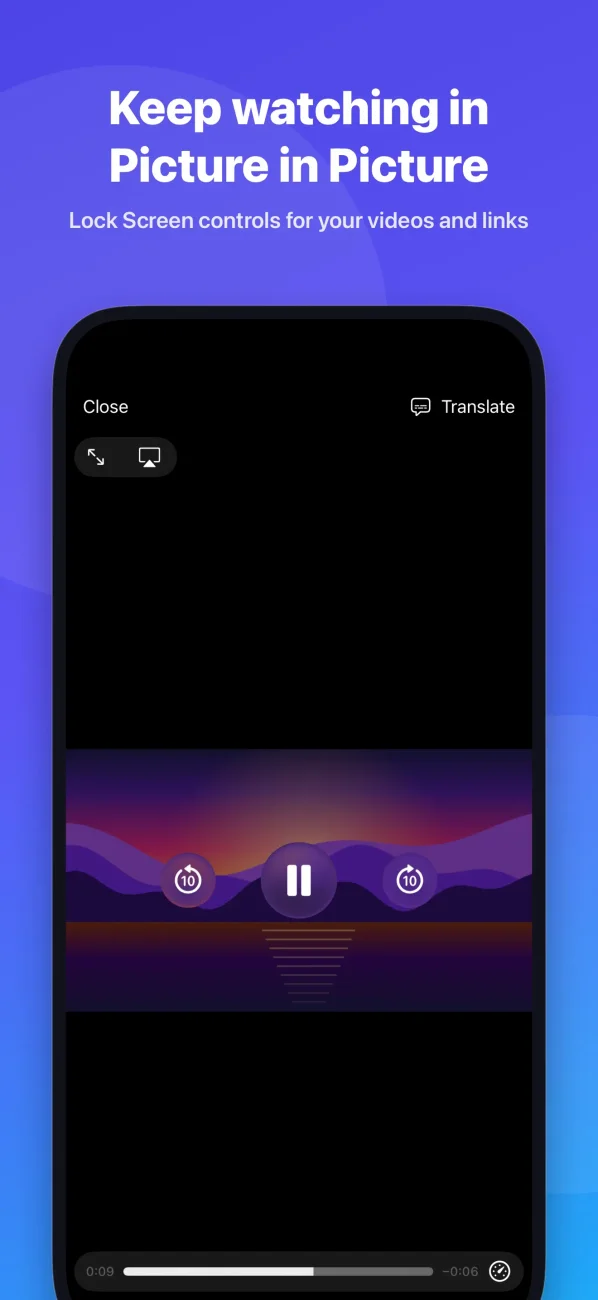
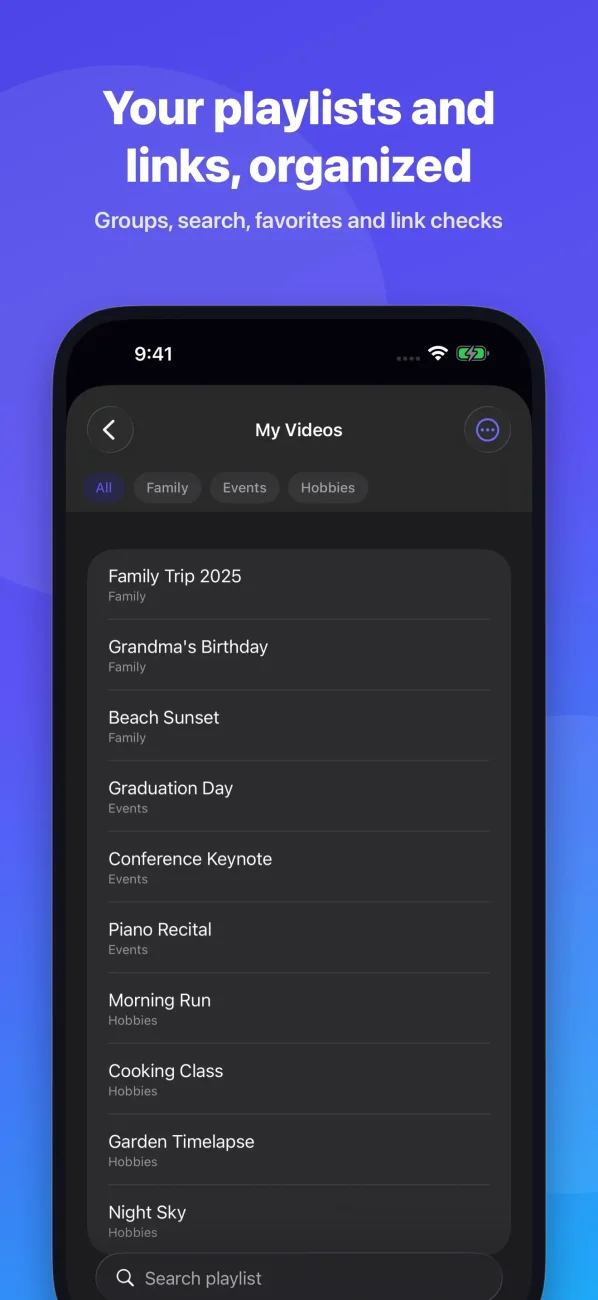
• A redesigned Player: Dragitor controls over the video, double-tap to skip 10 seconds, press and hold for 2× speed, swipe down to close. Live streams get a panel for channels, guide and options.
• Playlist server accounts: enter your server address, username and password to browse Live, Movies and Series, see your subscription status and expiry, and resume movies and episodes where you left off.
• Import video and audio from Files and Photos straight into the Player.
• New tools: Develop RAW (exposure, white balance and noise), HDR to SDR video, Export Slo-mo at its slowed speed, Stabilize Video and Timelapse.
• Auto Captions (Pro): captions from the video's speech, burned into the picture or saved as SRT, as full lines or a few words at a time like Reels.
• Video for Platform follows the person in the frame when turning landscape video vertical.
• Screenshots, RAW photos and high-frame-rate video suggest their tools on their own.
• Share sheet: large iPhone photos work with the photo tools without closing, and Continue in Dragitor opens the same file and tool.
• Photo edits keep wide color and HDR brightness exactly as they were.
• FLV and MPEG-TS (.ts, .mts, .m2ts) files and Opus voice notes work in the Player and the tools.
• Fixes in My Files, tool groups and long playlists.
App privacy
What mofeed al-shaeb declares on the App Store about how this app handles data.
-
Data not collected
The developer does not collect any data from this app.
Privacy practices may vary, for example with the features you use or your age.
Information
- Seller
- mofeed al-shaeb
- Category
- Productivity
- Version
- 1.7
- Updated
- Nov 8, 2026
- Released
- Oct 29, 2026
- Size
- 377.0 MB
- Requires
- iOS 17.0 or later
- Age rating
- 4+
- Price
- Free
- In-app purchases
- Yes
- Languages
- English, Arabic, French, German, Spanish, Turkish
- Copyright
- © 2026 mofeed al-shaeb
You might also like
-
 Brevio: Daily Planner & To-DoProjects, Routines & Focus
-
 PDF Tools +Merge, Split, Compress & Sign
-
 AamilProductivity
-
 Glazr DOCX File Editor ProEdit DOCX Offline • Export PDF
-
 PDF Converter - Maker & EditorConvert Photos & Docs to PDF
-
 Private Contacts: Secure VaultWhatsApp Dialer & Phonebook
-
 NabihniProductivity
-
 PDF Editor - Read, Fill & EditEdit PDF Files & Documents
-
 PDF Scanner - ScanyConvert Photos & Scan Receipts
-
 Daily Schedule Planner・MyTimeoVoice Task, Reminders & Lists