PDF Editor - Read, Fill & Edit
Edit PDF Files & Documents
Designed for iPhone, iPad, Mac, iPod touch
Free · In-app purchases
- Age rating4+
- CategoryProductivity
- DeveloperAsad Ahsan
- LanguagesEnglish+ 71 more
- Size39.9 MB
Links to the official App Store page
Download.org hosts no file of PDF Editor - Read, Fill & Edit. The button opens its official App Store page, published by Asad Ahsan. Listing last checked on Nov 24, 2026.
Screenshots


About
Need a simple way to manage and edit PDF files?
PDF Editor app to edit PDF text, sign documents, annotate pages, merge files, and compress your PDFs all in one place. Whether you need to edit documents for work, school, or personal use, this all-in-one file editor gives you everything you need to manage any pdf file editor.
With this pdf editor edit everything, you can edit text, insert images, add audio notes, create clickable links, highlight important information, sign pdf forms, and organize pages in seconds. The app is designed with a clean and simple interface, so anyone can edit files, annotate pages, and manage documents without any complexity.
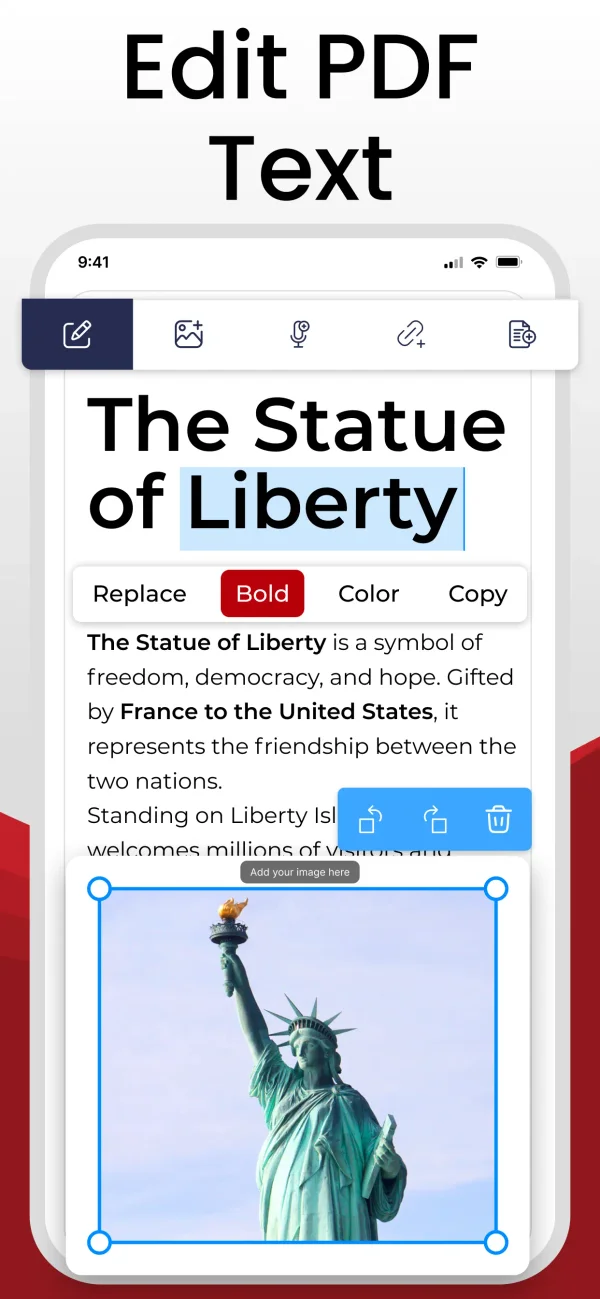
All-in-One PDF Editing:
• Edit PDF text easily
• Add images, stickers and shapes
• Insert audio notes and web links
• Modify font, color and alignment
• Erase unwanted content
• Organize pages in any pdf file
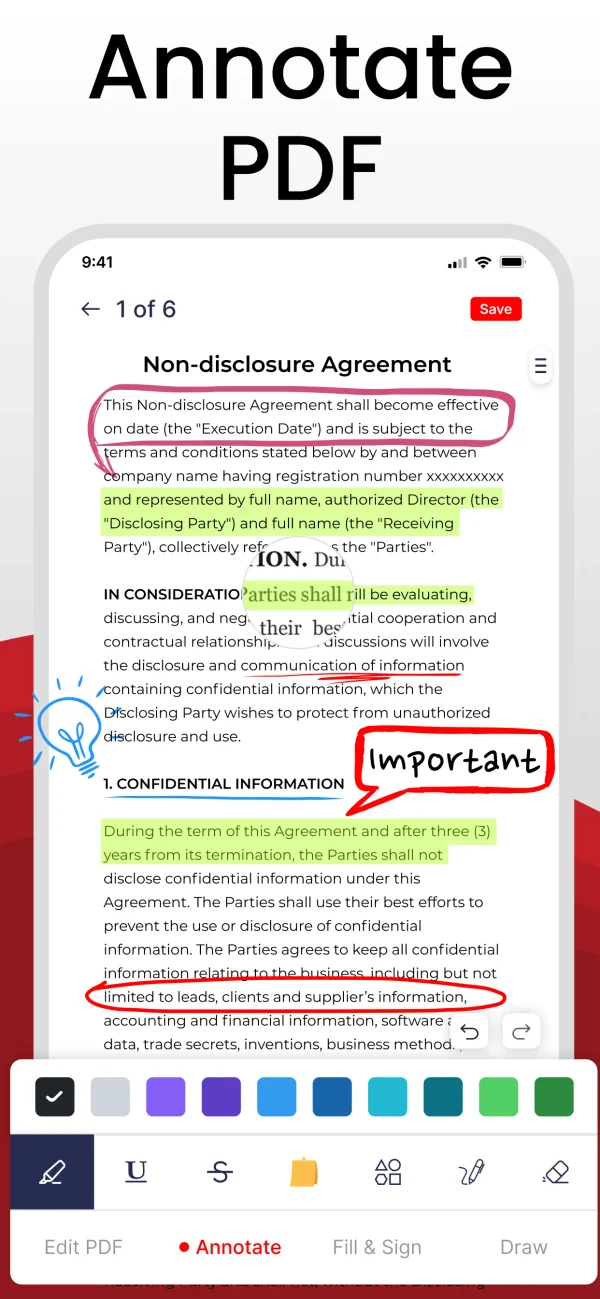
Annotation Tools:
• Highlight text
• Underline & strikeout
• Add notes & comments
• Draw with the freehand pen tool
• Add shapes & arrows
• Eraser tool for fixes
The annotation tools make it simple to read, study, and review any pdf file.
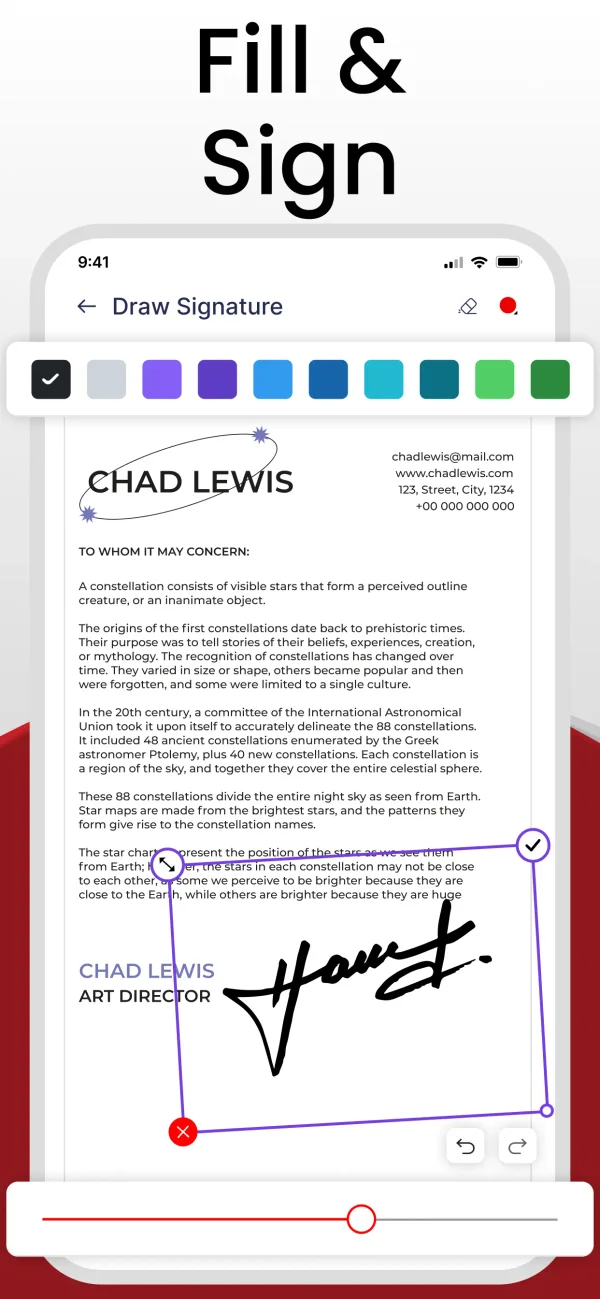
Fill & Sign PDF Forms:
• Draw signature manually
• Add digital signature
• Insert stamps
• Sign PDF documents
Signing forms and contracts becomes easy with the built-in sign pdf tool.
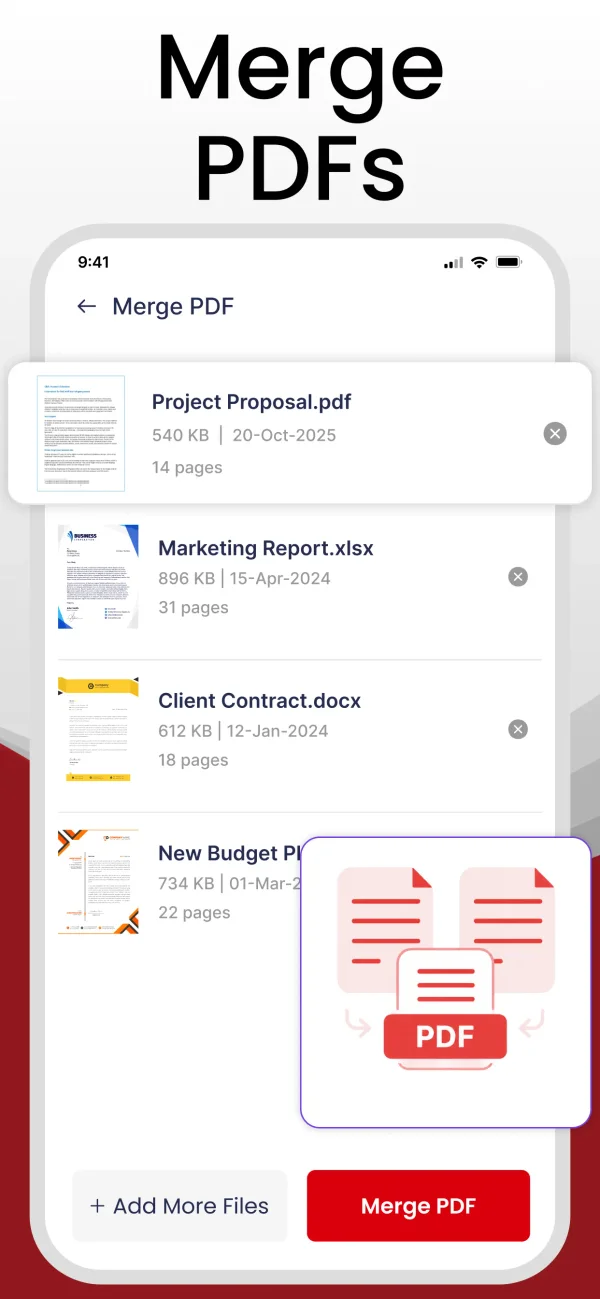
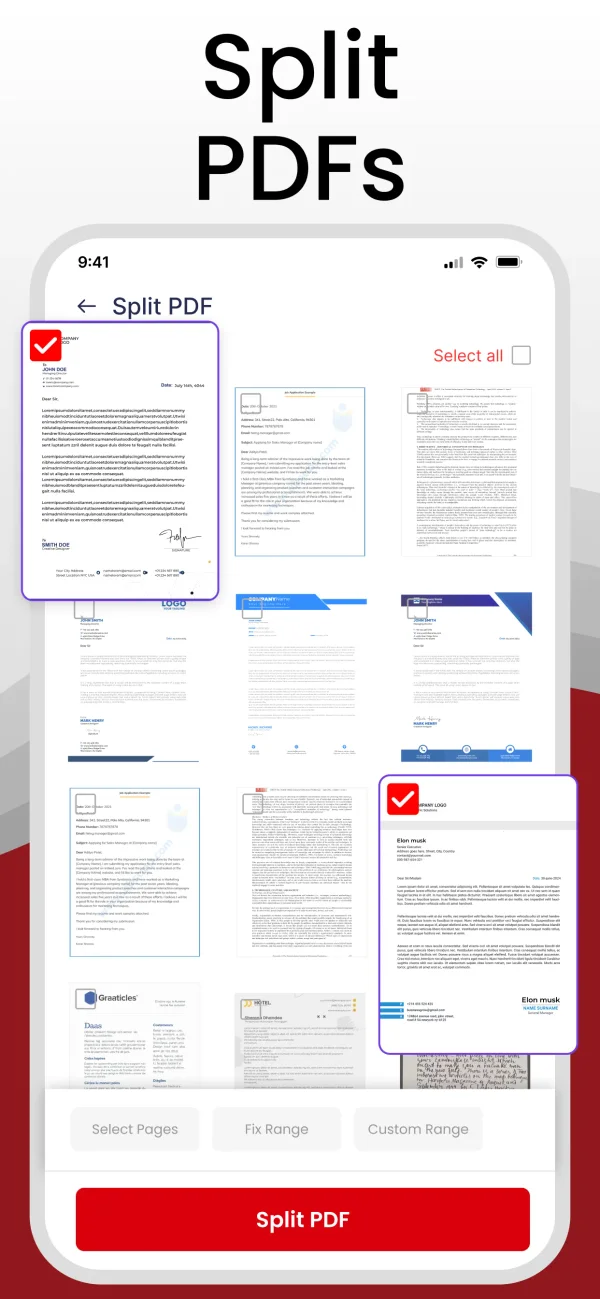
Merge & Split PDFs:
• Merge multiple files into a single document
• Split a pdf file by pages or sections
• Extract selected pages
For students, office tasks, and business workflows.
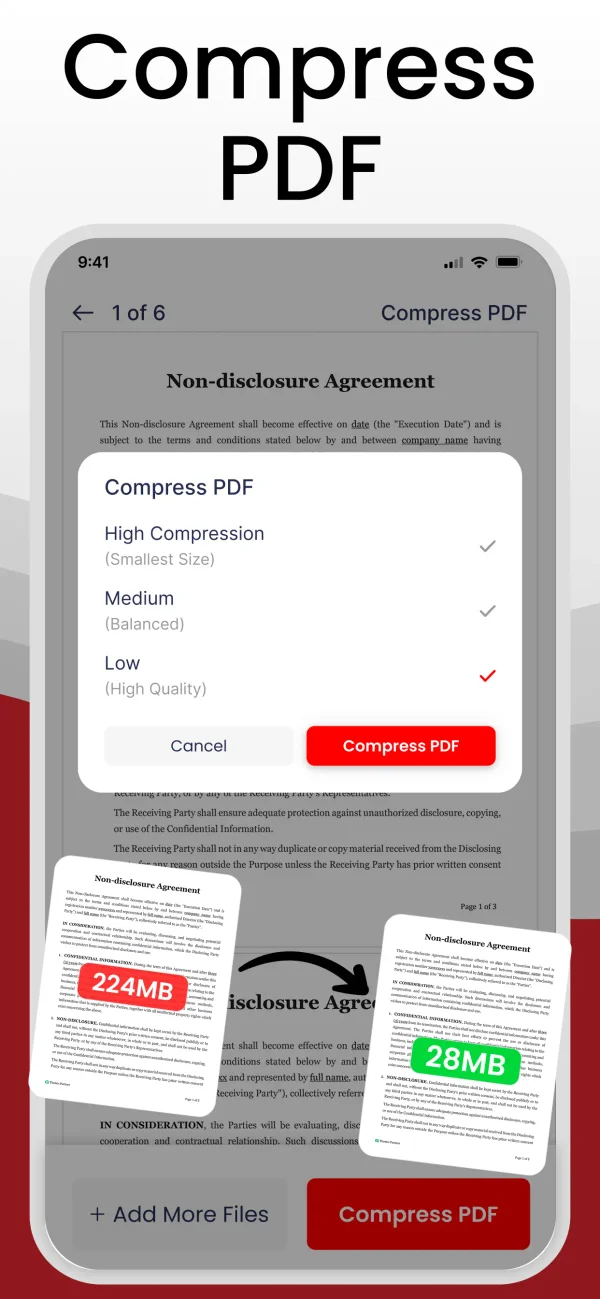
Compress PDF:
• Reduce file size without losing quality
• Choose compression levels
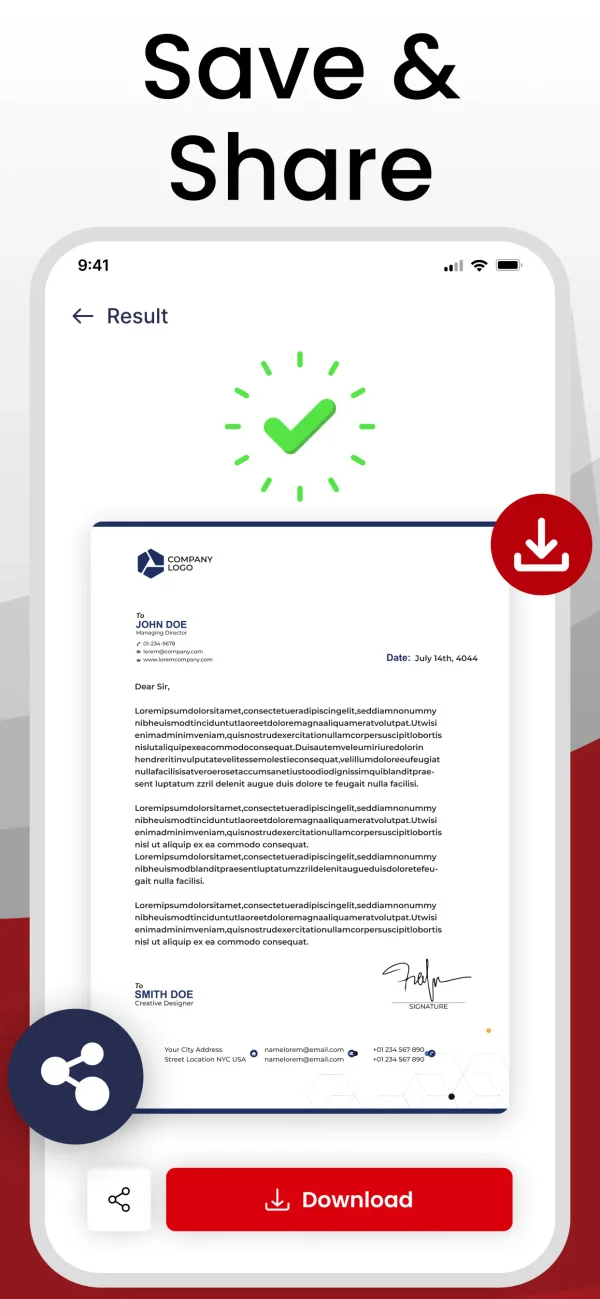
• Ideal for email, uploading & sharing
Why Use This PDF Editor?
• Clean and user-friendly interface
• Accurate tools to edit files and edit documents
• Multiple PDF tools in one lightweight
• For students, teachers, office users, freelancers & businesses
This PDF editor lets you edit PDF text easily and brings all essential tools together so you can manage any PDF file editor. From simple edits to advanced tasks like annotations, merging, and compression, everything is done in seconds.
Who Can Use PDF Editor?
Students:
Edit assignments, annotate notes, highlight key points, and complete PDF worksheets.
Teachers & Educators:
Review papers, add comments, fill forms, and sign documents digitally.
Office Workers:
Merge reports, compress PDFs, sign contracts, and edit text.
Lawyers & Professionals:
Highlight legal documents, add signatures, and organize multi-page PDFs.
Experience the future of PDF text editor.
Download PDF Editor now and take full control over every PDF you work with!
Disclaimer: Our app is fully original and independently developed. Your privacy is our priority, and we never share your personal data with any third parties.
Privacy Policy: https://www.itspdf.com/policy
Terms of Service: https://www.itspdf.com/termsandconditions
Support Email: eclix.suport@gmail.com
What’s new
Version 1.0.1 · Aug 10, 2026
- More functionalities added
- Support for new devices
- User friendly Interface
- Performance Enhancement
- Bug Fixed
App privacy
What Asad Ahsan declares on the App Store about how this app handles data.
-
Data used to track you
May be used to track you across apps and websites owned by other companies.
- Location
-
Data linked to you
May be collected and linked to your identity.
- Location
Privacy practices may vary, for example with the features you use or your age.
Information
- Seller
- Asad Ahsan
- Category
- Productivity
- Version
- 1.0.1
- Updated
- Aug 10, 2026
- Released
- Jul 14, 2026
- Size
- 39.9 MB
- Requires
- iOS 15.6 or later
- Age rating
- 4+
- Price
- Free
- In-app purchases
- Yes
- Languages
- English, Afrikaans, Albanian, Amharic, Arabic, Armenian, Azerbaijani, Basque, Belarusian, Bengali, Bulgarian, Burmese + 60 more
- Copyright
- © 2026 Eclix Tech
You might also like
-
 PDF Text Editor ‑ Edit PDFChange & rewrite existing text
-
 PDF Editor: PDF fill and signEdit PDF, reader & viewer
-
 MRS: PDF Editor, Scanner & OCRDocument Signer & Photo to PDF
-
 PDF Editor: Sign, Fill & ScanPhoto to PDF Converter & Maker
-
 DocFill – PDF Editor & MergerFill, Sign, Merge & Compress
-
 PDF Editor and Scanner ProDoc Scanner PDF Converter
-
 PDF Editor : EditorPDF Editor Scan, Merge PDFs
-
 PDF Genius: AI PDF Text EditorEdit, fill & sign any PDF form
-
 PDF Editor - PDF4.comProductivity
-
 PDF Editor - Read, Scan & SignConvert & Edit PDF Documents