Drawing Projector Lite
Trace Photos & Sketches
Designed for iPhone, iPod touch
Free · In-app purchases
- Age rating4+
- CategoryGraphics & Design
- DeveloperJustinus Laurentius van den Berg
- LanguagesEnglish
- Size72.5 MB
Links to the official App Store page
Download.org hosts no file of Drawing Projector Lite. The button opens its official App Store page, published by Justinus Laurentius van den Berg. Listing last checked on Nov 23, 2026.
Screenshots
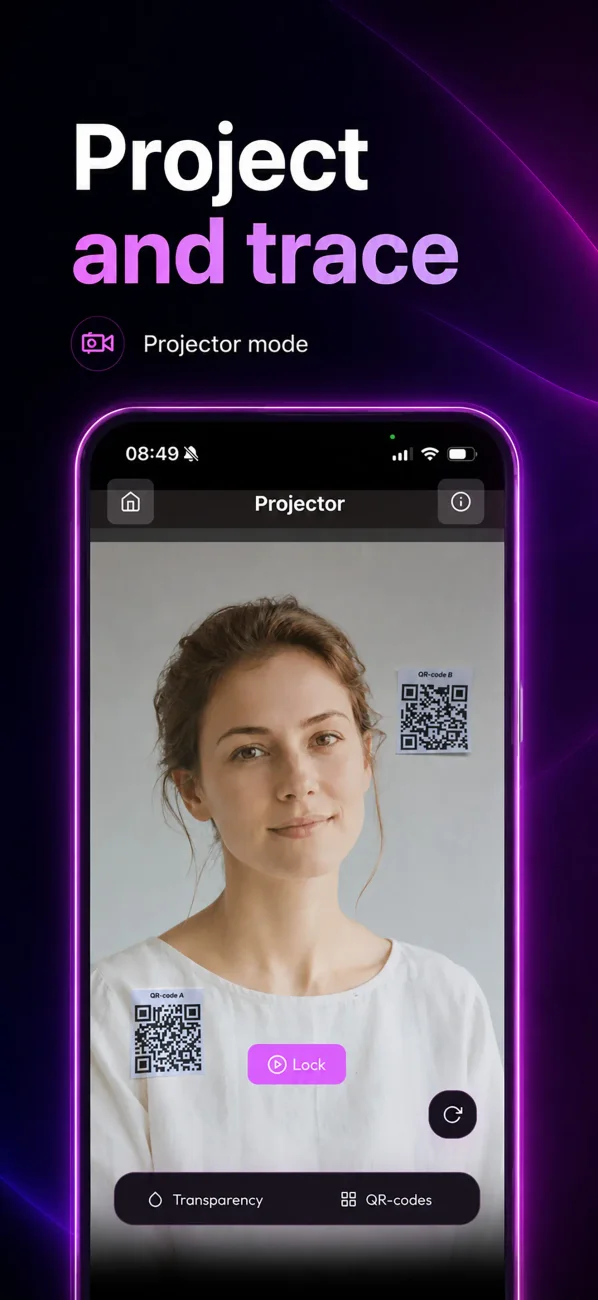
About
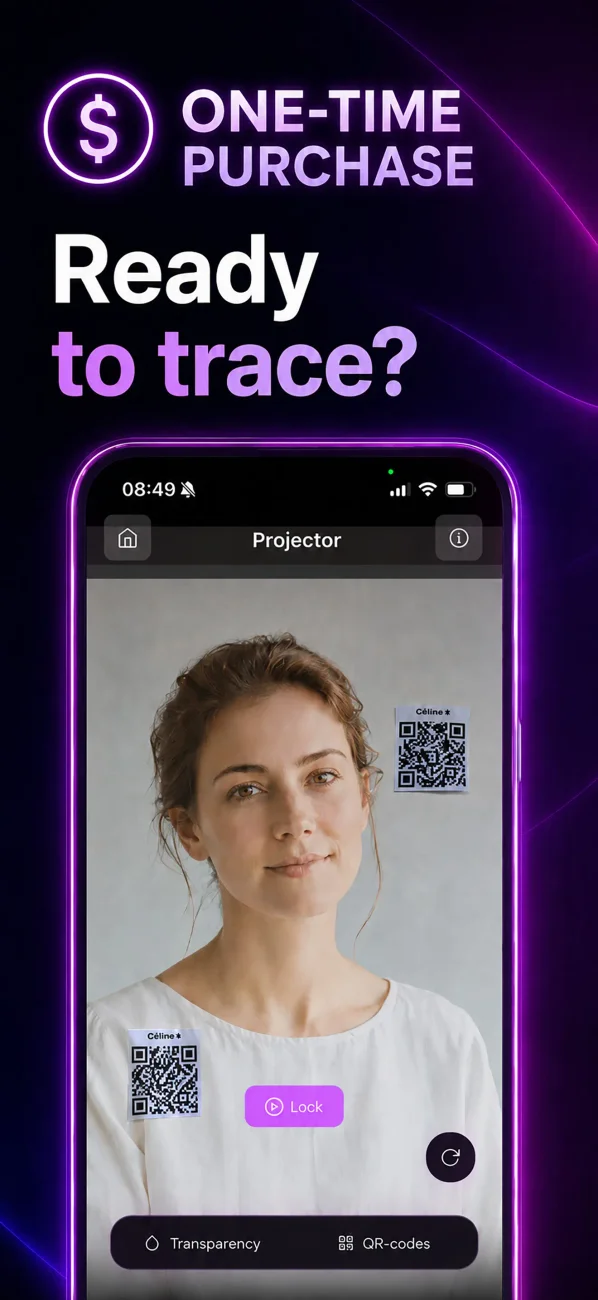
Drawing Projector Lite turns your phone into a simple AR projector that overlays any reference image onto your canvas, paper or sketchbook so you can trace and sketch without grids, tracing paper or hours of measuring.
Made for people who just want it to work:
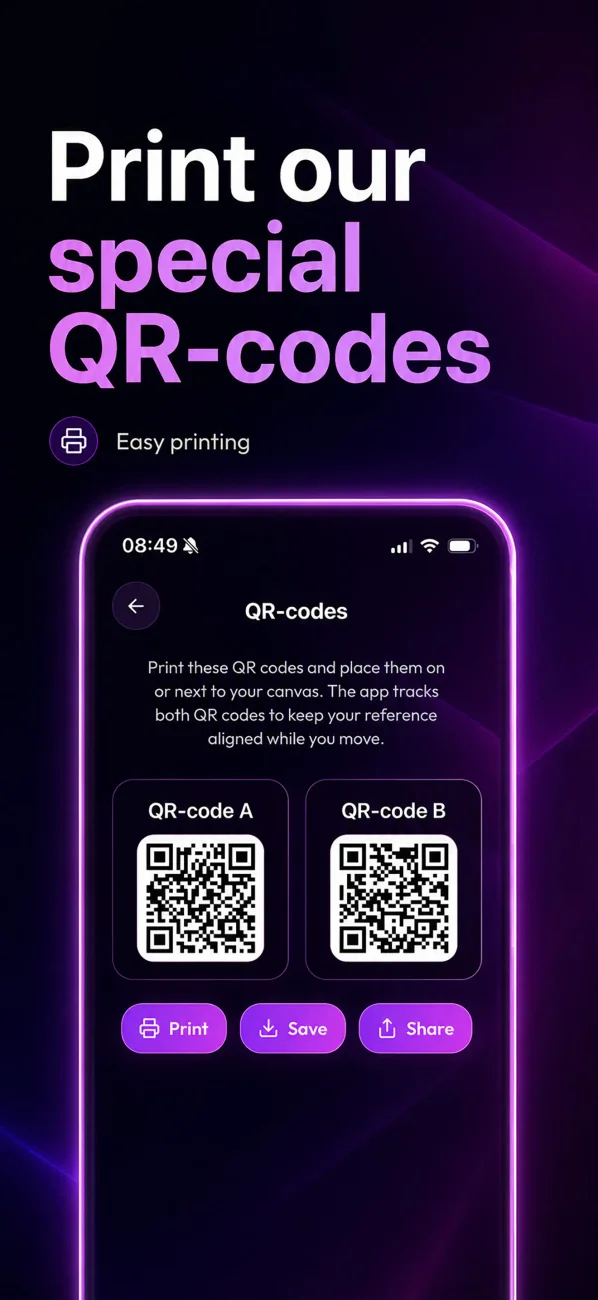
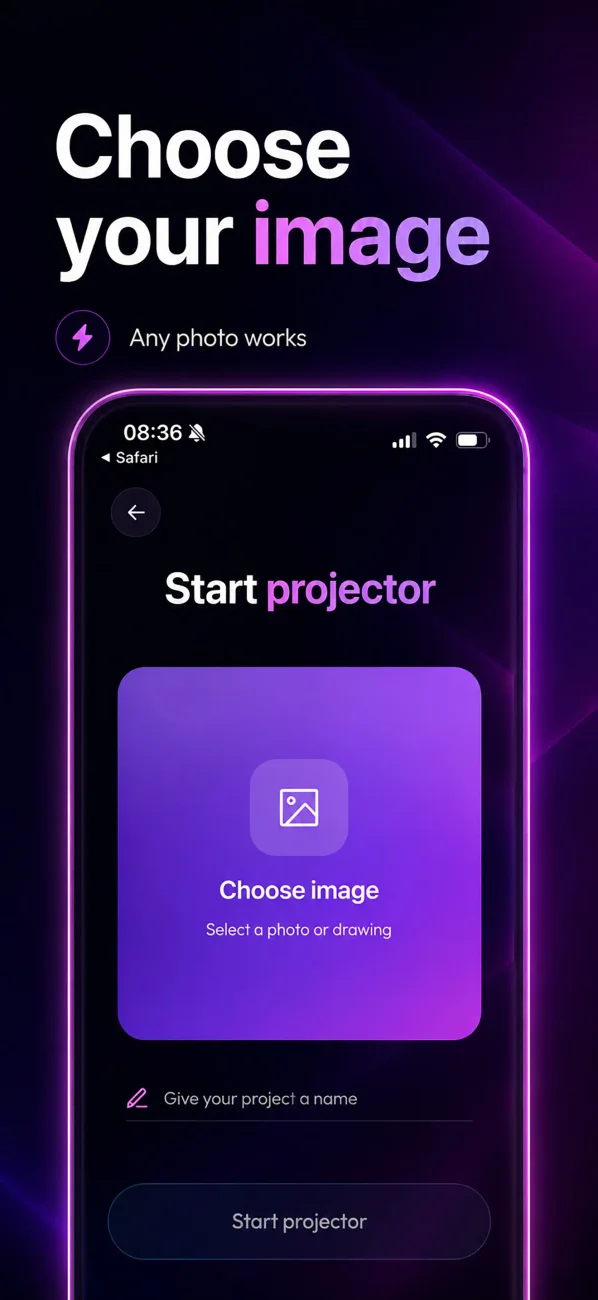
• Simple: pick an image, draw markers or print QR-codes, point your camera, start drawing.
• Lightweight: fast to open, easy to use, no clutter.
• One-time purchase: pay once, use forever. No subscriptions. No ads.
WHAT YOU CAN DO
• Project any photo from your library onto your canvas.
• Rotate, scale and lock the overlay to fit perfectly.
• Use optional marker drawing or QR markers for an extra-stable projection.
PERFECT FOR
• Artists tracing reference photos onto canvas.
• Hobby artists doing portraits, pet art, lettering and more.
• Beginners who want to skip the gridding step.
WHY DRAWING PROJECTOR LITE
We built the version we wished existed: no monthly fee, no upsell walls, no AI gimmick: just a focused AR tool that does one thing well.
What’s new
Version 2.2.0 · Nov 19, 2026
New tools for projecting with a phone stand
• Line drawing — trace outlines instead of the full photo
• Values — light to dark in a few grey tones
• Colour areas — flat shapes, numbered from dark to light
• Step by step — build your drawing from rough to detailed
• Compare — check your work against the original
• Time-lapse — capture your progress as you draw
App privacy
What Justinus Laurentius van den Berg declares on the App Store about how this app handles data.
-
Data linked to you
May be collected and linked to your identity.
- Contact info
- User content
- Identifiers
- Usage data
- Diagnostics
Privacy practices may vary, for example with the features you use or your age.
Information
- Seller
- Justinus Laurentius van den Berg
- Category
- Graphics & Design
- Version
- 2.2.0
- Updated
- Nov 19, 2026
- Released
- May 15, 2026
- Size
- 72.5 MB
- Requires
- iOS 15.1 or later
- Age rating
- 4+
- Price
- Free
- In-app purchases
- Yes
- Languages
- English
- Copyright
- © 2026 Justinus Laurentius
You might also like
-
 Drawing Projector: AR TraceHow to Draw: Sketch & Paint
-
 Drawing Projector - Trace&DrawSketch, AI Styles & Templates
-
 AR Drawing Projector: Draw ArtTrace to Sketch Paint on Paper
-
 AR Drawing Projector: TraceLearn to Draw & Sketch Paper
-
 Drawing Projector: AR Draw ArtTrace, sketch & paint picture
-
 Tracer: AR TracingTrace any image, anywhere
-
 Trace Drawing ProjectorSketch & Trace Images Easily
-
 Drawello:Learn Drawing & traceTrace Pictures & Learn Drawing
-
 Trace Drawing & Projector - ARTracing,Draw & Learn Anime Art
-
 AR Drawing Projector: DraweeTrace & Draw Photos on Paper