
- Age rating4+
- CategoryProductivity
- DeveloperJeongjin Shin
- LanguagesEnglish+ 1 more
- Size3.4 MB
Links to the official App Store page
Download.org hosts no file of drifty: Time Tracker & Blocker. The button opens its official App Store page, published by Jeongjin Shin. Listing last checked on Nov 18, 2026.
Screenshots
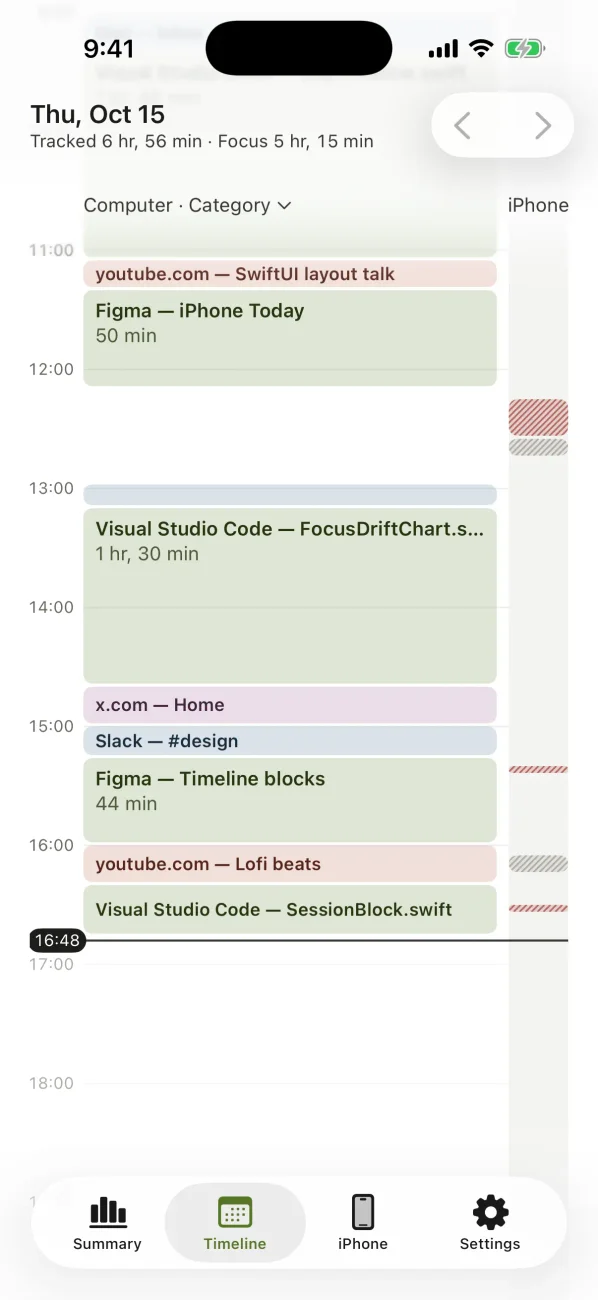

About
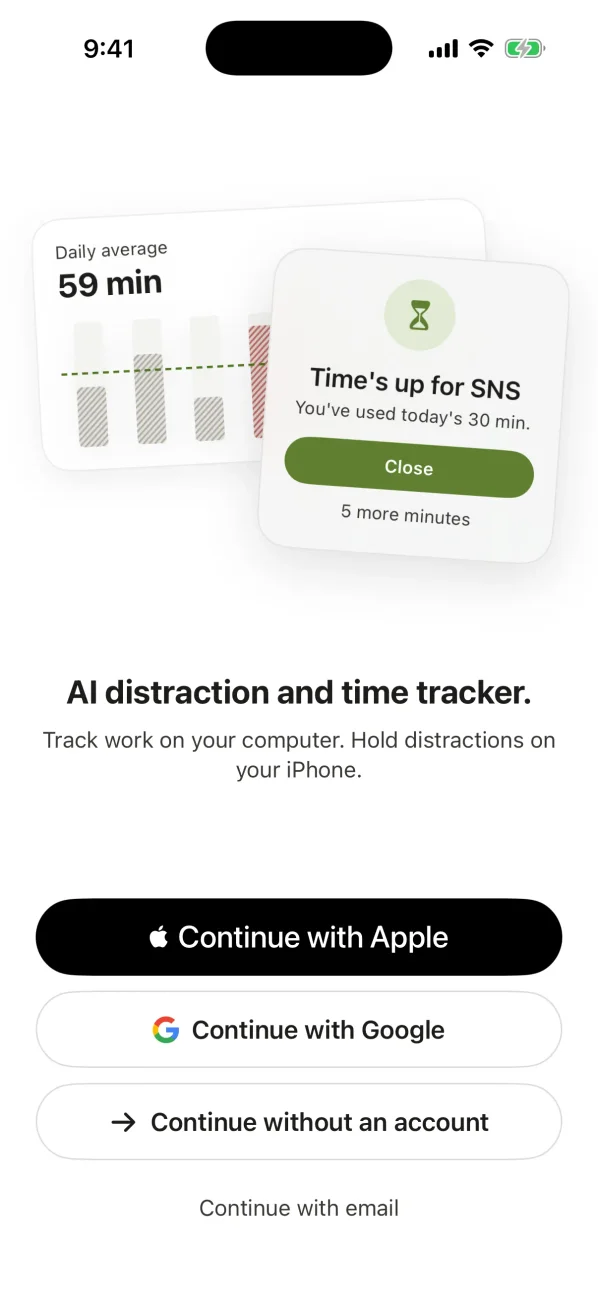
drifty puts your day in one place: your iPhone's Screen Time and, if you use drifty on your computer, the work you did there.
ON YOUR IPHONE — FREE, NO ACCOUNT
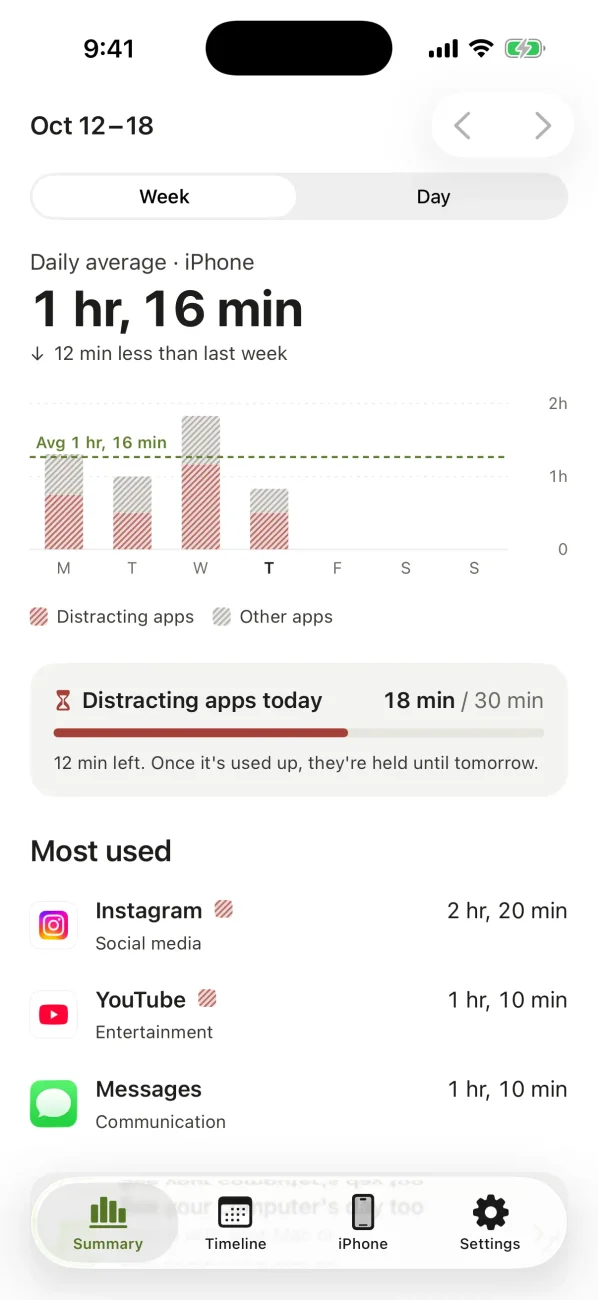
• See your iPhone time the way Screen Time shows it: a week of daily bars, the hours of each day, and your most-used apps.
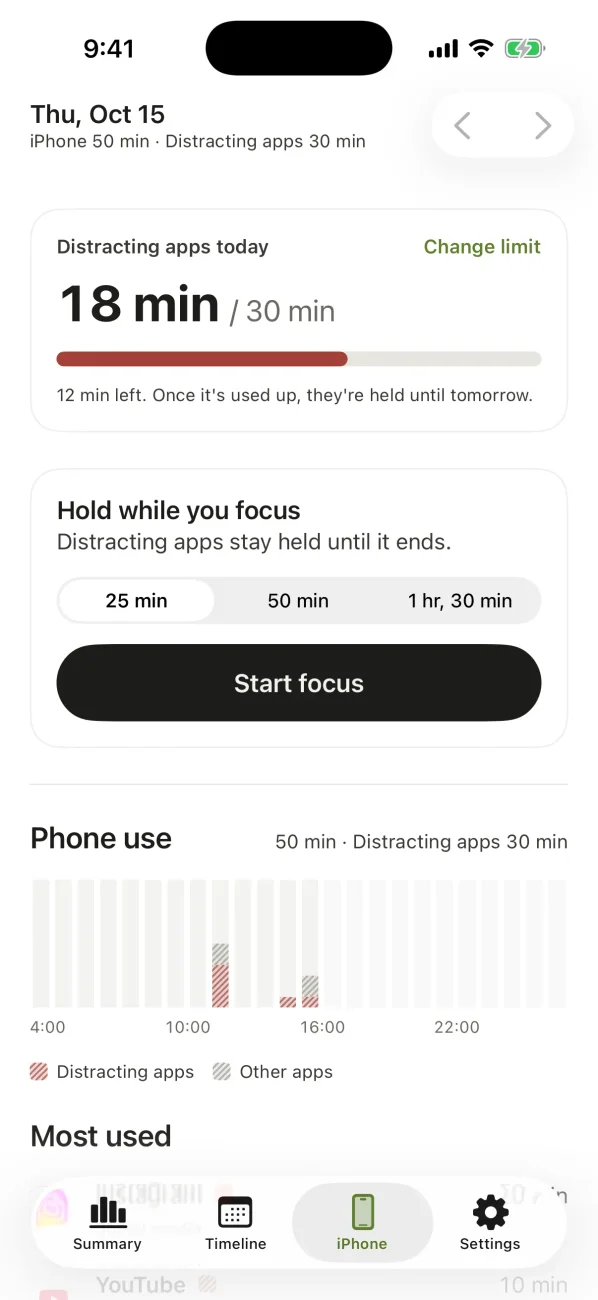
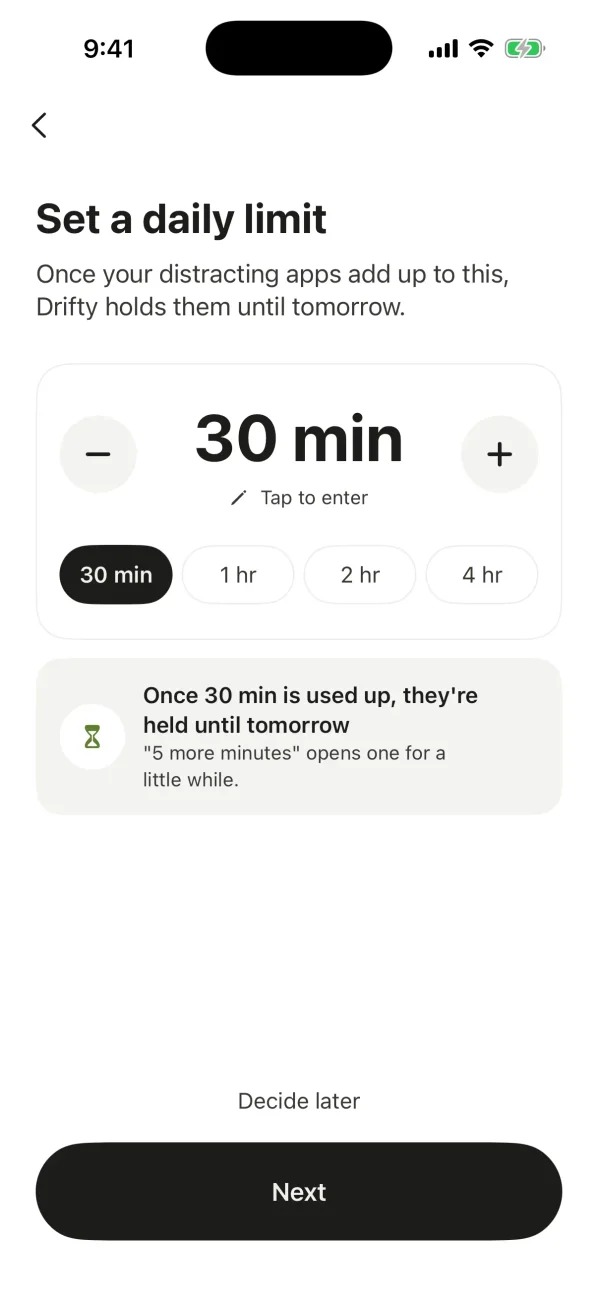
• Pick the apps that pull you in. When they add up to your daily limit, drifty holds them until tomorrow. "5 more minutes" opens one for a little while.
• Start a focus session to hold the same apps until it ends.
• Your picks and Screen Time figures stay on your iPhone. App names never leave it.
WITH YOUR COMPUTER
drifty on your Mac tracks your work automatically and sorts it into focus and drift with AI. Sign in with the same account to see your computer's day next to your iPhone's: the timeline, daily and weekly summaries, and the apps you used.
PRIVACY
drifty uses Apple's Screen Time features for your own iPhone only. It has no ads and no analytics SDK. Sending approximate iPhone time to your computer stays off until you turn it on.
drifty uses Screen Time extensions that draw your figures on the device and show the hold screen.
What’s new
Version 1.0.1 · Nov 16, 2026
Turn sync on or off for each of your computers right from your iPhone, including from an empty Summary or Timeline. Sign-in now points you to the method you use on your computer.
App privacy
What Jeongjin Shin declares on the App Store about how this app handles data.
-
Data linked to you
May be collected and linked to your identity.
- Contact info
- Identifiers
- Usage data
Privacy practices may vary, for example with the features you use or your age.
Information
- Seller
- Jeongjin Shin
- Category
- Productivity
- Version
- 1.0.1
- Updated
- Nov 16, 2026
- Released
- Nov 16, 2026
- Size
- 3.4 MB
- Requires
- iOS 26.0 or later
- Age rating
- 4+
- Price
- Free
- Languages
- English, Korean
- Copyright
- © 2026 Edgethink
You might also like
-
 마이너스원데이 - 하루 카운트다운 & 할일Productivity
-
 Daylog: Time & Place TrackerAutomatic day log by location
-
 Cronus - AI Time TrackerWhere your time actually goes
-
 TEMPO 템포: 타임블록 투두리스트&하루 일정 플래너Productivity
-
 ReadyBean: Packing & PrepTravel, moving, and baby bags
-
 MonstarPeopleProductivity
-
 TimeBox: Plan and ExecutePlan Once. Focus Forever.
-
 Mivo ScrollingSee the pattern.Break the loop
-
 워너비 : 5분 루틴, 오늘 습관, 하루 회고Productivity
-
 ChangeMe: Habit TrackerRoutine Manager, Goal Tracker