Enpass Password Manager
Generate & Autofill Passwords
Designed for iPhone, iPad
Free · In-app purchases
- Age rating4+
- CategoryProductivity
- DeveloperEnpass Technologies Private Limited
- LanguagesEnglish+ 32 more
- Size111.0 MB
Links to the official App Store page
Download.org hosts no file of Enpass Password Manager. The button opens its official App Store page, published by Enpass Technologies Private Limited. Listing last checked on Nov 22, 2026.
Screenshots
About
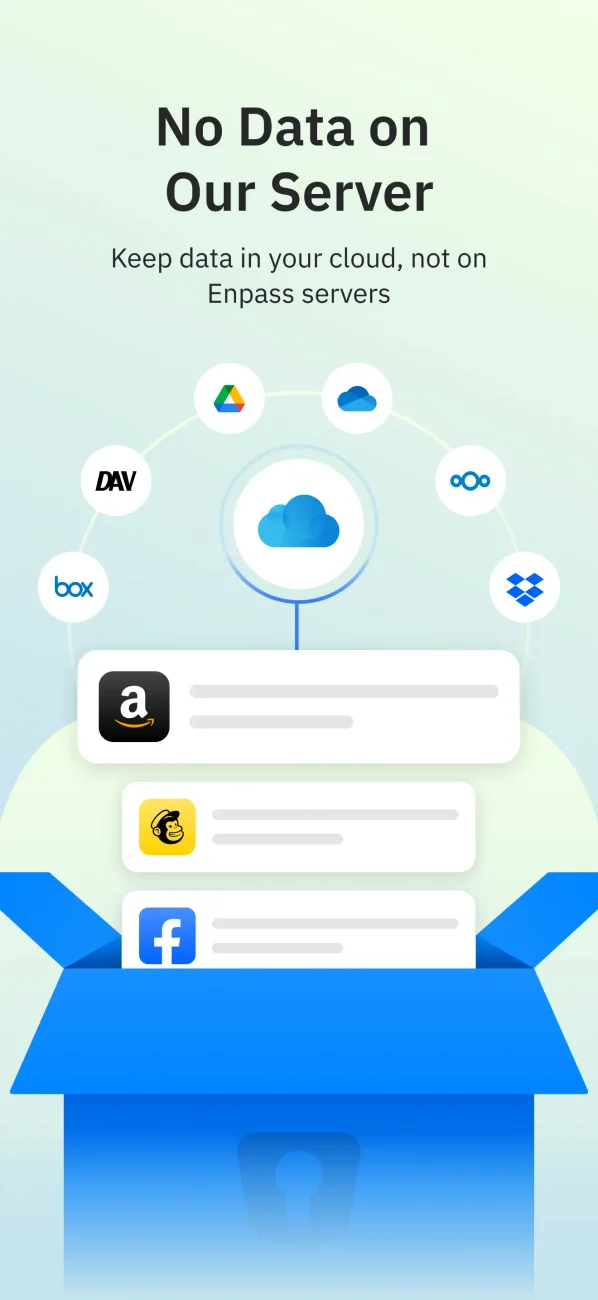
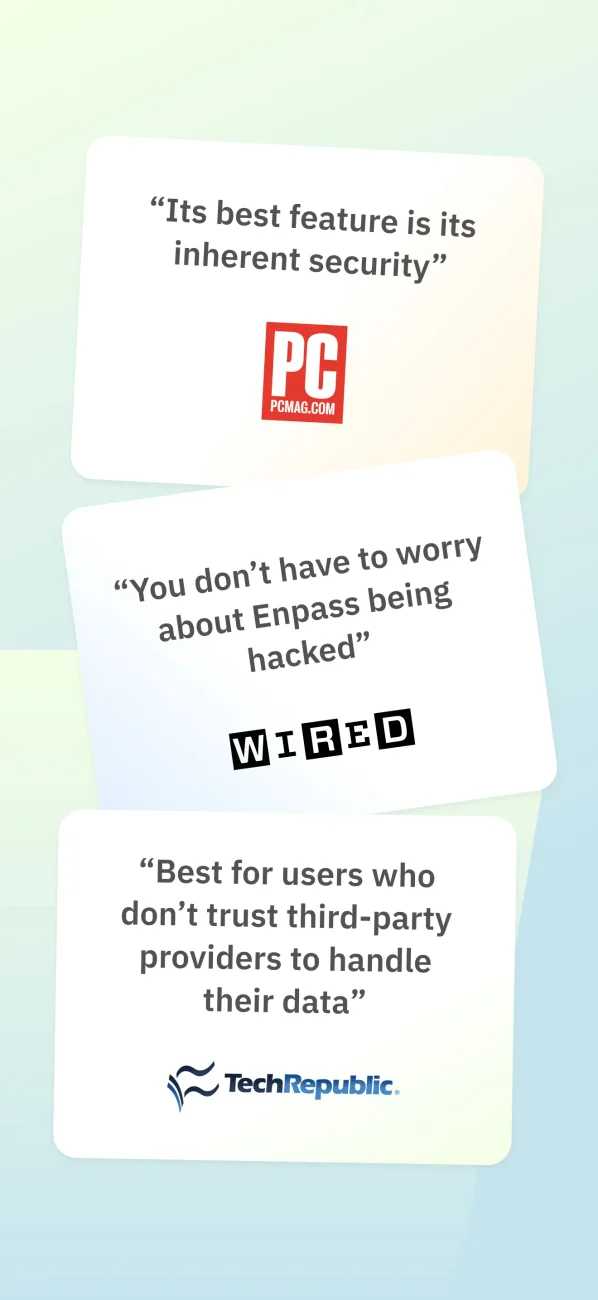
Enpass is the only password and passkey manager that keeps your credentials secure by storing them in your own iCloud, Google Drive, or other trusted cloud – not on vendor servers.
YOUR DATA STAYS WHERE IT BELONGS
Most password managers store user credentials in their own cloud. Enpass doesn't. We call this zero possession: going beyond the industry-standard zero knowledge to never receiving, storing, or touching your password data at all.
For personal users, encrypted vaults live in your iCloud, Google Drive, OneDrive, Dropbox, Box, or WebDAV. For businesses, they’re in the organization’s Microsoft 365, Google Workspace, or other trusted environment, giving full data sovereignty. Even if Enpass servers were compromised (and they’ve never been), password data couldn't be breached because it was never there.
IT’S EASY TO LOG INTO WEBSITES SECURELY
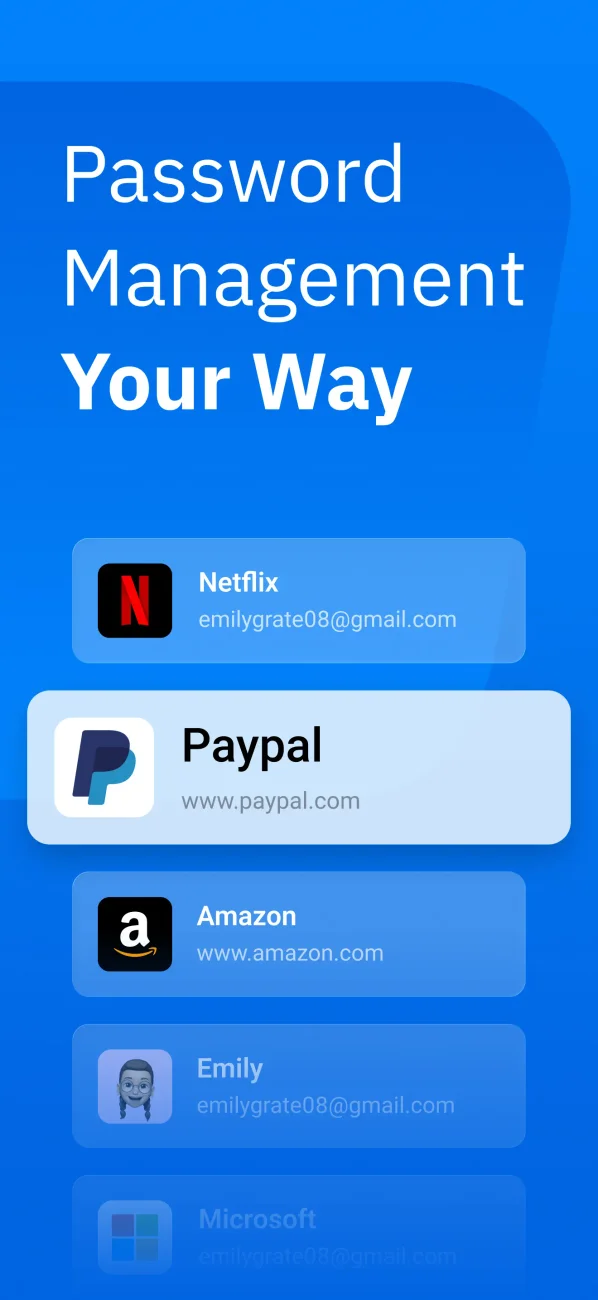
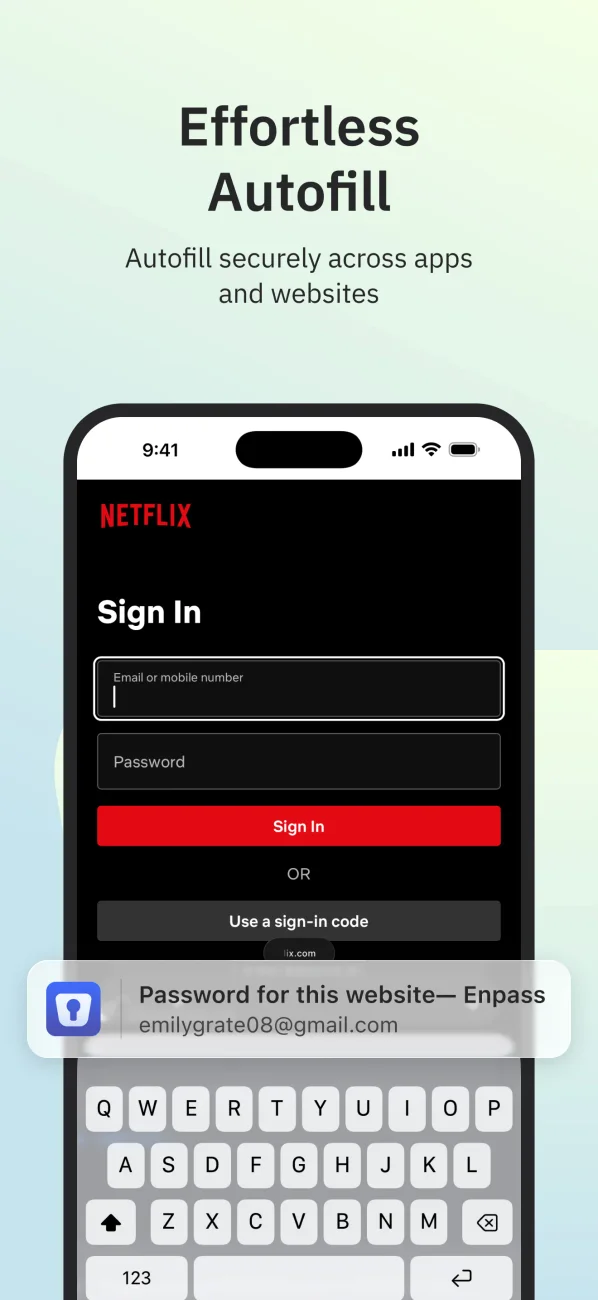
Enpass gives you fast, secure autofill across every website and app.
→ Autofills passwords, passkeys, authentication codes, credit cards, and web forms
→ Auto-saves new and changed credentials
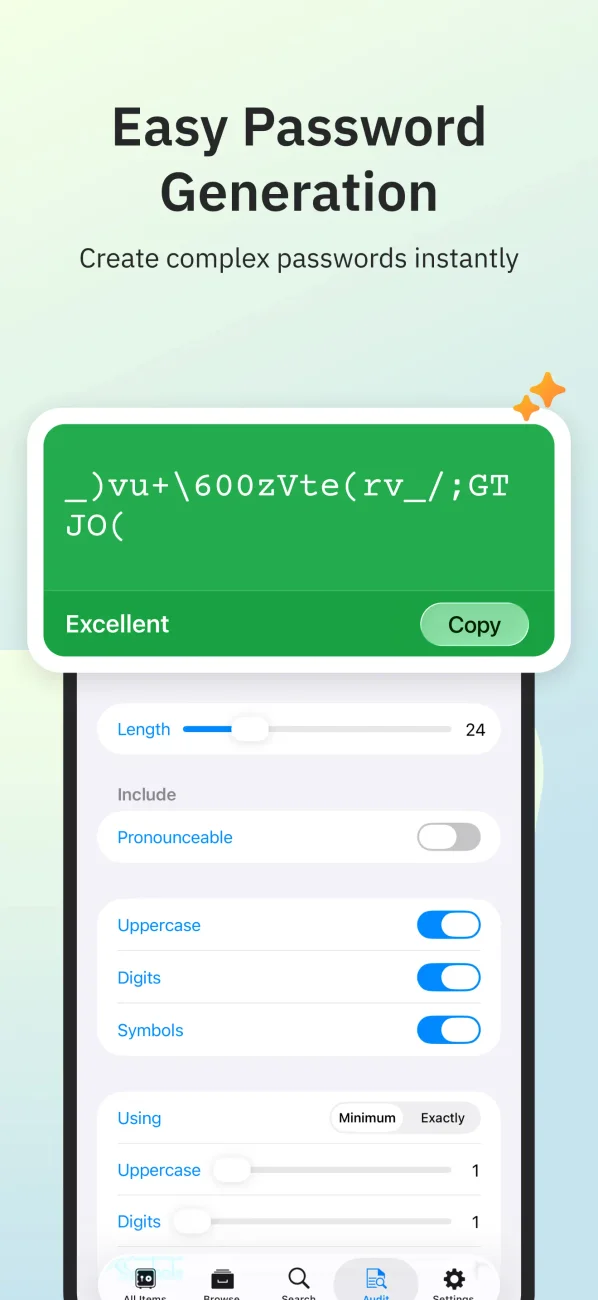
→ Generates strong passwords with a customizable generator
→ Built-in authenticator (TOTP) – no separate app needed for 6-digit codes
ORGANIZE YOUR DIGITAL LIFE
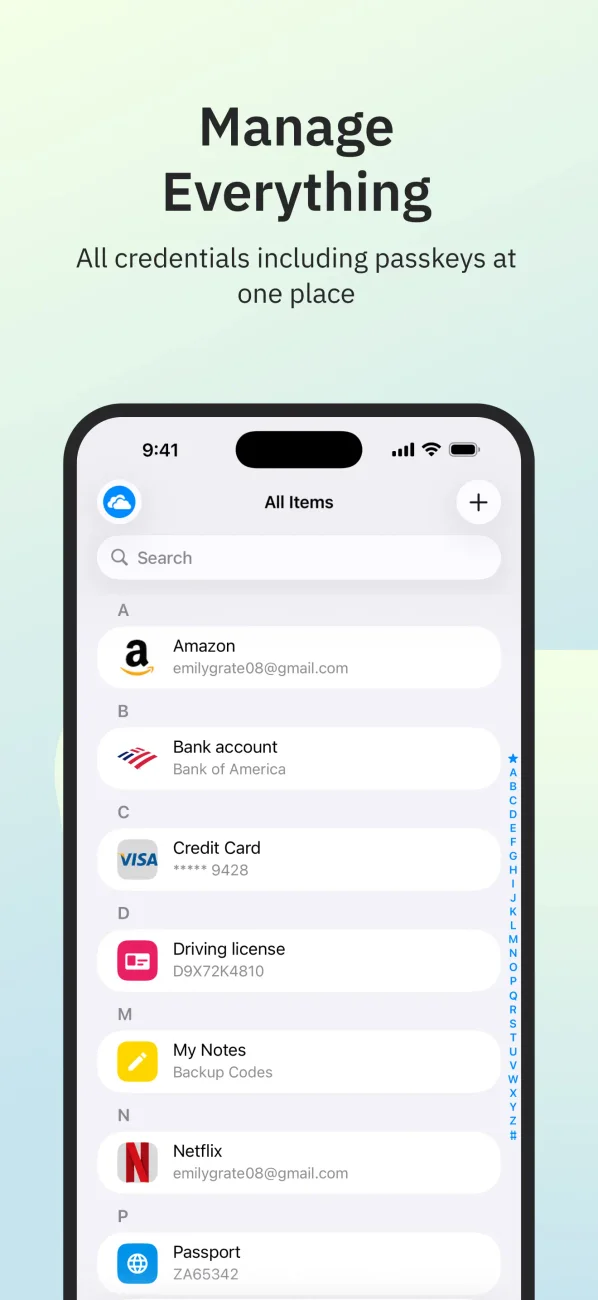
Keep your credentials organized with unlimited vaults, flexible categories, and customizable templates.
→ Unlimited passwords, passkeys, and vaults across unlimited devices with the Premium plan (up to 25 credentials on the Free plan)
→ Customizable templates, categories, and tags to organize credentials and private files
→ Add, remove, and rearrange fields
→ Attach documents and images to credentials
→ Import easily from other password managers and CSV files
WORKS ACROSS ALL YOUR DEVICES
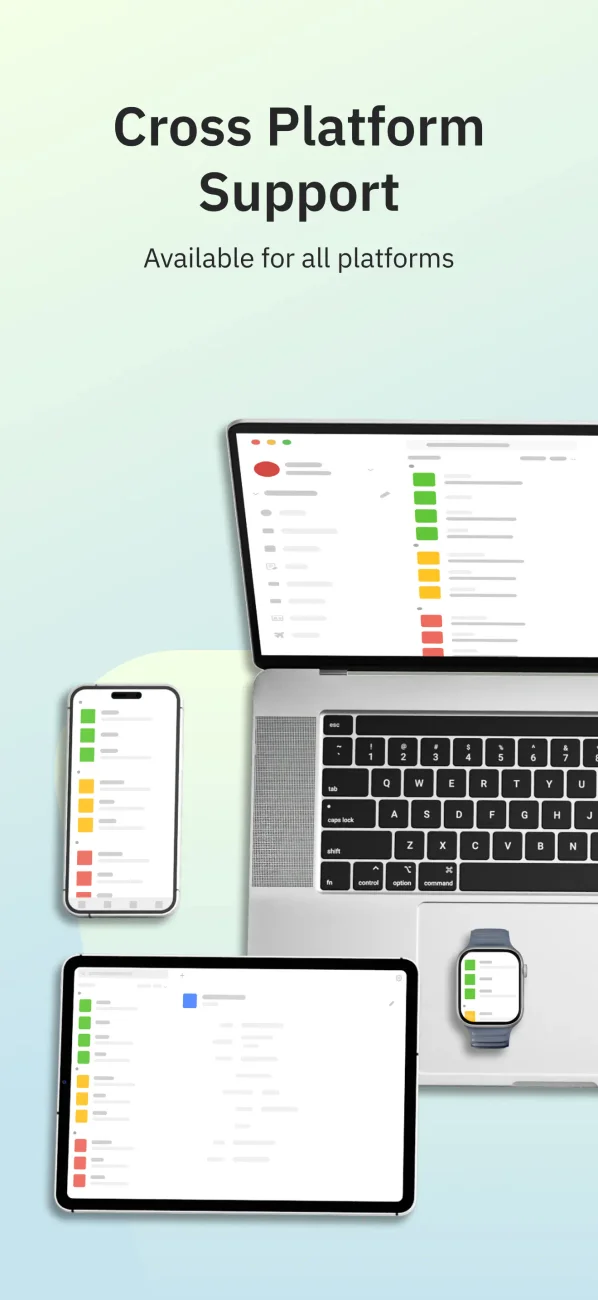
Enpass is available wherever you work, on every device and browser you use.
→ Native apps for Windows, Mac, iOS, Android, and Linux
→ Browser extensions for Chrome, Edge, Firefox, Safari, Brave, Vivaldi, and Opera
→ Apple Watch and Wear OS support
→ Vault storage options include Microsoft 365/OneDrive, Google Workspace/Drive, iCloud, Box, Dropbox, Nextcloud, and WebDAV
KEEP ON TOP OF SECURITY
Enpass continuously monitors your credential security and alerts you to vulnerabilities before they become incidents.
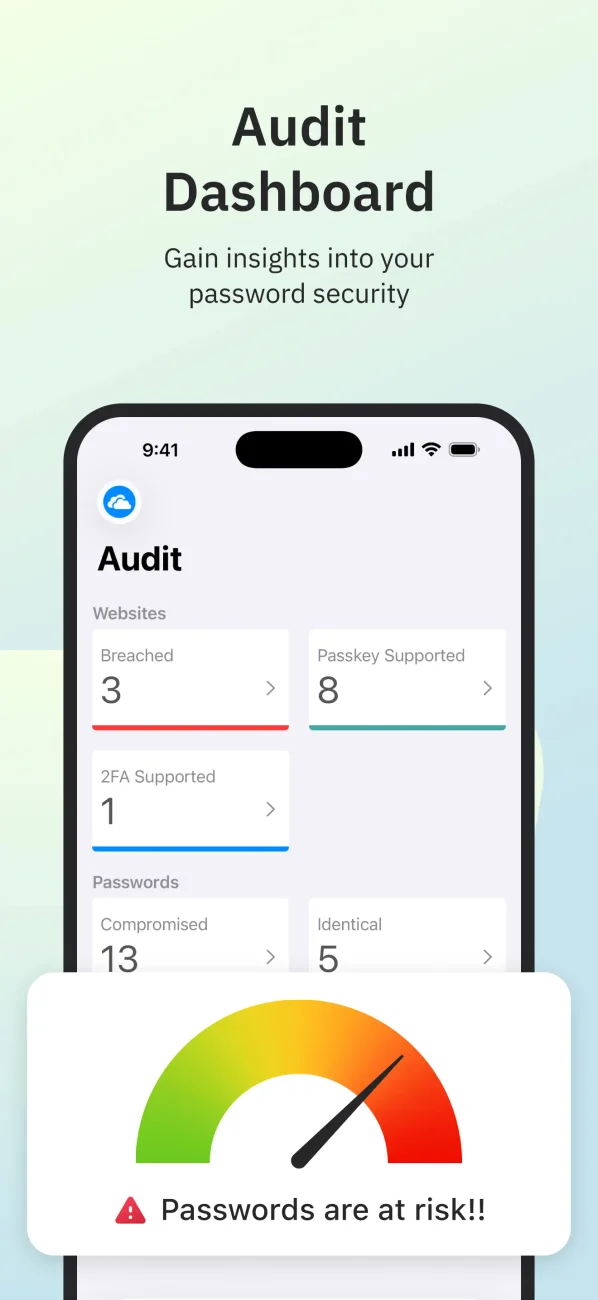
→ Security alerts if a credential is in a known breach or has been compromised
→ App dashboard shows your password security score and highlights weak, compromised, and duplicate passwords
→ Highlights accounts that support multifactor authentication and passkeys
→ Unlock with face ID, fingerprint, PIN, or keyfile
PASSKEYS: AHEAD OF THE GAME
Enpass supports passkeys across all devices and has already implemented emerging WebAuthn Level 3 passkey standards ahead of the formal W3C recommendation.
→ Create, store, and use passkeys
→ Passkeys are stored securely in your vault saved in your trusted infrastructure, never on a central server
→ Full cross-platform support, ready for a passwordless future
FOR YOUR ORGANIZATION
If your organization has deployed Enpass, the Enpass Admin Console lets IT and security teams ensure compliance.
→ Policy enforcement and security audit dashboards
→ Automatic user provisioning and offboarding via SCIM
→ SSO integration
→ SIEM integration and event and audit logs
→ Access recovery
→ UEM/MDM deployment configurations
→ Dark web monitoring
→ MCP server – AI agent access to admin data on password health and security posture
→ 24/7/365 technical support
SECURITY AND COMPLIANCE
Enpass is independently SOC 2 Type II audited, ISO 27001:2022 accredited, and fully GDPR compliant. It uses industry-standard AES-256 encryption with 320,000 PBKDF2 rounds using the open-source SQLCipher encryption engine.
SUPPORT
Help Center: https://help.enpass.io
Email: support@enpass.io
Terms of Use: https://www.enpass.io/terms-of-use
Privacy Policy: https://www.enpass.io/privacy-notice
What’s new
Version 6.11.26 · Sep 11, 2026
ENPASS LITE IS NOW ENPASS FREE
• The Enpass Lite plan is now named Enpass Free.
FOR FREE USERS
• The 25-item limit no longer counts items in the Archive or Trash.
• Items beyond the 25-item limit are now visible and readable, but not available to edit, copy, or autofill.
FOR ALL USERS
• Copy and autofill are now disabled for items in the Archive or Trash. To use these items, you must restore them first.
This version also includes other minor bug fixes and improvements.
App privacy
What Enpass Technologies Private Limited declares on the App Store about how this app handles data.
-
Data linked to you
May be collected and linked to your identity.
- Contact info
- Identifiers
- Usage data
Privacy practices may vary, for example with the features you use or your age.
Information
- Seller
- Enpass Technologies Private Limited
- Category
- Productivity
- Version
- 6.11.26
- Updated
- Sep 11, 2026
- Released
- Aug 13, 2011
- Size
- 111.0 MB
- Requires
- iOS 16.0 or later
- Age rating
- 4+
- Price
- Free
- In-app purchases
- Yes
- Languages
- English, Afrikaans, Arabic, Catalan, Croatian, Czech, Danish, Dutch, Finnish, French, German, Greek + 21 more
- Copyright
- © Enpass Technologies Inc
You might also like
-
 mSecure: Password ManagerSecure Storage Digital Wallet
-
 Password Manager: SafePasskeys & 2FA
-
 Avira Password ManagerSecure your passwords easily
-
 SecureSafe Password ManagerPassword Generator & Autofill
-
 Strongbox - Password ManagerKeePass & Password Safe Vault
-
 Password Manager'Lock Apps Keep Vault Safe
-
 Password Safe Manager & VaultPasskey, 2FA & Authenticator
-
 Sticky Password Manager & SafeThe secure password manager
-
 iPassworder Password ManagerEasiest way to store passwords
-
 KeePassium (KeePass passwords)Respects your privacy