iPrint: Smart Printer App
Print Photos, ePrint, Scanner
Designed for iPhone, iPad, Mac, iPod touch
Free · In-app purchases
- Age rating4+
- CategoryBusiness
- DeveloperAHAD DURRANI
- LanguagesEnglish+ 19 more
- Size85.2 MB
Links to the official App Store page
Download.org hosts no file of iPrint: Smart Printer App. The button opens its official App Store page, published by AHAD DURRANI. Listing last checked on Nov 24, 2026.
Screenshots

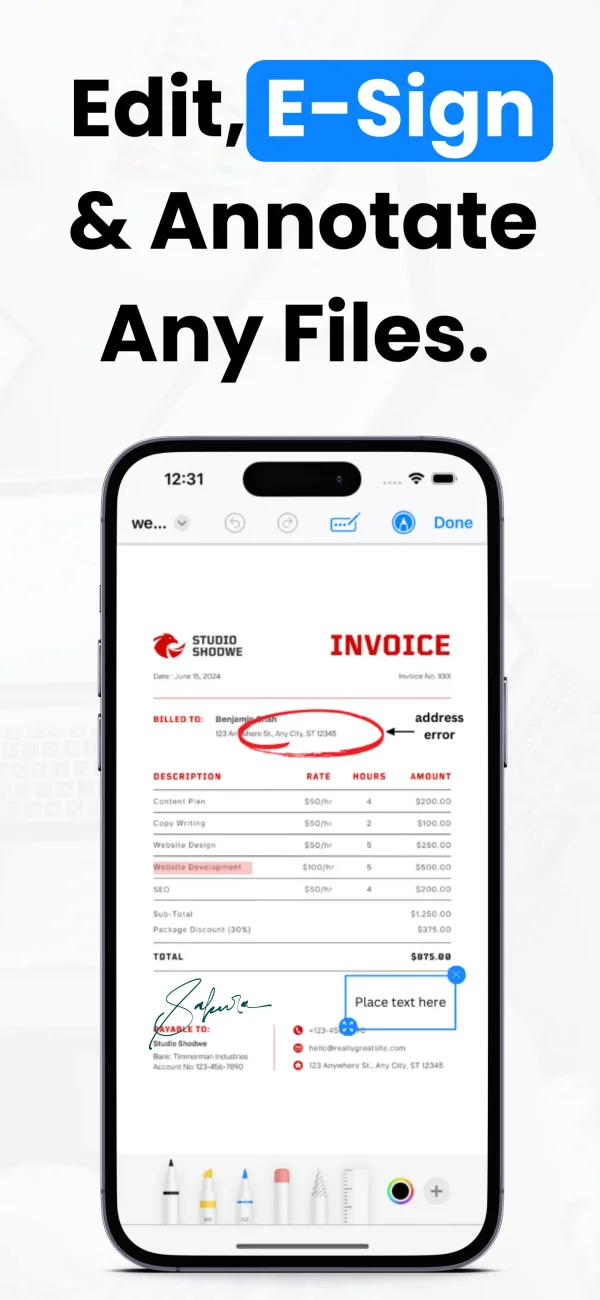
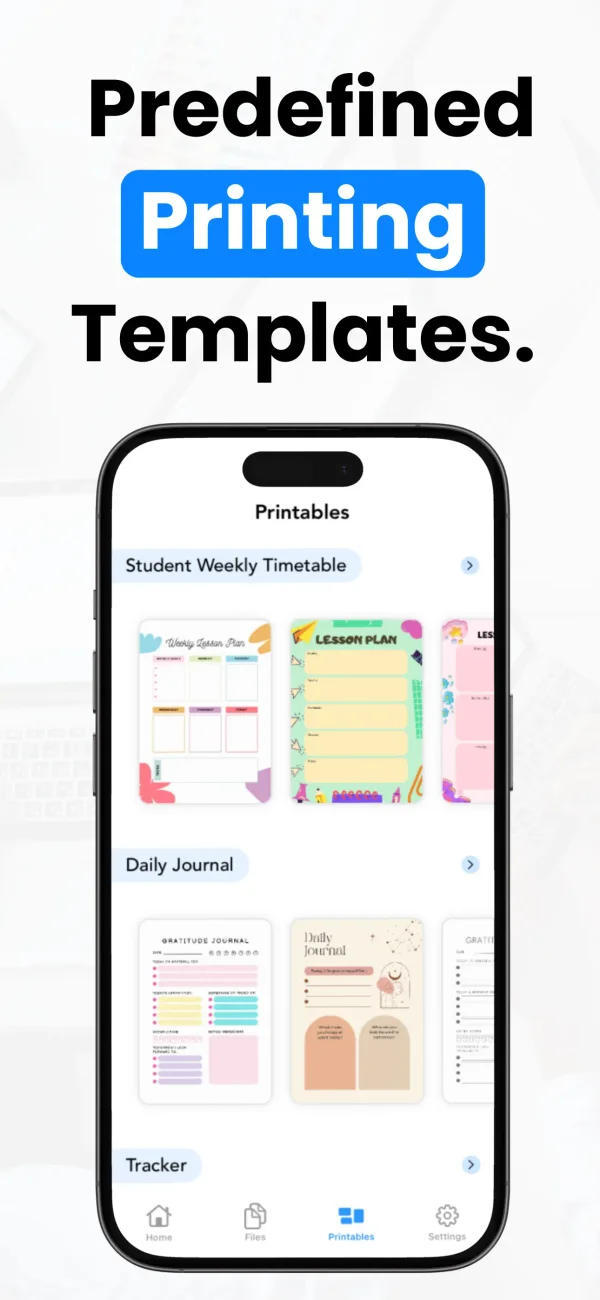
About
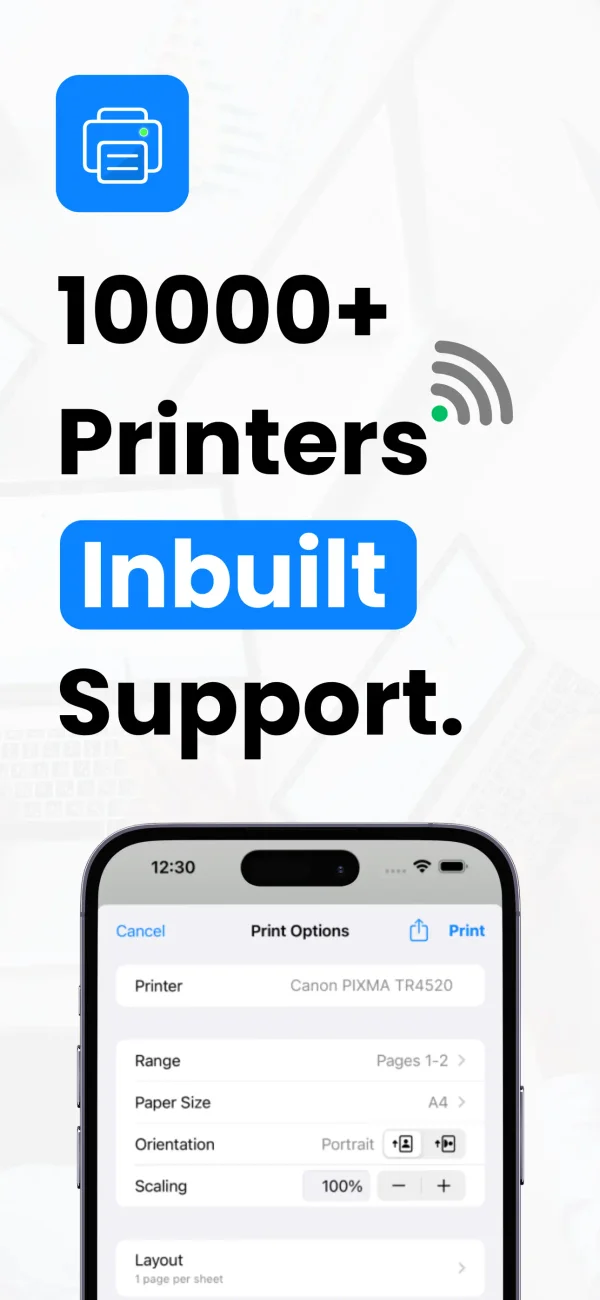
iPrint: Smart Printer App - Your Ultimate Printing Solution (Hp, Brother, Epson, Canon, Konica, Lexmark, Kyocera, Oki, Samsung and more.)
Print, scan, and optimize your mobile printing experience with iPrint, the all-in-one Smart Printer App. Elevate your productivity with powerful features, including ePrint, AirPrint compatibility, an integrated scanner, OCR (Optical Character Recognition), and seamless cloud integration with iCloud and Google Drive.
Effortless Printing with ePrint:
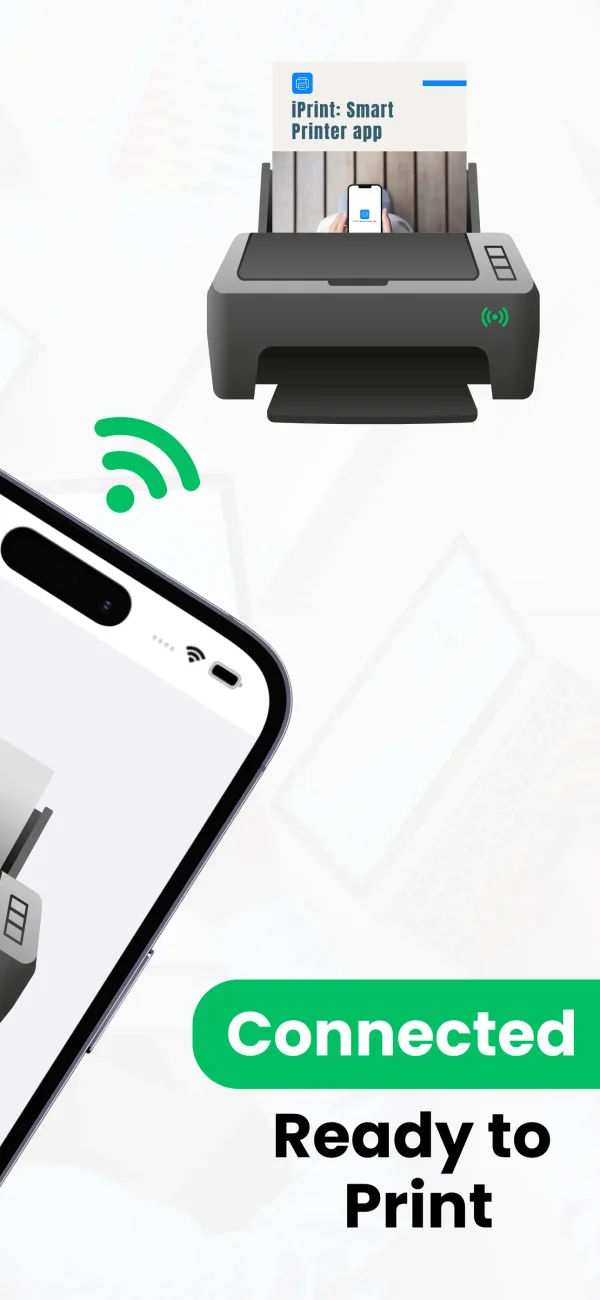
Print directly from your iOS device to any compatible printer on your Wi-Fi network. ePrint makes printing a breeze – no need for a computer or complex configurations.
AirPrint Integration:
iPrint: Smart Printer App seamlessly integrates with Apple's AirPrint technology, allowing you to wirelessly print photos, documents, and more to AirPrint-enabled printers.
Scanner and OCR:
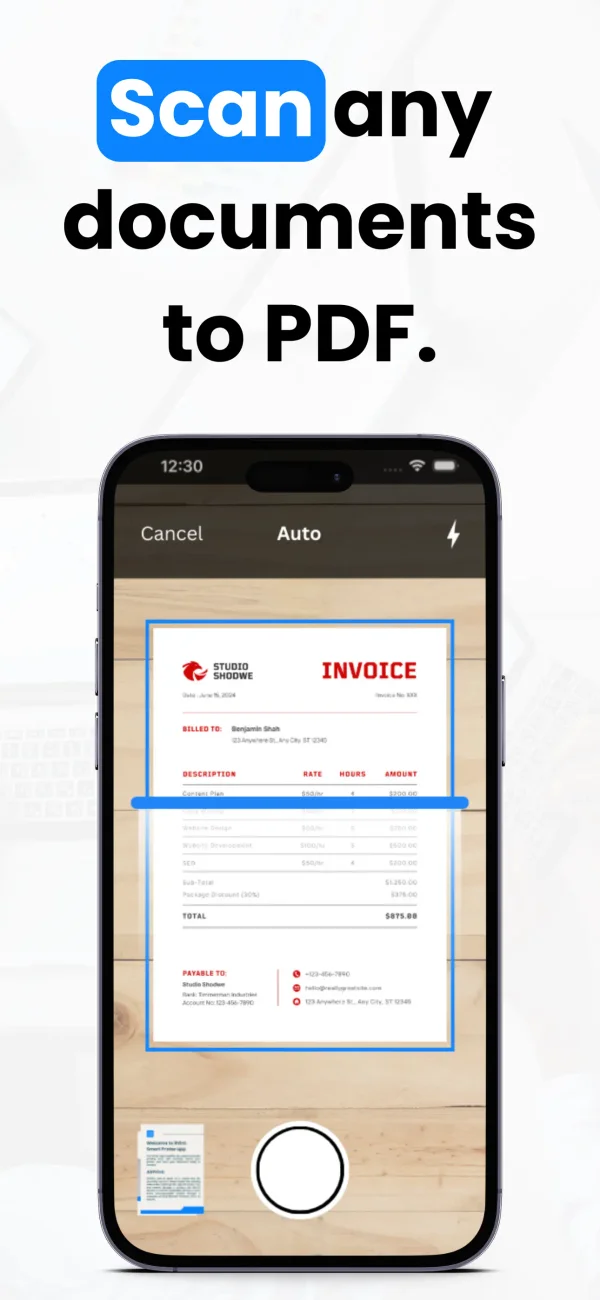
Transform your iOS device into a powerful scanner. Scan physical documents, receipts, or notes, and let our OCR technology convert them into editable text. It's the perfect tool for digitizing and archiving important information.
PDF Editing and Merging:
Edit, modify, and enhance your PDF documents directly within iPrint. Merge multiple PDFs into a single file effortlessly. Tailor your documents to your exact specifications.
eSign Documents:
Say goodbye to paper forms and contracts. eSign documents directly from your device, ensuring a secure and legally binding electronic signature.
Cloud Integration:
Access your documents on-the-go with cloud integration. Connect your iCloud and Google Drive accounts to effortlessly retrieve and print files stored in the cloud.
Privacy and Security:
Your privacy is our priority. iPrint: Smart Printer App follows stringent security measures to ensure your data is handled with care. Rest assured that your information is safeguarded.
Free to Download:
Start using iPrint: Smart Printer App for free and experience the convenience of mobile printing and scanning. Unlock advanced features with in-app purchases or opt for a premium subscription.
***Why Choose iPrint: Smart Printer App?***
• Print wirelessly with ePrint.
• Harness the power of AirPrint for easy document output.
• Scan and OCR for paper-to-digital convenience.
• Edit and merge PDFs right within the app.
• eSign documents for a modern, secure workflow.
• Access and print from your iCloud and Google Drive accounts.
• Ensure the highest levels of data privacy and security.
Elevate your document management experience with iPrint: Smart Printer App. Download now to simplify your printing, scanning, and document handling needs.
***SUBSCRIPTION INFORMATION***
Monthly:
Yearly:
Lifetime:
• Payment will be charged to your iTunes Account at confirmation of purchase.
• Subscription automatically renews unless auto-renew is turned off for at least 24-hours before the end of the current period.
• Account will be charged for renewal within 24-hours prior to the end of the current period at the cost of the chosen package.
• Subscriptions may be managed by the user and auto-renewal may be turned off by going to the user's Account Settings after purchase.
• No cancellation of the current subscription is allowed during the active subscription period.
Privacy policy: https://www.lazyvariable.com/privacy-policy-iprint-smart-printer-app/
Terms of use: https://www.lazyvariable.com/terms-of-use-iprint-smart-printer-app/
https://www.apple.com/legal/internet-services/itunes/dev/stdeula/
FAQs: https://lazyvariable.com/iprint-smart-printer-app-faqs
Printer List: https://support.apple.com/en-in/HT201311
Contact us on :
Email: contact.iprintapp@gmail.com
Support Page: https://forms.gle/XUy4gY5AFbcAirLu8
What’s new
Version 2.3 · Aug 9, 2026
- Introduced Liquid Glass for a smoother, more polished experience.
- Now enjoy seamless Dark Mode and Light Mode support to match your style or system setting.
- Various bug fixes and performance improvement.
App privacy
What AHAD DURRANI declares on the App Store about how this app handles data.
-
Data not collected
The developer does not collect any data from this app.
Privacy practices may vary, for example with the features you use or your age.
Information
- Seller
- AHAD DURRANI
- Category
- Business
- Version
- 2.3
- Updated
- Aug 9, 2026
- Released
- Oct 19, 2023
- Size
- 85.2 MB
- Requires
- iOS 14.0 or later
- Age rating
- 4+
- Price
- Free
- In-app purchases
- Yes
- Languages
- English, Arabic, Dutch, Filipino, French, German, Indonesian, Italian, Japanese, Korean, Polish, Portuguese + 8 more
- Copyright
- © Ahad durrani
You might also like
-
 print photos .printer app smart printer scan
-
 Smart Printer App: PDF & PhotoPrint Documents & Photos
-
 iPrint Printer for AirPrintPrint With Brother Epson Canon
-
 Cloud Ready printerPrint to canon, brother, HP ..
-
 Mobile Print & Smart PrinterAir Smart Printer and Scanner
-
 Printer App: Print & ScanPhotos, PDF, ID Photo, Collage
-
 Fun Print: iPrint and Scan AirAir Print, Mini Printer PDF
-
 Air Printer App: Smart PDFScan Photos, Docs & AirPrint
-
 Air Printer: Scan & Print PDFMobile Printing, Smart Scanner
-
 Printer App: Smart Printer •Scan Documents & Print Photos