Easy Reverse Video Maker
Create Backwards / Rewind Vids
Designed for iPhone, iPod touch
Free · In-app purchases
- Age rating4+
- CategoryPhoto & Video
- DeveloperOsawa Shunsuke
- LanguagesEnglish+ 9 more
- Size28.8 MB
Links to the official App Store page
Download.org hosts no file of Easy Reverse Video Maker. The button opens its official App Store page, published by Osawa Shunsuke. Listing last checked on Nov 24, 2026.
Screenshots
About
Easy Reverse Video Maker turns any video on your iPhone into a reverse (backwards) video in one tap. Add rewind, ping-pong loop, and slow-motion replay effects, then save or share straight to social media and short-form video apps. Free to use, no account required.
■ Perfect for
- Reverse video tricks: splashes, jumps, and falls that magically undo themselves
- Boomerang-style loops that play forward and backward again and again
- "Watch that again" rewind clips for sports, dance, magic tricks, and pets
- Dramatic slow-motion reverse replays
- Converting videos from your Photos library to reverse playback without a complicated editor
■ Key features
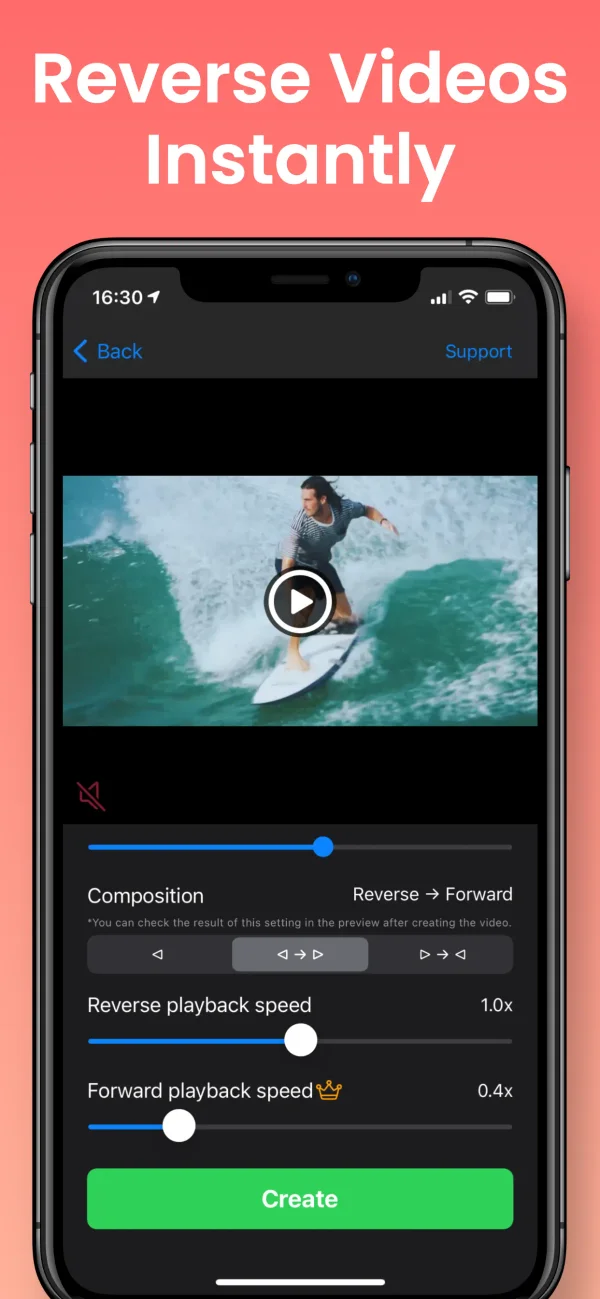
- Reverse video: pick a video, tap Create, and you are done. No timeline, no learning curve
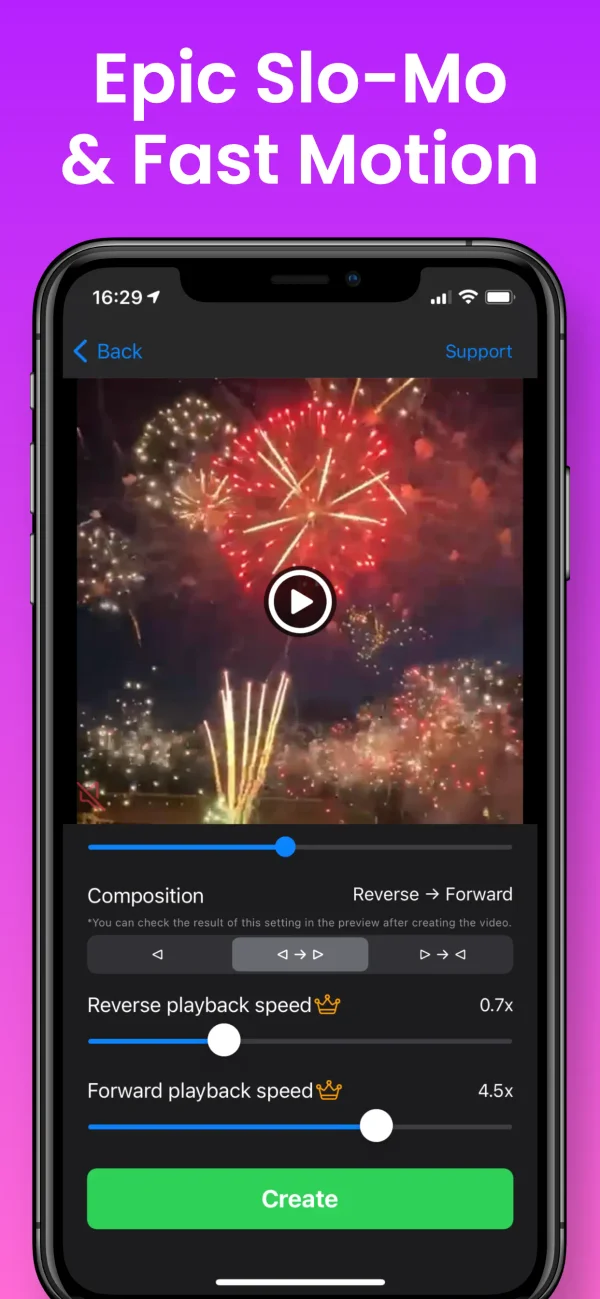
- Reverse then forward: rewind a clip and play it again in a single video
- "Rewind" effect preset: play → rewind at 3x speed → play again (free)
- Audio on/off: keep the reversed sound, or mute it
- Resolution: 720p or 1080p (Pro keeps the original resolution)
- Record with the camera and reverse it on the spot
- Instant preview, then save to Photos or share to any app
- Supports videos from Files and iCloud Drive
■ Pro (one-time purchase, no subscription)
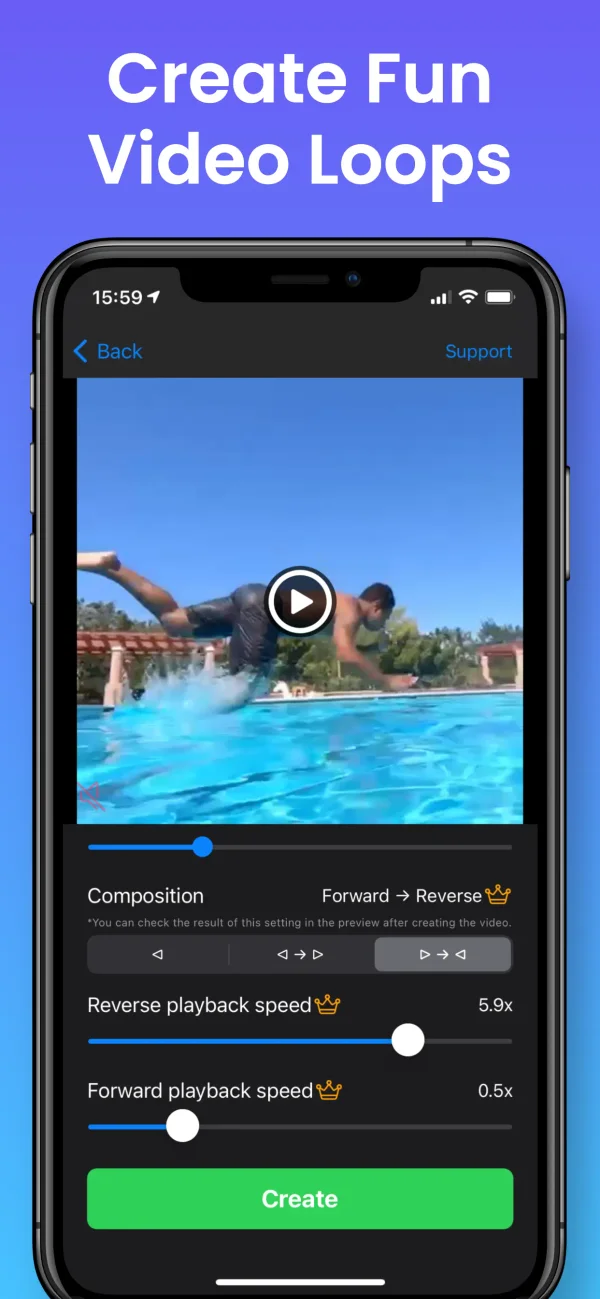
- Forward then reverse
- "Ping-pong" preset: forward and reverse, twice, for seamless loop posts
- "Replay" preset: play → rewind at 2x → play again in 0.5x slow motion
- Custom speed from 0.1x to 10x, set separately for the reverse and forward parts
- Save videos longer than 30 seconds
- Keep the original resolution (4K and HDR supported)
- Choose the file format (MP4)
- Keep capture info (date, location, camera)
- No ads
■ How it works
1. Choose a video from your library (or record one)
2. Pick a pattern or effect preset, audio, and resolution
3. Tap Create, check the preview, then save or share
■ Free vs. Pro
The free version lets you create and save reverse-only, reverse-then-forward, and Rewind videos up to 1080p (clips up to 30 seconds). Pro unlocks longer videos, custom speed, the Ping-pong and Replay presets, and full-quality 4K/HDR export. Pro is a one-time purchase that you keep forever.
■ FAQ
Q. Are my videos uploaded anywhere?
A. No. All processing happens on your device. Your videos never leave your phone.
Q. Is the audio reversed too?
A. Yes. With audio enabled, the sound is reversed along with the video. You can also mute it.
Q. Does it support 4K and HDR?
A. Yes. Pro exports at the original resolution with HDR preserved. The free version exports at 720p or 1080p.
Reverse, rewind, backwards, boomerang loop, slow-motion reverse: every "play it backwards" effect in one simple app. Try it free and reverse your favorite video today.
What’s new
Version 4.2 · Oct 28, 2026
■ Preview the result before you create
Changes to the Rewind, Back & forth, and Replay presets, as well as speed and trim settings, now show up right in the editor preview.
■ Refreshed home screen
"Select From Library" is now the big button at the top, so you can pick a video right away.
App privacy
What Osawa Shunsuke declares on the App Store about how this app handles data.
-
Data used to track you
May be used to track you across apps and websites owned by other companies.
- Identifiers
- Usage data
- Diagnostics
-
Data linked to you
May be collected and linked to your identity.
- Identifiers
- Usage data
- Diagnostics
-
Data not linked to you
May be collected but is not linked to your identity.
- Diagnostics
Privacy practices may vary, for example with the features you use or your age.
Information
- Seller
- Osawa Shunsuke
- Category
- Photo & Video
- Version
- 4.2
- Updated
- Oct 28, 2026
- Released
- Jun 27, 2021
- Size
- 28.8 MB
- Requires
- iOS 16 or later
- Age rating
- 4+
- Price
- Free
- In-app purchases
- Yes
- Languages
- English, French, German, Indonesian, Japanese, Korean, Portuguese, Simplified Chinese, Spanish, Traditional Chinese
- Copyright
- © Shunsuke Osawa
You might also like
-
 RevMov - Reverse Video EditorVideo Reverser And Editor
-
 Reverse Video - Play BackwardsRewind videos and camera files
-
 Video Reverse – Play BackwardsVideo reverser, rewind video
-
 Video Reverse: rewind videosReverser to backward video
-
 Reverse Video Editor - FunnyReverse Vid: Video Reverser
-
 Reverse Video FX: Rewind MovieVideo Reverser Magic Tricks
-
 Reverse Video EditorFunny Backwards Vids Maker
-
 Reverse Vid: Video ReverserRewind, play backwards editor
-
 Video Speed Editor - VBoosterVideo speed changer
-
 Video Speed - Change & EditFast & Slow Play, Speed Editor