EasyLabel Print
Shipping Labels & Receipts
Designed for iPhone, iPad
Free · In-app purchases
- Age rating4+
- CategoryUtilities
- DeveloperThe Kre8 Group Pte. Ltd
- LanguagesEnglish
- Size57.4 MB
Links to the official App Store page
Download.org hosts no file of EasyLabel Print. The button opens its official App Store page, published by The Kre8 Group Pte. Ltd. Listing last checked on Nov 13, 2026.
Screenshots

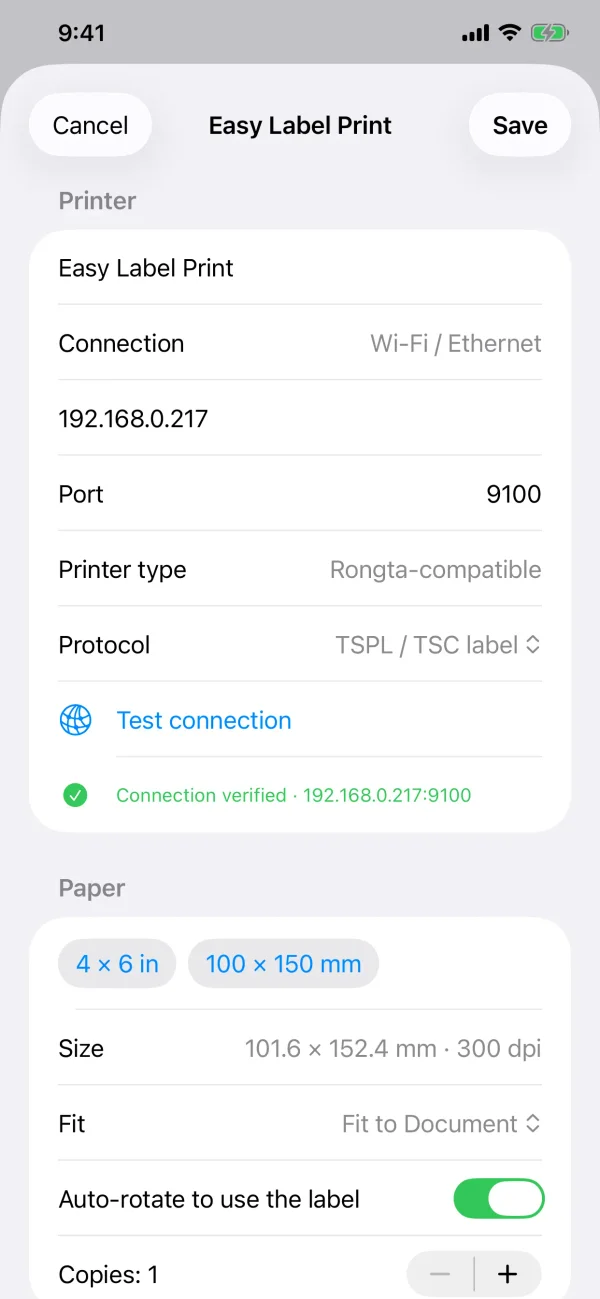
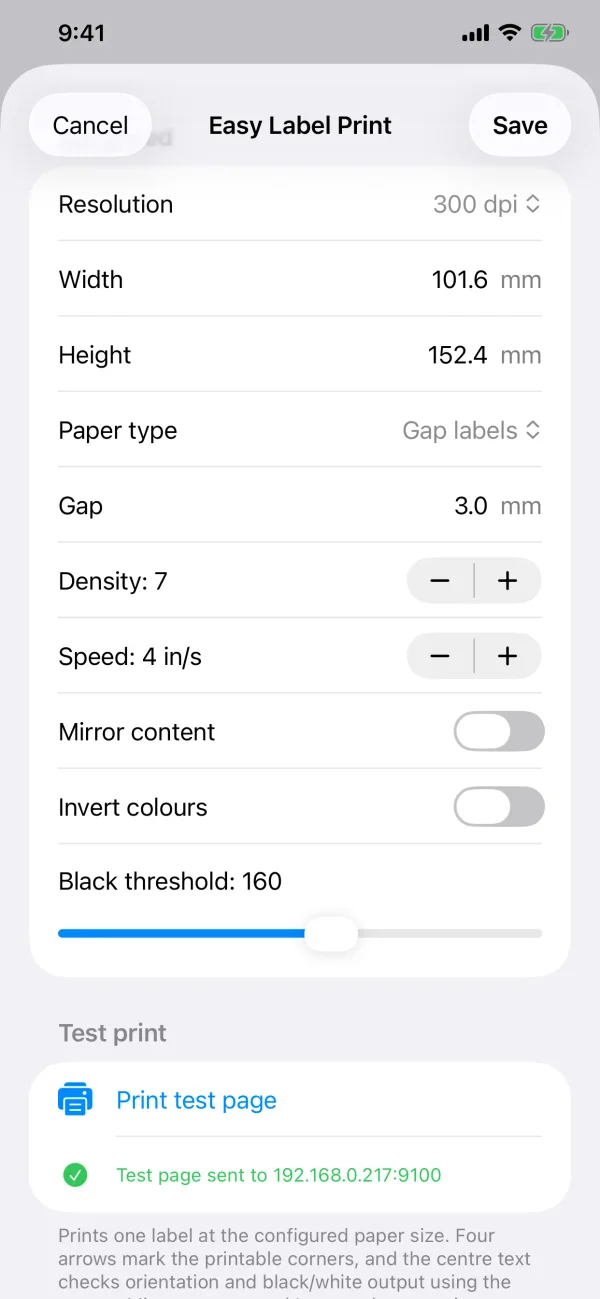
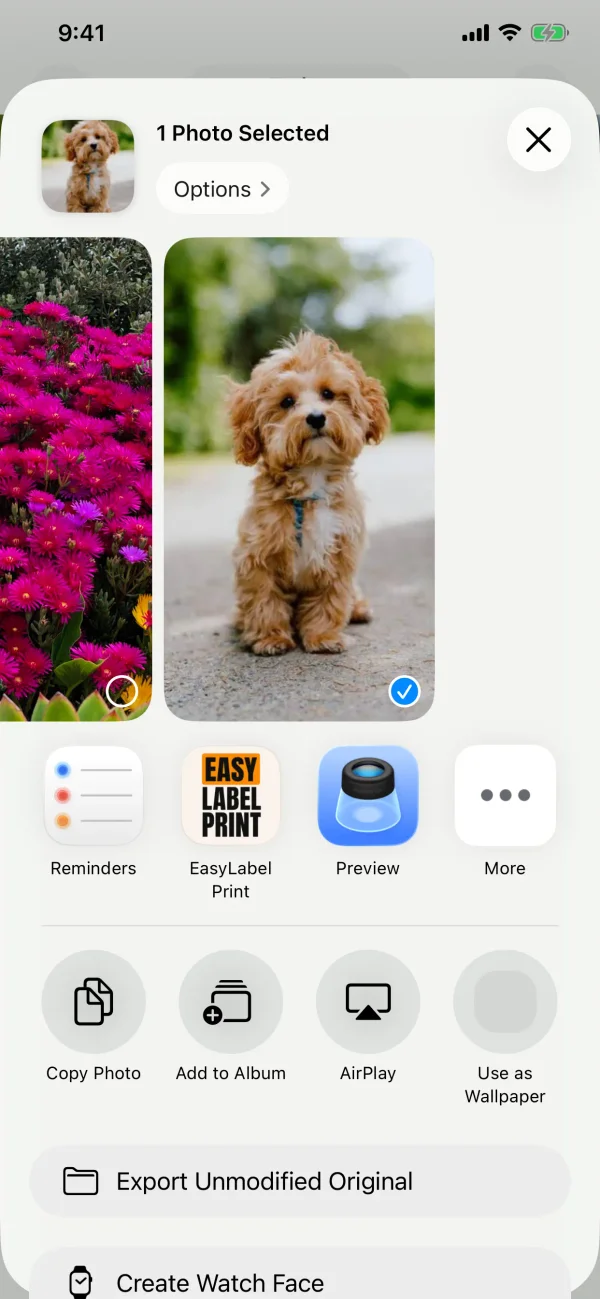
About
Print shipping labels, barcodes, receipts, PDFs and images directly from your iPhone or iPad.
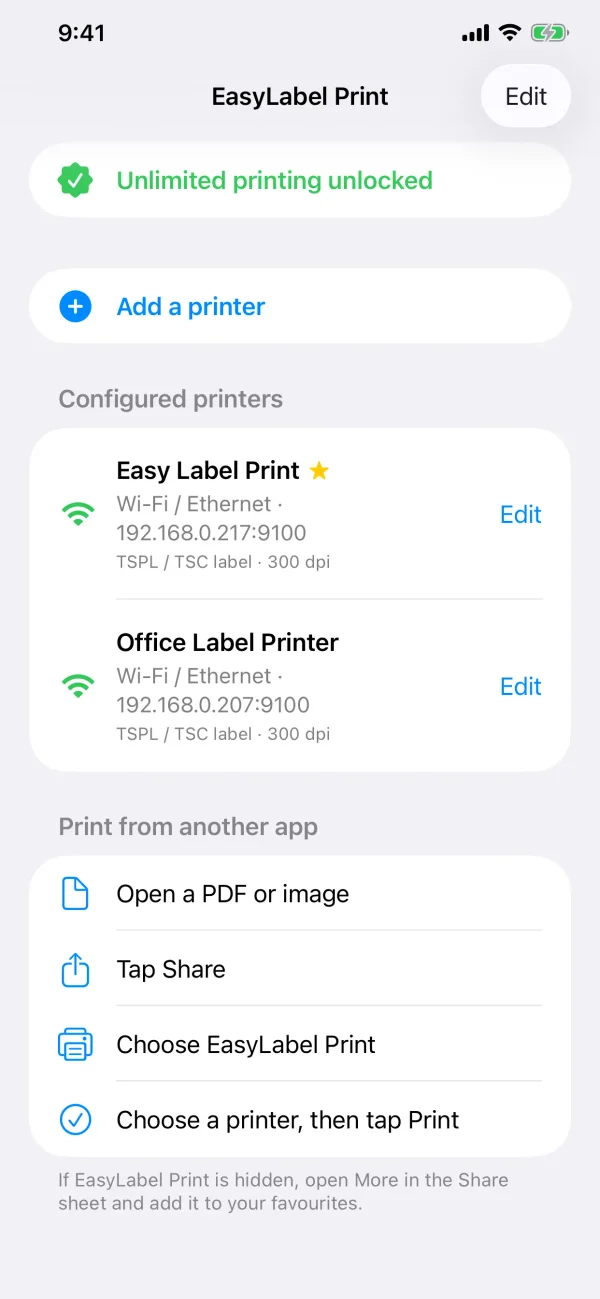
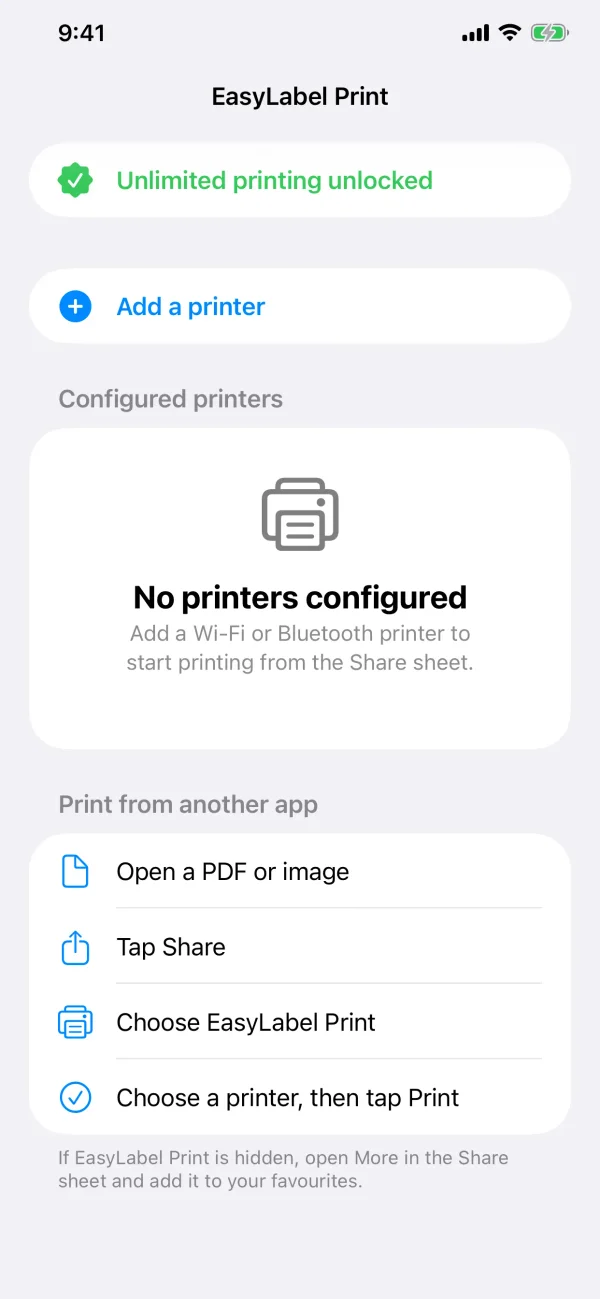
Easy Label Print turns the iOS Share sheet into a direct printing workflow for compatible label and receipt printers. Open a PDF or image, tap Share, choose Easy Label Print, review the job, and print over local Wi-Fi/Ethernet or supported Bluetooth.
FEATURES
• Print PDFs and images from other apps
• Handle multi-page documents and multiple copies
• Choose Fit to Document or Fill Label (may crop)
• Control automatic rotation, mirroring and colour inversion
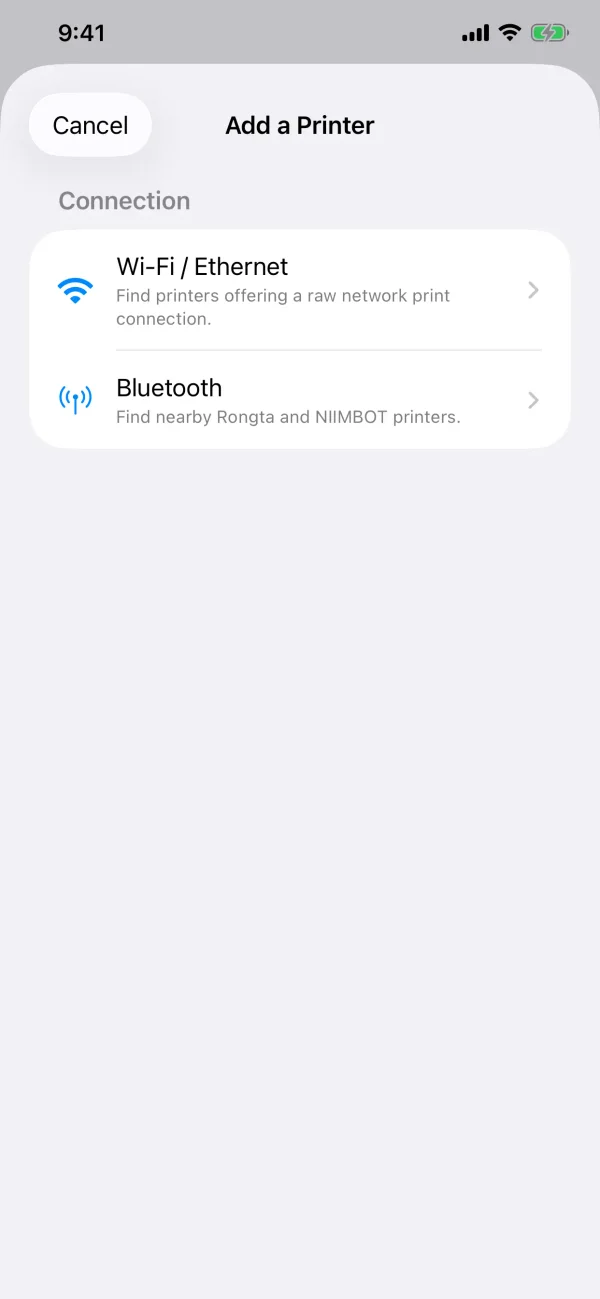
• Discover network and Bluetooth printers or enter a network address manually
• Save printer settings for paper size, resolution, media, density and speed
• Test the connection and print a full-page alignment test
• Configure TSPL/TSC, ZPL, CPCL and ESC/POS command profiles
• Use 20 print shares at no charge: ten standard prints followed by ten with a small Easy Label Print footer
• Purchase a one-time unlock for unlimited printing with no trial artwork
• Optionally accept sponsored unlimited printing on an eligible partner printer; partner marketing then occupies 20% of labels printed with that printer for the disclosed sponsorship term
COMPATIBILITY
Easy Label Print supports Rongta-based label printers, including EasyLabelTech and AUSPRINT models, over Wi-Fi, Ethernet and supported Bluetooth connections. It has been physically tested with an EasyLabelTech 300 dpi Wi-Fi printer using TSPL/TSC over a raw network connection; AUSPRINT printers use the same Rongta-based platform.
Built-in direct-print profiles include TSPL/TSC, ZPL, CPCL and ESC/POS. Select the profile, paper size and resolution for your printer, then use Test Connection and Print Test Page to confirm the setup before production printing.
Sponsored printing is always optional and applies only to the eligible printer whose offer you accept. You can opt out at any time. Other configured printers retain the ordinary 20-print allowance unless unlimited printing has been purchased.
Visit the Easy Label Print support page for setup instructions and current printer information.
EasyLabelTech and Rongta are trademarks of their respective owners. Easy Label Print is an independent application and is not affiliated with or endorsed by Rongta or any printer manufacturer.
What’s new
Version 1.3.6 · Oct 20, 2026
Choose Metric or Imperial units in each printer’s paper settings.
Enter gap, width and height in millimetres or inches, with paper type and fit controls together.
Switch units without changing the physical paper size, and keep using the familiar paper presets.
Includes Photo, Standard and Black and white image-rendering options.
App privacy
What The Kre8 Group Pte. Ltd declares on the App Store about how this app handles data.
-
Data not linked to you
May be collected but is not linked to your identity.
- Diagnostics
Privacy practices may vary, for example with the features you use or your age.
Information
- Seller
- The Kre8 Group Pte. Ltd
- Category
- Utilities
- Version
- 1.3.6
- Updated
- Oct 20, 2026
- Released
- Sep 10, 2026
- Size
- 57.4 MB
- Requires
- iOS 17.0 or later
- Age rating
- 4+
- Price
- Free
- In-app purchases
- Yes
- Languages
- English
- Copyright
- © 2026 The Kre8 Group Pte. Ltd.
You might also like
-
 LabelMaster(Label Printing)Text, Barcode, QR Code Editing
-
 LabelDeckZPL label printer over Wi-Fi
-
 ZPLora: ZPL Viewer & PreflightPrivate Zebra Label Preview
-
 BackfeedThermal Label Printing & Setup
-
 JustPrint ProShare it. It prints.
-
 Friendly Poker TrackerBlind clock, bounties
-
 Link2Label - Label MakerMake labels, templates: print
-
 MiniBot AppControl your MiniBot!
-
 Pairbox: Pairing Code VaultBack up Matter & HomeKit codes
-
 LabelPrint - Crop & PrintThermal 4x6 shipping labels