EasyScan: Doc Scan & Share
Scan documents to PDF
Designed for iPhone
Free · In-app purchases
- Age rating4+
- CategoryProductivity
- DeveloperJINHONG KIM
- LanguagesEnglish+ 5 more
- Size22.2 MB
Links to the official App Store page
Download.org hosts no file of EasyScan: Doc Scan & Share. The button opens its official App Store page, published by JINHONG KIM. Listing last checked on Nov 19, 2026.
Screenshots

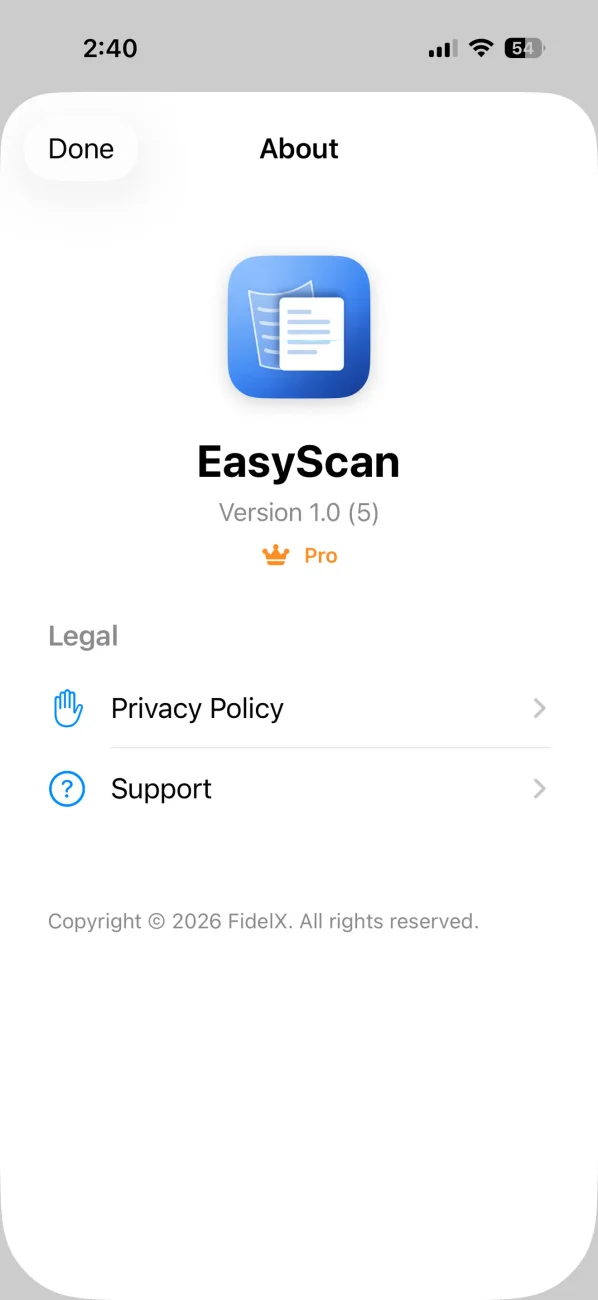
About
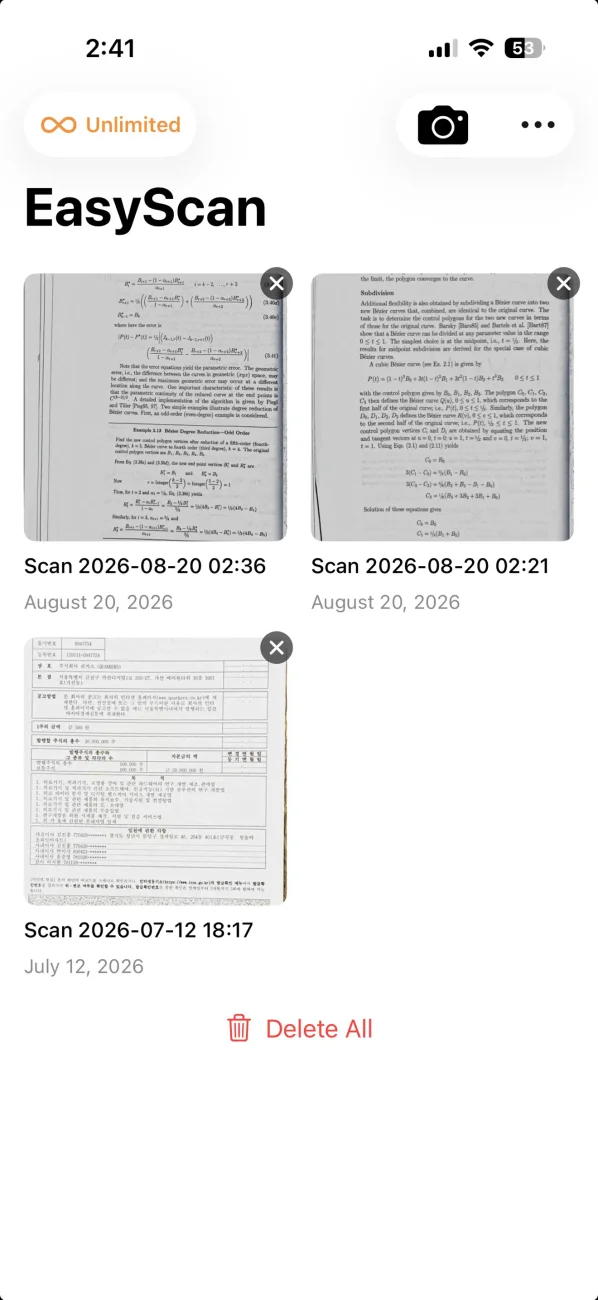
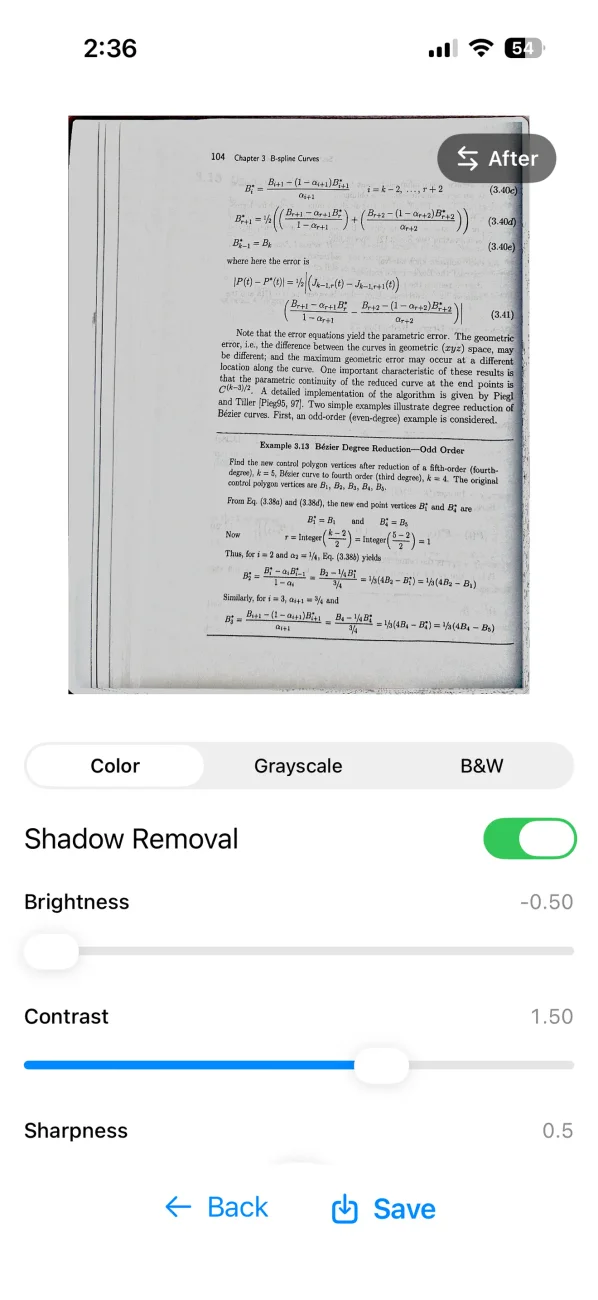
EasyScan turns your iPhone into a fast, private document scanner. Point your camera at any document and EasyScan automatically detects the edges, corrects perspective, removes shadows, and produces a clean, sharp scan ready to share.
SCAN ANYTHING
- Real-time edge detection with automatic capture
- Perspective correction for straight, flat pages
- Shadow removal and enhancement for crisp, readable results
MULTI-PAGE & PDF
- Combine multiple pages into a single PDF
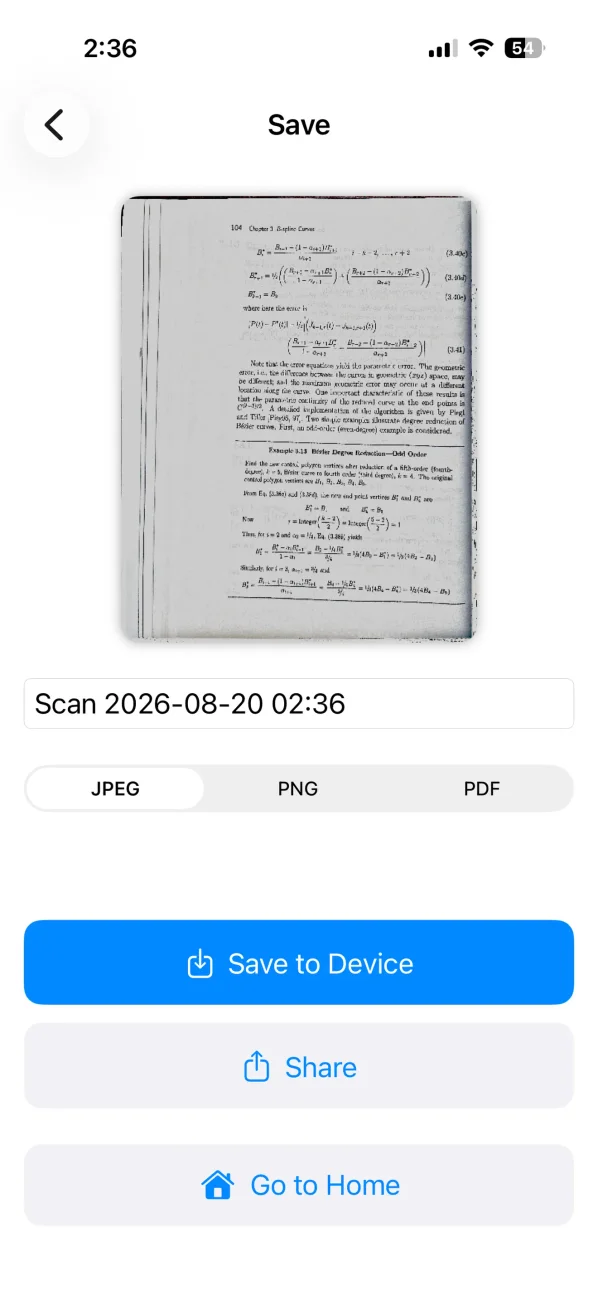
- Export as PDF or image and share anywhere
PRIVATE BY DESIGN
- Everything is processed on your device
- No account, no sign-up, no cloud upload
- Your scans never leave your iPhone
EasyScan is free to use. Upgrade to Pro once to remove ads and unlock unlimited scanning.
App privacy
What JINHONG KIM declares on the App Store about how this app handles data.
-
Data not linked to you
May be collected but is not linked to your identity.
- Identifiers
- Usage data
- Diagnostics
Privacy practices may vary, for example with the features you use or your age.
Information
- Seller
- JINHONG KIM
- Category
- Productivity
- Version
- 1.0
- Updated
- Sep 2, 2026
- Released
- Sep 2, 2026
- Size
- 22.2 MB
- Requires
- iOS 16.0 or later
- Age rating
- 4+
- Price
- Free
- In-app purchases
- Yes
- Languages
- English, French, German, Italian, Japanese, Korean
- Copyright
- © Copyright 2026 FidelX. All rights reserved.
You might also like
-
 EasyScan: PDF Scanner & OCRScan documents to text & image
-
 RealScan - 3D Room DesignScanner & Floor Plan
-
 RoomScan Pro LiDAR floor plansThe easy way to measure rooms
-
 O2 aplikáciaProductivity
-
 Pocket Planner, Calendar, NoteWeek View, To-Do, Diary, Task
-
 SuperNotes Note Taking AppWriting with Pencil for iPad
-
 Planner: Daily, Weekly DiaryCalendar, To-Do List, Notes
-
 Proton Calendar: Secure EventsKeep your schedule private
-
 Onshape 3D CADSpeed Up Your Product Design
-
 Quinyx MobileProductivity