EffortlessShot
How-tos and menus, just shoot
Designed for iPhone, iPod touch
In-app purchases
- Age rating4+
- CategoryProductivity
- DeveloperTakeru Narita
- LanguagesJapanese+ 1 more
- Size38.6 MB
Links to the official App Store page
Download.org hosts no file of EffortlessShot. The button opens its official App Store page, published by Takeru Narita. Listing last checked on Nov 16, 2026.
Screenshots

About
A how-to. A shift plan. A menu. Anything that is a row of photos with a note beside each one — EffortlessShot makes it on the spot.
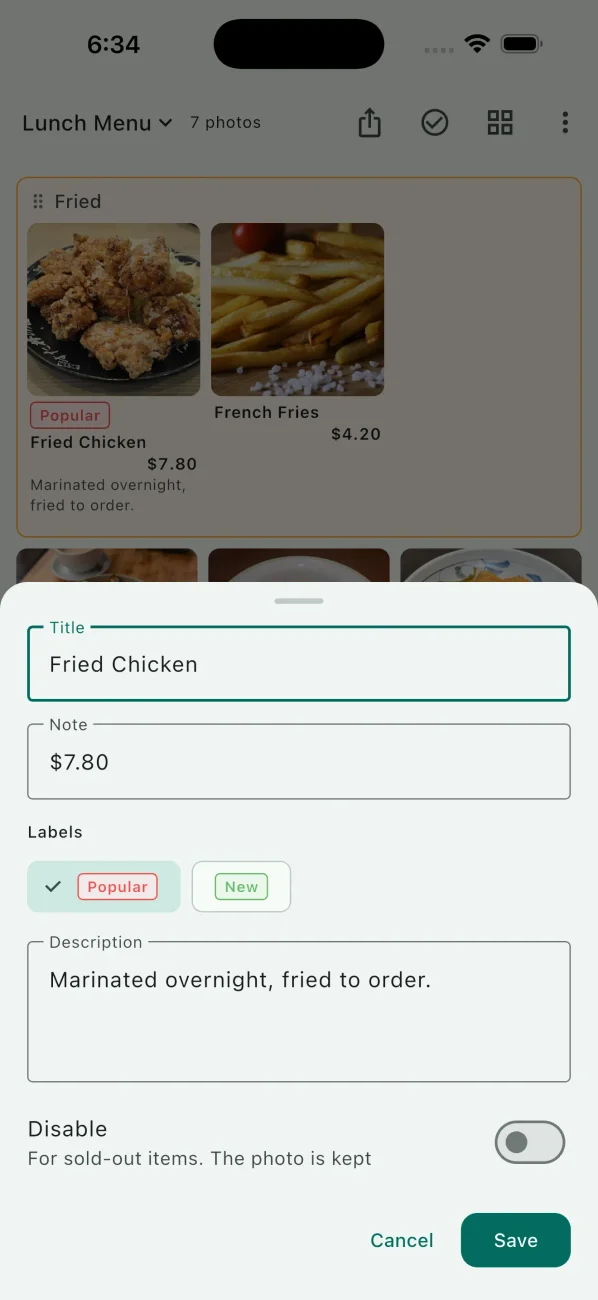
Tap a slot and the camera opens; the photo lands in that slot. Give each one a title and a description, so whoever reads it later knows what they are looking at.
WHAT PEOPLE MAKE WITH IT
- Step-by-step work instructions, in the order you shot them
- Site records and progress logs
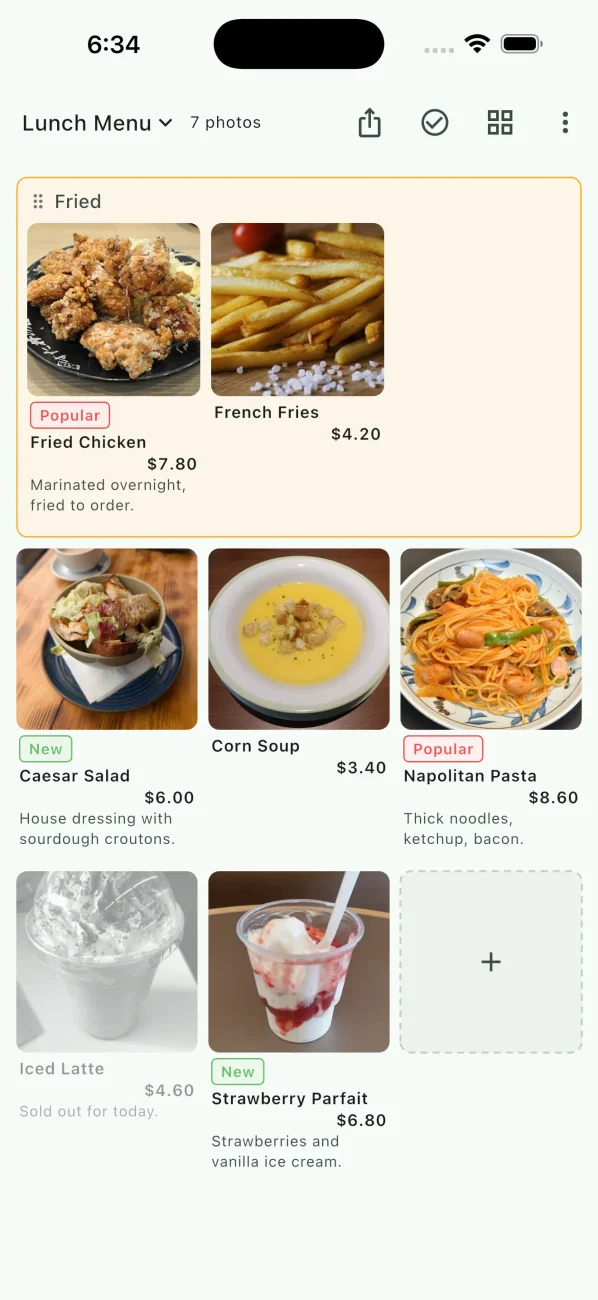
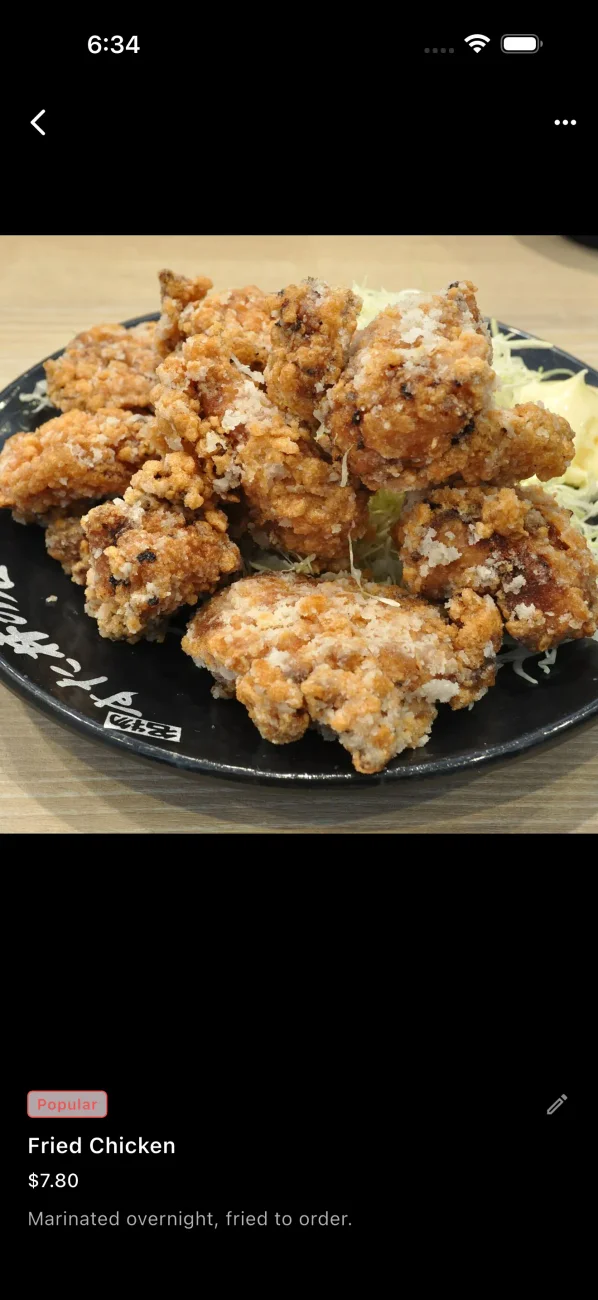
- Menus and product lists: photo, name, price, sold-out greyed out
- Repair and assembly records
- Shopping and stock lists
WHAT IT DOES
- Tap a slot to shoot. Grids of 2 to 5 columns
- A title and description per photo, shown in full — made to be printed
- Continuous shooting: it keeps going until you close the camera
- Insert a photo between two others; drag to reorder
- Group consecutive photos under a heading, with a colour of your choice
- Share a whole folder as a PDF (AirDrop, mail, Files)
- A short note per photo for a price or a duration, right-aligned so it reads as a table
- Labels such as "Popular" or "New", shared across every folder
- Grey out a sold-out photo — it is kept, and one tap brings it back
- Bring in screenshots (armed slot, share sheet, or pick from a list)
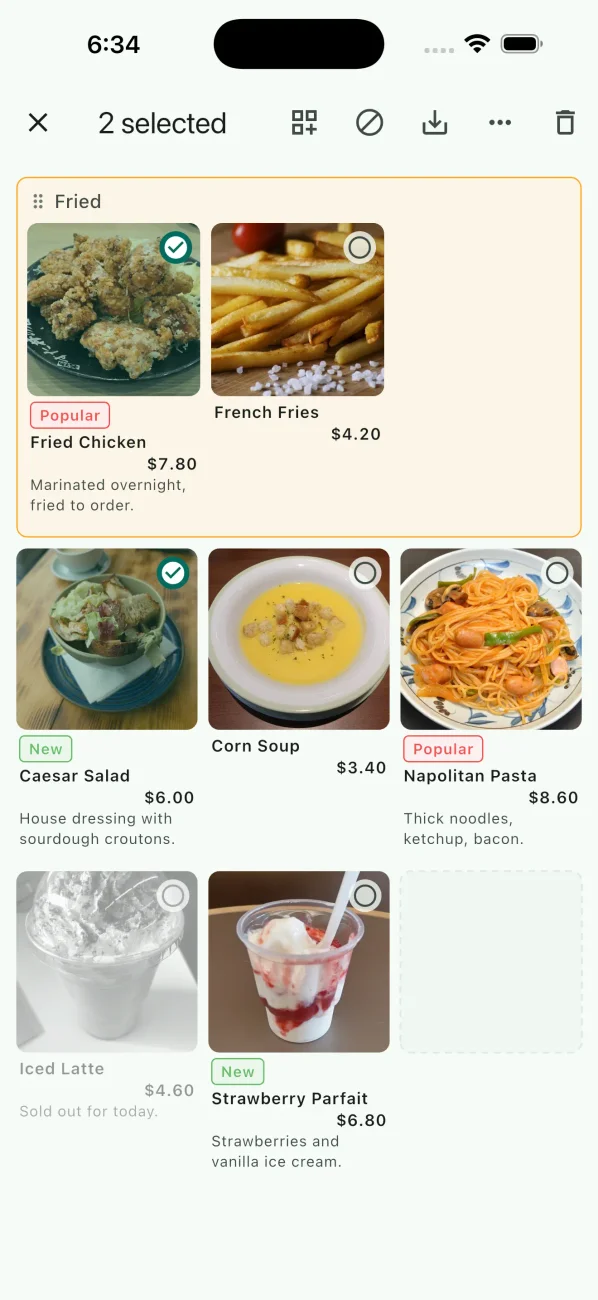
- Save selected photos back to your camera roll
YOUR PHOTOS STAY ON YOUR DEVICE
Photos and the text you write are stored only on your device. No account is needed, and it all works in airplane mode.
FREE, AND PREMIUM
Everything above works for free — shooting, captions, groups, PDF sharing.
You get two folders, enough to keep "work" and "shop" apart.
Premium (bought once, no subscription) adds
- As many folders as you like, one per job or per shop
- No ads
Nothing you have already shot is taken away if you never buy it.
What’s new
Version 1.1.0 · Sep 16, 2026
- The free version now shows one banner ad below the grid. Premium removes it.
- If you already own Premium, the app now says it was restored instead of
presenting it as a new purchase.
- Minor fixes.
App privacy
What Takeru Narita declares on the App Store about how this app handles data.
-
Data used to track you
May be used to track you across apps and websites owned by other companies.
- Identifiers
-
Data linked to you
May be collected and linked to your identity.
- Location
- Identifiers
- Usage data
-
Data not linked to you
May be collected but is not linked to your identity.
- Purchases
- Diagnostics
Privacy practices may vary, for example with the features you use or your age.
Information
- Seller
- Takeru Narita
- Category
- Productivity
- Version
- 1.1.0
- Updated
- Sep 16, 2026
- Released
- Sep 14, 2026
- Size
- 38.6 MB
- Requires
- iOS 15.0 or later
- Age rating
- 4+
- In-app purchases
- Yes
- Languages
- Japanese, English
- Copyright
- © 2026 tsukuruya
You might also like
-
 SakuttoStepsPhoto Guides & Work Manuals
-
 JWT Guide AppProductivity
-
 Checkmate -マニュアル・チェックシート運用ツール-Productivity
-
 DojoウェブマニュアルProductivity
-
 ManualMaker / Manual creationCreate manuals with photos
-
 コンダクターProductivity
-
 DaySche | Daily Task Manager1 day is not always 24 hours.
-
 AnyPlanner - ADHD Day PlannerVisual schedule & to-do list
-
 Barcode Scanner: Bar Code ReadBarcode & QRCode Reader
-
 Tree人気スケジュール帳 仕事のスケジュール共有で予定管理カップルのかわいい縦型手帳、大学・就活と1週間の勉強計画メモ