- Age rating4+
- CategoryPhoto & Video
- DeveloperAkira Shimizu
- LanguagesJapanese+ 1 more
- Size41.1 MB
Links to the official App Store page
Download.org hosts no file of Encadra. The button opens its official App Store page, published by Akira Shimizu. Listing last checked on Nov 23, 2026.
Screenshots

About
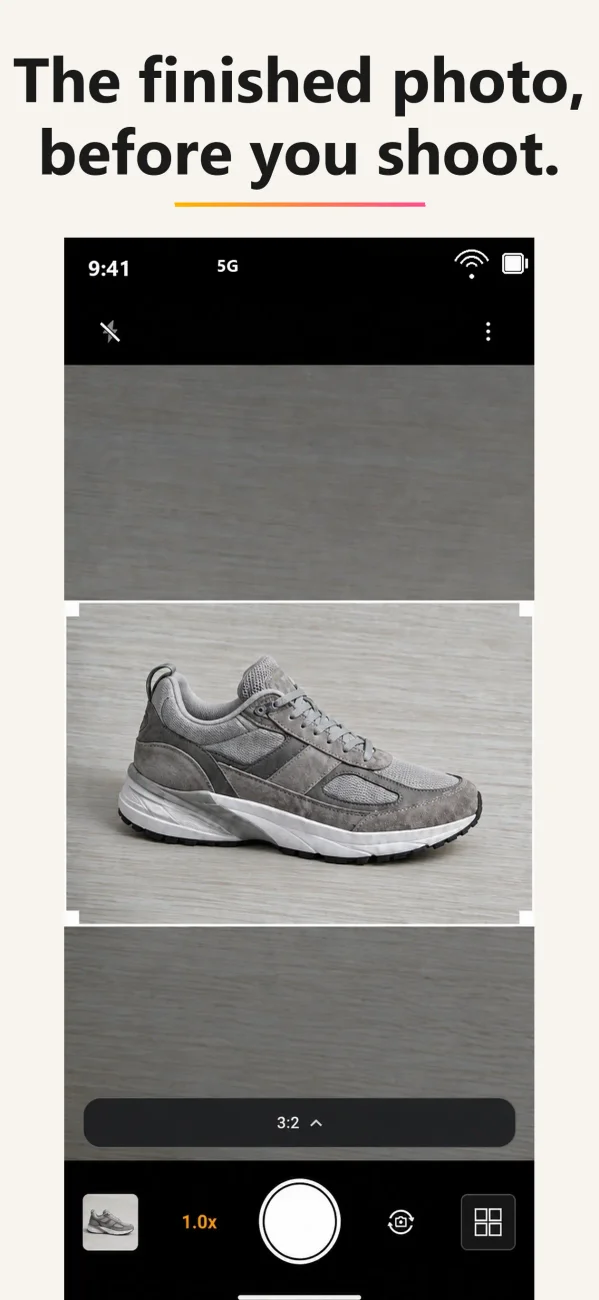
Encadra is a camera that shows you the finished frame before you shoot.
With a regular camera app, the work starts after you shoot: open the photo, crop it, match the aspect ratio, save it again — every single time. Encadra finishes that work at the moment of capture.
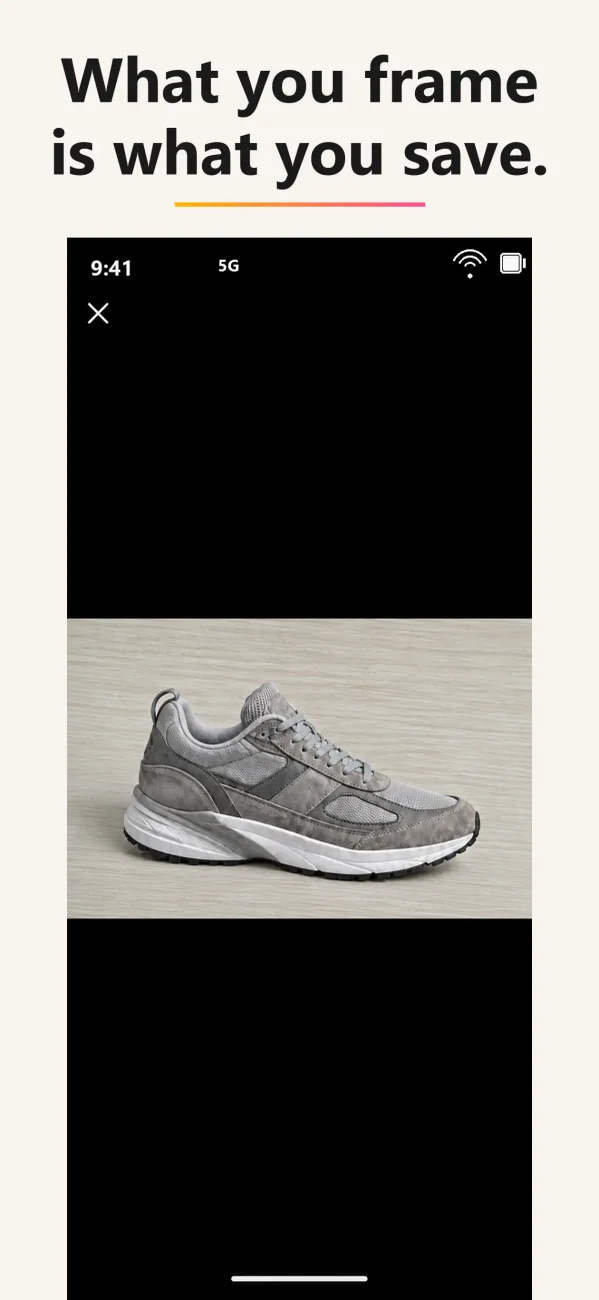
The white frame marks exactly what gets saved. Press the shutter and only the area inside the frame goes to your photo library as a high-quality JPEG. No cropping afterwards.
Hold your iPhone upright and still shoot a landscape composition such as 16:9. No need to rotate the device.
Built for product photos, marketplace listings, and social posts — anywhere a clean, specific ratio matters.
■ Standard ratios (free)
1:1, 4:5, 3:2, 16:9, 9:16. These five cover nearly every ratio that marketplaces and social platforms ask for. The frame stays centered, and you can resize it by dragging the corners — keeping the ratio while you perfect the composition.
■ Frame (free)
Bake a margin or border right into the saved JPEG: a slim border, a polaroid-style frame, or a bottom band, each in six colors. Your shot is finished the moment you take it — no editing app needed.
■ Camera controls
Tap to focus and set exposure. Press and hold to lock focus and brightness while you reframe. Drag from the focus point to fine-tune exposure. Pinch to zoom. Flash off, auto, or on. Switch between the rear and front lens. Your most recent shot is one tap away from the thumbnail, with pinch-to-zoom for a closer look.
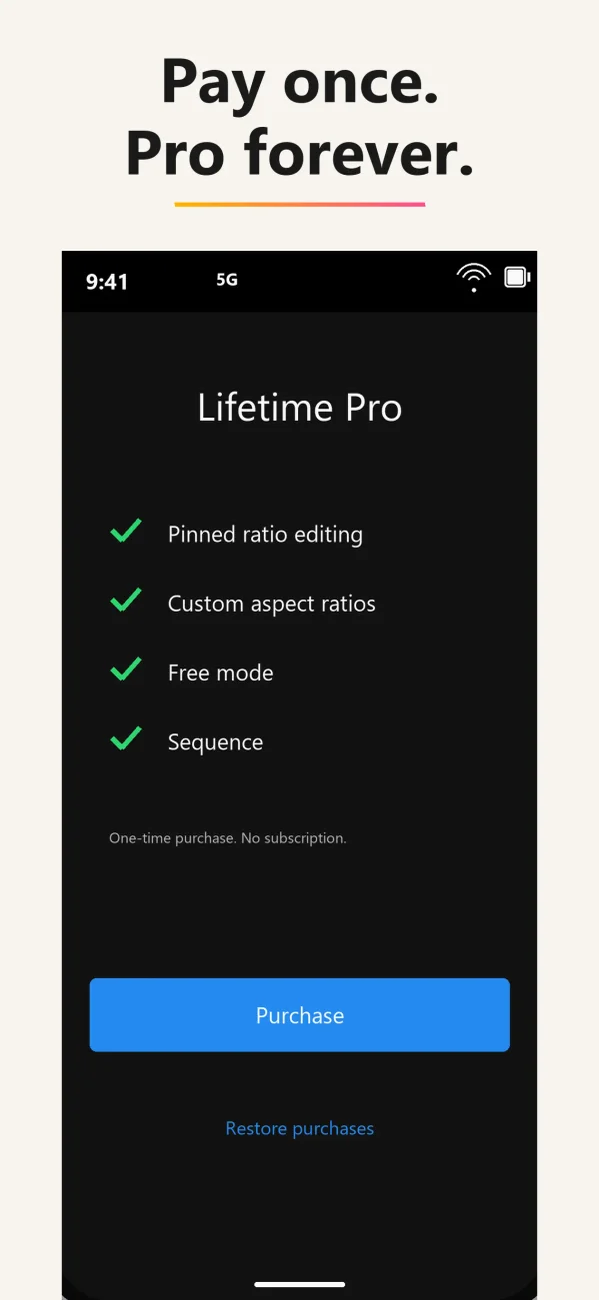
■ Encadra Pro (one-time purchase)
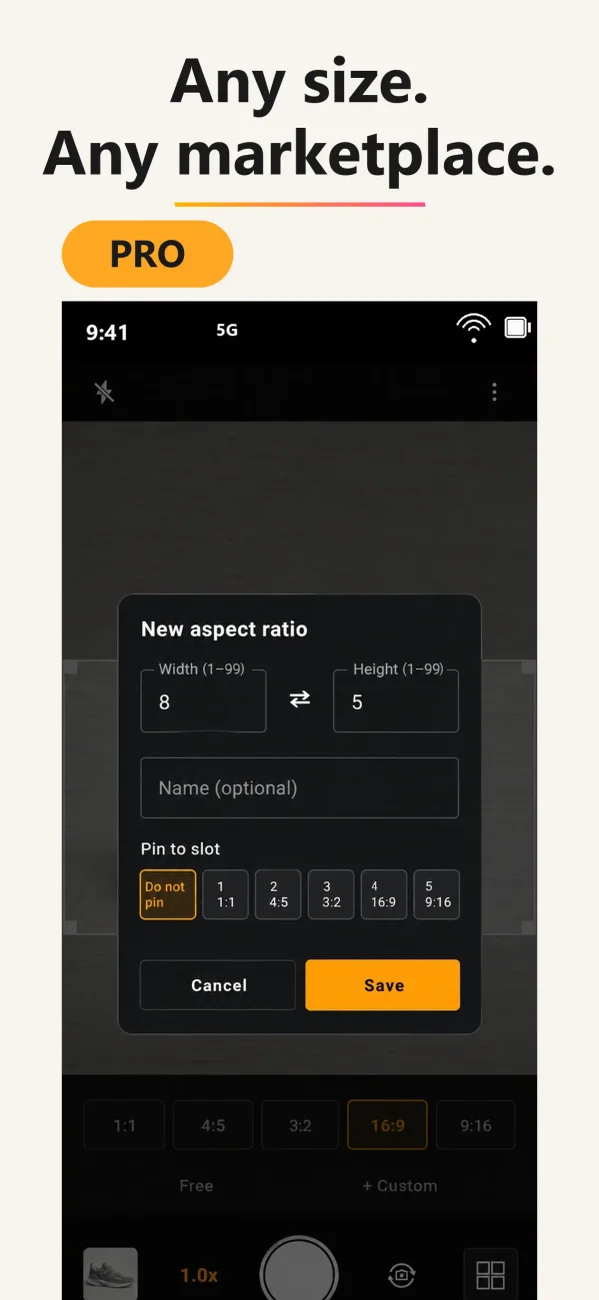
- Custom ratios: set any width and height from 1 to 99, give it a name, and reuse it whenever you need
- Pinned: pick which five ratios sit in the quick picker and reorder them, so you never scroll for the ratio you use most
- Free mode: resize width and height independently, with no fixed ratio — compose exactly what you have in mind
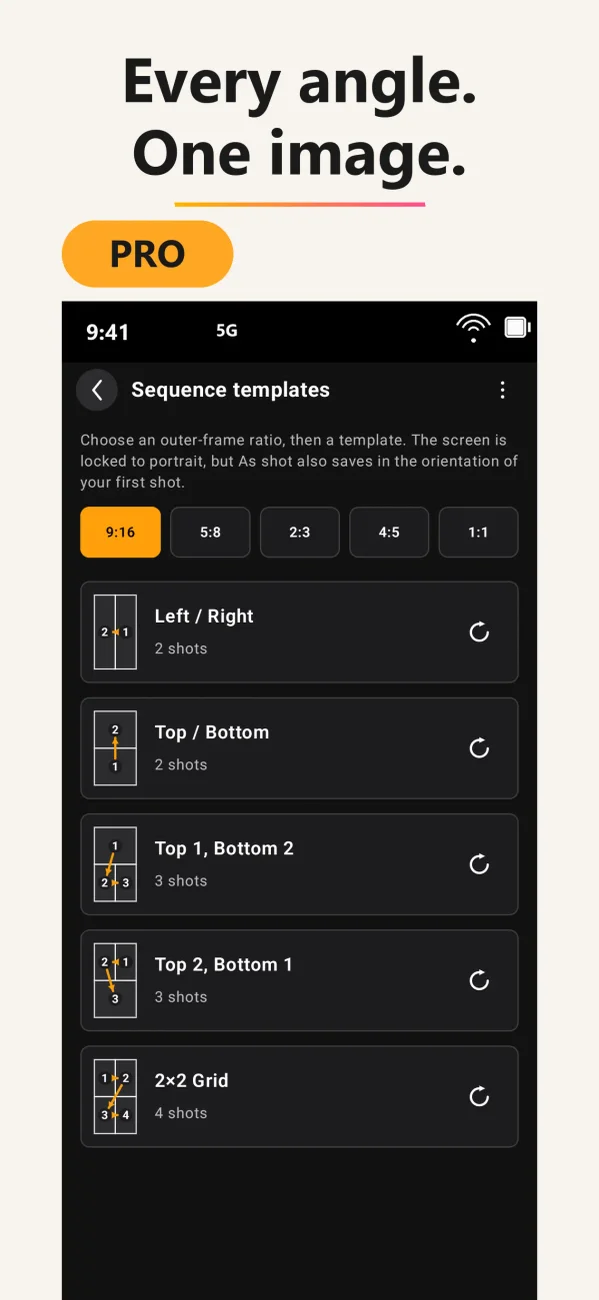
- Sequence: combine 2 to 4 shots into a single image using five fixed layouts — front, back, and tag of an item in one photo
- Watermark: design date/time stamps, your logo, or styled text with an outline option and six colors. Editing is open to everyone; turning the watermark on requires Encadra Pro
One-time purchase. No subscription, no recurring charge, no usage limits. A watermark appears only when you choose to add one. Purchases can be restored with the same Apple ID.
■ Privacy
Cropping, orientation correction, JPEG generation, and Sequence compositing all run on your device. Photos are never uploaded to a server. There is no Encadra account and no cloud sync. No advertising SDK, no behavioral analytics SDK, and no crash reporting SDK is included. Encadra does not request location permission and does not use location data.
Terms of Use: https://convly.jp/encadra/en/terms/
Privacy Policy: https://convly.jp/encadra/en/privacy/
What’s new
Version 1.4.0 · Nov 15, 2026
Added Custom Frames: register your own images as frames and shoot with them in place. One slot on the free plan, up to 20 with Pro.
App privacy
What Akira Shimizu declares on the App Store about how this app handles data.
-
Data not linked to you
May be collected but is not linked to your identity.
- Purchases
- Identifiers
Privacy practices may vary, for example with the features you use or your age.
Information
- Seller
- Akira Shimizu
- Category
- Photo & Video
- Version
- 1.4.0
- Updated
- Nov 15, 2026
- Released
- Sep 21, 2026
- Size
- 41.1 MB
- Requires
- iOS 17 or later
- Age rating
- 4+
- In-app purchases
- Yes
- Languages
- Japanese, English
- Copyright
- © 2026 Convly
You might also like
-
 FrameSleek: Pro CameraCrop Guides & Safe Zones
-
 PuntFreeTake focus shifted photos.
-
 FlatShot〜絶対に勝手に回転しないカメラ〜Photo & Video
-
 MatchFrames:Overlay PhotosMatch perfect photo and video.
-
 Crop&ScaleCrop, resize & convert images
-
 Sideways: Portrait Grip CameraLandscape shots, portrait grip
-
 light & deepLight Meter & Depth of Field
-
 CinemaCameraPhoto & Video
-
 dualitycamCapture moments at once
-
 shots: cinematic story makerimage size, blur and frames