
EPS Viewer, Reader, Converter
Open EPS File to PNG, SVG, PDF
Designed for iPhone, iPad, Mac, iPod touch
Free · In-app purchases
- Age rating4+
- CategoryGraphics & Design
- DeveloperRush Tools LLC
- LanguagesEnglish+ 22 more
- Size53.5 MB
Links to the official App Store page
Download.org hosts no file of EPS Viewer, Reader, Converter. The button opens its official App Store page, published by Rush Tools LLC. Listing last checked on Nov 23, 2026.
Screenshots
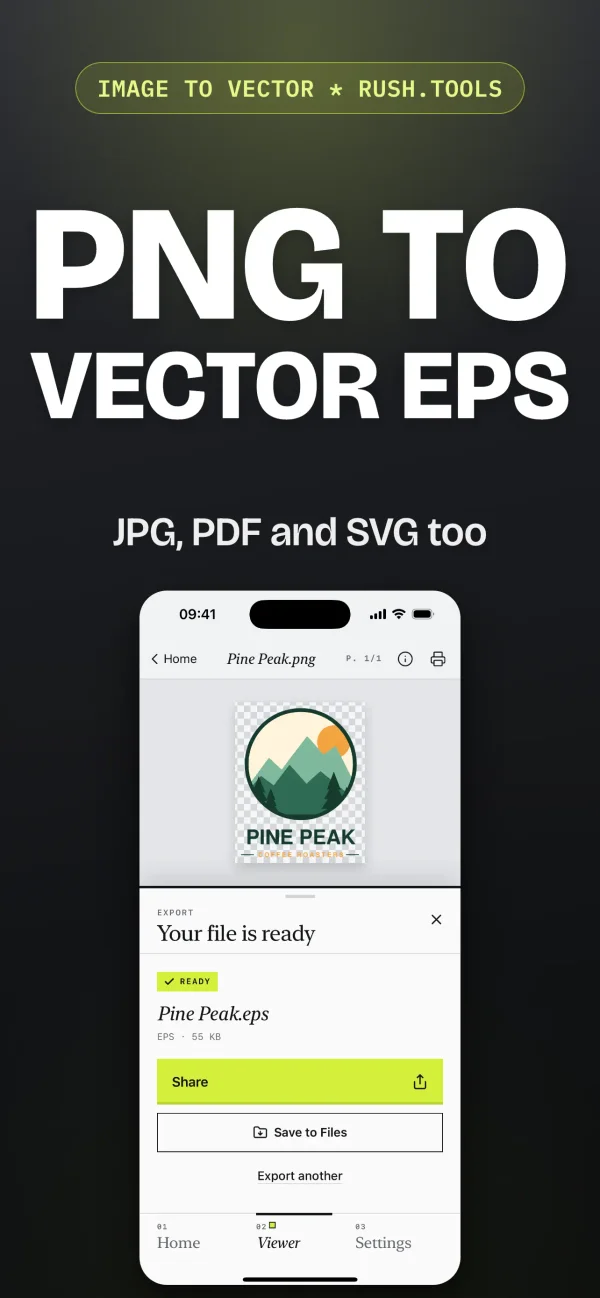
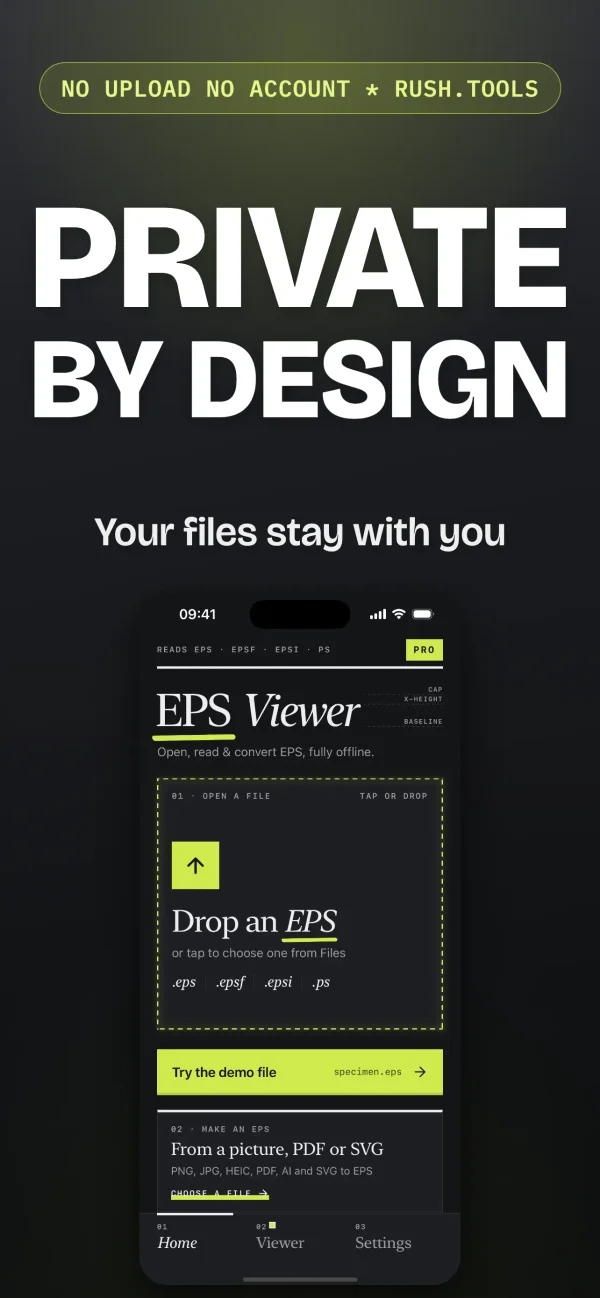
About
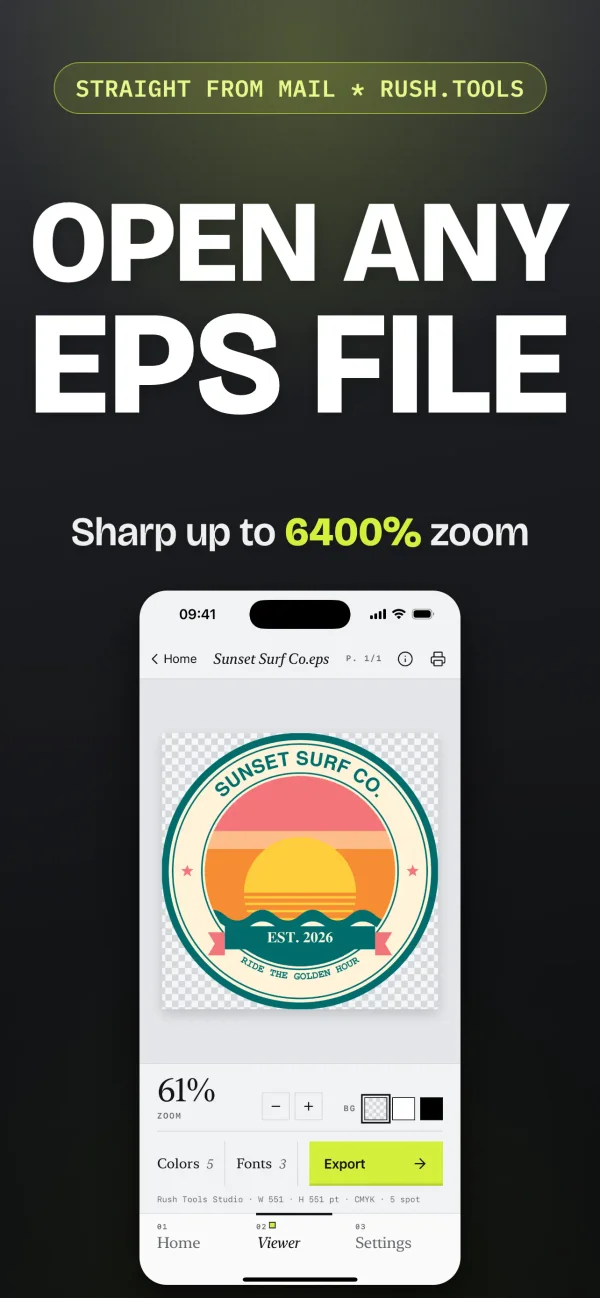
EPS Viewer opens EPS, EPSF, EPSI and PostScript files and draws the artwork exactly as it was made, right on your phone. See the shapes, colors and text as sharp at 6400% as they are at actual size, fully offline.
WHAT IT OPENS
• Every EPS, EPSF, EPSI and PostScript file, single page or multi page
• Zoom to 6400% and the artwork stays sharp, redrawn from the real vector shapes every time
• Every color: process plates and spot inks, listed by name
• Every font the file uses, embedded or matched from your device
• File details: size, PostScript level, the app that made it, dates and the bounding box
CHANGE THE COLORS
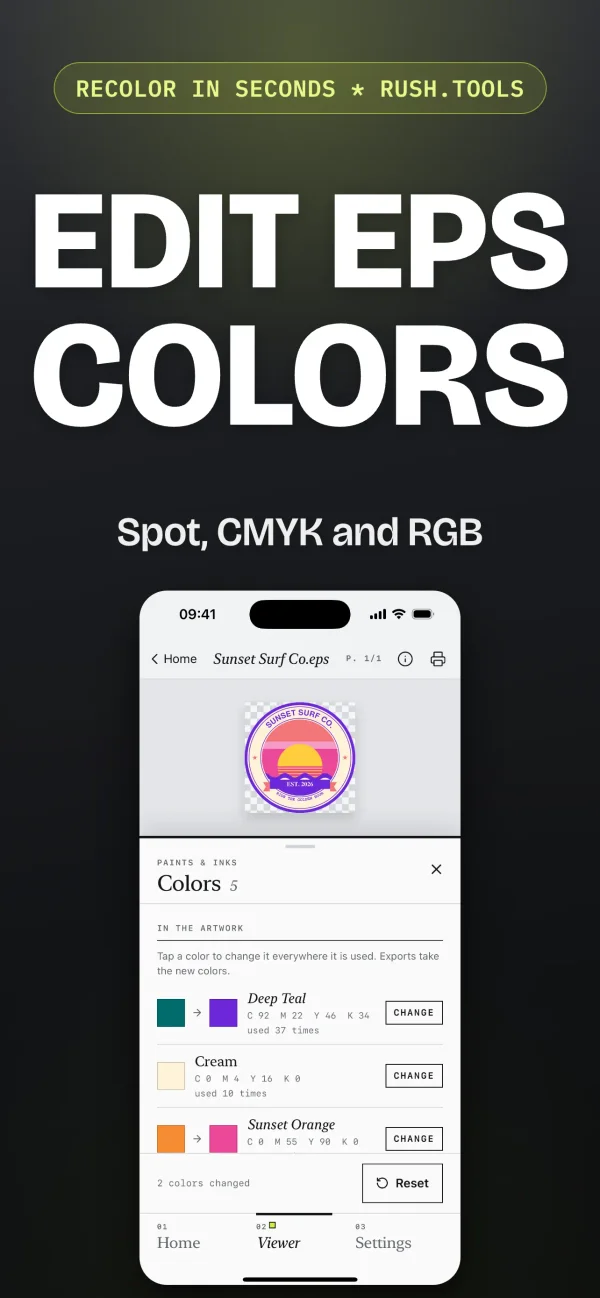
• Tap any color to change it everywhere it is used, in RGB or CMYK
• A picture inside the file traces into vector shapes so its colors can change too
TURN IT INTO WHAT YOU NEED
These tools require an in-app purchase:
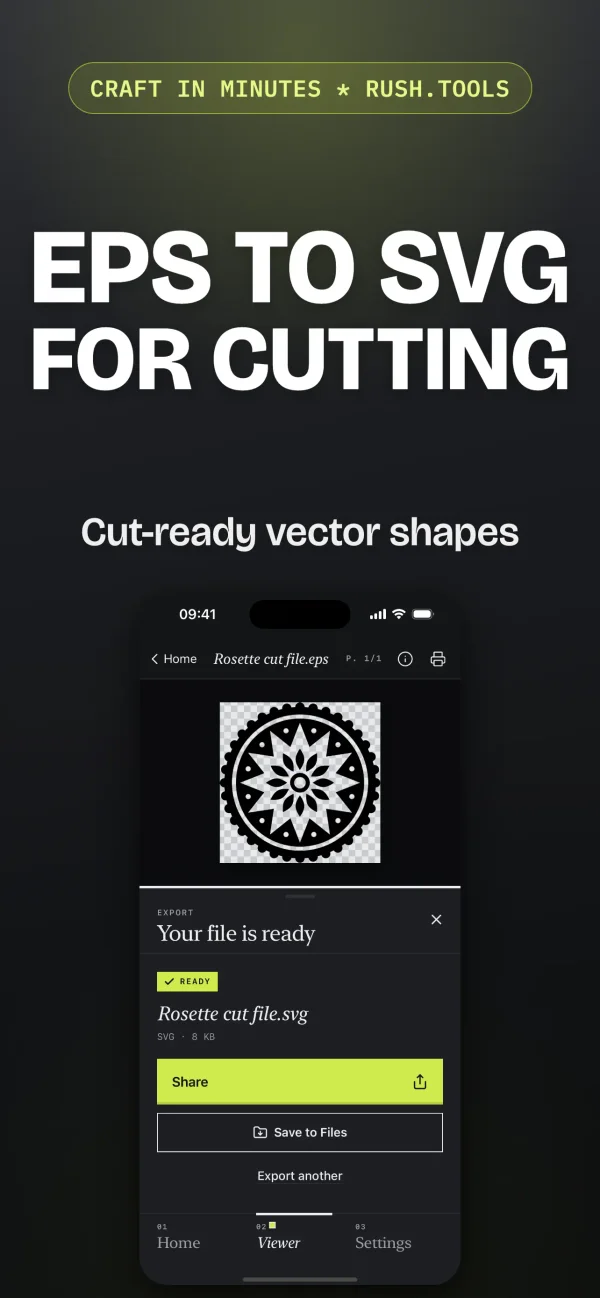
• Export presets for exactly where the file is going: a cutting machine, a website, a social post, the print shop, stock sites, a laser cutter, or any design app
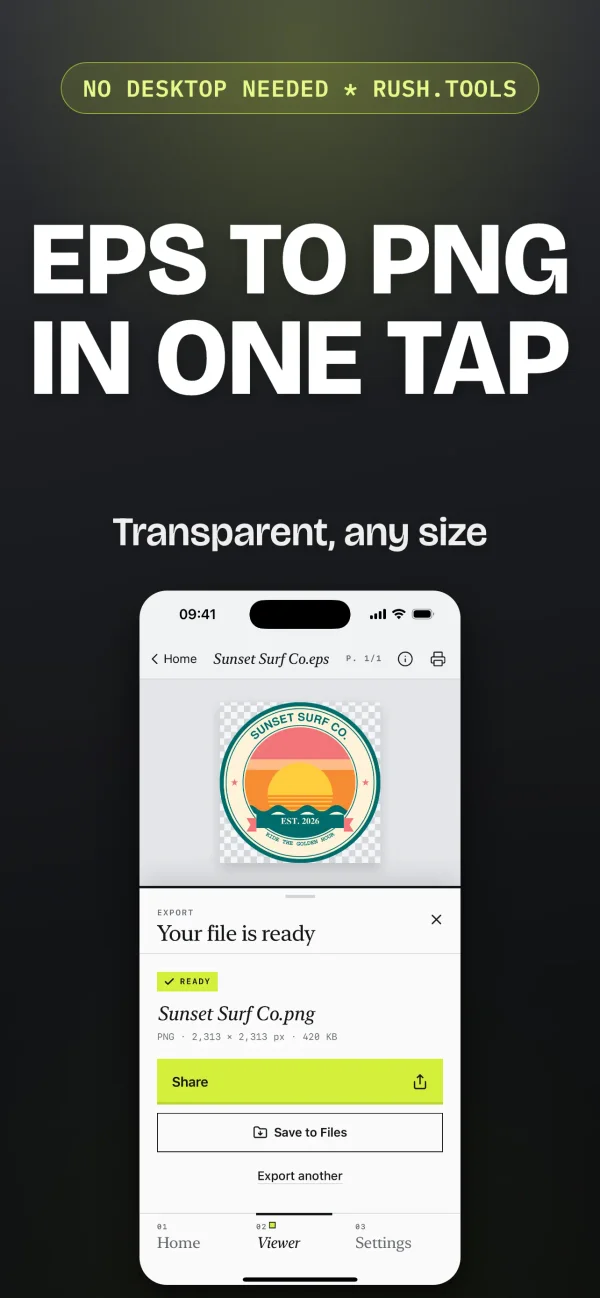
• Save as PNG, SVG, PDF, EPS, EPS 10, AI, DXF, PSD, EMF, JPG, HEIC or TIFF, transparent or on a background, trimmed to the artwork
• Turn a picture, PDF, SVG or AI file into a brand new EPS, traced into vector shapes or kept exactly as it is
• Convert a whole folder of files at once
• Print
Open a file from the Files app, Mail, AirDrop or any app's Share Sheet, or tap "Open a file" inside EPS Viewer. No account, no login required. Works on iPhone, iPad and Mac. Every file stays on your device, nothing is uploaded.
PostScript is a registered trademark of Adobe. EPS Viewer is an independent app and is not affiliated with, sponsored or endorsed by Adobe.
Privacy Policy: https://rush.tools/privacy
Terms of Use: https://rush.tools/terms
What’s new
Version 1.1.7 · Nov 22, 2026
Minor refinements.
(EPS Viewer, Reader, Converter)
App privacy
What Rush Tools LLC declares on the App Store about how this app handles data.
-
Data not collected
The developer does not collect any data from this app.
Privacy practices may vary, for example with the features you use or your age.
Information
- Seller
- RUSH TOOLS LLC
- Category
- Graphics & Design
- Version
- 1.1.7
- Updated
- Nov 22, 2026
- Released
- Sep 30, 2026
- Size
- 53.5 MB
- Requires
- iOS 15.0 or later
- Age rating
- 4+
- Price
- Free
- In-app purchases
- Yes
- Languages
- English, Arabic, Danish, Dutch, Finnish, French, German, Indonesian, Italian, Japanese, Korean, Norwegian Bokmål + 11 more
- Copyright
- © 2026 RUSH TOOLS LLC.
You might also like
-
 EPS ViewerPreview EPS file content.
-
 Font Maker: My HandwritingHandwriting Keyboard & TTF
-
 AI SVG Maker - SVG ConverterAI SVG Editor, Vector,JPG,PNG
-
 Easy Color ChartGraphics & Design
-
 Speed Lines Maker – Comic FXGraphics & Design
-
 CDR Viewer Editor.cdr, .cdt &.cmx ViewerEditor
-
 Vector ConverterSupports SVG,EPS,PSD,AI & more
-
 WAIVideoAI
-
 VectorView - File OrganizerEPS, XPS, CDR, PSD, PDF, EMF..
-
 Flag MakerCustom Designer, Editor & GIFs