
EPS Viewer
Preview EPS file content.
Designed for iPhone, iPad
Free · In-app purchases
- Age rating4+
- CategoryGraphics & Design
- DeveloperVaibhav Singhal
- LanguagesEnglish+ 16 more
- Size34.9 MB
Links to the official App Store page
Download.org hosts no file of EPS Viewer. The button opens its official App Store page, published by Vaibhav Singhal. Listing last checked on Nov 12, 2026.
Screenshots

About
EPS Viewer – Preview & Convert EPS Files
Easily preview, open, and convert EPS (Encapsulated PostScript) files to PNG, JPG, and PDF formats with a simple, user-friendly interface.
Key Features
Offline File Processing: Process supported EPS files directly on your device without needing to upload them to a server.
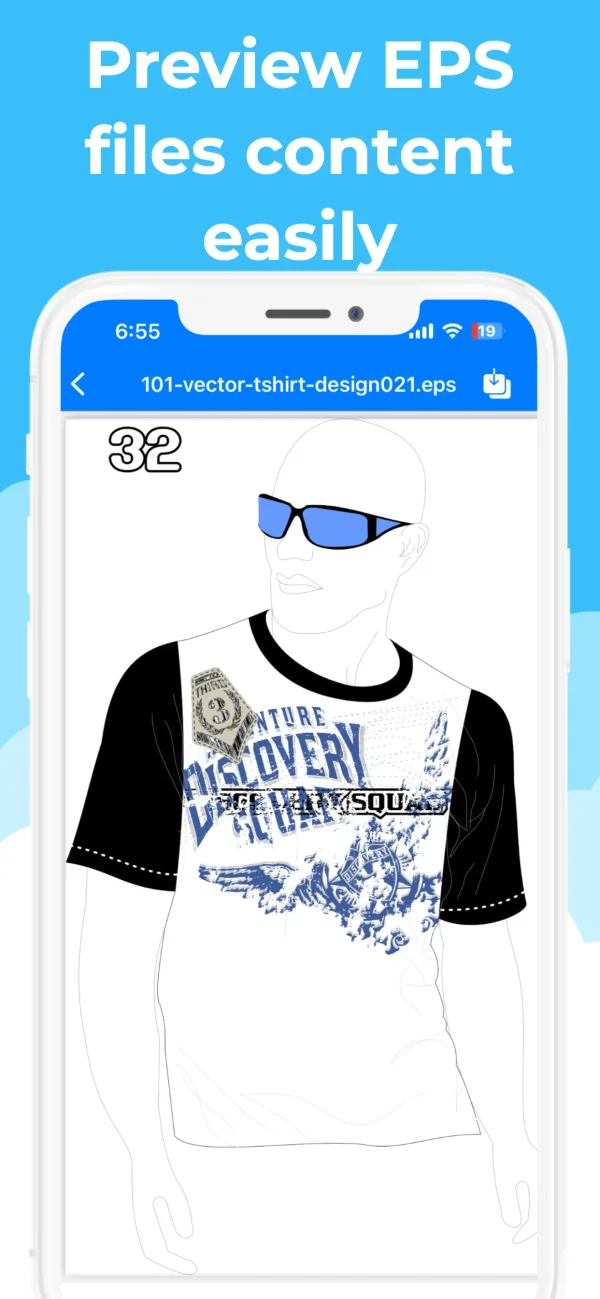
Preview EPS Files: Open and view EPS file content quickly and easily.
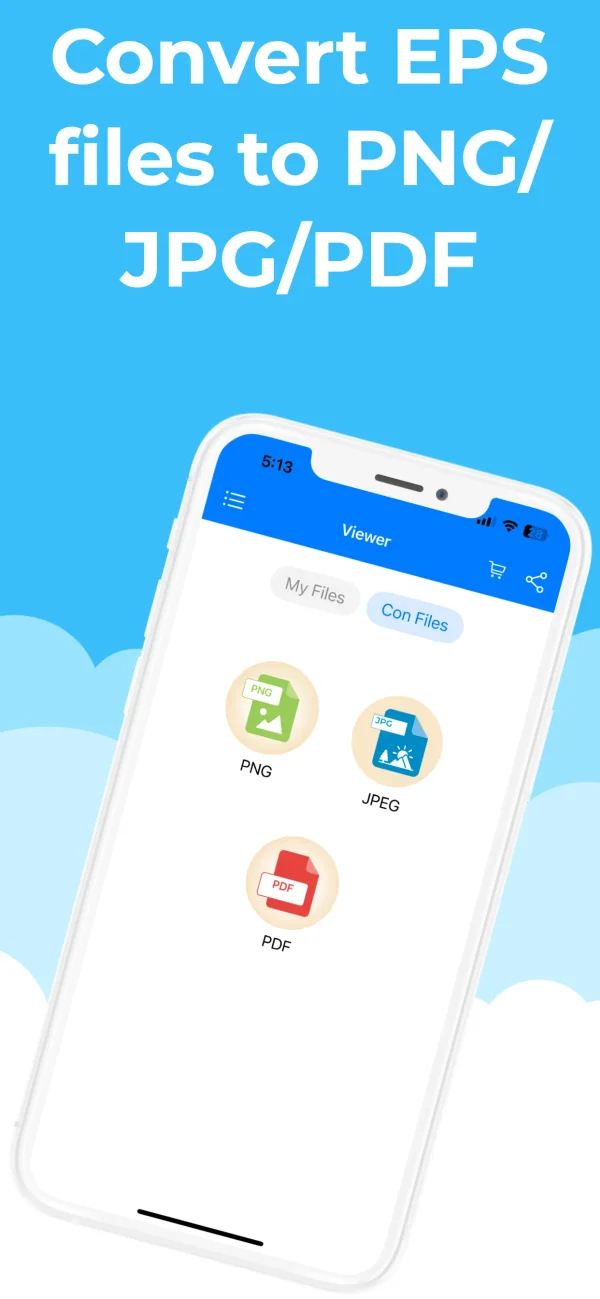
Convert EPS Files: Convert EPS files to PNG, JPG, and PDF formats.
Easy Sharing: Share converted files directly from within the app.
Dark & Light Themes: Choose between dark and light appearances for a comfortable viewing experience.
Simple Interface: Easily add files, preview their content, and convert them in just a few steps.
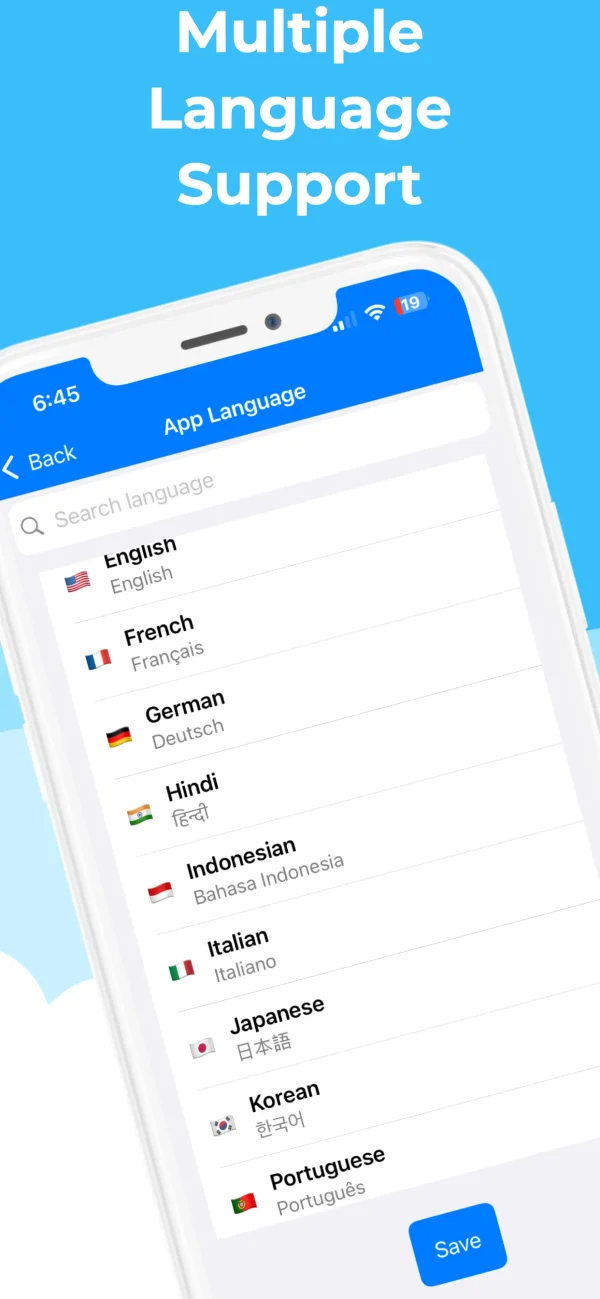
Multiple Language Support: Available in Arabic, Bangla, Chinese, Hindi, English, French, German, Indonesian, Italian, Japanese, Korean, Portuguese, Spanish, Russian, Thai, and Vietnamese.
Whether you need to view EPS artwork, convert graphics for other applications, or share files in a more accessible format, EPS Viewer makes the process simple and convenient.
Terms of Use (EULA):
https://www.apple.com/legal/internet-services/itunes/dev/stdeula/
What’s new
Version 1.8 · Oct 13, 2026
**What's New in This Version**
Introducing new features to make viewing and converting EPS files easier and more convenient!
• **Offline EPS File Processing:** Open and convert supported EPS files directly on your device without requiring an internet connection for processing.
• **Dark & Light Themes:** Choose your preferred appearance for a more comfortable experience when viewing and working with EPS files.
• **EPS to PDF, PNG & JPG Conversion:** Convert Encapsulated PostScript (EPS) files into widely used formats for easier viewing, sharing, and compatibility.
• **Easy File Sharing:** Share your converted EPS files directly from the app.
• **Improved User Experience:** Enjoy a simple, user-friendly interface for adding files, previewing EPS content, and converting files.
• **Multiple Language Support:** Use the app in Arabic, Bangla, Chinese, Hindi, English, French, German, Indonesian, Italian, Japanese, Korean, Portuguese, Spanish, Russian, Thai, or Vietnamese.
Update now and enjoy a more convenient way to view, preview, and convert EPS files!
App privacy
What Vaibhav Singhal declares on the App Store about how this app handles data.
-
Data used to track you
May be used to track you across apps and websites owned by other companies.
- Location
- Identifiers
-
Data linked to you
May be collected and linked to your identity.
- Identifiers
-
Data not linked to you
May be collected but is not linked to your identity.
- Location
- Diagnostics
Privacy practices may vary, for example with the features you use or your age.
Information
- Seller
- Vaibhav Singhal
- Category
- Graphics & Design
- Version
- 1.8
- Updated
- Oct 13, 2026
- Released
- Dec 20, 2025
- Size
- 34.9 MB
- Requires
- iOS 16.6 or later
- Age rating
- 4+
- Price
- Free
- In-app purchases
- Yes
- Languages
- English, Arabic, Bengali, French, German, Hindi, Indonesian, Italian, Japanese, Korean, Portuguese, Russian + 5 more
- Copyright
- © 2026, MagicApps
You might also like
-
 EPS Viewer, Reader, ConverterOpen EPS File to PNG, SVG, PDF
-
 Ai Pin DouPerler Bead design
-
 Cob PaintPixel art with real watercolor
-
 scanbust 3DTurn real object into 3D model
-
 XCard: Markdown Card MakerCreate Beautiful Text Cards
-
 VectorView - File OrganizerEPS, XPS, CDR, PSD, PDF, EMF..
-
 LiveGrab - Video to LiveExtract HD frame & Live Photo
-
 Paint RetroSimple Raster Graphics Editor
-
 Blend PhotosCombine Photo, Photo Blender
-
 Resume Maker: CV MakerCover Letter Creator