Epsom Printer
iprint and scan printer app
Designed for iPhone, iPad, iPod touch
Free · In-app purchases
- Age rating4+
- CategoryBusiness
- DeveloperPetr Polasek
- LanguagesEnglish
- Size48.5 MB
Links to the official App Store page
Download.org hosts no file of Epsom Printer. The button opens its official App Store page, published by Petr Polasek. Listing last checked on Nov 23, 2026.
Screenshots
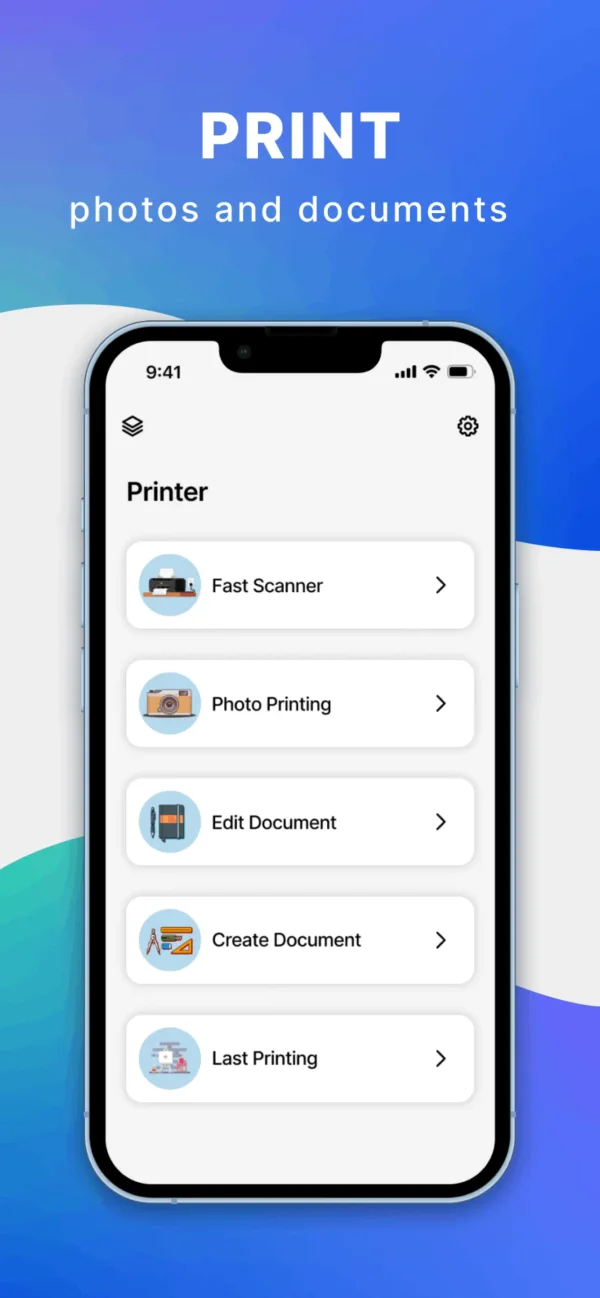
About
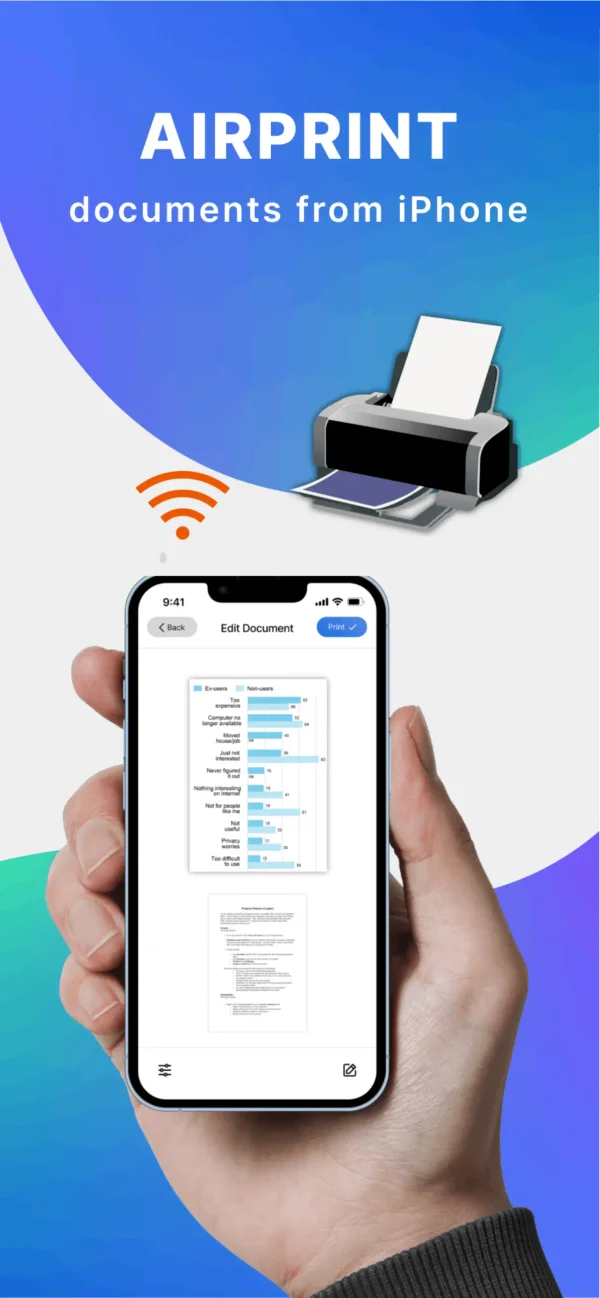
Smart Printer makes printing documents and photos super simple and convenient. Just select a document, customize the print settings, and print your document in a matter of seconds! With Printer app, you only need an iPhone/iPad and printer!
Smart Printer, you can print:
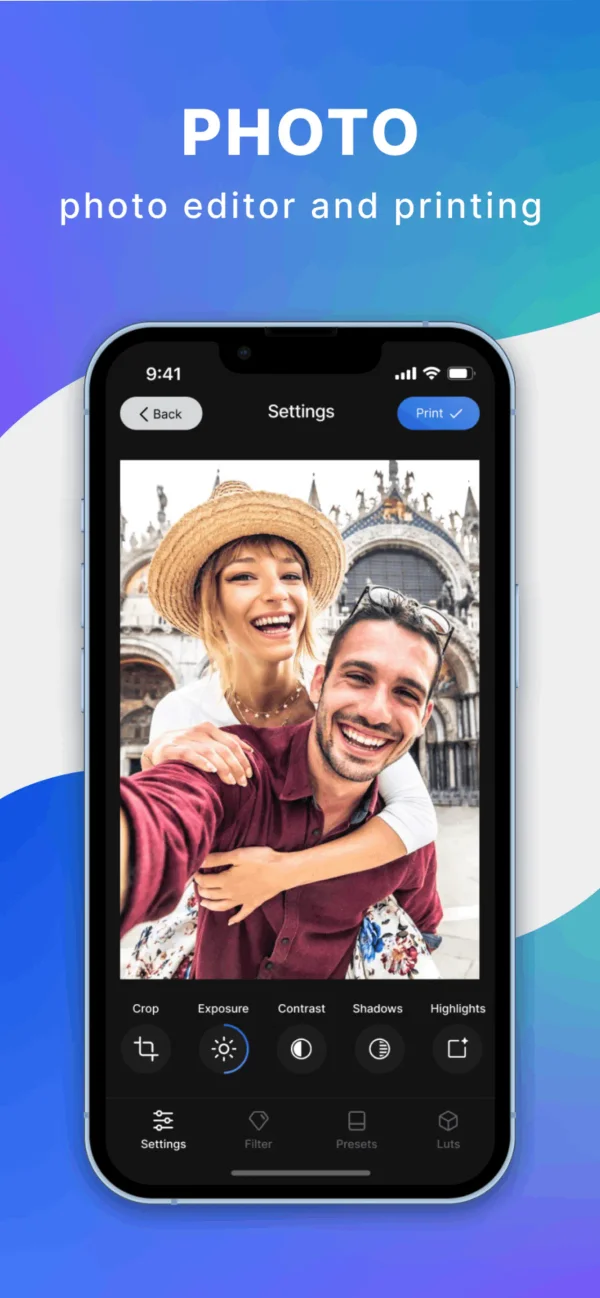
- Any photos from your Camera Roll.
- Any web pages, emails, and attachments.
- Any information from your Clipboard.
- Specific contacts or full Contact List.
- Over 30 file types supported, including: PDF, DOC, XLS, and PPT.
Smart Print Features:
- Over 1,200 printer models supported.
- iCloud, Google Drive, and Dropbox support.
- Convert any high-quality, multi-page PDF documents.
Extended printing settings:
- Paper size
- Paper type
- Page orientation
- Printing range
- Number of copies
- One- and two-sided printing
- With and without borders
- Color and grayscale documents
- And many more customizable options!
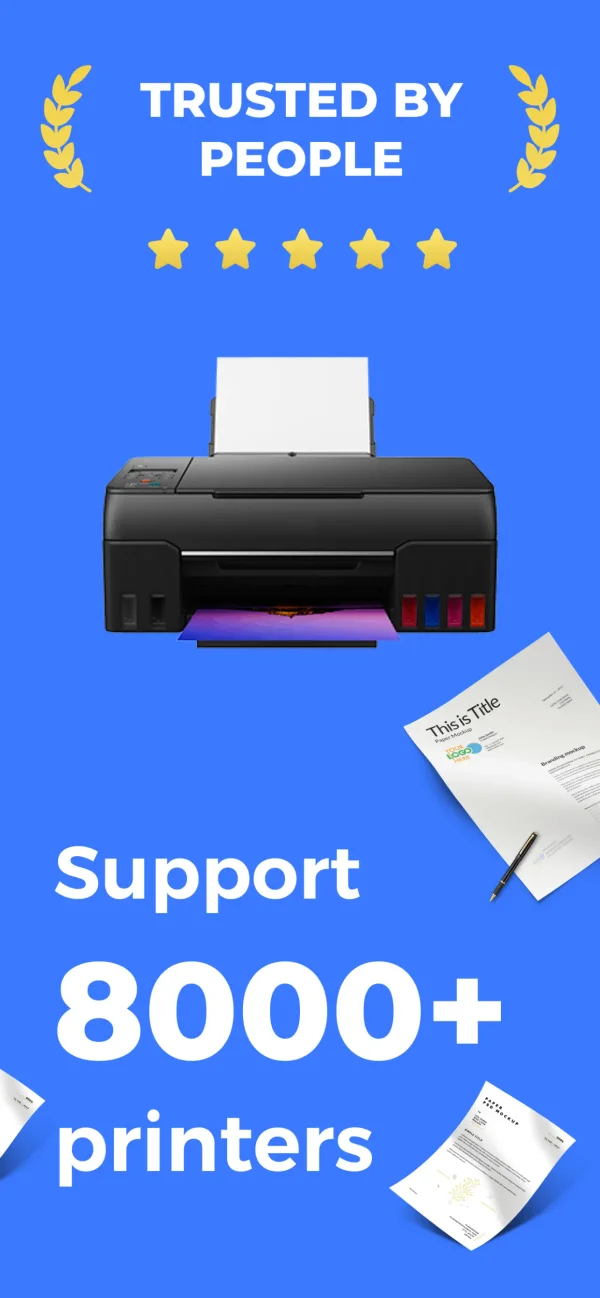
Printer app supports over 1,200 printer models, including Canon, Dell, Epson, Xerox, HP, Kyocera, Lenovo, Lexmark, Oki, Ricoh, Samsung, Sharp, Brother and other printer models that support AirPrint technology. And we add new printer models with each app update! Use the test print option on install to determine whether your printer model is supported.
Printer app is free to use with limited functions. Unlimited access to all functions of the application is available with a subscription. Premium version provides unlimited access to all app’s features and offers regular reviews, news, and useful printing tech tips.
Payment will be charged to iTunes Account at confirmation of purchase. Subscription automatically renews unless auto-renew is turned off at least 24-hours before the end of the current period. Account will be charged for renewal within 24-hours prior to the end of the current period, and identify the cost of the renewal. Subscriptions may be managed by the user and auto-renewal may be turned off by going to the user's Account Settings after purchase. Any unused portion of a free trial period, if offered, will be forfeited when the user purchases a subscription to that publication.
Terms of service: https://www.code4flutter.in/com/terms-printer/
Privacy policy: https://www.code4flutter.in/privacy-printer/
What’s new
Version 1.0.15 · Aug 29, 2025
Bug fixes, stability fixes, and app optimizations
App privacy
What Petr Polasek declares on the App Store about how this app handles data.
-
Data used to track you
May be used to track you across apps and websites owned by other companies.
- Purchases
- Identifiers
- Usage data
-
Data linked to you
May be collected and linked to your identity.
- Purchases
- User content
- Usage data
-
Data not linked to you
May be collected but is not linked to your identity.
- Identifiers
- Diagnostics
Privacy practices may vary, for example with the features you use or your age.
Information
- Seller
- Petr Polasek
- Category
- Business
- Version
- 1.0.15
- Updated
- Aug 29, 2025
- Released
- Jul 23, 2022
- Size
- 48.5 MB
- Requires
- iOS 15.6 or later
- Age rating
- 4+
- Price
- Free
- In-app purchases
- Yes
- Languages
- English
- Copyright
- © Code4flutter 2025
You might also like
-
 Bluetooth Thermal Printer AppCustom Receipt, Label Printer
-
 Mobile Print & Smart PrinterAir Smart Printer and Scanner
-
 Air Printer AppFor HP, Epson, Brother, Canon
-
 Printer App: Smart Printer •Scan Documents & Print Photos
-
 Printer App: Print & Scan PDFPrint Photos & Scanner App
-
 Pos printer PrinterAppLabel printer, thermal printer
-
 BR RawPrinterBluetooth Network Printer
-
 iPrint Printer for AirPrintPrint With Brother Epson Canon
-
 Air Printer App: Smart PrintSupports All Printers
-
 NokoPrint - Mobile PrintingPrint on your printer