
iPrint Printer for AirPrint
Print With Brother Epson Canon
Designed for iPhone, iPad
Free · In-app purchases
- Age rating4+
- CategoryBusiness
- DeveloperFuturaApp, Inc.
- LanguagesEnglish
- Size6.9 MB
Links to the official App Store page
Download.org hosts no file of iPrint Printer for AirPrint. The button opens its official App Store page, published by FuturaApp, Inc. Listing last checked on Nov 23, 2026.
Screenshots
About
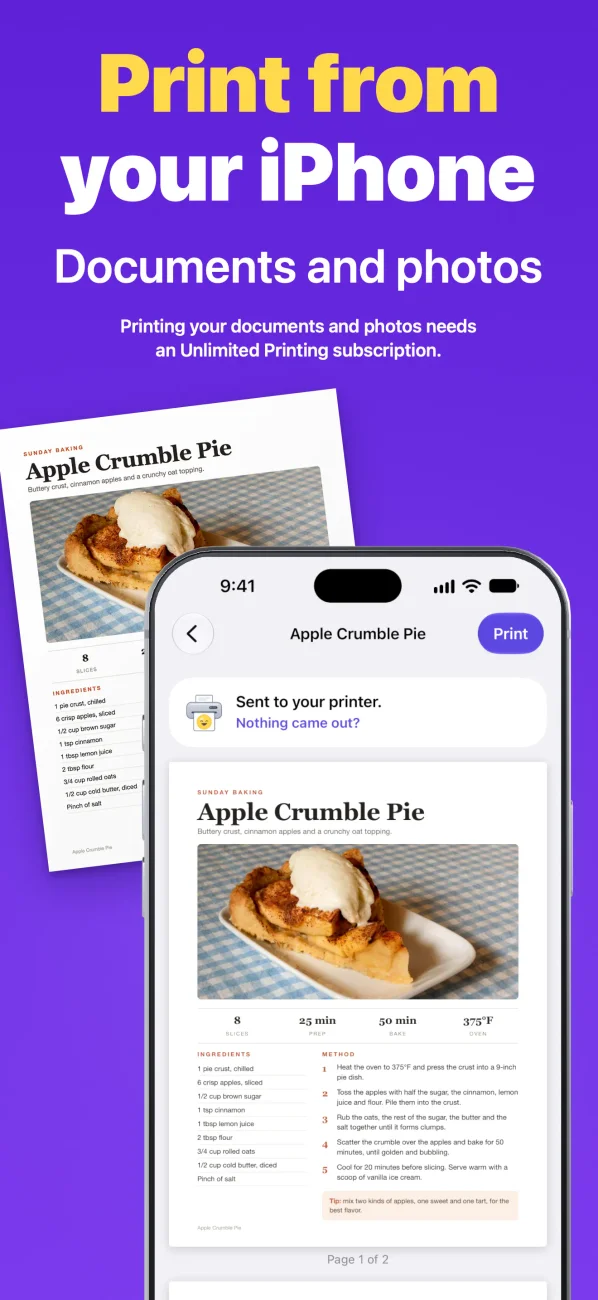
Print documents and photos from your iPhone or iPad on your own printer.
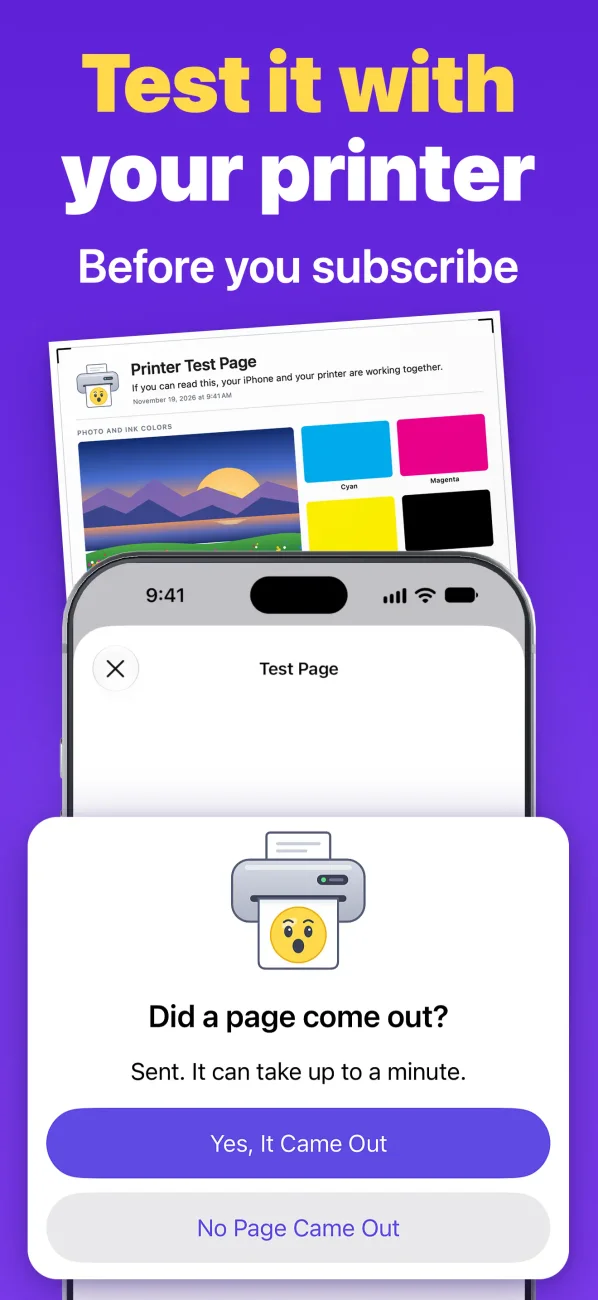
Not sure it works with your printer? Print a free test page first. Printing your own documents and photos needs a subscription.
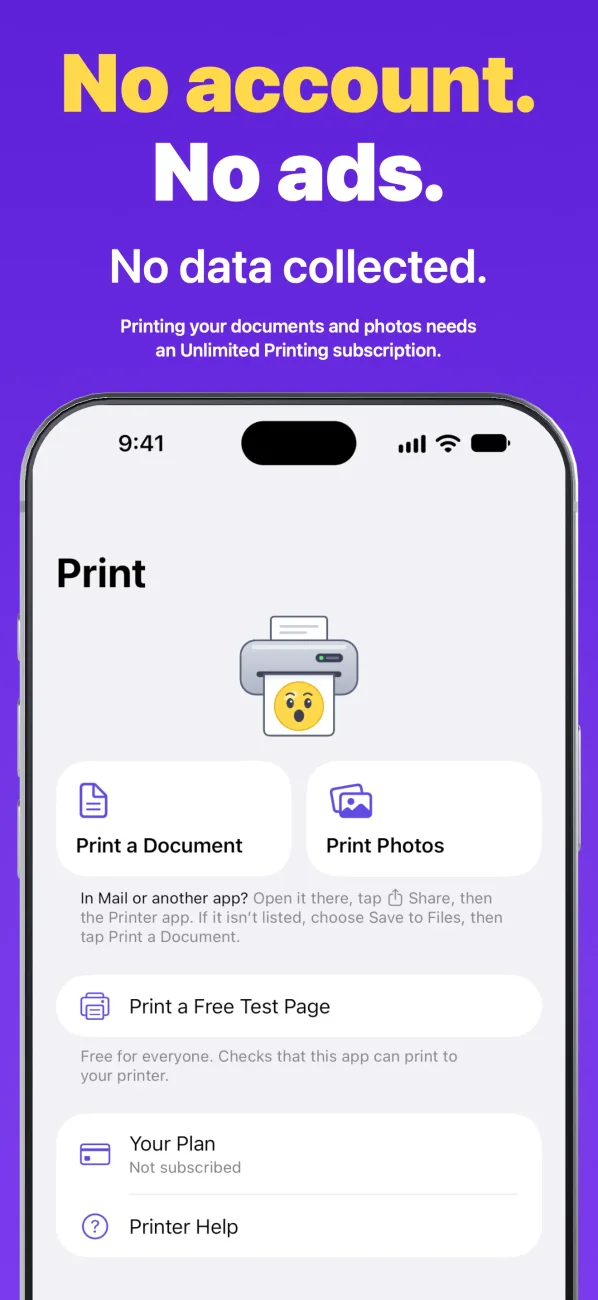
No account. No ads. No data collected.
WILL IT WORK WITH MY PRINTER?
Find out for free:
1. Put your printer and your iPhone or iPad on the same Wi-Fi.
2. In this app, tap "Print a Free Test Page".
3. Choose your printer. Then tap the printer button at the top right.
A page came out? Your printer works with this app.
This app prints to printers that support AirPrint (Apple's way of printing from iPhone and iPad). A new printer must first be set up on your Wi-Fi with its maker's instructions.
PRINT A DOCUMENT IN 3 STEPS
1. Tap "Print a Document" and pick a PDF or a text file from Files (a ticket, a form, a return label, a letter).
2. See every page on the screen before you print.
3. Tap Print. Choose your printer, then tap the printer button at the top right.
A page bigger than your paper is shrunk to fit, and the app says so. To keep its real size (edges cut off), tap Change.
PRINT PHOTOS IN 4 STEPS
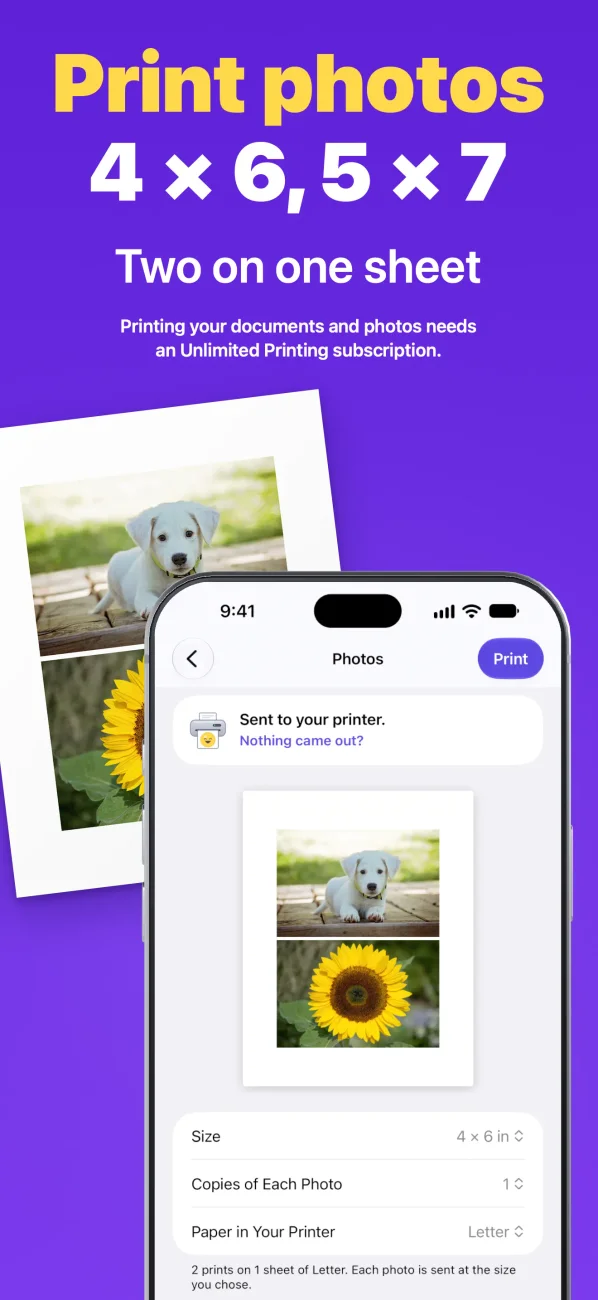
1. Tap "Print Photos" and pick up to 30 photos.
2. Choose a size: 4x6, 5x7, 3.5x5 or 2x3 inches (in cm in some countries), wallet, 10x15 cm, or your own size.
3. Choose how many copies and the paper in your printer: Letter, A4 or 4x6 photo paper.
4. Tap Print. The first time, choose your printer.
Each photo is sent to your printer at the size you chose. Two 4x6 photos fit on one Letter or A4 sheet.
Tap a photo in the list to move or zoom it. Dimmed parts won't print.
Not sure about the size? Tap "Print a Free Test Photo" first.
PRINT FROM MAIL OR ANOTHER APP
1. Open the PDF or photo there.
2. Tap Share (the square with an arrow).
3. Tap Printer (this app's name on your Home Screen).
4. It opens in this app. Print it as above.
No Printer at step 3? Tap Save to Files, then open this app and tap "Print a Document".
NOTHING CAME OUT?
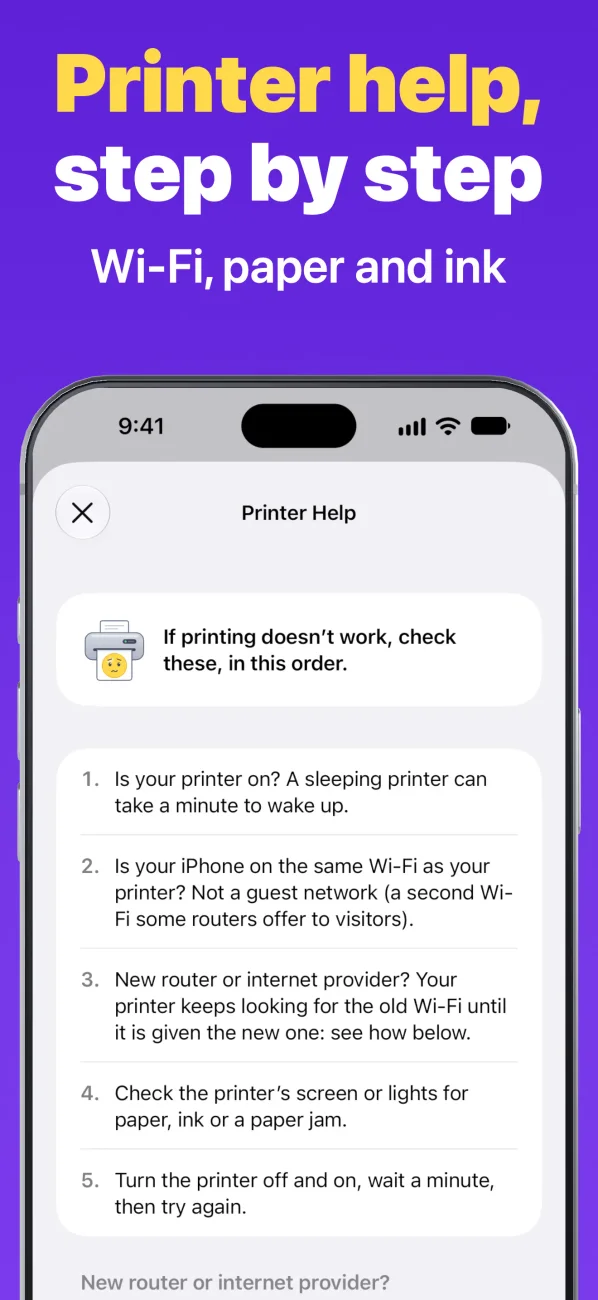
Tap "Nothing came out?" after you print, or "Printer Help" on the first screen. You get the checks to make, in order, such as: Is the printer on? Is there paper and ink? Is paper stuck?
NEW WI-FI, ROUTER OR INTERNET PROVIDER?
Your printer keeps looking for the old Wi-Fi until you give it the new one. Do it on the printer's own screen: open the Wi-Fi settings, choose your new network and type its password. Then print a free test page. "Printer Help" shows how.
WHAT DOES IT COST?
Test pages and test photos are free for everyone.
Printing your own documents and photos needs Unlimited Printing: a weekly, monthly or yearly subscription.
To see the prices, tap "Your Plan" on the first screen, then "See Plans".
When you tap Print, the app first checks that it can reach your printer. Only then does it ask you to choose a plan.
Paid once in an older version? That purchase still works. If Your Plan says "Not subscribed", tap "Restore Purchases" there.
SUBSCRIPTION DETAILS
- Unlimited Printing: as many of your own documents and photos as you like.
- Length: 1 week, 1 month or 1 year. The price is shown in the app before you buy.
- Eligible new subscribers get a 3-day free trial. Your Apple Account is charged when the trial ends (to pay nothing, cancel at least 24 hours before), or when you confirm your purchase if there is no trial.
- It renews automatically unless you cancel at least 24 hours before the end of the current period. The renewal is charged within 24 hours before the period ends.
- To manage or cancel, tap "Cancel or Change Plan" in Your Plan, or open the Settings app, tap your name, then tap Subscriptions.
Works with larger text and Dark Mode.
Made by FuturaApp, Inc. Not made by Apple or by your printer's maker. AirPrint is a trademark of Apple Inc.
Questions? Write to support@futuraapp.com
Terms of Use: https://fierce-inlet-63133.herokuapp.com/printer-term-of-use
Privacy Policy: https://fierce-inlet-63133.herokuapp.com/iprint
What’s new
Version 2.4 · Nov 20, 2026
NEW
- The first screen has two big buttons: "Print a Document" and "Print Photos".
- New Wi-Fi, router or internet provider? "Printer Help" now shows how to give your printer the new Wi-Fi.
- Changed printers? When the old one does not answer, tap "Choose Another Printer".
- A page bigger than your paper is now shrunk to fit by itself, and this app says so. To keep its real size (edges cut off), tap "Change".
- Small buttons are easier to tap and faint words are easier to read.
App privacy
What FuturaApp, Inc. declares on the App Store about how this app handles data.
-
Data not collected
The developer does not collect any data from this app.
Privacy practices may vary, for example with the features you use or your age.
Information
- Seller
- FuturaApp, Inc.
- Category
- Business
- Version
- 2.4
- Updated
- Nov 20, 2026
- Released
- Apr 6, 2019
- Size
- 6.9 MB
- Requires
- iOS 26.0 or later
- Age rating
- 4+
- Price
- Free
- In-app purchases
- Yes
- Languages
- English
- Copyright
- © FuturaApp, Inc.
You might also like
-
 Printer - Smart Air iPrint AppPrint for PDF, Photo, Document
-
 iPrint: Smart Printer AppPrint Photos, ePrint, Scanner
-
 Cloud Ready printerPrint to canon, brother, HP ..
-
 Printer App: Smart Printer •Scan Documents & Print Photos
-
 Air Printer AppFor HP, Epson, Brother, Canon
-
 Smart Printer App: PDF & PhotoPrint Documents & Photos
-
 Printer App: Print & Scan PDFPrint Photos & Scanner App
-
 Fun Print: iPrint and Scan AirAir Print, Mini Printer PDF
-
 Air Printer: HD Smart ScannerShare Files: Instant Docs App
-
 PrinterShare: WiFi & PDFFor HP, Epson, Canon and more