eSign – Sign PDF Documents
Signature Maker, Signer & Scan
Designed for iPhone, iPad
Free · In-app purchases
- Age rating4+
- CategoryProductivity
- DeveloperWorth A Try LLC
- LanguagesEnglish+ 5 more
- Size26.7 MB
Links to the official App Store page
Download.org hosts no file of eSign – Sign PDF Documents. The button opens its official App Store page, published by Worth A Try LLC. Listing last checked on Nov 22, 2026.
Screenshots


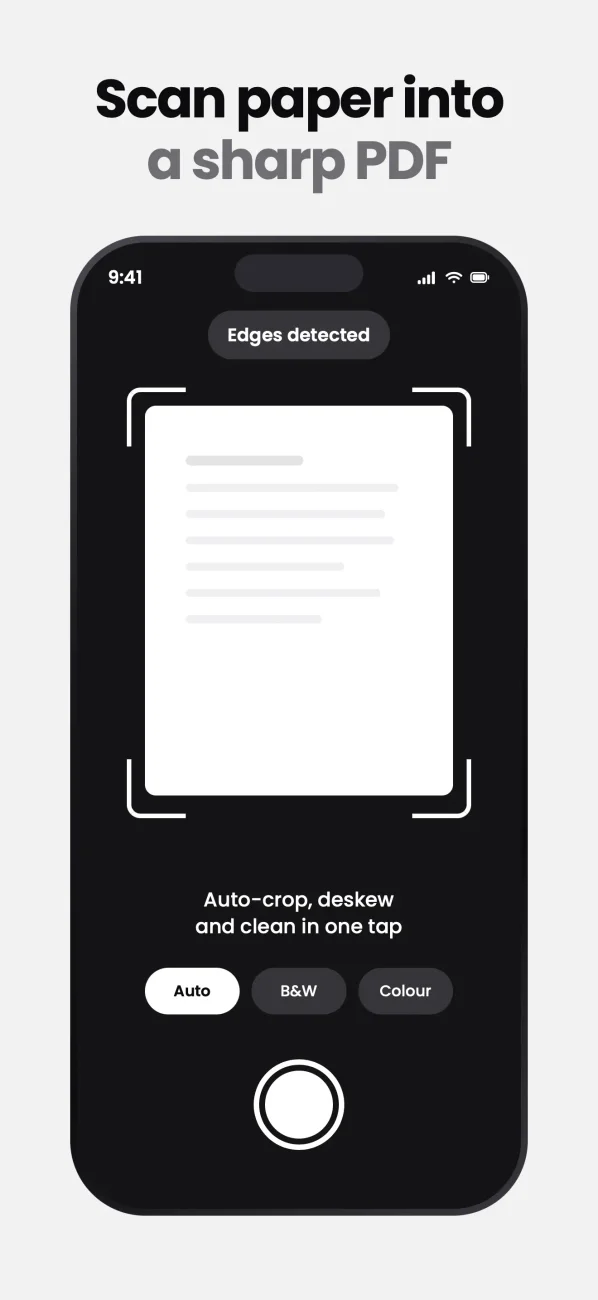
About
Signing a document shouldn't mean printing, scrawling, scanning, and emailing it back.
Signed lets you do the whole thing on your iPhone in under a minute — and keeps every document private to your device.
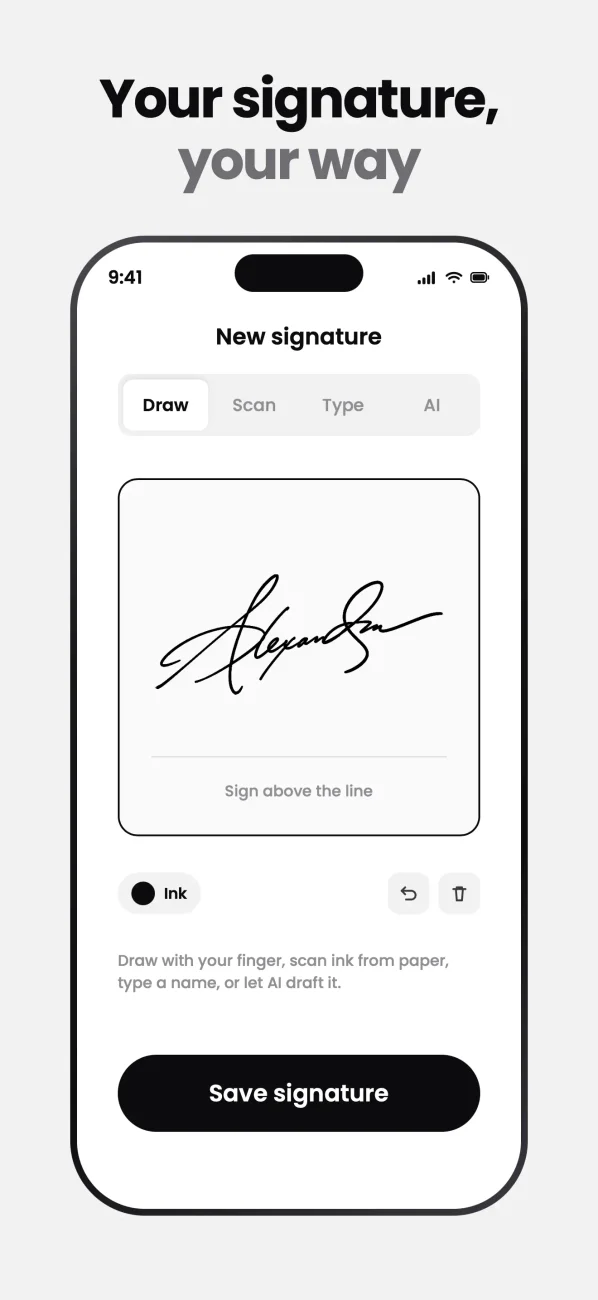
Make a signature you're proud of
- Draw it with your finger on a smooth, natural canvas.
- Type it in one of twelve handwriting styles, or in any font on your iPhone.
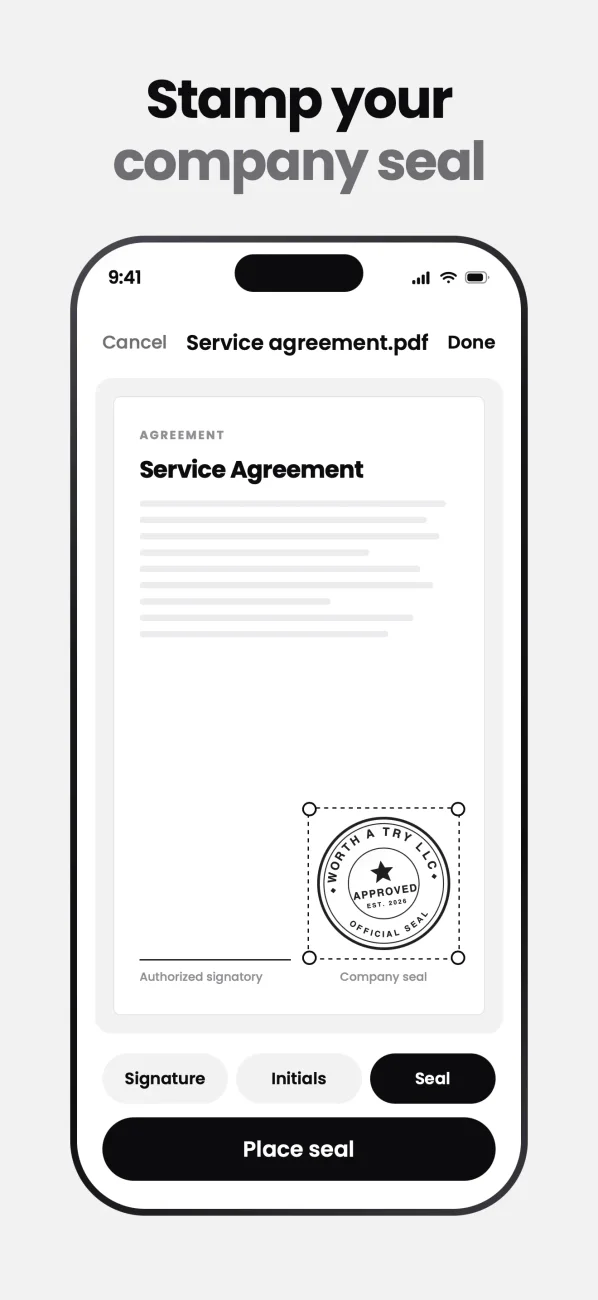
- Add your company seal or stamp: scan or import it once, then place it like a signature.
- Scan or import one you already have.
- Save your favorite as the default and reuse it everywhere.
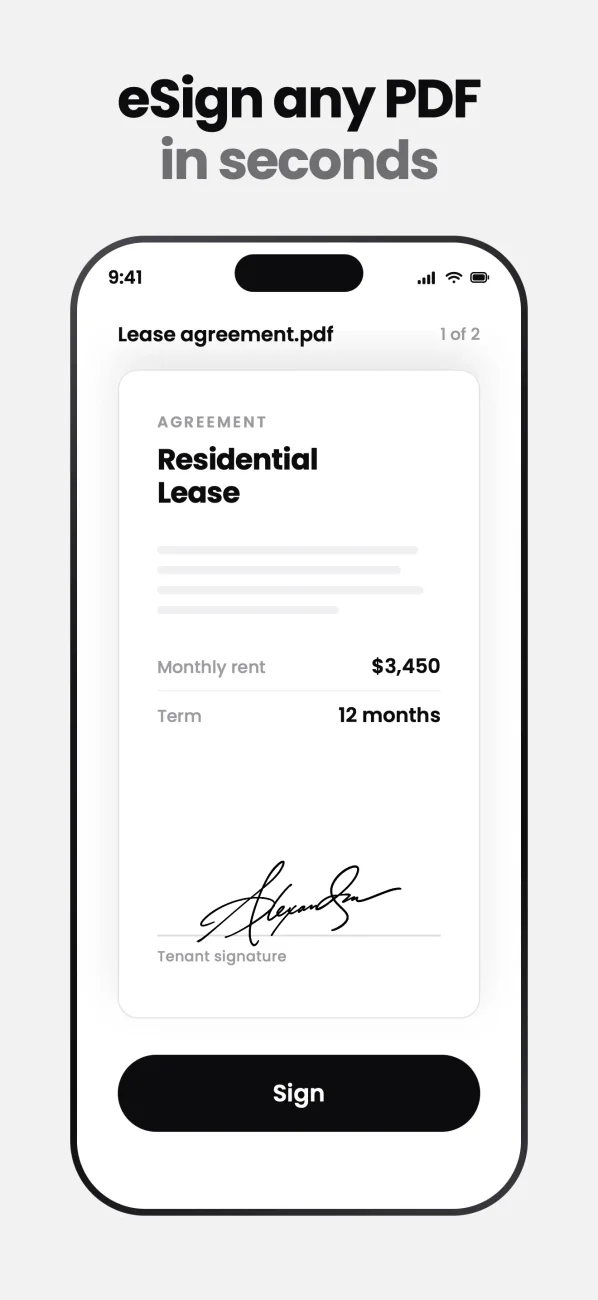
Sign any PDF in seconds
- Import a PDF from Files, Photos, or another app.
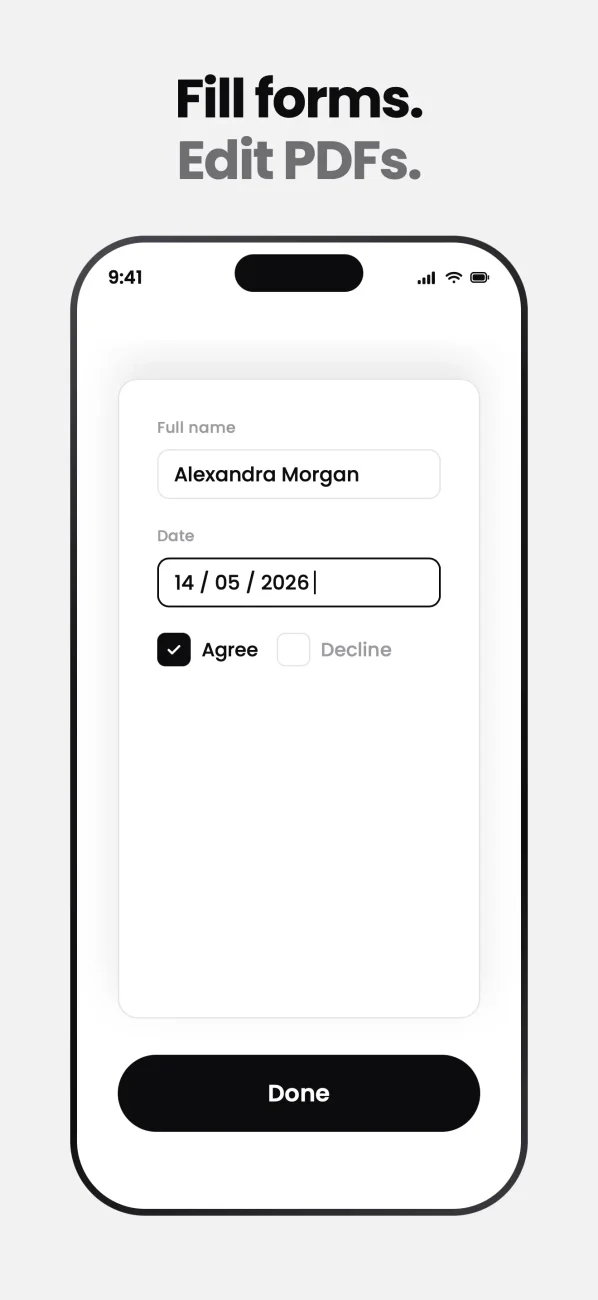
- Drop your signature, initials, name, date, text, or a checkmark exactly where they belong.
- Your name and today's date fill themselves in, so the common stuff is one tap.
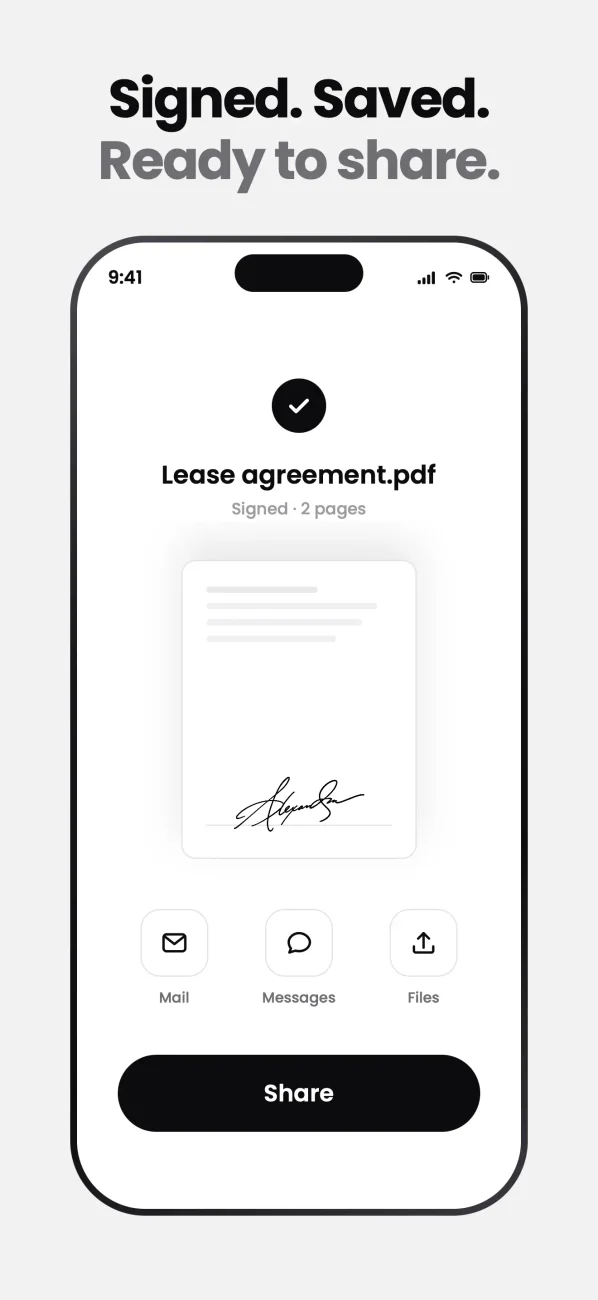
- Export a clean, flattened, signed PDF and share it anywhere.
Private by design — this is the part that matters
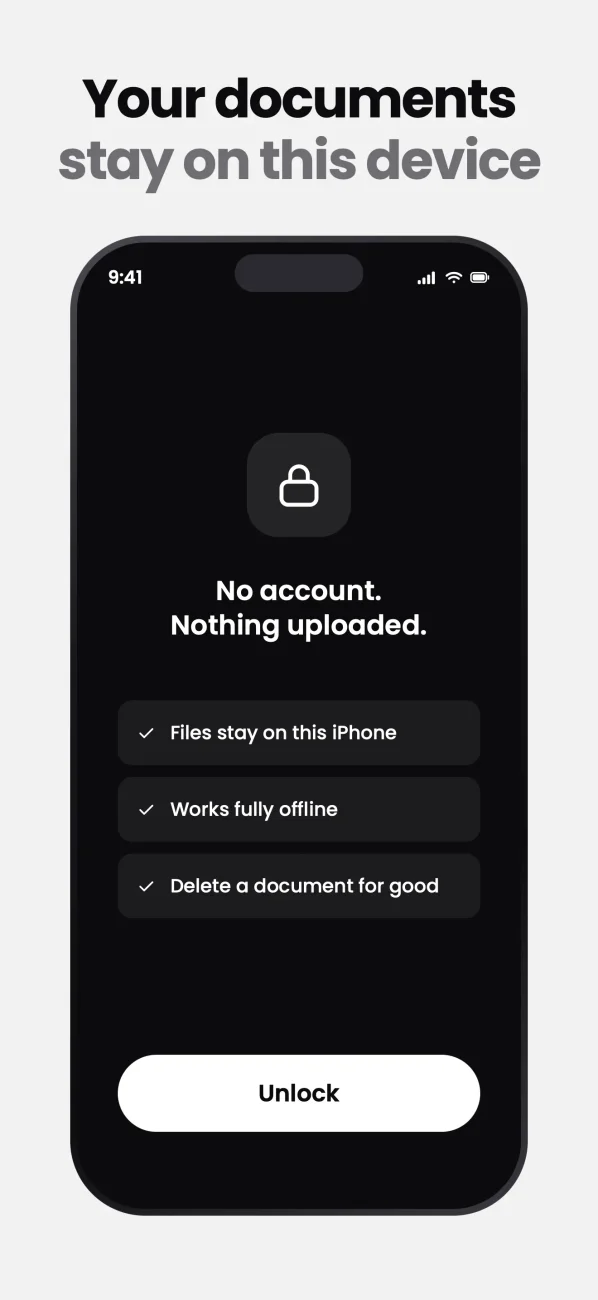
Signed is local-first. Your documents, your signatures, your initials — they're stored only on your iPhone.
We never upload them, we can't see them, and there's no cloud copy on any server. The paperwork you sign is nobody's business but yours.
Made to feel good to use
- A calm, clean design that gets out of your way.
- Optional Face ID lock for an extra layer of privacy.
- Dark mode from day one.
Signed is for the everyday signing life — leases, NDAs, offer letters, school forms, waivers, the form your landlord just emailed. Fast, beautiful, and yours alone.
What your subscription includes
Signed Pro unlocks everything above: saving signatures, initials and seals to your library, and signing and exporting unlimited PDFs. Choose a weekly subscription or a one-time lifetime purchase. You can create your first signature free during setup; Signed Pro is required to keep using the app.
The weekly subscription auto-renews until you cancel — manage or cancel anytime in your Apple Account settings.
Terms of Use: https://trysigned.app/terms
Privacy Policy: https://trysigned.app/privacy
What’s new
Version 2.0.1 · Nov 18, 2026
Fixes and polish:
- First launch always walks you through setup to the end, even if your Apple Account already owns Signed.
- The welcome animation always draws the signature.
- Smaller fixes and improvements.
App privacy
What Worth A Try LLC declares on the App Store about how this app handles data.
-
Data linked to you
May be collected and linked to your identity.
- Purchases
- Identifiers
- Usage data
-
Data not linked to you
May be collected but is not linked to your identity.
- Diagnostics
Privacy practices may vary, for example with the features you use or your age.
Information
- Seller
- Worth A Try LLC
- Category
- Productivity
- Version
- 2.0.1
- Updated
- Nov 18, 2026
- Released
- Jun 18, 2026
- Size
- 26.7 MB
- Requires
- iOS 17.0 or later
- Age rating
- 4+
- Price
- Free
- In-app purchases
- Yes
- Languages
- English, French, German, Italian, Portuguese, Spanish
- Copyright
- © 2026 Worth A Try LLC
You might also like
-
 PutSpot: Home Item FinderPhotos, Voice Search, QR Tags
-
 Handwritten Digital NotesNote Taking, Journal & Lock
-
 To Do List Maker - DoneSnapCapture Tasks & Track Routines
-
 KeepCue: Day Planner, RoutinesVisual Timeline, To-Do Inbox
-
 Clip Keyboard: Paste SnippetsClipboard Manager, Quick Reply
-
 Dayshift: Team Time ZonesFair Meetings for Remote Crews
-
 JianBox - Local Document ToolScan, sign, lock. No subs.
-
 IEPDesk: IEP & 504 TrackerPromises, services & evidence
-
 Summon: Meeting AlertsJoin Meetings in One Tap
-
 (nothing) To DoFocus on What Matters Most