
- Age rating4+
- CategoryProductivity
- DeveloperJose Gea
- LanguagesEnglish
- Size1.6 MB
Links to the official App Store page
Download.org hosts no file of Falken Writer. The button opens its official App Store page, published by Jose Gea. Listing last checked on Nov 12, 2026.
Screenshots




About
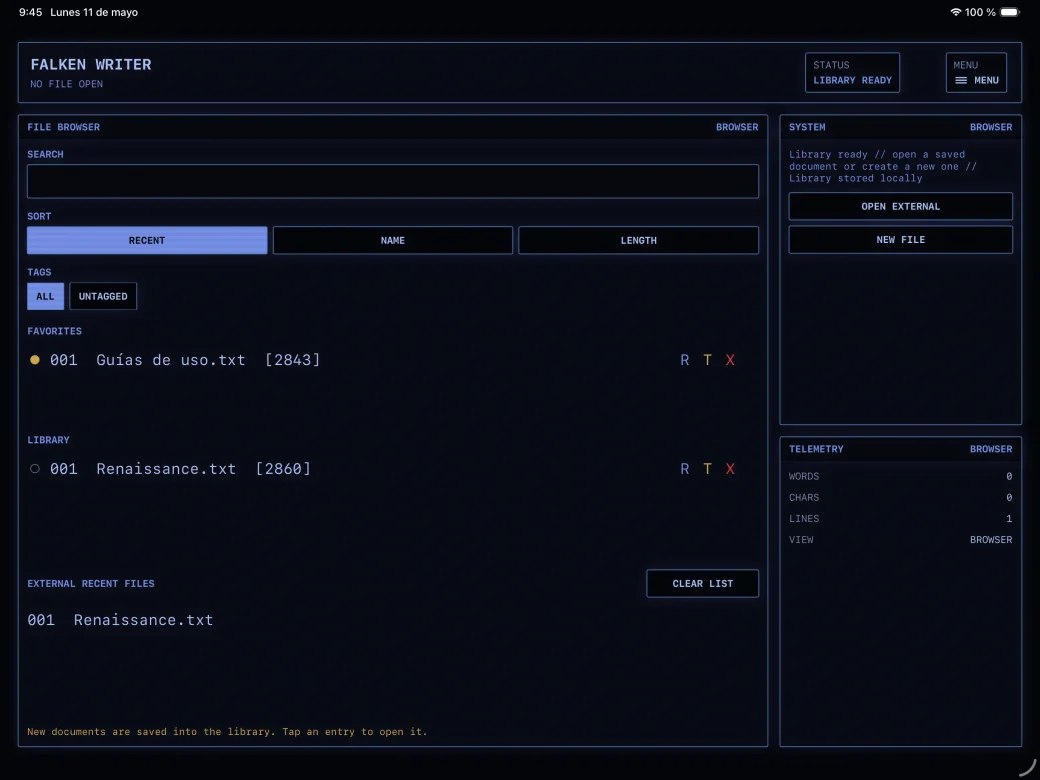
Falken Writer is a text editor for iPad and Mac with a retro terminal-inspired aesthetic, designed for focused writing, document organization, and distraction-free editing.
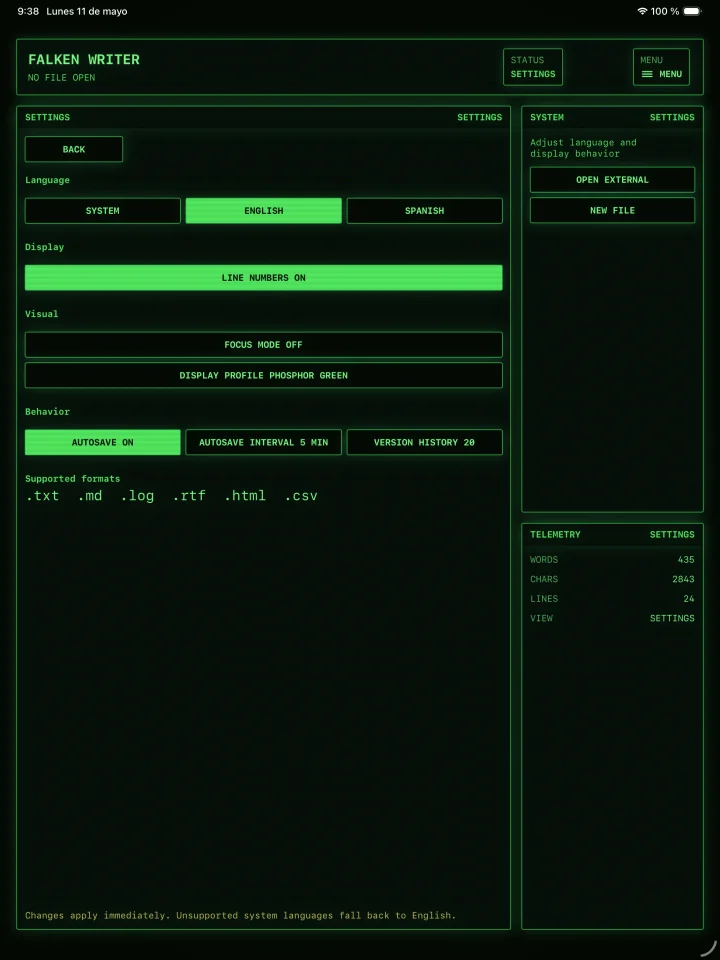
Falken Writer is fully functional for free with the Phosphor Green style; the in-app purchase only unlocks additional retro visual styles.
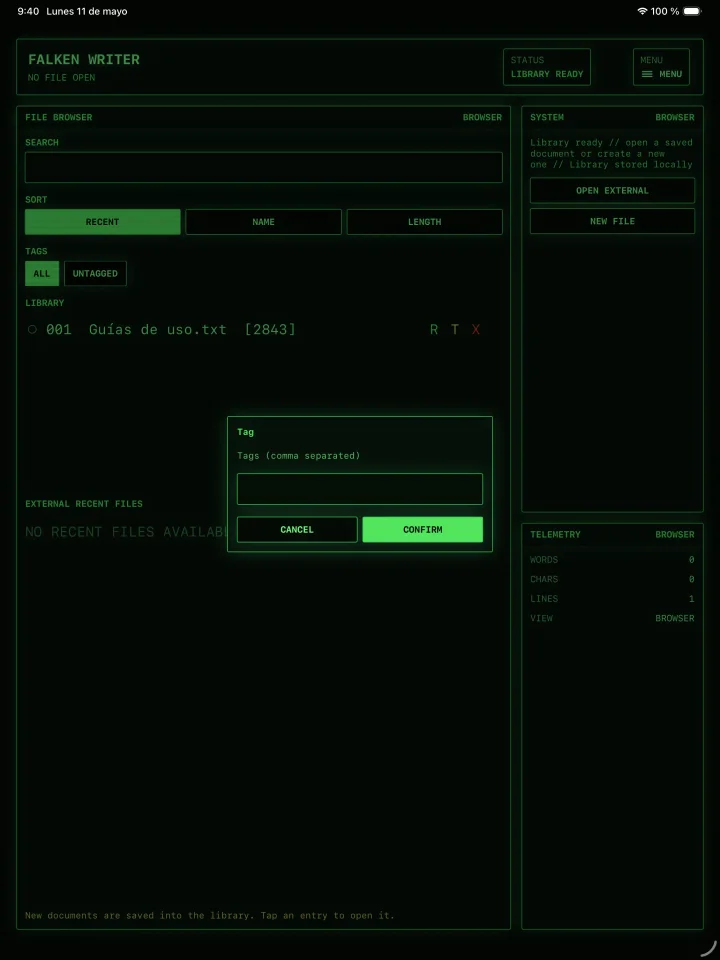
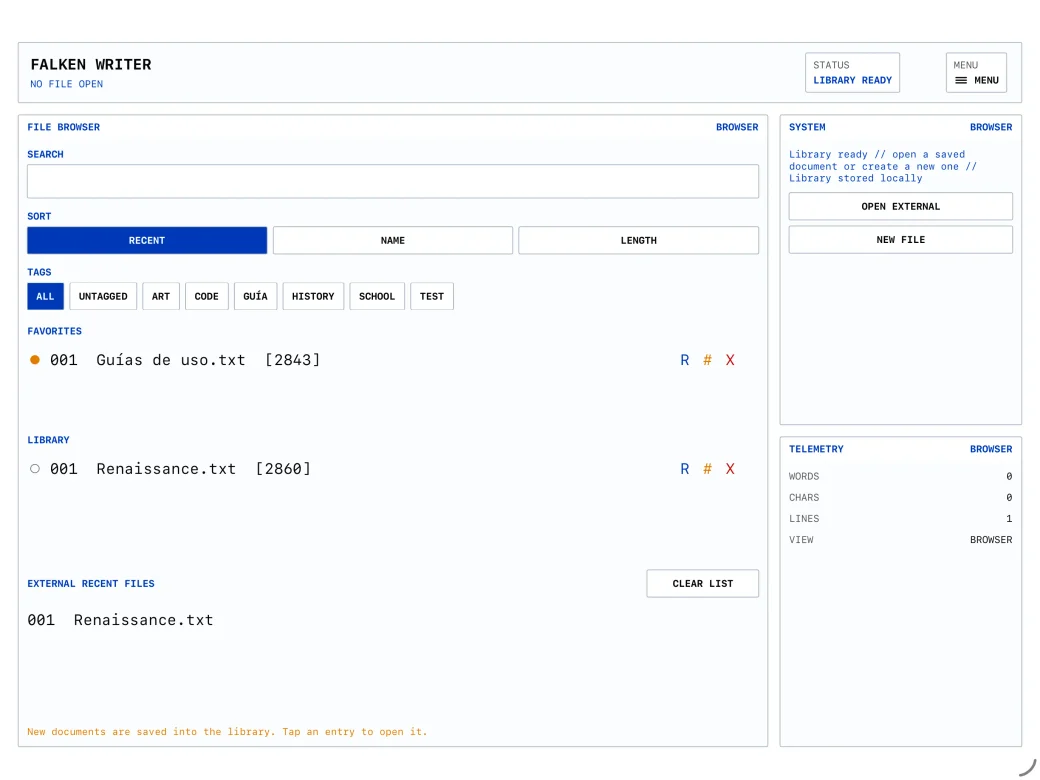
It includes an integrated document library with iCloud Drive sync, external file opening from Files/Finder, local saving, version history, tags, favorites, search, configurable autosave, and support for TXT, Markdown, LOG, RTF, HTML, doc, docx and CSV documents.
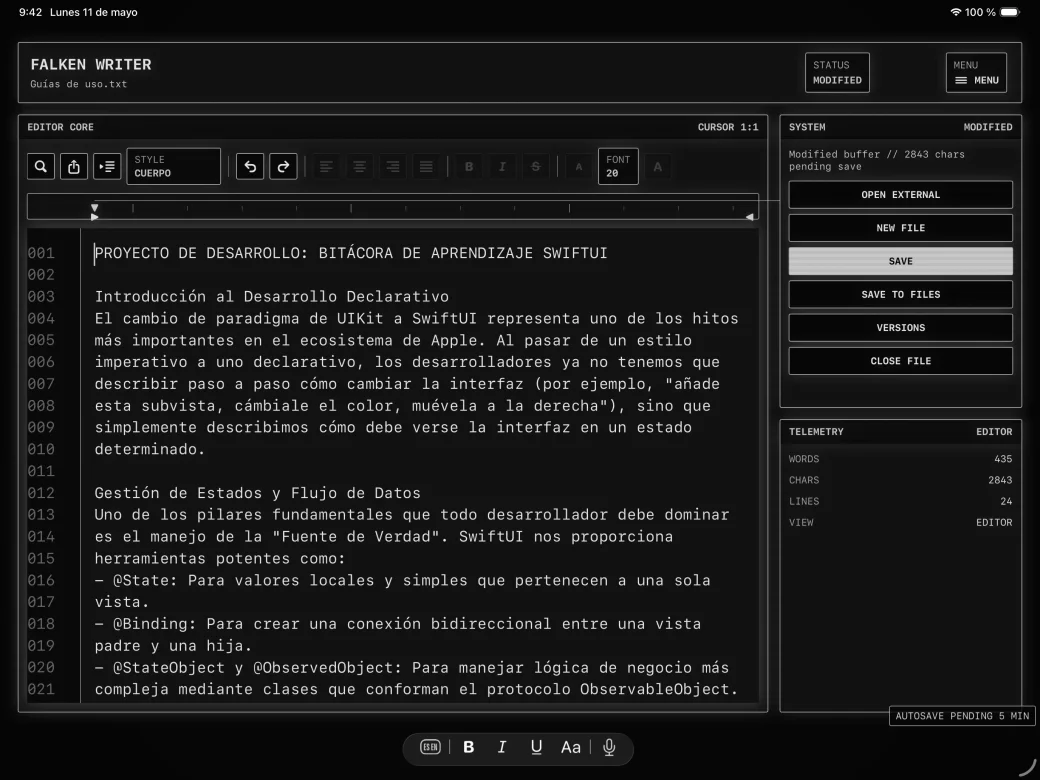
The editor supports both plain text and rich text workflows, with quick styles, bold, italic, strikethrough, alignment, font size controls, and visual indentation using a ruler and precise manual settings. Documents can also be exported to PDF.
The interface combines modern writing tools with a tactical analog identity: phosphor green on black as the free default profile, terminal-style panels, document telemetry, and a sober environment focused on writing.
Falken Writer is built for users who want a different kind of editor: minimal, functional, compatible with iPad and Mac, and defined by a distinctive visual personality.
What’s new
Version 1.5 · Sep 30, 2026
This update enhances Falken Writer with new professional tools and numerous refinements:
• New font selection for newly typed or selected text.
• Custom font, style, and line-spacing menus that adapt to each visual profile.
• New print and PDF preview with margins, paper sizes, headers, and page numbering.
• Expanded telemetry: words, paragraphs, selection, estimated reading time, writing goal, and progress.
• New Favorites filter in the document library.
• A larger, streamlined library with the external recent-files section removed.
• Redesigned indentation ruler with improved precision and more accessible controls.
• Completely renewed line numbering using accurate typographic alignment on Mac and iPad.
• Improved toolbar control organization and alignment.
• Corrected pointer behavior over custom menus on macOS.
• Numerous stability, visual precision, and usability improvements.
App privacy
What Jose Gea declares on the App Store about how this app handles data.
-
Data not collected
The developer does not collect any data from this app.
Privacy practices may vary, for example with the features you use or your age.
Information
- Seller
- Jose Gea
- Category
- Productivity
- Version
- 1.5
- Updated
- Sep 30, 2026
- Released
- May 12, 2026
- Size
- 1.6 MB
- Requires
- iOS 18.6 or later
- Age rating
- 4+
- In-app purchases
- Yes
- Languages
- English
- Copyright
- © Takatoke Factory 2026
You might also like
-
 Island MailTriage email, share anywhere
-
 EpicDraftScript to animatic, on device
-
 ScrivenerBridgeScrivener Companion & Editor
-
 Nodus - ZettelkastenPlain text, connected thinking
-
 AuthoraWrite the book, anywhere
-
 Hammer EditorSimple story building tool
-
 ComicArchitect: Graphic NovelsWrite graphic novels & scripts
-
 RPN-70 HDVery rare vintage calculator
-
 Typepad EditorProductivity
-
 TypePress: Typewriter WritingA typewriter for your words