
- Age rating4+
- CategoryProductivity
- DeveloperAdam Brown
- LanguagesEnglish
- Size118.3 MB
Links to the official App Store page
Download.org hosts no file of Hammer Editor. The button opens its official App Store page, published by Adam Brown. Listing last checked on Nov 24, 2026.
Screenshots
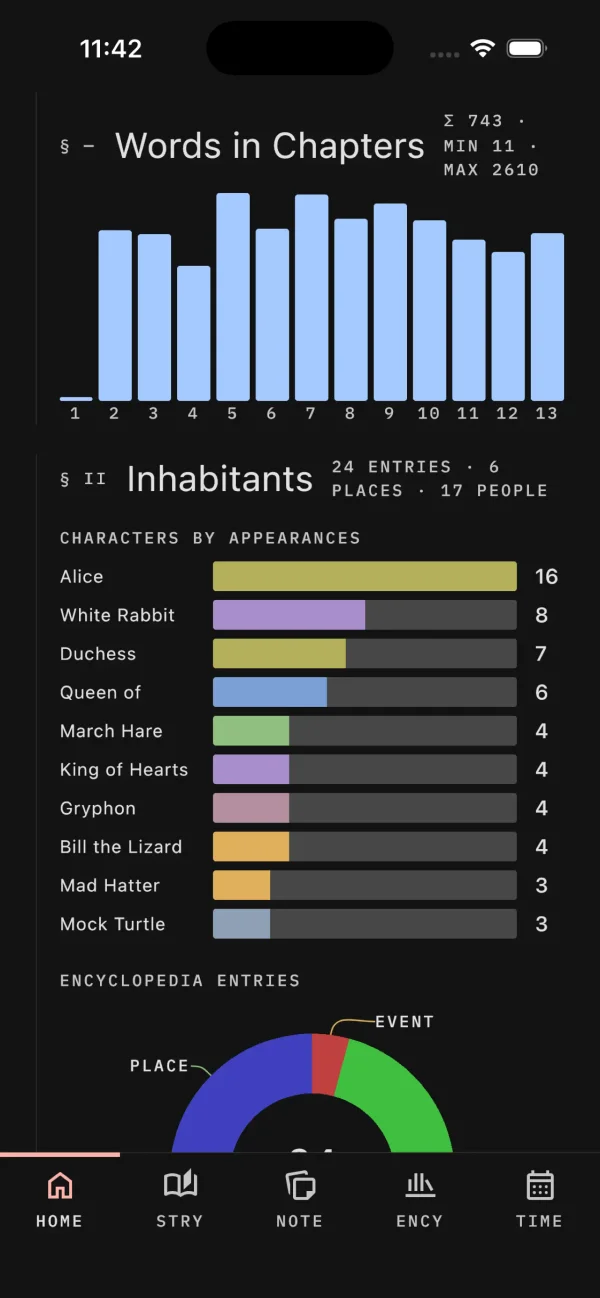
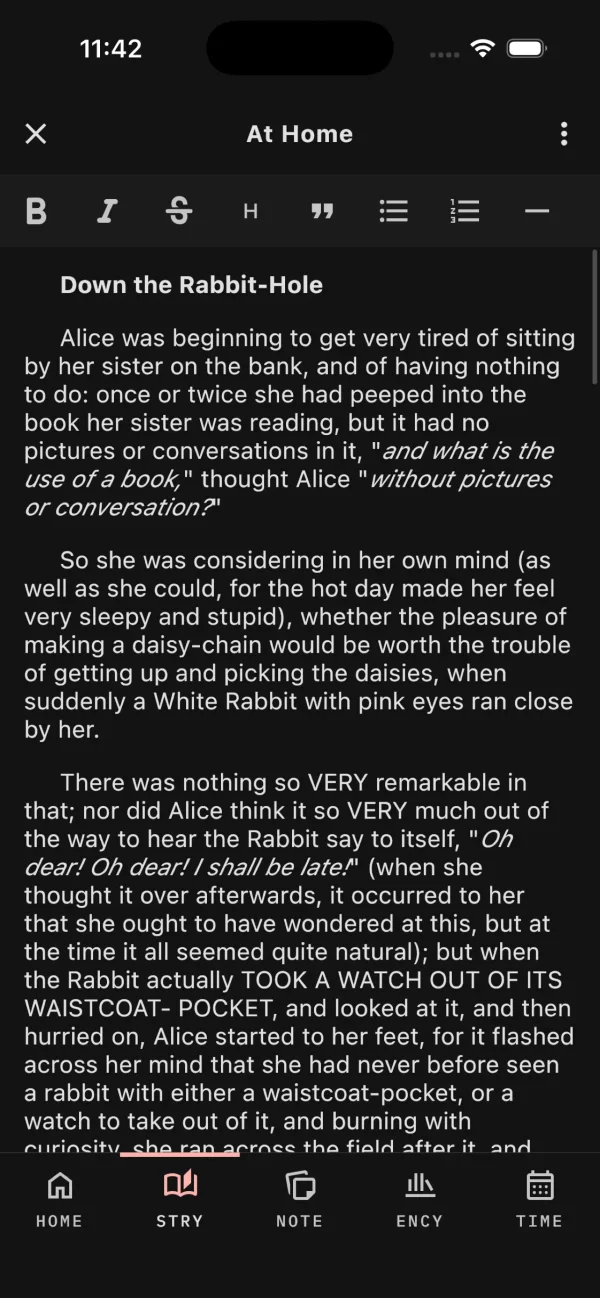

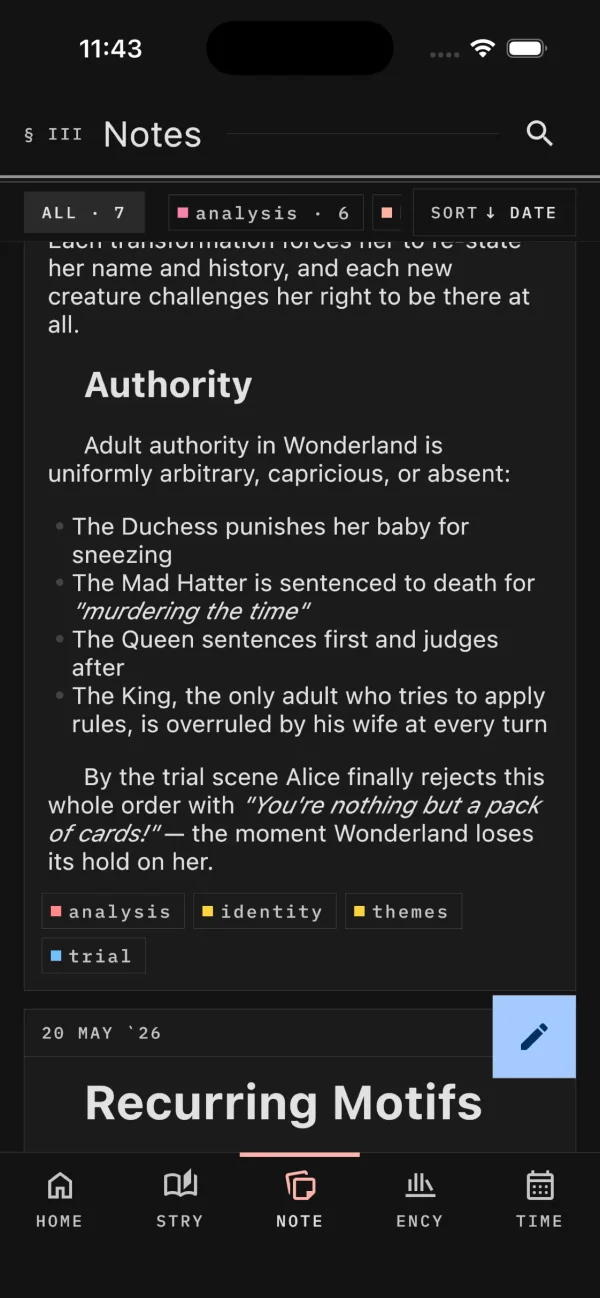
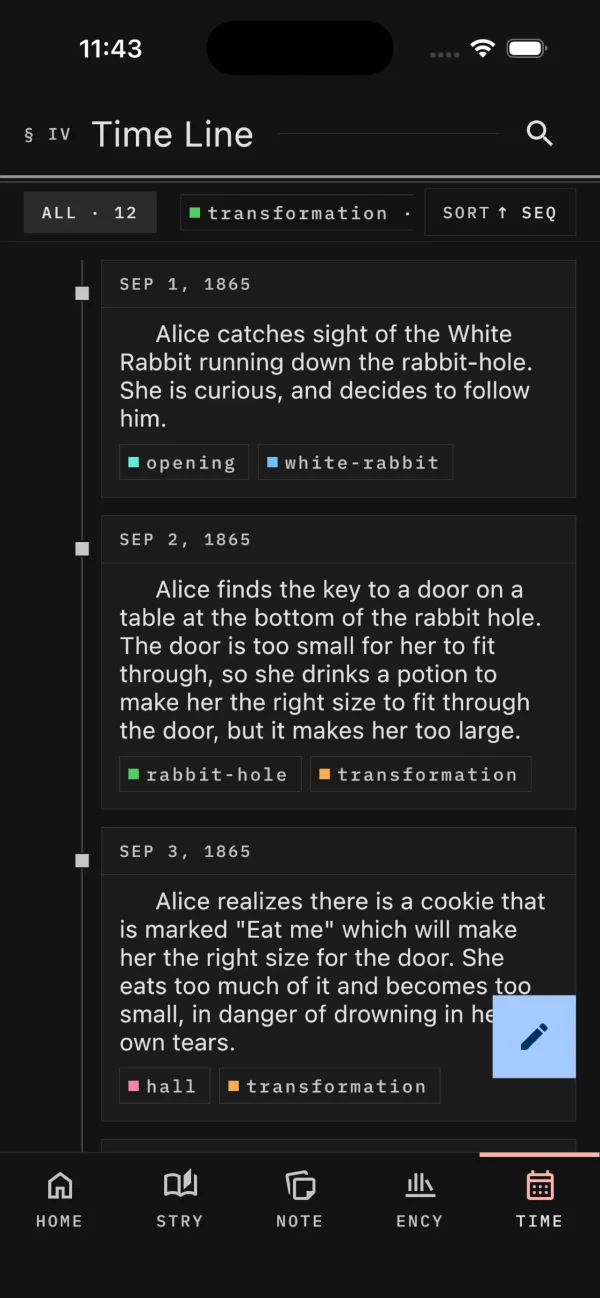
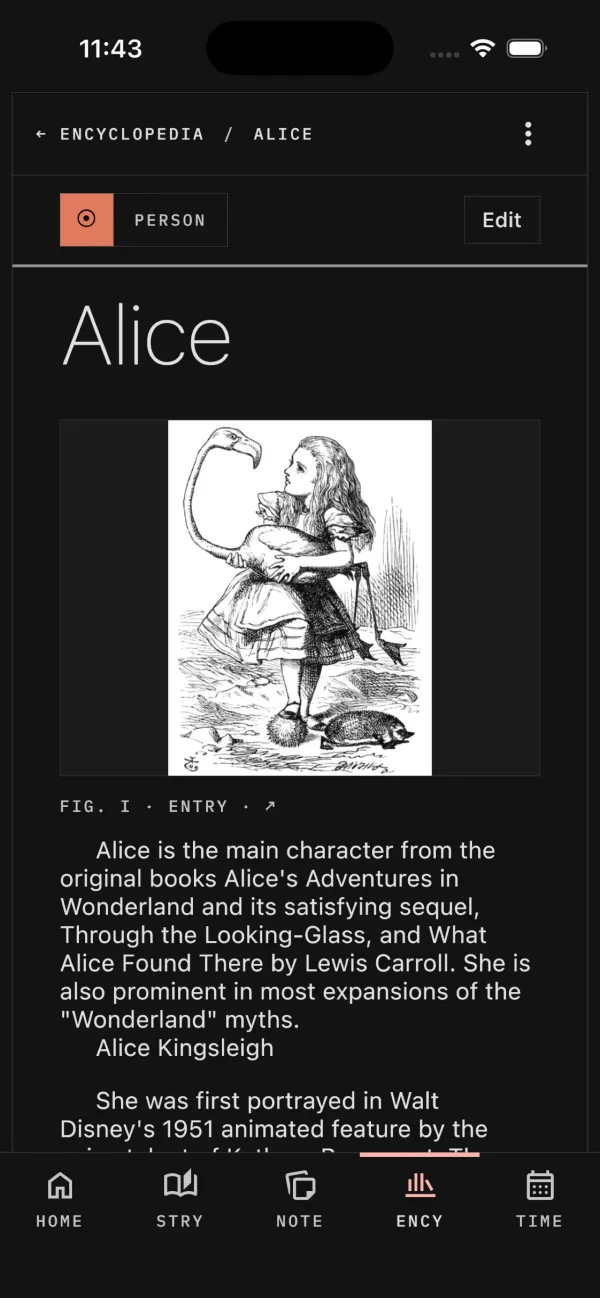
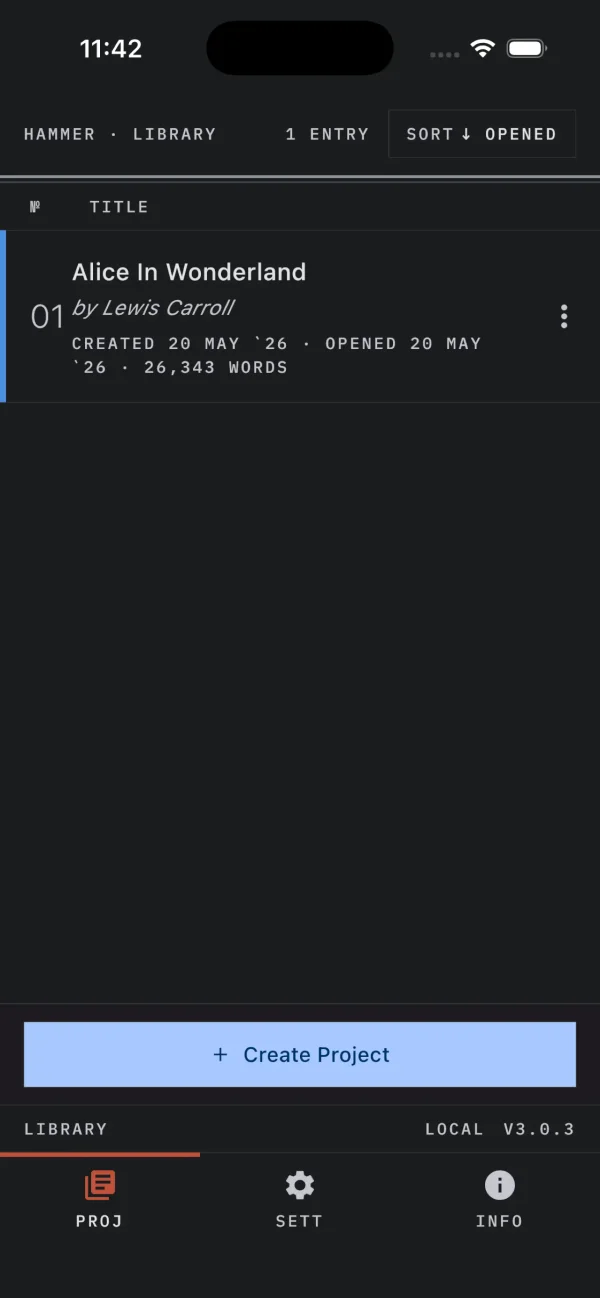
About
Please join our Discord to report issues! https://discord.gg/GTmgjZcupk
Multi-platform
This app is where ever you are. Your phone, tablet, desktop, laptop, this program can be installed and run, not simply a website-in-a-box, but instead using native client side technologies to provide the best experience possible.
Offline first
I was frustrated with most of the story writing software I was finding as they were using web technologies (aka: Web Page in a box) which always seems to run into problems while being used offline for long periods of time. Hammer is designed from the ground up to be entirely local, no internet connection required, ever.
Transparent Data
Your data is yours. It's not stored in the cloud, or some opaque database. It is stored in simple, human readable files, just using files and folders to define the project structure. You can open your OSes file browser and take a look for your self. If this program went away today you would be able to easily interact with your data.
Intelligent Syncing between devices
Your data can be synchronized between devices allowing you to work on your story from anywhere, and have no fear of a change on one device, overwriting a change on another device.
Optional and Self hosted Syncing
Syncing is entirely optional, you can install the client and use it on one device, or you can install the server and sync your data between devices.
What’s new
Version 3.12.2 · Nov 22, 2026
- Projects with several files claiming the same id now open. Identical copies are merged automatically, and a new dialog lets you choose which of the rest to keep. Sync waits until they are resolved
- Items of different types that share an id are renumbered, so sync uploads all of them instead of only one
- Writing statistics: autosaves landing mid-word, fixed typos, undone deletions, moved or pasted-back text and text arriving by sync or a draft restore no longer add words, and punctuation or formatting changes are not new words. "This week" is now "Last 7 days", which is what it always measured
- Sync no longer leaves synced scenes behind as unsaved edits, and skips downloading a scene that has unsaved edits
- Sync keeps a scene's missing created and edited dates missing instead of filling them per device, which made other devices conflict on scenes they had only opened
- Settings shows a sync server whose login has lapsed, with Log In Again and Remove Server
- Projects open even when a file sync tool such as Syncthing leaves its own files in the scene buffers folder
- Fix a crash when renaming the same scene twice
- Fix a crash when an encyclopedia entry can't be read
- Story ideas show a warning when the ideas folder can't be read
- Show an error when deleting a project fails
- Updated translations
App privacy
What Adam Brown declares on the App Store about how this app handles data.
-
Data not collected
The developer does not collect any data from this app.
Privacy practices may vary, for example with the features you use or your age.
Information
- Seller
- Adam Brown
- Category
- Productivity
- Version
- 3.12.2
- Updated
- Nov 22, 2026
- Released
- May 29, 2026
- Size
- 118.3 MB
- Requires
- iOS 16.0 or later
- Age rating
- 4+
- Price
- Free
- Languages
- English
- Copyright
- © Dark Rock Studios
You might also like
-
 LibreproseA tool for writing books
-
 HaloscriptWrite novels. Sketch ideas.
-
 Edda - Authors BibleWrite and build your world
-
 Quick.NotesRetro terminal style notes app
-
 Falken WriterProductivity
-
 InkSprint: Writing SprintsWord counts & deadlines
-
 RC MarkdownRead, Export & Share Markdown
-
 Nodus - ZettelkastenPlain text, connected thinking
-
 Manuscript WriterProductivity
-
 Tsuzuriple - Novel Plot WriterProductivity