
Fast Reply: Saved Replies
Auto Reply & Text Shortcuts
Designed for iPhone, iPad
Free · In-app purchases
- Age rating4+
- CategoryUtilities
- DeveloperAryaman Sharda
- LanguagesEnglish+ 7 more
- Size39.7 MB
Links to the official App Store page
Download.org hosts no file of Fast Reply: Saved Replies. The button opens its official App Store page, published by Aryaman Sharda. Listing last checked on Nov 19, 2026.
Screenshots

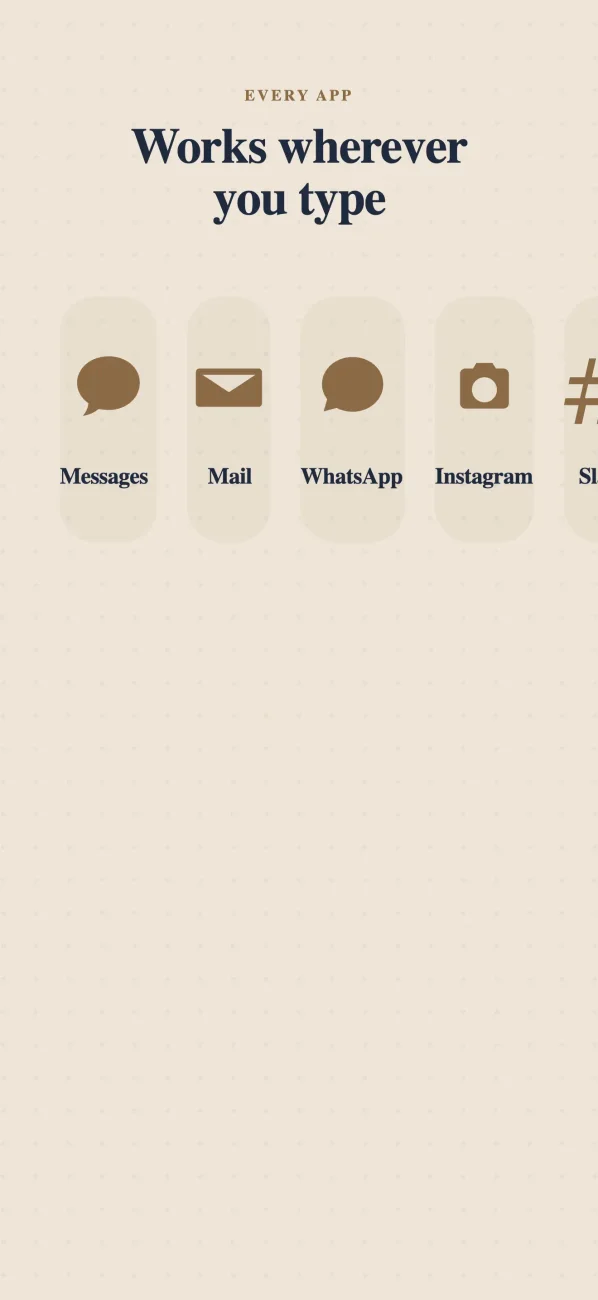
About
Stop typing the same message twice.
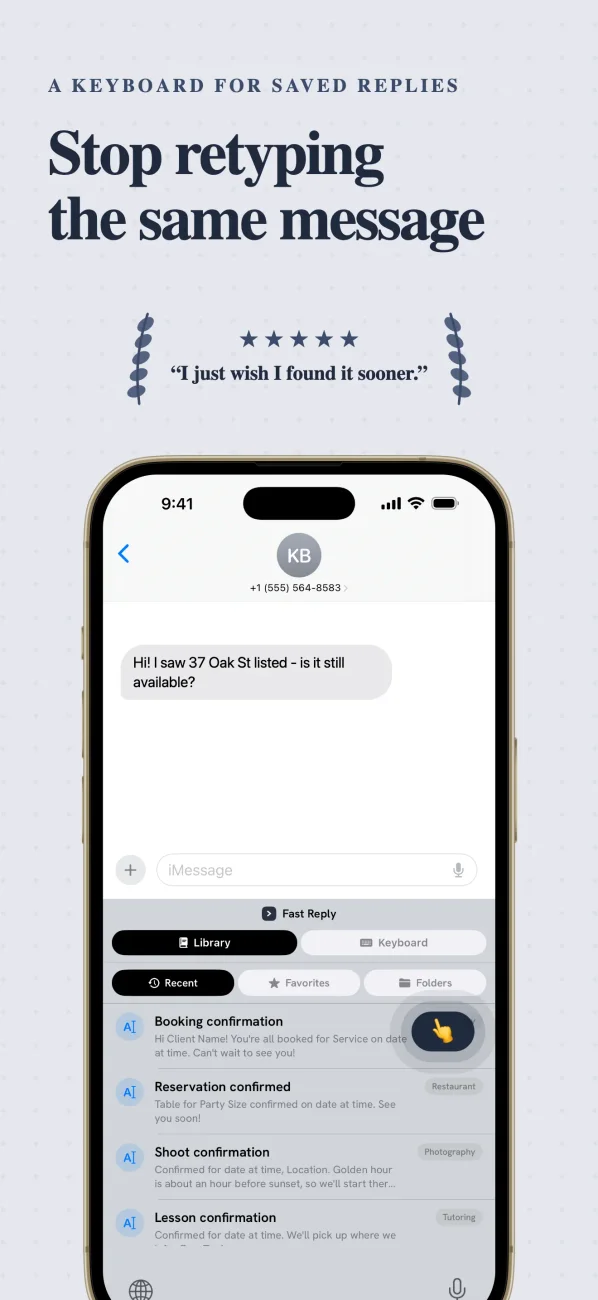
Fast Reply is a keyboard for iPhone that keeps your most-used replies one shortcut - or one tap - away. Texts, DMs, emails, support replies, marketplace messages: save it once, send it anywhere.
TWO WAYS TO SEND A SAVED REPLY
• Type a shortcut. Give a reply a short trigger like omw or addr, type it on the Fast Reply keyboard, and it expands into the full message right where your cursor is.
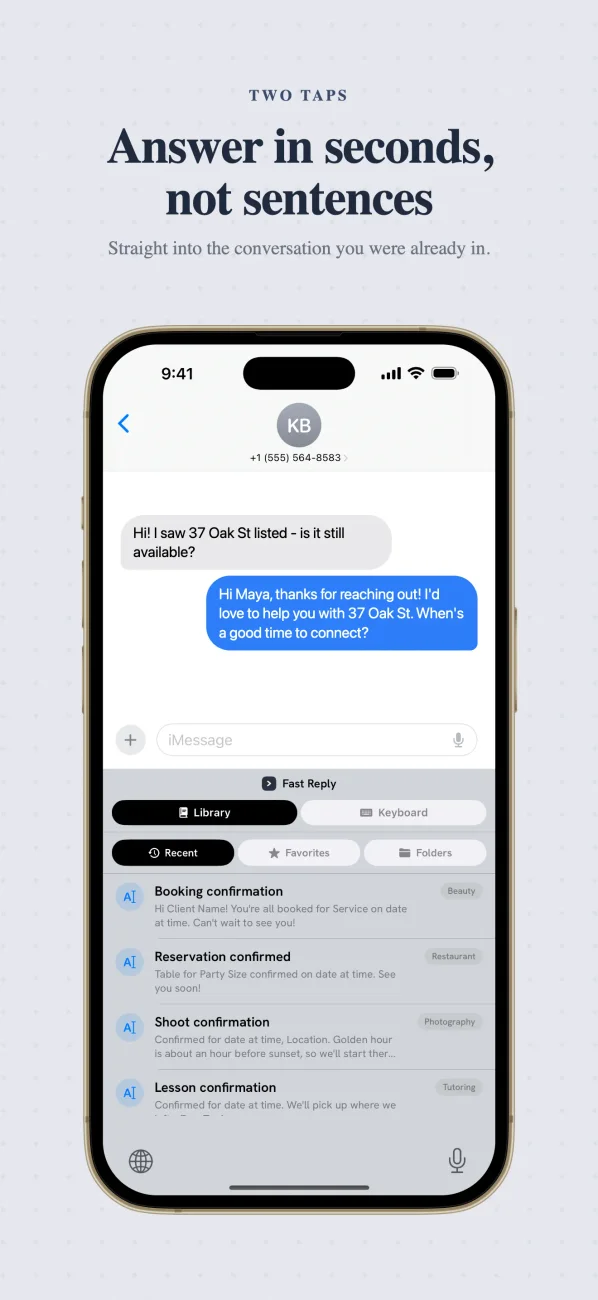
• Or browse and tap. Forgot the shortcut? Bring your library up from the keyboard and tap the reply you want, without leaving the app you're in.
WHAT'S INSIDE
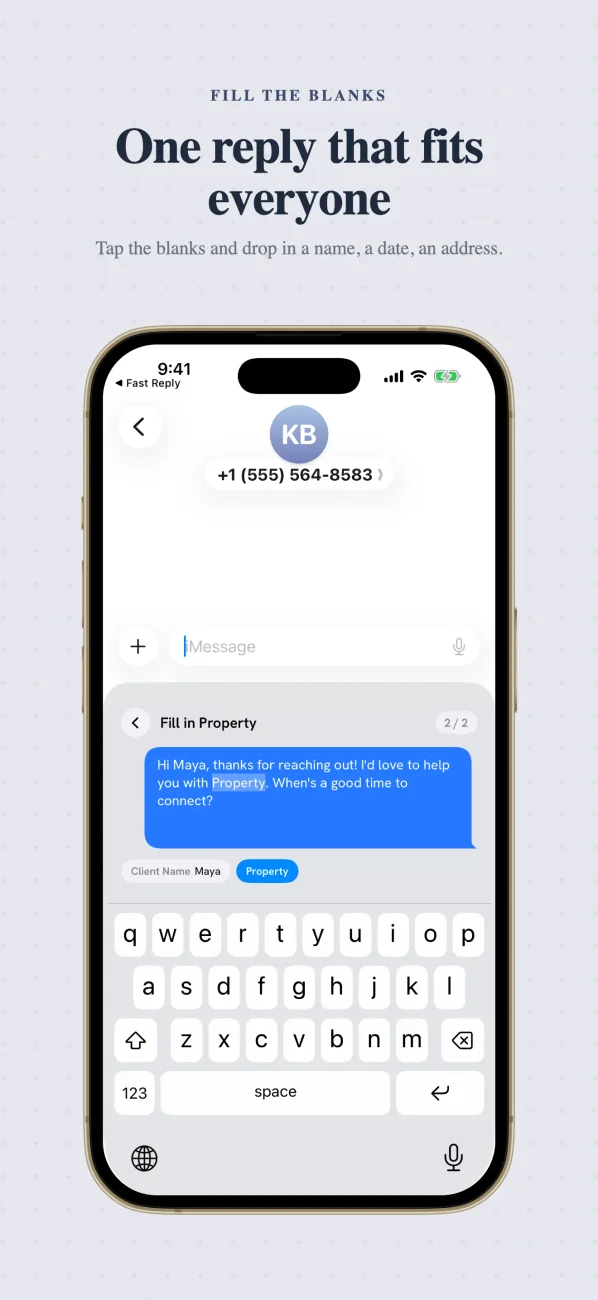
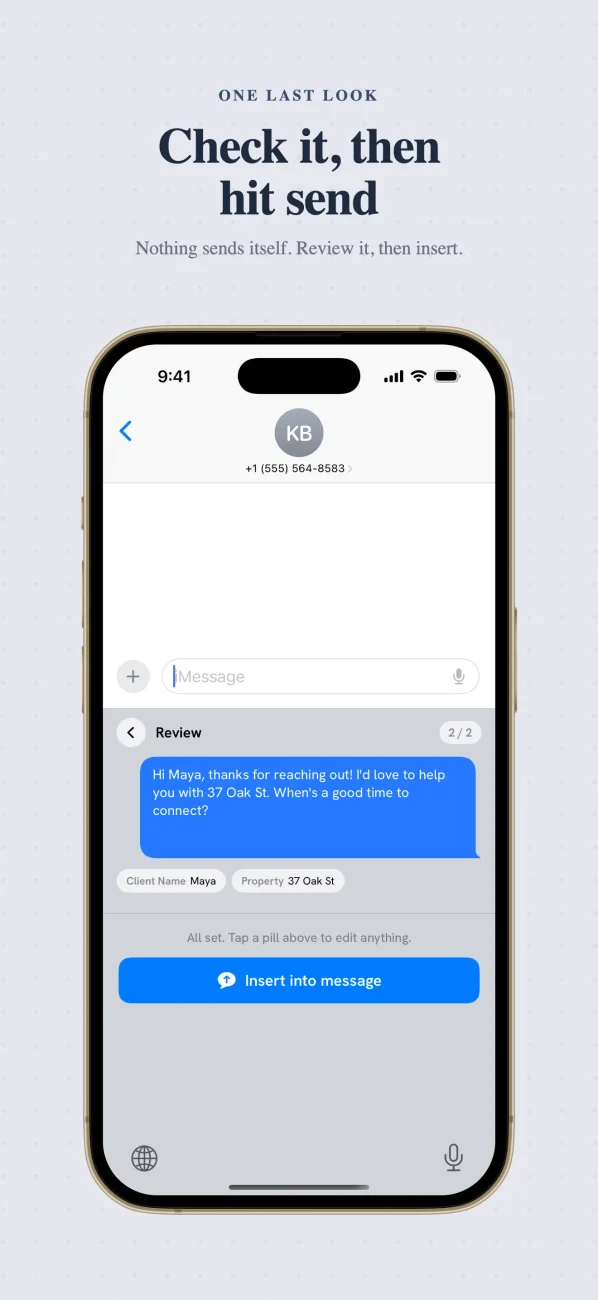
• Fill-in-the-blank variables. Add blanks like {name} or {date} to one reply and fill them in as you send, so a single template fits every conversation.
• AI Assist. Reword any reply warmer, shorter, or more polished in a tap, on device on supported iPhones.
• Folders inside folders. Organize by client, property, or project, and find anything with instant search.
• Attachments. Keep a logo, price sheet, or link with a reply so the whole message goes out together.
• iCloud sync. Your library on every device, always current.
• Auto-fills. Greeting, date, time, and clipboard resolve themselves as you insert.
• Randomized wording, so a reply you send fifty times a week doesn't read like a robot.
• Share a folder with a private link. Whoever opens it gets the whole set, free.
WHO IT'S FOR
Realtors, photographers, online sellers, contractors, property managers, freelancers, support reps: anyone who answers the same questions all day.
FREE AND PRO
The keyboard is free, and so is sending the replies you already have, plus up to five you create yourself. Fast Reply Pro unlocks unlimited replies, autotext expansion, fill-in-the-blank variables, AI Assist, attachments, iCloud sync, and smart collections. Start with a 7-day free trial, then $19.99 a year or $2.99 a month. Prefer to pay once? Lifetime access is $39.99, with no subscription.
Subscriptions renew automatically unless canceled at least 24 hours before the end of the period. Manage or cancel anytime in your App Store account settings.
Privacy Policy: https://fastreplyapp.com/privacy/
Terms of Use: https://fastreplyapp.com/terms/
Save your first reply in under a minute. Never type it twice again.
What’s new
Version 2.2 · Nov 11, 2026
New setup walks you through turning on the keyboard and sending your first reply, step by step. You can now browse reply packs right from Home. Small fixes too.
App privacy
What Aryaman Sharda declares on the App Store about how this app handles data.
-
Data not collected
The developer does not collect any data from this app.
Privacy practices may vary, for example with the features you use or your age.
Information
- Seller
- Aryaman Sharda
- Category
- Utilities
- Version
- 2.2
- Updated
- Nov 11, 2026
- Released
- May 1, 2023
- Size
- 39.7 MB
- Requires
- iOS 16.4 or later
- Age rating
- 4+
- Price
- Free
- In-app purchases
- Yes
- Languages
- English, French, German, Japanese, Portuguese, Russian, Simplified Chinese, Spanish
- Copyright
- © Digital Bunker
You might also like
-
 Quick Replies - Paste KeyboardAuto Copy & Text Expander Fast
-
 Canned Messages by ReplyCubeQuick Reply To Support Tickets
-
 SMS Templates - Text MessagesBuild custom sms templates!!!
-
 Phraseboard - Paste KeyboardCustom Shortcut Text & Fonts
-
 LazyBoard: Text ExpanderQuick Reply & Paste Keyboard
-
 TypeShelf: Reply KeyboardSaved Replies & Text Templates
-
 AI Actions for ShortcutsAI-powered Shortcuts
-
 Paste Keyboard : Text ShortcutAuto Copy Paste fast clipboard
-
 WordBoard: Text ExpanderSnippets, Shortcuts & AI Keys
-
 Clipboard Manager - PastePalCopy Paste Keyboard History