
Feed Planner: Grid Preview
Plan your grid before posting
Designed for iPhone
Free · In-app purchases
- Age rating4+
- CategoryPhoto & Video
- DeveloperOliver Welman
- LanguagesEnglish
- Size15.3 MB
Links to the official App Store page
Download.org hosts no file of Feed Planner: Grid Preview. The button opens its official App Store page, published by Oliver Welman. Listing last checked on Nov 12, 2026.
Screenshots
About
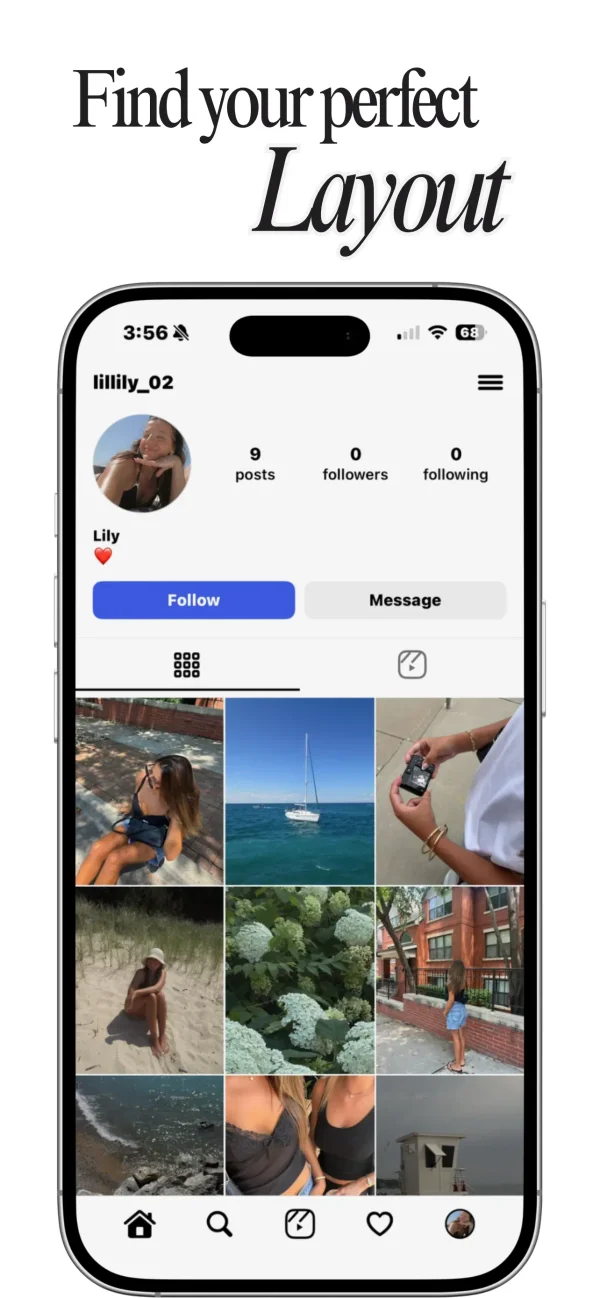
Stop guessing how your next post will look.
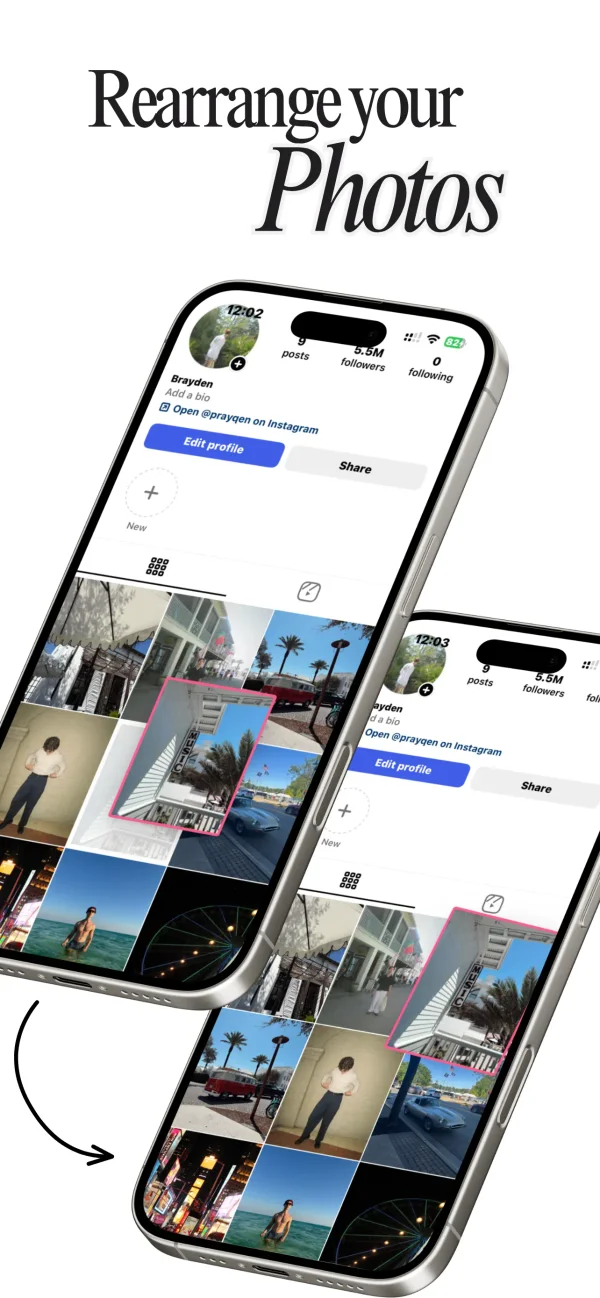
Feed Planner lets you drag your photos into place and see your whole grid before you post a single one. Rearrange until it feels right — then post with confidence.
DRAG UNTIL IT FEELS RIGHT
Move any photo anywhere in your grid. Try a shot in the corner, swap two tiles, push something to the next row. Your feed updates instantly, so you can experiment as long as you like before committing to anything.
SEE IT BEFORE YOU POST
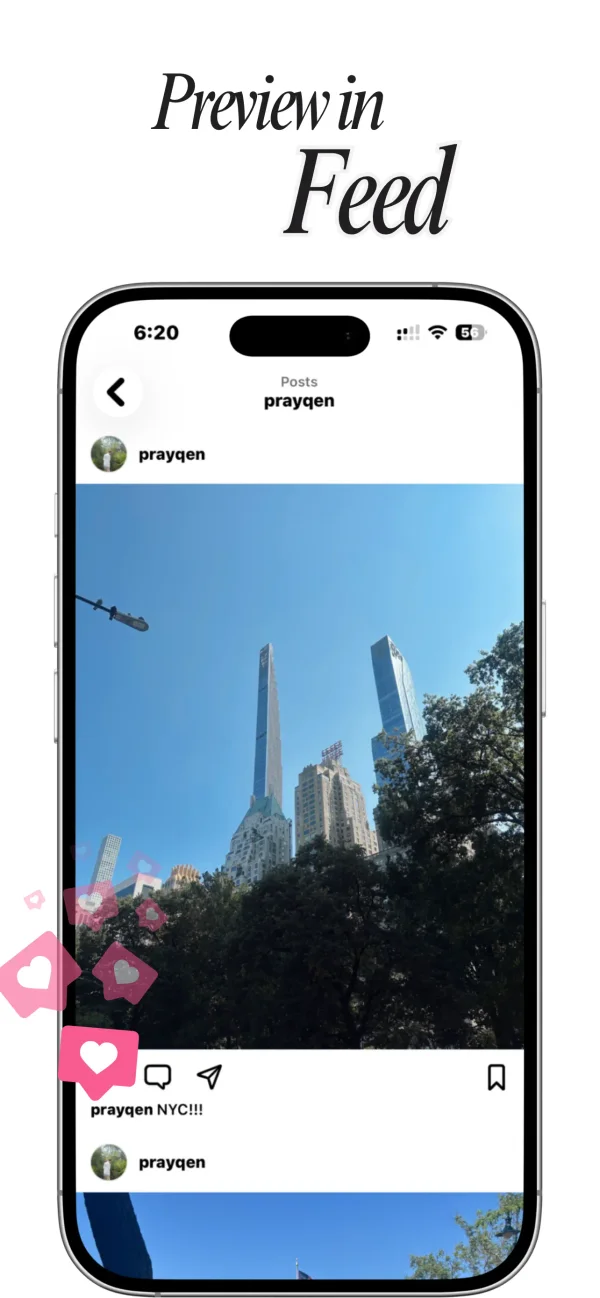
Preview your profile exactly the way someone visiting it would — full-screen posts, swipeable carousels, captions and all. No more posting something and realizing afterwards that it clashed.
MAKE IT COHESIVE
Eight subtle filters with adjustable strength, plus fine controls for exposure, contrast, warmth, shadows and more. Crop and reposition any photo. Everything is non-destructive — your originals are never touched.
BUILT FOR REAL POSTS
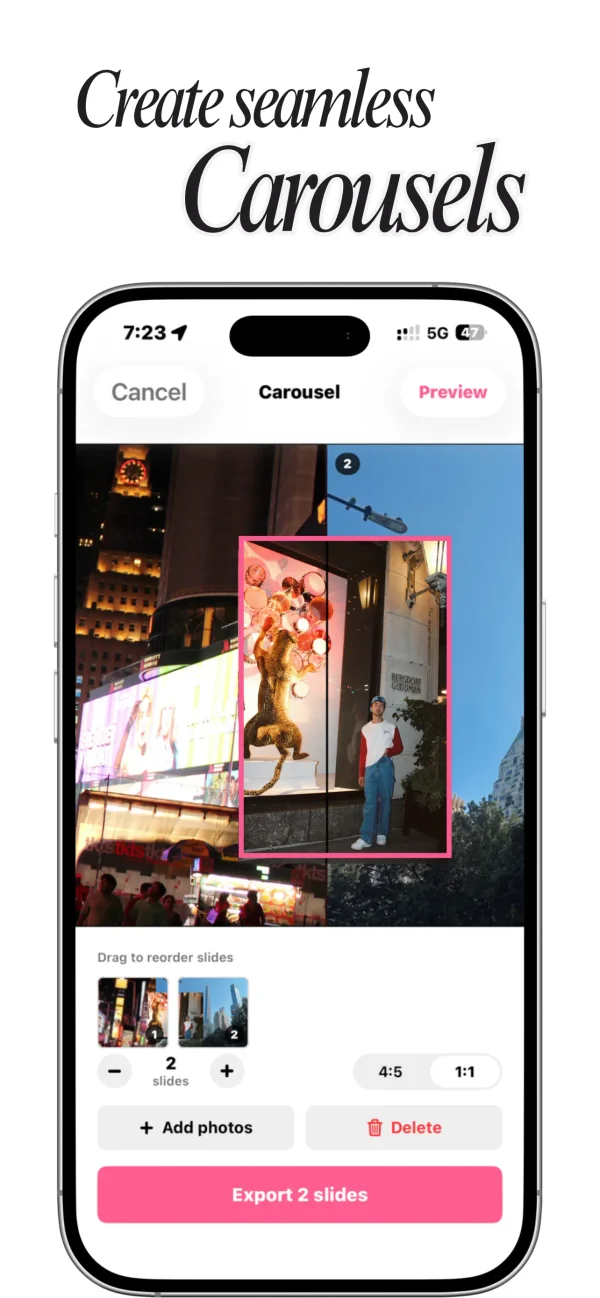
Plan single photos or multi-photo carousels. Write your captions ahead of time. Archive posts you're not sure about and bring them back whenever you want.
YOUR PHOTOS STAY YOURS
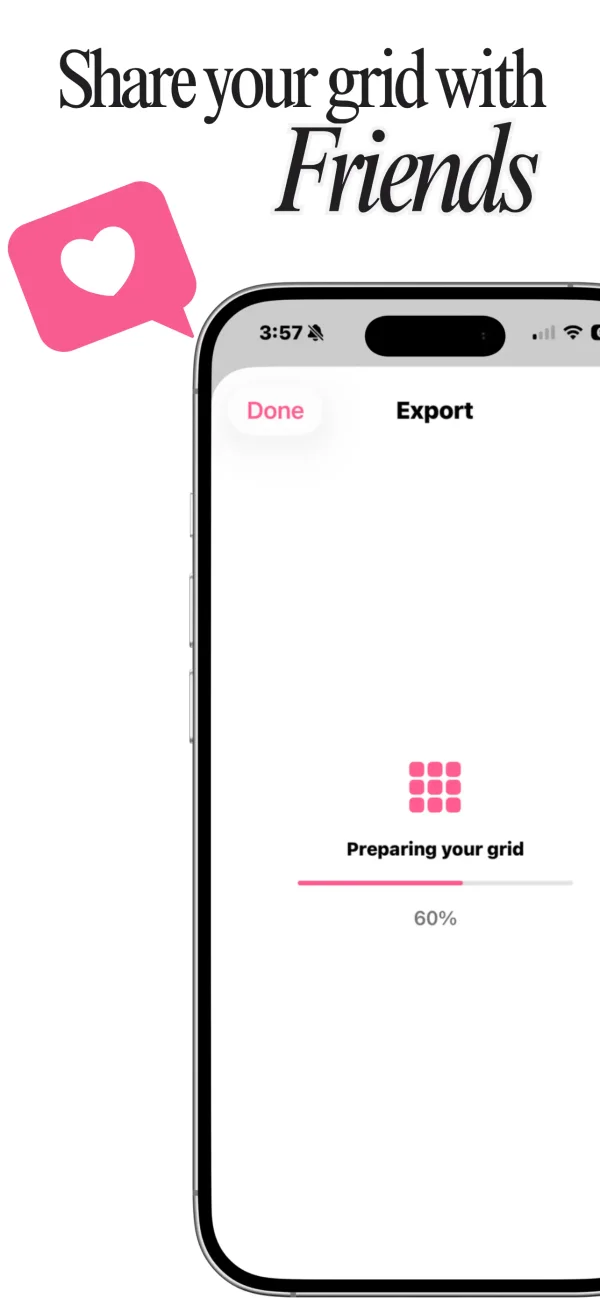
No account. No sign-up. No uploads. Feed Planner works entirely on your device, and your photos never leave it.
FEED PLANNER PRO
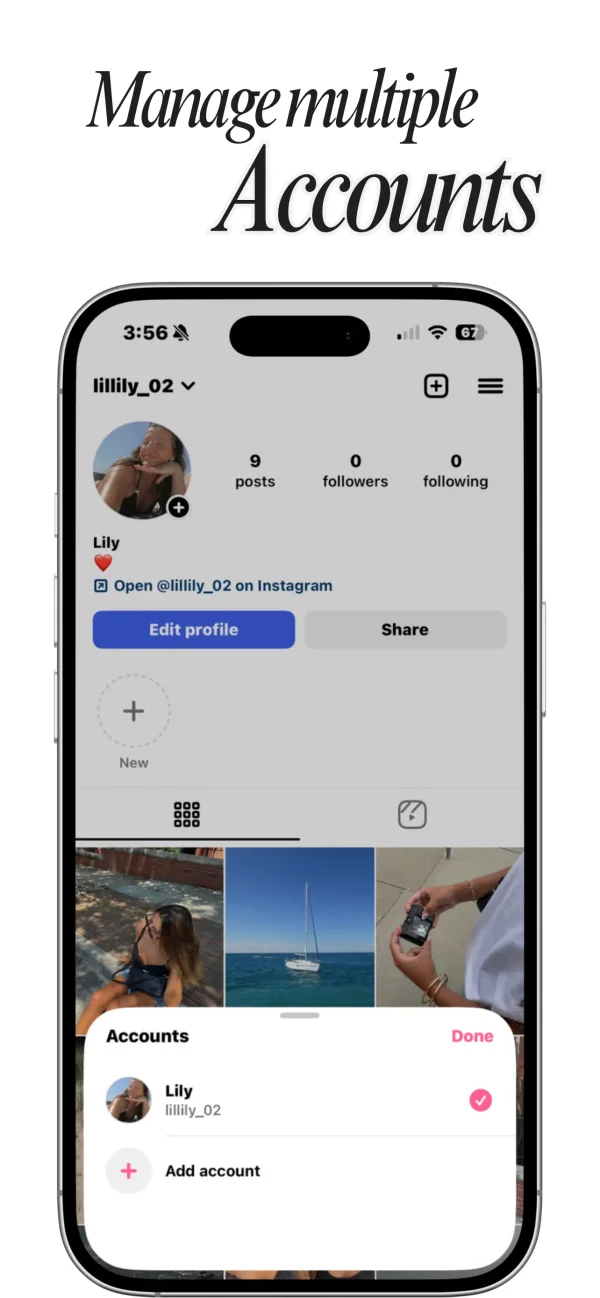
Unlock unlimited photos, custom follower and following counts, story highlights, multiple profiles, and the full set of editing tools.
• Monthly — $4.99
• Lifetime — $14.99, one time, never renews
Feed Planner is an independent planning tool. It is not affiliated with, endorsed by, or connected to Instagram or Meta Platforms, Inc. It does not connect to your account and never posts anywhere on your behalf.
Terms of Use: https://gardedllc.com/feedplanner/terms
Privacy Policy: https://gardedllc.com/feedplanner/privacy
What’s new
Version 1.1 · Sep 10, 2026
Pin up to three posts to the top of your grid, so your
planned feed matches what people actually see.
Plan your stories. Add frames, set the order, and watch
the run play at real speed before you post it.
Save hashtag sets and drop them into any caption in a tap.
Caption limits as you type — characters, hashtags, and
where the preview cuts off.
Add a location, tagged people, and alt text to a post.
Room for up to five links on your profile.
App privacy
What Oliver Welman declares on the App Store about how this app handles data.
-
Data not linked to you
May be collected but is not linked to your identity.
- Purchases
Privacy practices may vary, for example with the features you use or your age.
Information
- Seller
- Garded LLC
- Category
- Photo & Video
- Version
- 1.1
- Updated
- Sep 10, 2026
- Released
- Sep 2, 2026
- Size
- 15.3 MB
- Requires
- iOS 17.0 or later
- Age rating
- 4+
- Price
- Free
- In-app purchases
- Yes
- Languages
- English
- Copyright
- © 2026 Garded LLC
You might also like
-
 thefeed.toolsFeed Preview & Grid Planner
-
 stheticVisual grid planner & editor
-
 FutureGridVisual Grid Planner & Drafts
-
 Instagram Planner: SwatchPreview & plan your IG feed
-
 Feed Planner: Preview GridPlan feed layout & Grid design
-
 FeedPeek: Feed PlannerPlan your grid before you post
-
 Gridder: Planner for InstagramFeed Preview, Grid & Layout
-
 Snapback – RAW Camera & EditorAI Edits, Manual Pro Controls
-
 Postic • Social media PlannerPreview Feed · Schedule layout
-
 Cam IntervalAuto shutter in set interval