Instagram Planner: Swatch
Preview & plan your IG feed
Designed for iPhone
Free · In-app purchases
- Age rating4+
- CategoryPhoto & Video
- DeveloperAlex Stewart
- LanguagesEnglish
- Size15.0 MB
Links to the official App Store page
Download.org hosts no file of Instagram Planner: Swatch. The button opens its official App Store page, published by Alex Stewart. Listing last checked on Nov 21, 2026.
Screenshots



About
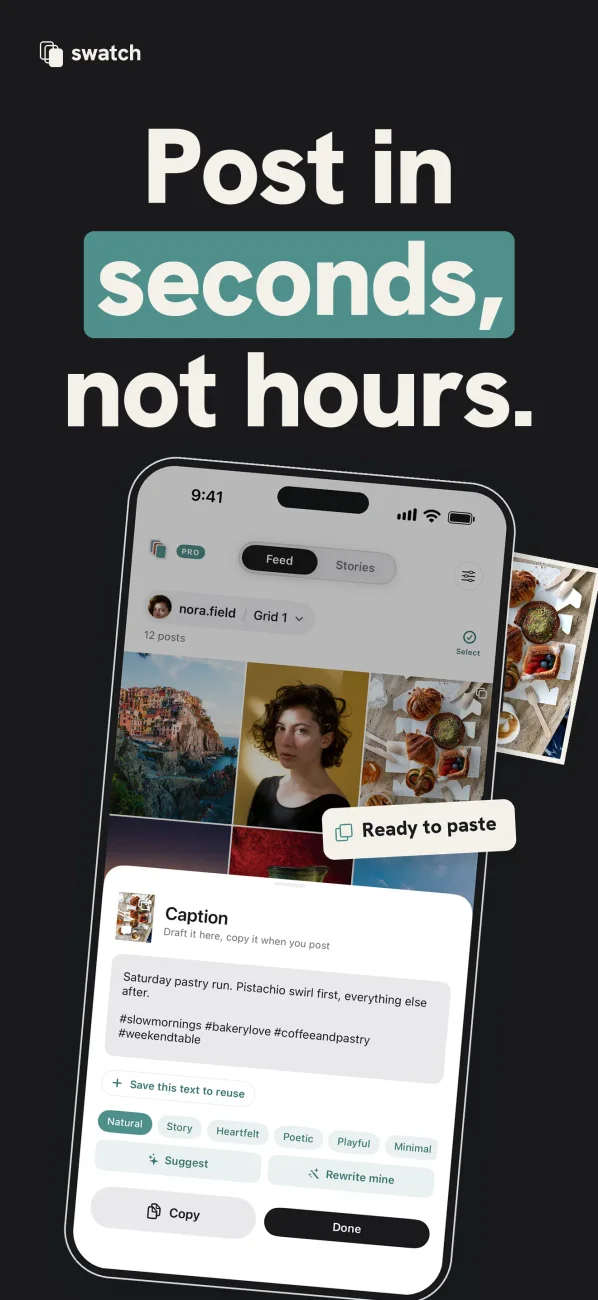
Plan your Instagram feed before anything goes live.
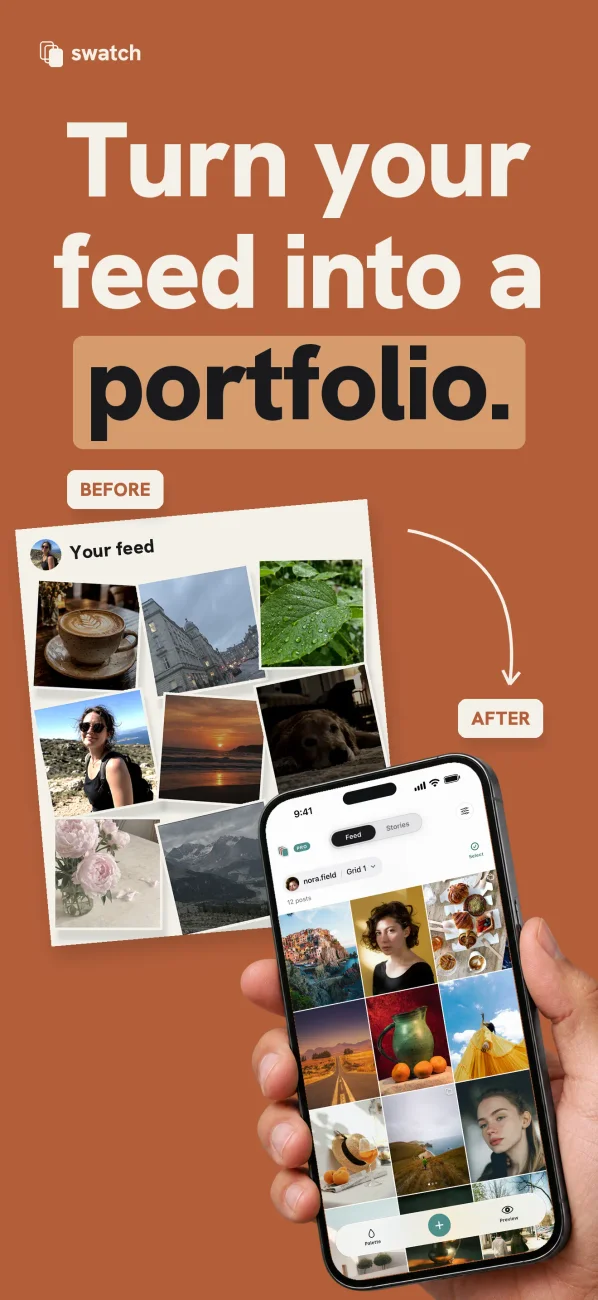
Swatch is a grid planner made by photographers. See the whole profile at once, arrange your posts, and design each one around the look of the feed instead of one photo at a time. No Instagram login, no subscription, no scheduling.
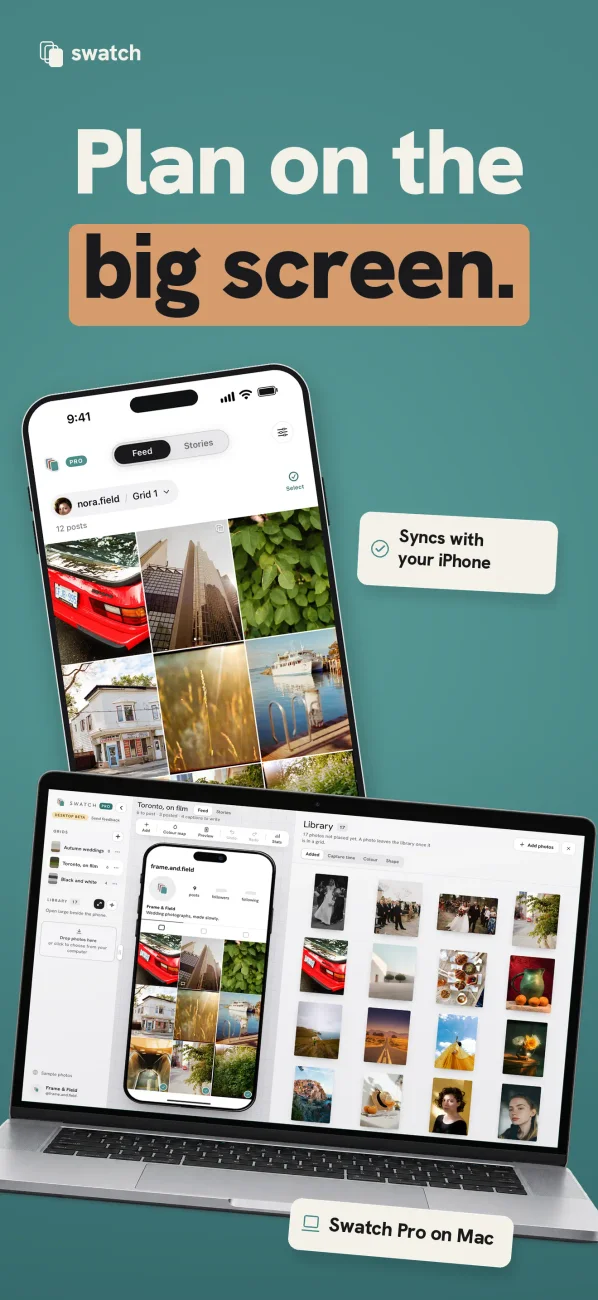
PLAN ON THE BIG SCREEN
Swatch Desktop puts your photo library beside a full-size phone in your browser, on the same grid as your iPhone, synced through your own iCloud. Drag a whole shoot in, try posts in place, build carousels and write captions on a real keyboard. In beta and included with Swatch Pro. Try it with sample photos at tryswatch.app/desktop.
START WITH THE GRID
• Lay posts out in Instagram's real 3:4 proportions, so what you plan is what your profile shows
• Block out a feed in color before you've shot anything, with color placeholders
• Flatten every photo to its dominant tone with the color map, and read the whole palette at a glance
• Press, hold and drag to reorder; the grid reflows around it
• Mark reels, carousels, captions and what's already posted
COMPOSE THE POST
• Single photos, plain carousels and borders for each photo
• Photo layouts and framed sets that bake down to one clean tile
• Seamless Panorama carousels: one wide photo across several slides, so it reads as one continuous image on the swipe
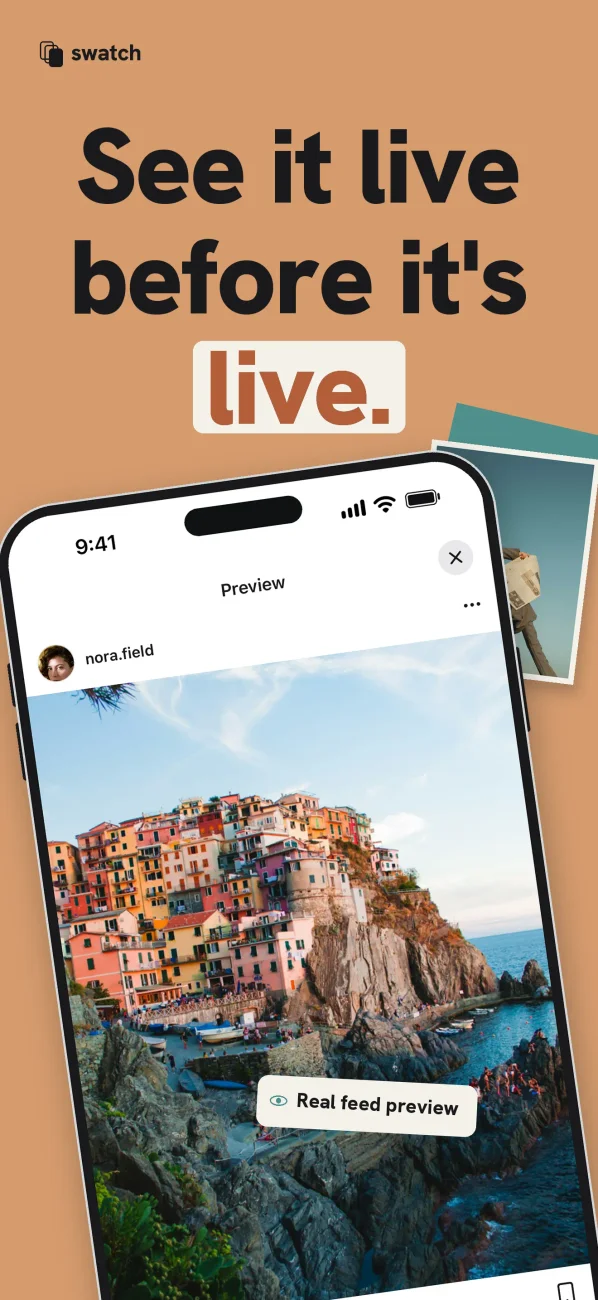
• Preview the finished post in a real Instagram feed
PLAN STORIES TOO
• Design Stories on a 9:16 canvas with photos and text
• Arrange them across slides and preview the sequence
WRITE THE CAPTION
• On supported iPhones, Apple Intelligence suggests a caption in your tone or polishes your own, entirely on your device
• Copy it across when you hand the post to Instagram yourself
FREE AND PRO
Free plans one grid on one account with the full feed workflow: single photos, plain carousels, color placeholders, the color map, reordering, Stories, iCloud sync and export.
Pro is a one-time unlock: more grids and accounts, Layouts and Borders, seamless Panorama carousels, on-device AI captions and Swatch Desktop. No subscription, ever.
YOURS, AND PRIVATE
Your grids live on your iPhone and sync through your own private iCloud across your Apple devices, free. There's no separate Swatch account. Swatch never posts for you: plan here, then post from Instagram when you're ready. See tryswatch.app/privacy for details about iCloud sync, desktop uploads and limited usage events.
What’s new
Version 1.0.28 · Nov 16, 2026
Bug fixes and general improvements.
App privacy
What Alex Stewart declares on the App Store about how this app handles data.
-
Data linked to you
May be collected and linked to your identity.
- Purchases
- Identifiers
- Usage data
Privacy practices may vary, for example with the features you use or your age.
Information
- Seller
- Alex Stewart
- Category
- Photo & Video
- Version
- 1.0.28
- Updated
- Nov 16, 2026
- Released
- Aug 24, 2026
- Size
- 15.0 MB
- Requires
- iOS 17.0 or later
- Age rating
- 4+
- Price
- Free
- In-app purchases
- Yes
- Languages
- English
- Copyright
- © 2026 PaperCloud Studios
You might also like
-
 Gridder: Planner for InstagramFeed Preview, Grid & Layout
-
 FeedPeek: Feed PlannerPlan your grid before you post
-
 Feed Planner: Grid PreviewPlan your grid before posting
-
 SwatchBoardPhoto & Video
-
 Match Face: Football CameraSoccer, photo & avatars
-
 The Grid by RavdiPlan your Instagram grid
-
 Feedloom: Feed & Grid PlannerPreview & Arrange Instagram
-
 Gridlace: Carousel & CollagePanorama, Grid & Video Split
-
 ShuttR: Shutter Speed TesterAnalog Shutter Speed Tester
-
 Feed Planner: Preview GridPlan feed layout & Grid design