
- Age rating4+
- CategoryNews
- DeveloperTyler Lawrence
- Size38.8 MB
Links to the official App Store page
Download.org hosts no file of Feedit. The button opens its official App Store page, published by Tyler Lawrence. Listing last checked on Nov 13, 2026.
Screenshots

About
Take control of the news you care about and read what matters to you! Read and share articles from your favorite blogs and websites in a clean and intuitive interface.
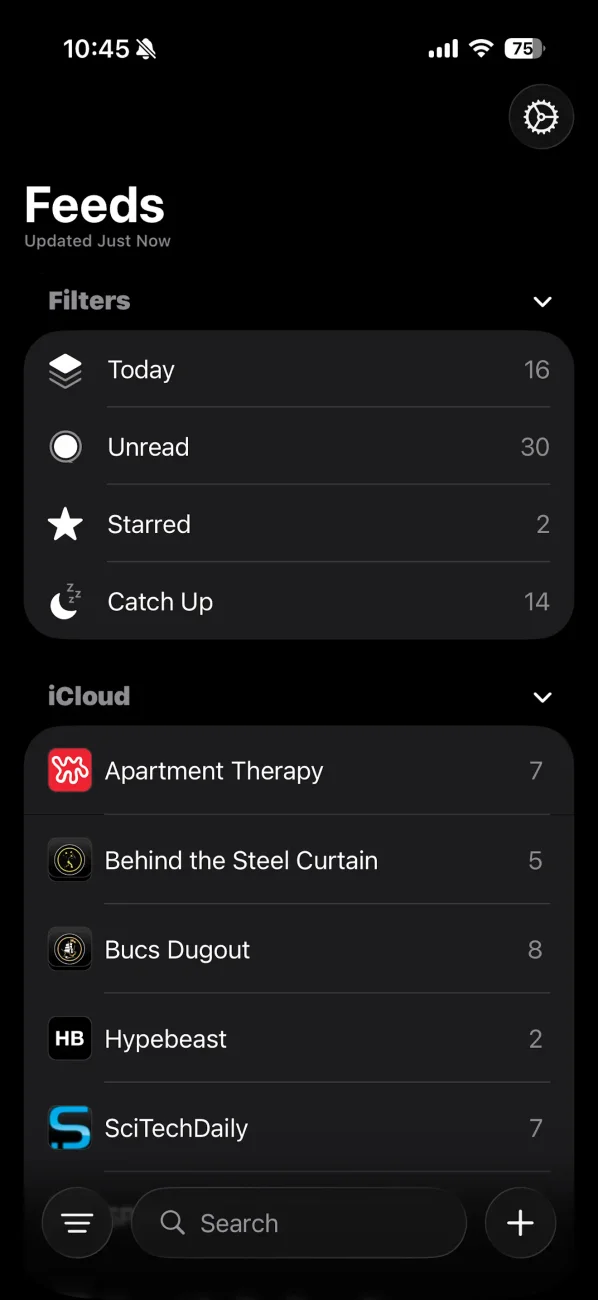
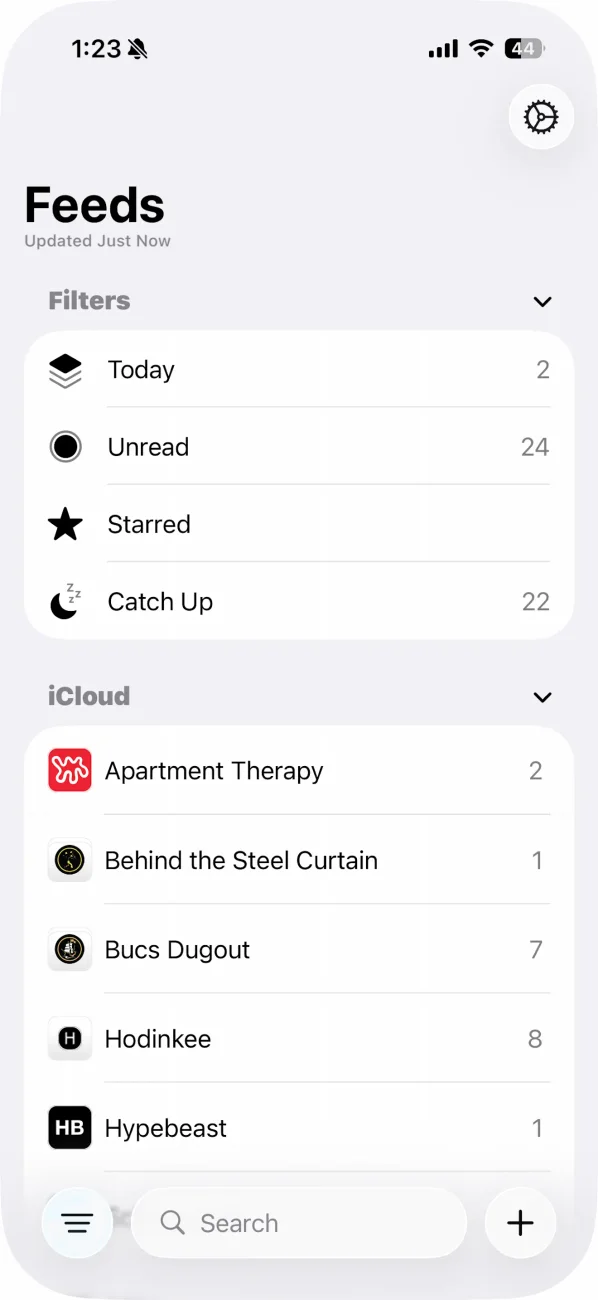
FEEDS
Sync with iCloud, or use the built-in “On My Device” local account.
Third party account services that integrate and sync with Feedit: BazQux, Feedbin, Feedly, Inoreader, NewsBlur, The Old Reader, FreshRSS. Feedit also supports extension services – best supported by Local and iCloud accounts: Reddit, Mastodon. You can subscribe to your timelines, a specific username, hashtag, subreddit, etc.
STARRED
This is a smart collection of articles acting mostly as a read later service.
This will save what you want to read or reference later and syncs across devices(except local account).
CATCH UP
This is a smart collection of your articles that show up as unread after 24 hours of being published. This way you’re able to reference them on your time when you’re ready to get to them and avoid a cluttered timeline.
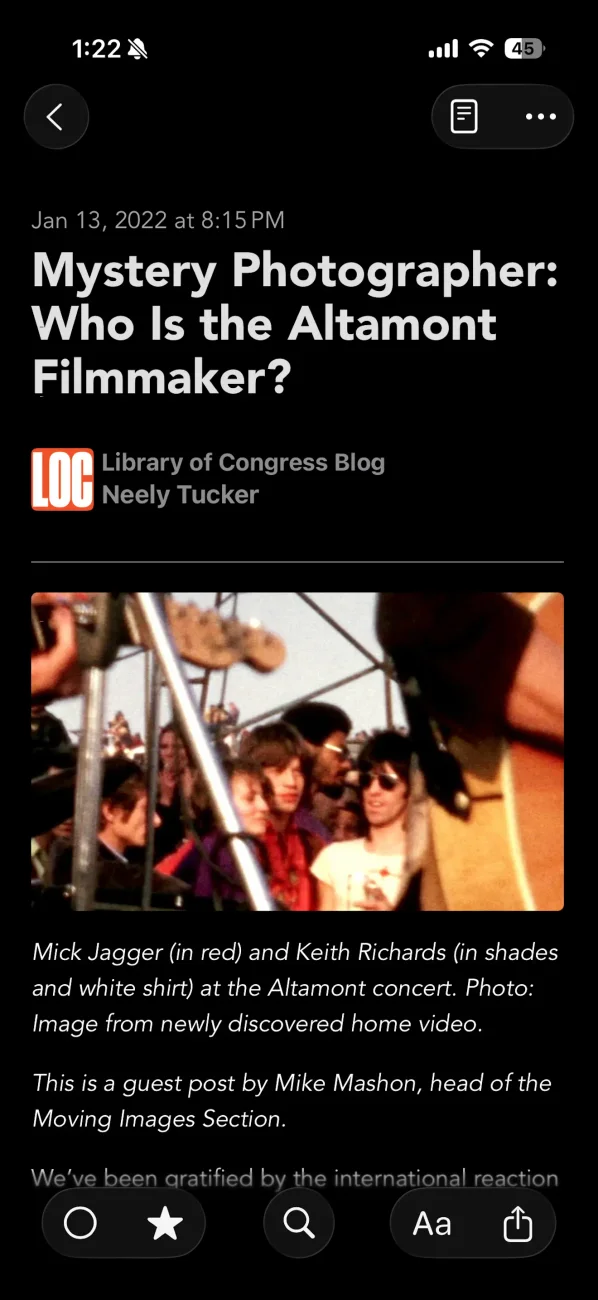
READER VIEW
This is an optional feature where it ultimately comes to preference
Does not work with extension services(Twitter - deprecated, Reddit, Mastodon)
You can find this feature in the article view
If you prefer Reader View, you can toggle this for all your subscriptions, or individually
WIDGETS
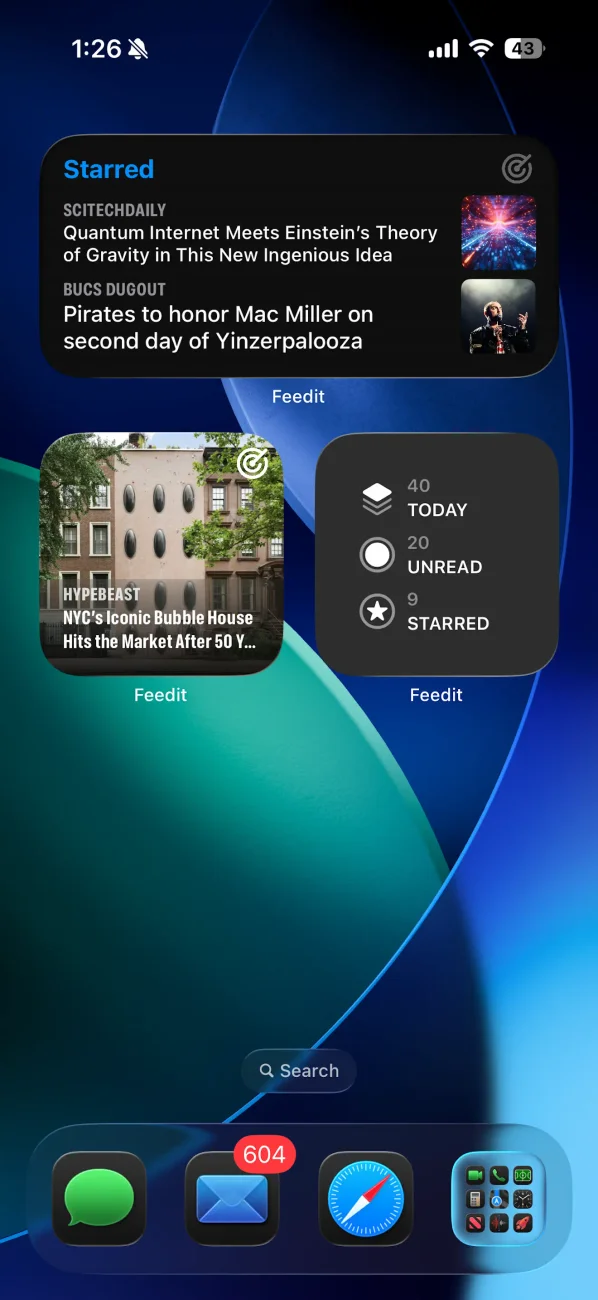
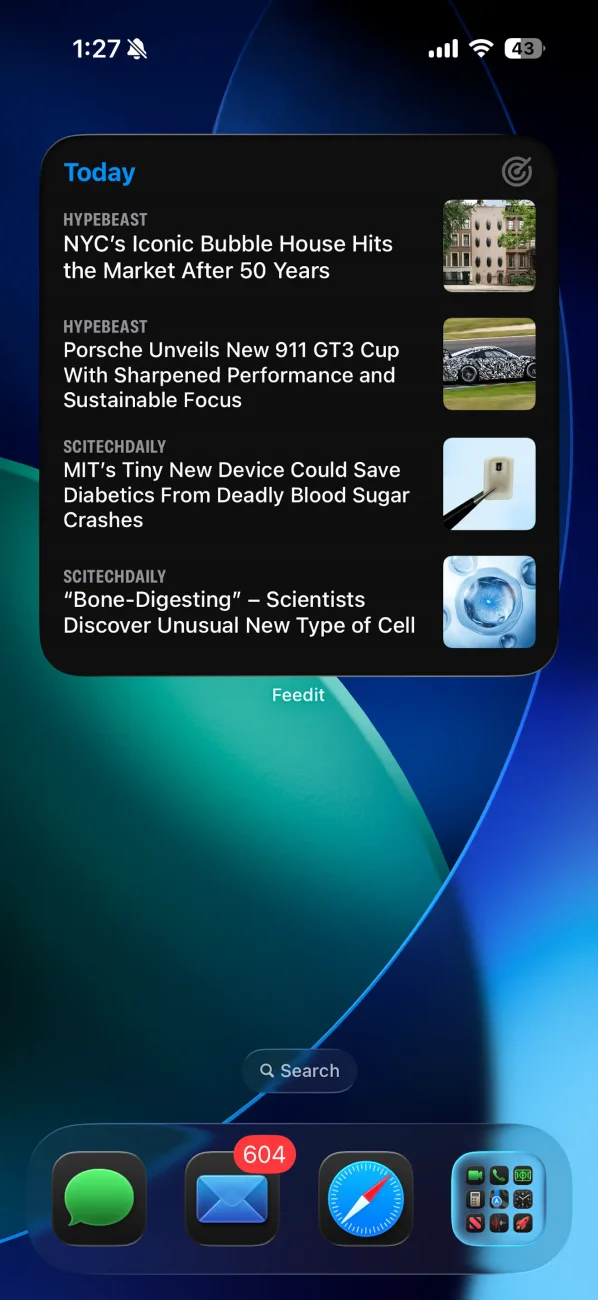
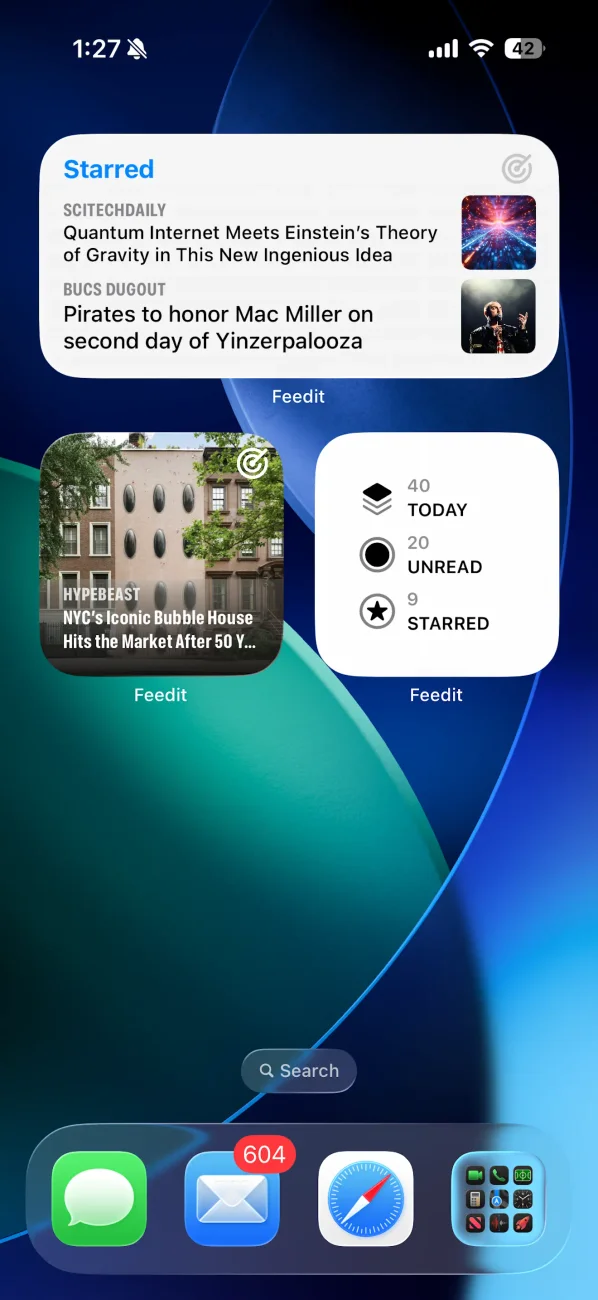
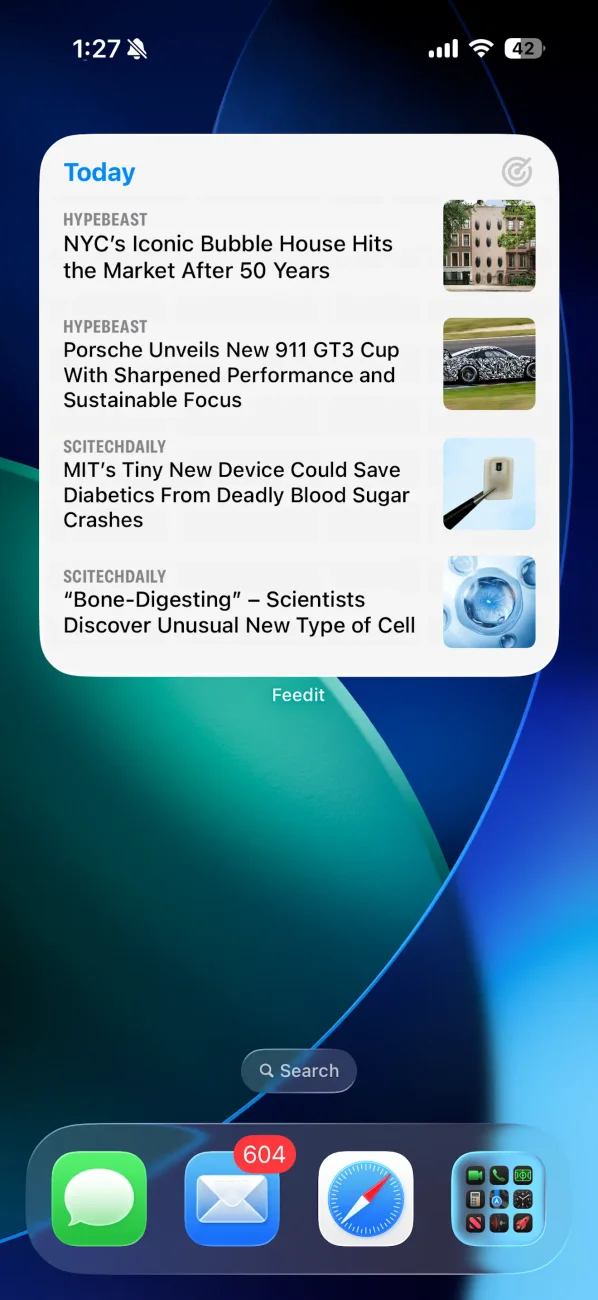
View your recent articles – comes in small, medium, large and, for devices that support it, extra large.
View your current Today, Unread and Starred filter counts – small sized widget
SAFARI WEB EXTENSION: FIND FEED
How to enable:
- Open Settings app
- Select Safari
- Select Extensions
- Select Feedit
- Turn Feedit On
- Turn on “All Websites”
From there, go to a page in Safari, bring up the Safari options, and tap “Find Feed”
What’s new
Version 2.03 · Jul 22, 2025
Version 2.03
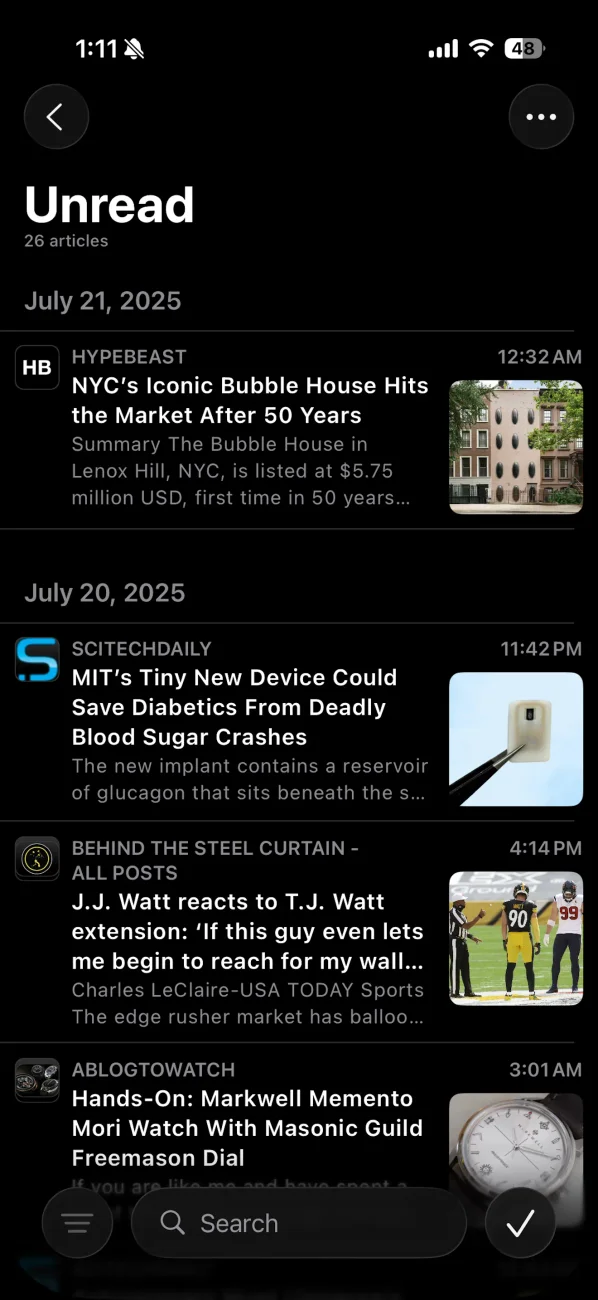
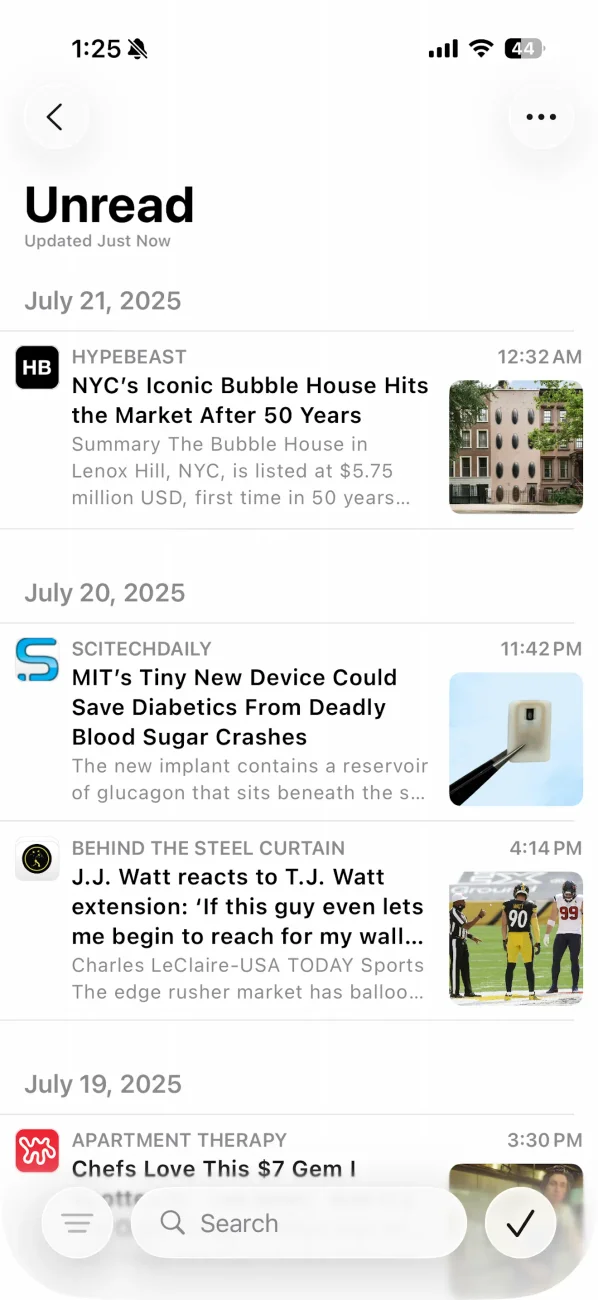
- implemented article images in the timeline (if available)
- deep linking from widgets now navigates to the selected article
- various other bug fixes and minor tweaks to design
App privacy
What Tyler Lawrence declares on the App Store about how this app handles data.
-
Data not collected
The developer does not collect any data from this app.
Privacy practices may vary, for example with the features you use or your age.
Information
- Seller
- Tyler Lawrence
- Category
- News
- Version
- 2.03
- Updated
- Jul 22, 2025
- Released
- Mar 25, 2023
- Size
- 38.8 MB
- Requires
- iOS 18.5 or later
- Age rating
- 4+
- Price
- Free
- Copyright
- © 2025 Tyler D Lawrence
You might also like
-
 Cupfeed : News & RSS readerNews & RSS reader
-
 AirSS: RSS & News ReaderFollow all your favorite sites
-
 News-Crawler - read & blockFeed/RSS-Reader/Aggregator
-
 FlowReader - RSS Feed ReaderConvenient RSS Feed Reader
-
 Just RssNews
-
 R2SReaderYour RSS feed Reader
-
 Ticker: RSS Feed ReaderFilter, tag & sync privately
-
 Hubly ReaderYour news, made simple
-
 Next Level NewsNews reader | RSS reader
-
 Elytra - RSS Feed ReaderPrivate news & blogs that sync