
- 対象年齢4+
- カテゴリニュース
- 開発元Tyler Lawrence
- サイズ38.8 MB
App Storeの公式ページにリンクしています
Download.orgはFeeditのファイルを一切ホストしていません。ボタンを押すと、Tyler Lawrenceが公開しているApp Storeのアプリページが開きます。ページの最終確認:2026/11/13。
スクリーンショット

概要
開発元はこのテキストをお使いの言語で提供していません。
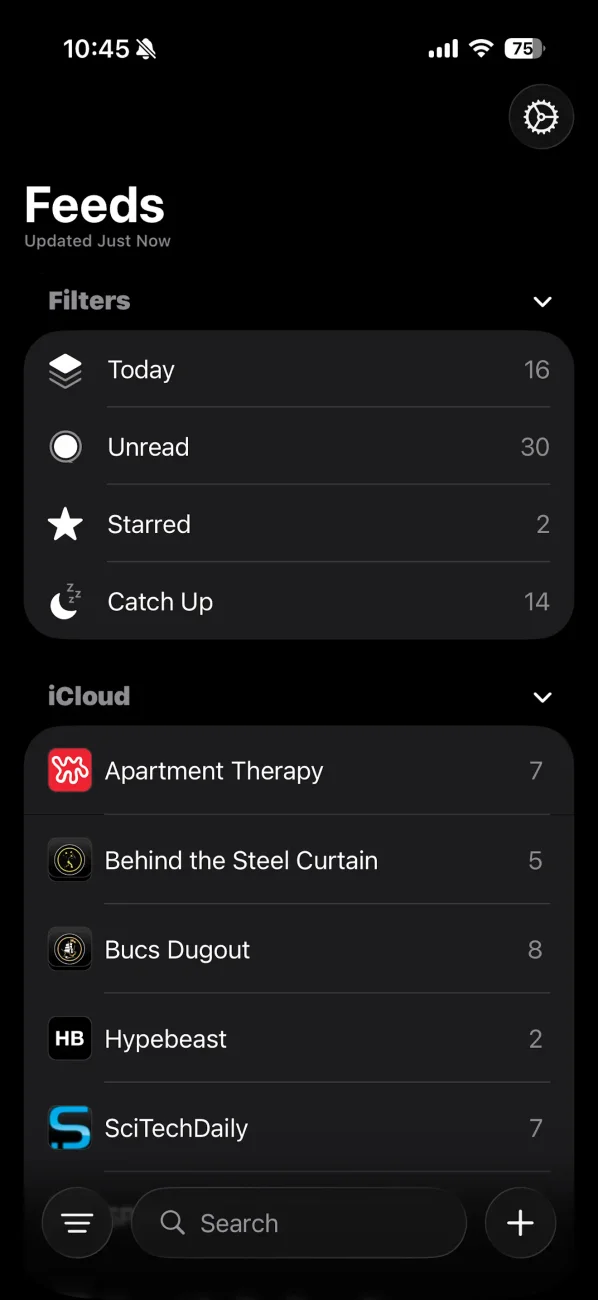
Take control of the news you care about and read what matters to you! Read and share articles from your favorite blogs and websites in a clean and intuitive interface.
FEEDS
Sync with iCloud, or use the built-in “On My Device” local account.
Third party account services that integrate and sync with Feedit: BazQux, Feedbin, Feedly, Inoreader, NewsBlur, The Old Reader, FreshRSS. Feedit also supports extension services – best supported by Local and iCloud accounts: Reddit, Mastodon. You can subscribe to your timelines, a specific username, hashtag, subreddit, etc.
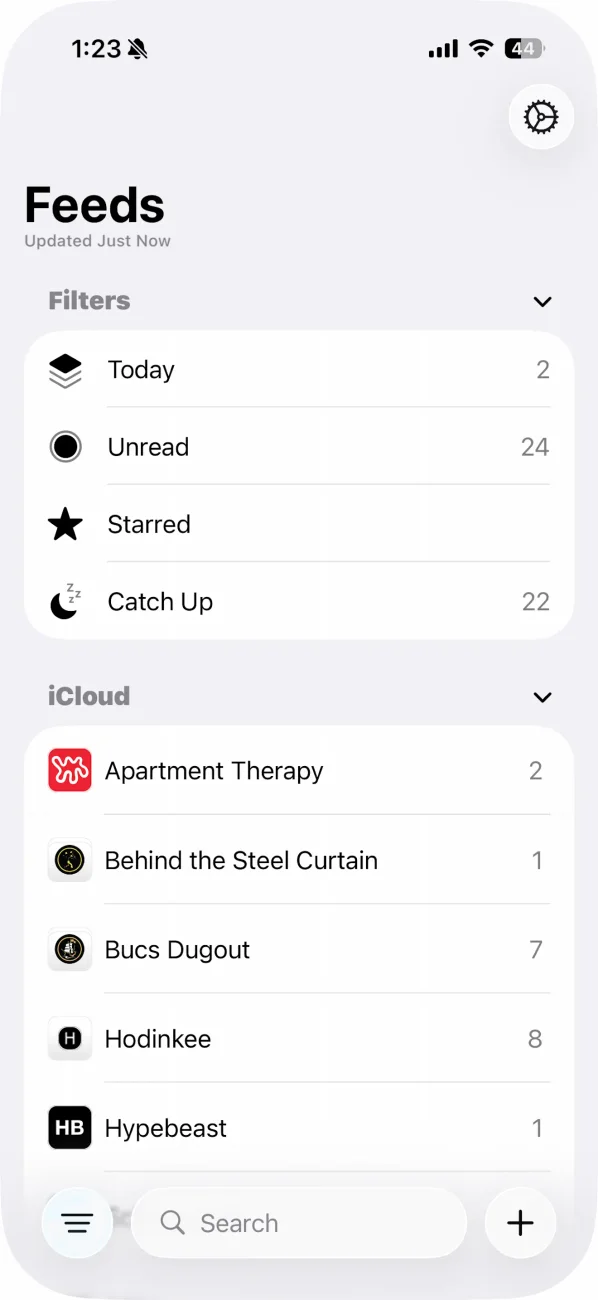
STARRED
This is a smart collection of articles acting mostly as a read later service.
This will save what you want to read or reference later and syncs across devices(except local account).
CATCH UP
This is a smart collection of your articles that show up as unread after 24 hours of being published. This way you’re able to reference them on your time when you’re ready to get to them and avoid a cluttered timeline.
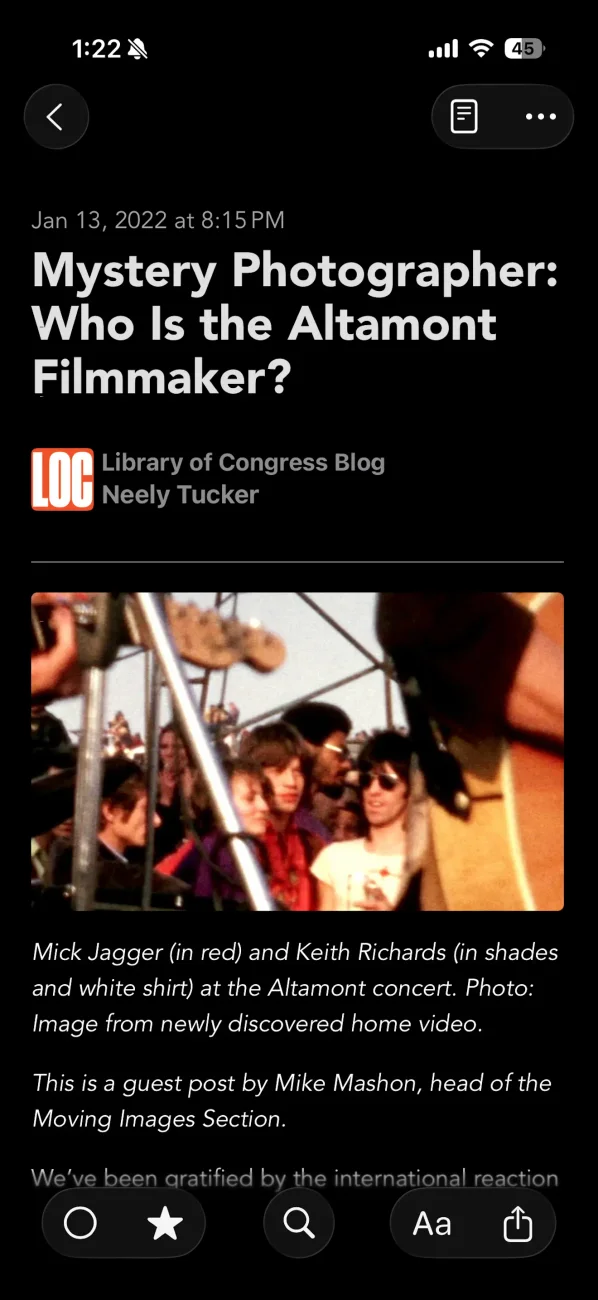
READER VIEW
This is an optional feature where it ultimately comes to preference
Does not work with extension services(Twitter - deprecated, Reddit, Mastodon)
You can find this feature in the article view
If you prefer Reader View, you can toggle this for all your subscriptions, or individually
WIDGETS
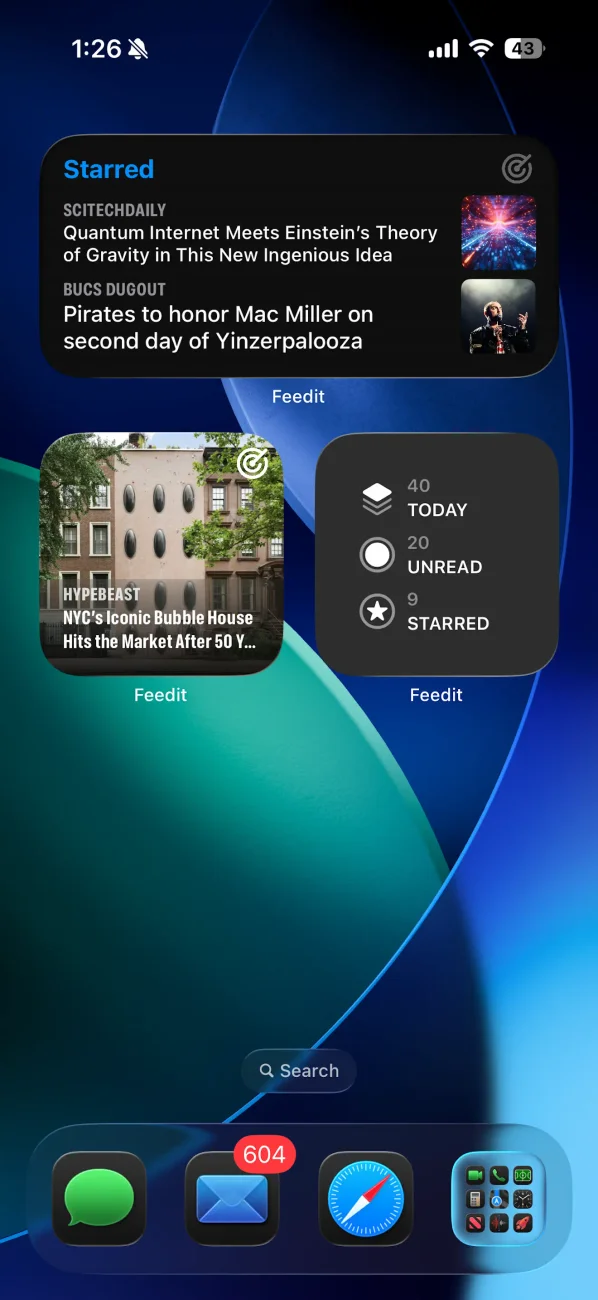
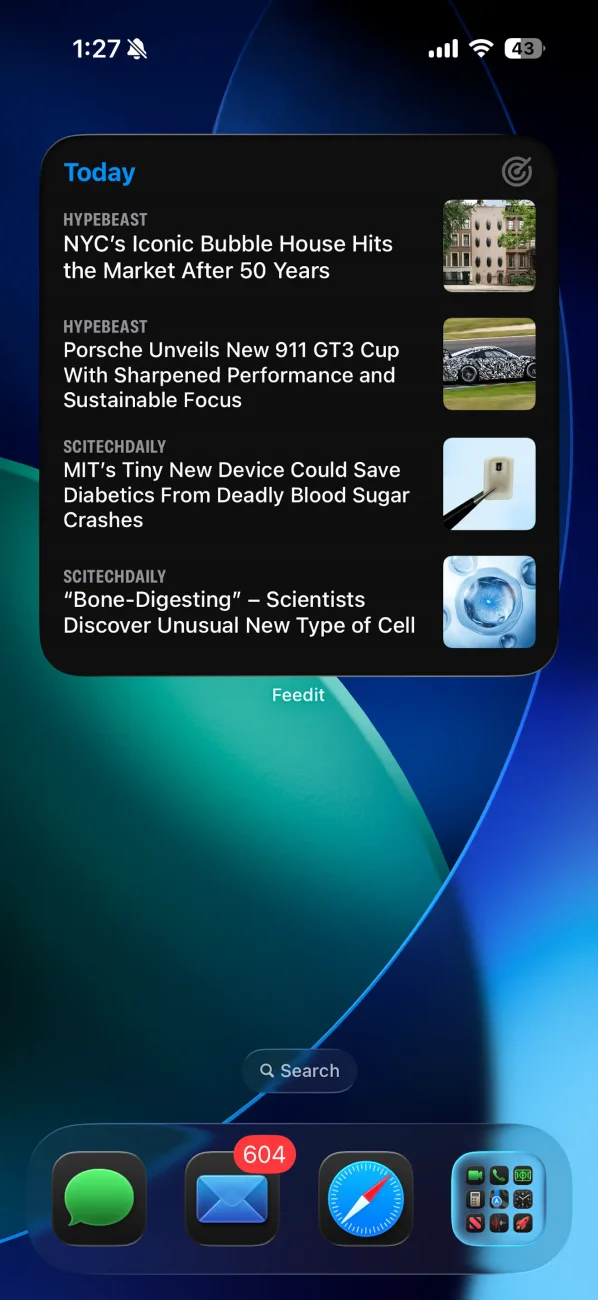
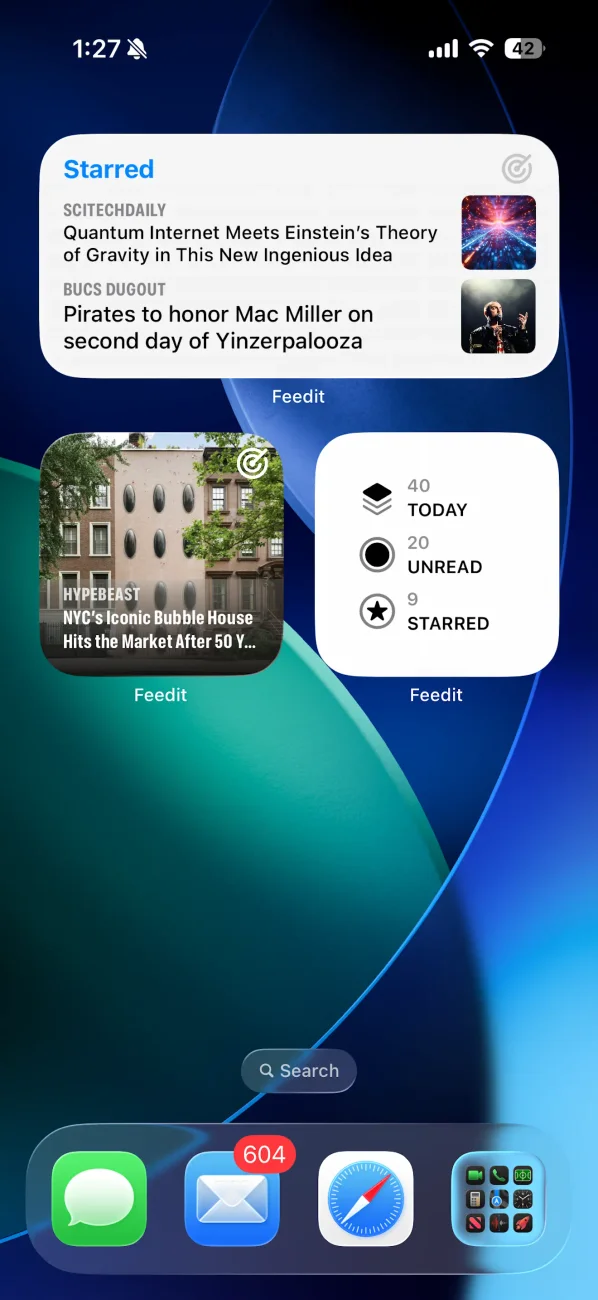
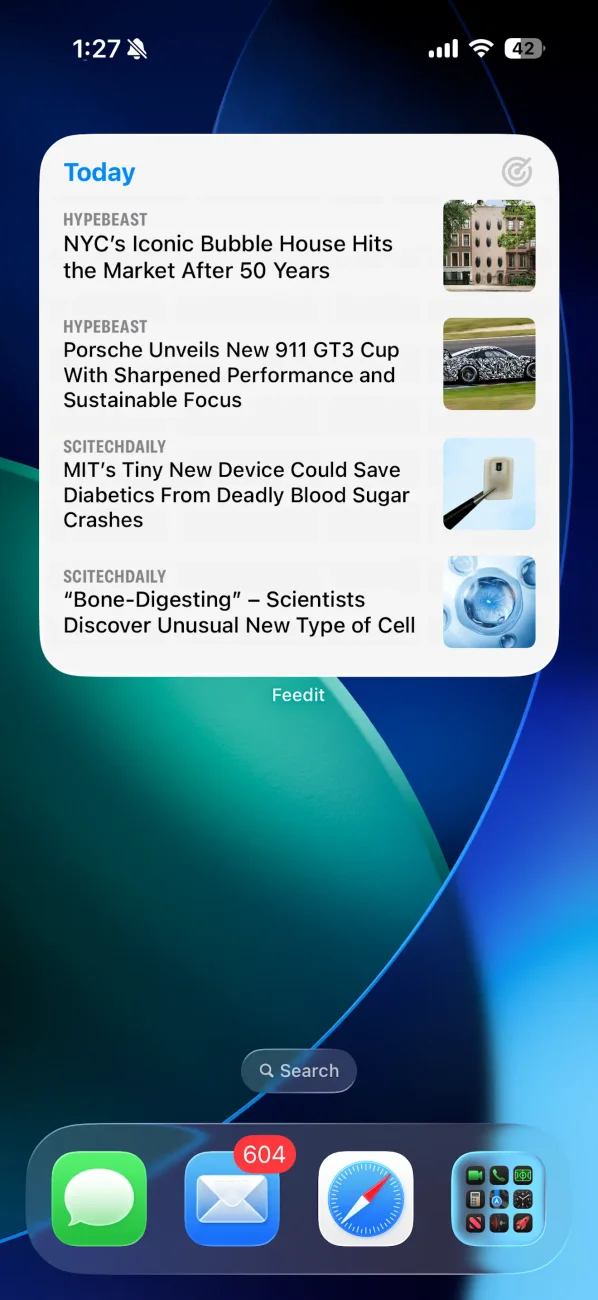
View your recent articles – comes in small, medium, large and, for devices that support it, extra large.
View your current Today, Unread and Starred filter counts – small sized widget
SAFARI WEB EXTENSION: FIND FEED
How to enable:
- Open Settings app
- Select Safari
- Select Extensions
- Select Feedit
- Turn Feedit On
- Turn on “All Websites”
From there, go to a page in Safari, bring up the Safari options, and tap “Find Feed”
新機能
バージョン 2.03 · 2025/7/22
Version 2.03
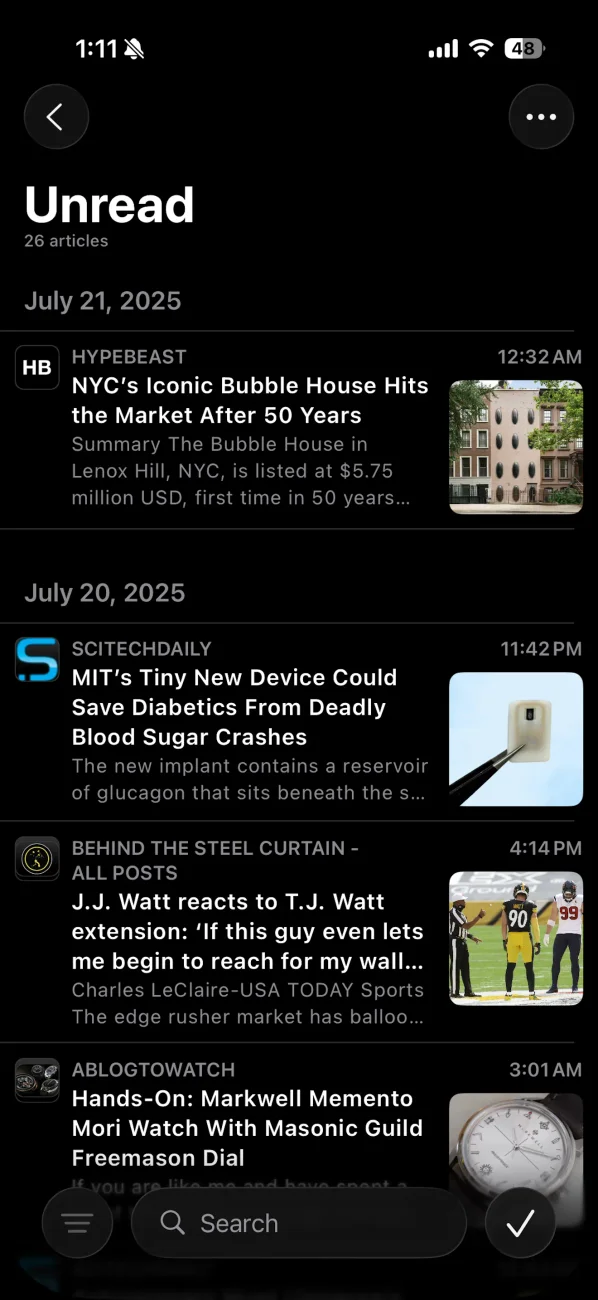
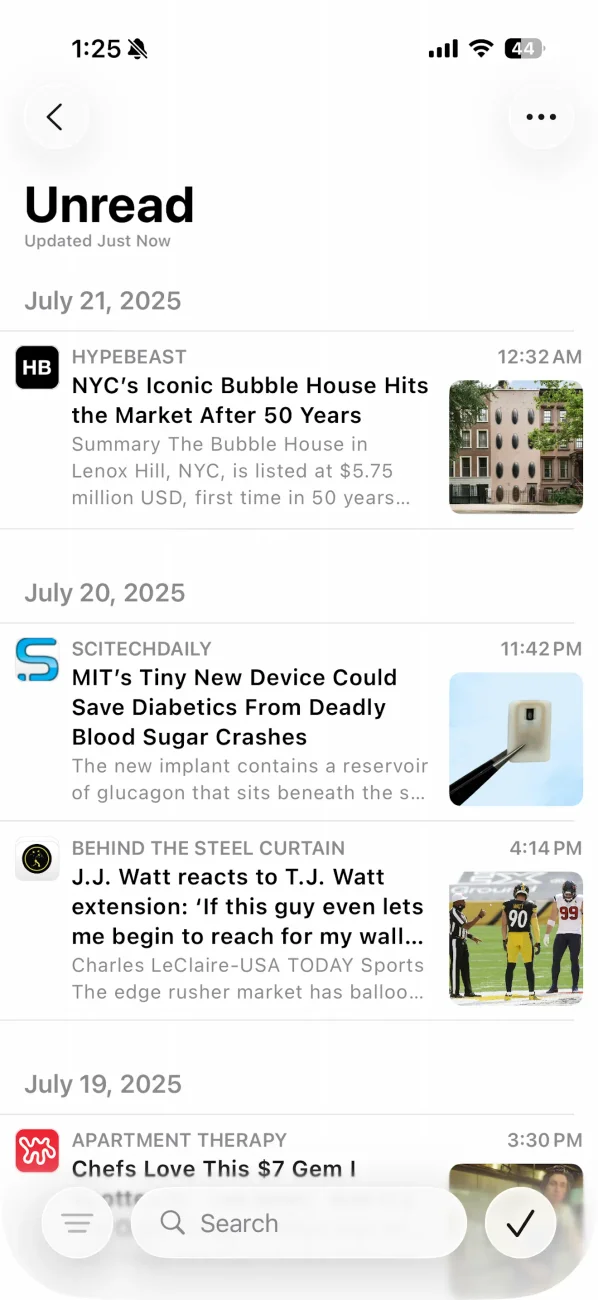
- implemented article images in the timeline (if available)
- deep linking from widgets now navigates to the selected article
- various other bug fixes and minor tweaks to design
アプリのプライバシー
このアプリのデータの取り扱いについて、Tyler LawrenceがApp Storeで申告している内容です。
-
データの収集なし
開発元はこのアプリからデータを収集しません。
プライバシーの取り扱いは、ご利用の機能やお客様の年齢などに応じて異なる場合があります。
情報
- 販売元
- Tyler Lawrence
- カテゴリ
- ニュース
- バージョン
- 2.03
- 更新日
- 2025/7/22
- リリース
- 2023/3/25
- サイズ
- 38.8 MB
- 必要条件
- iOS 18.5以降
- 対象年齢
- 4+
- 価格
- 無料
- 著作権
- © 2025 Tyler D Lawrence