
- Độ tuổi4+
- Danh mụcTin Tức
- Nhà phát triểnTyler Lawrence
- Kích thước38,8 MB
Liên kết đến trang App Store chính thức
Download.org không lưu trữ tệp nào của Feedit. Nút này mở trang ứng dụng trên App Store, nơi Tyler Lawrence phát hành ứng dụng. Trang được kiểm tra lần cuối: 13/11/2026.
Ảnh chụp màn hình

Giới thiệu
Nhà phát triển chưa cung cấp nội dung này bằng ngôn ngữ của bạn.
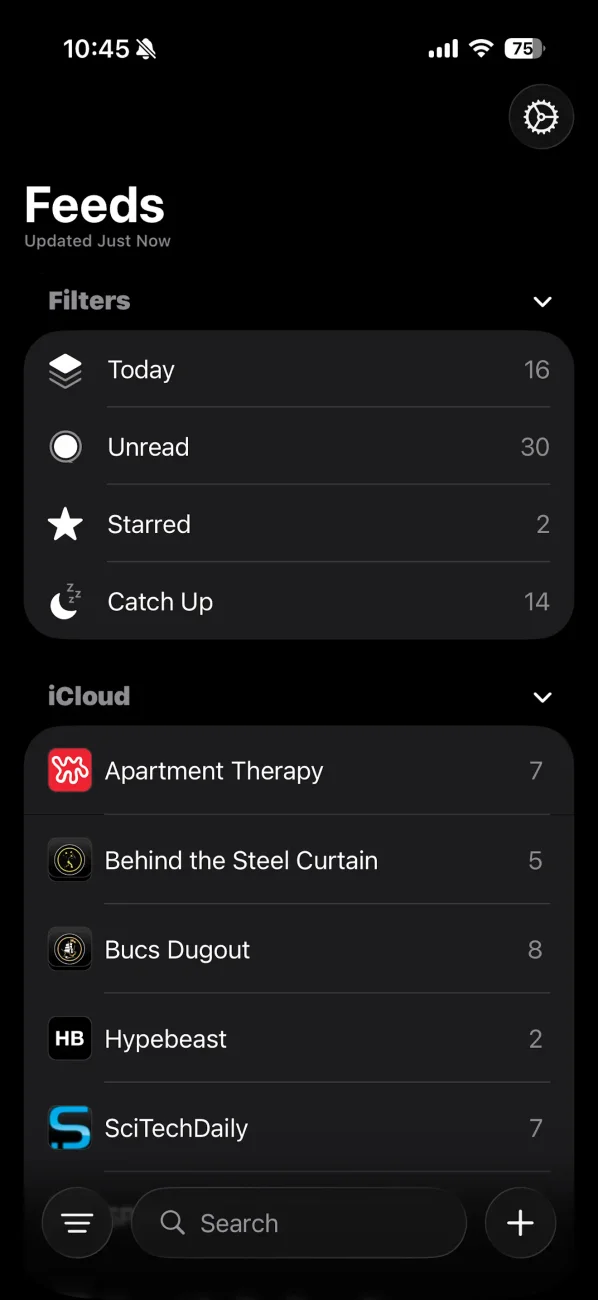
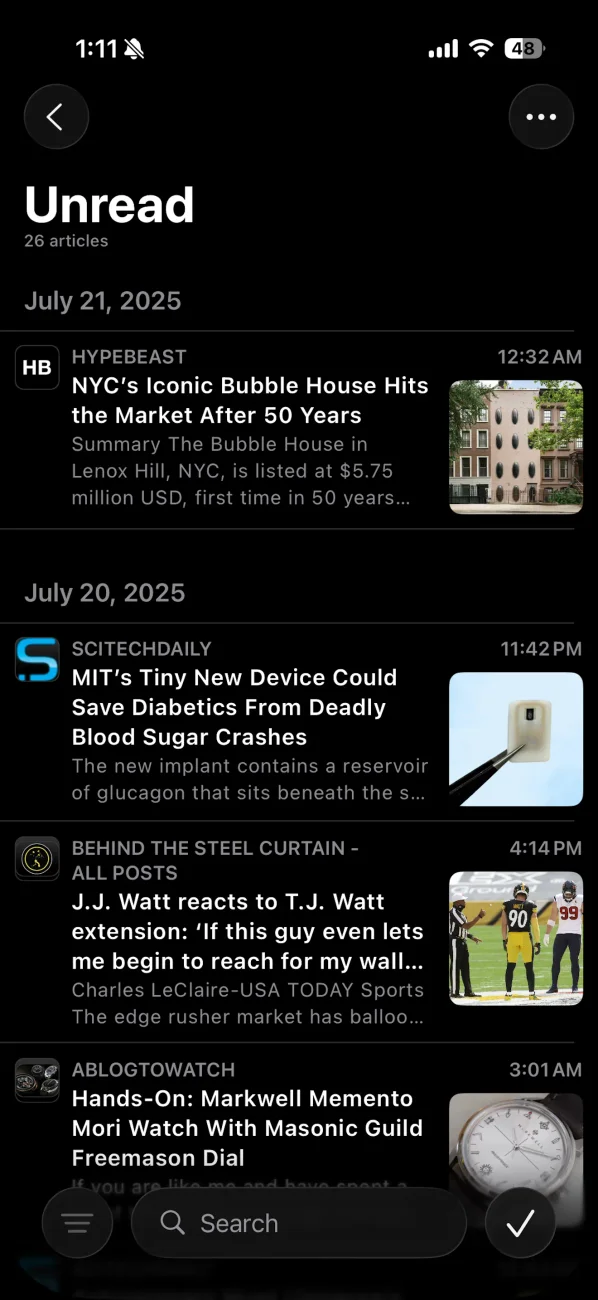
Take control of the news you care about and read what matters to you! Read and share articles from your favorite blogs and websites in a clean and intuitive interface.
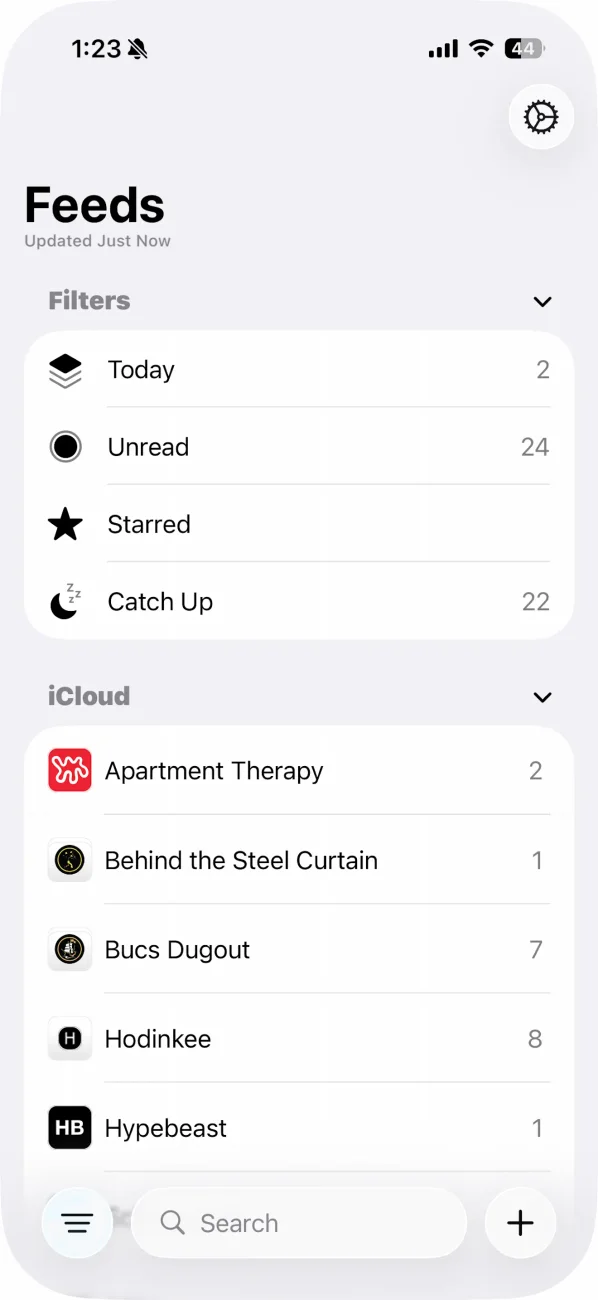
FEEDS
Sync with iCloud, or use the built-in “On My Device” local account.
Third party account services that integrate and sync with Feedit: BazQux, Feedbin, Feedly, Inoreader, NewsBlur, The Old Reader, FreshRSS. Feedit also supports extension services – best supported by Local and iCloud accounts: Reddit, Mastodon. You can subscribe to your timelines, a specific username, hashtag, subreddit, etc.
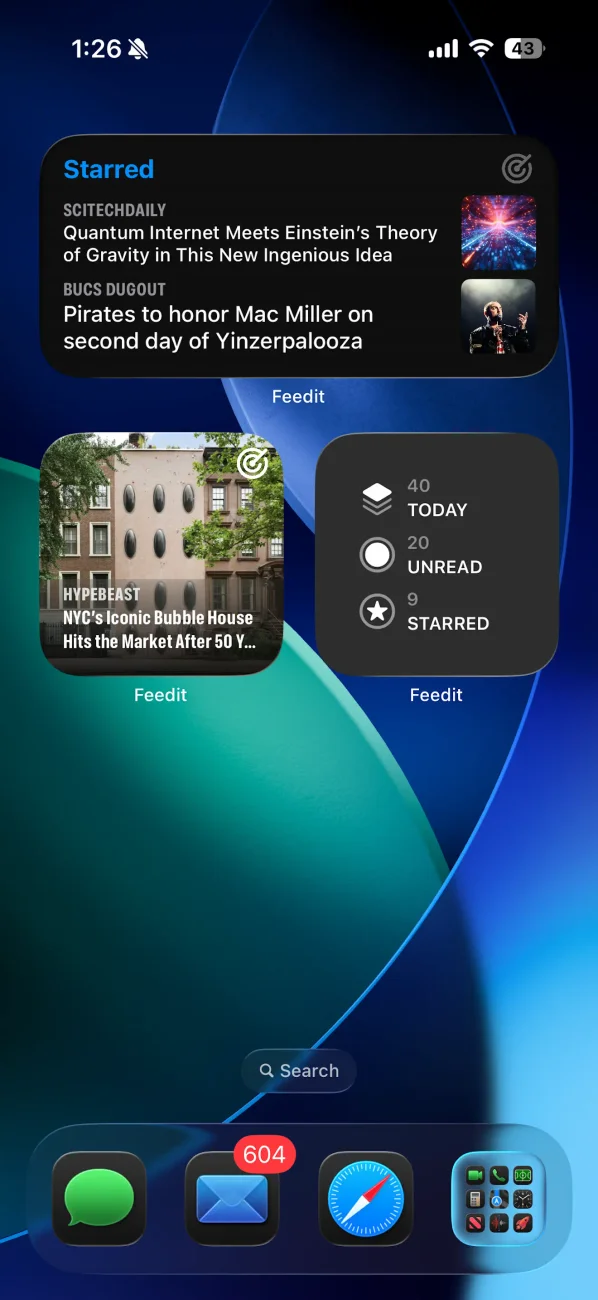
STARRED
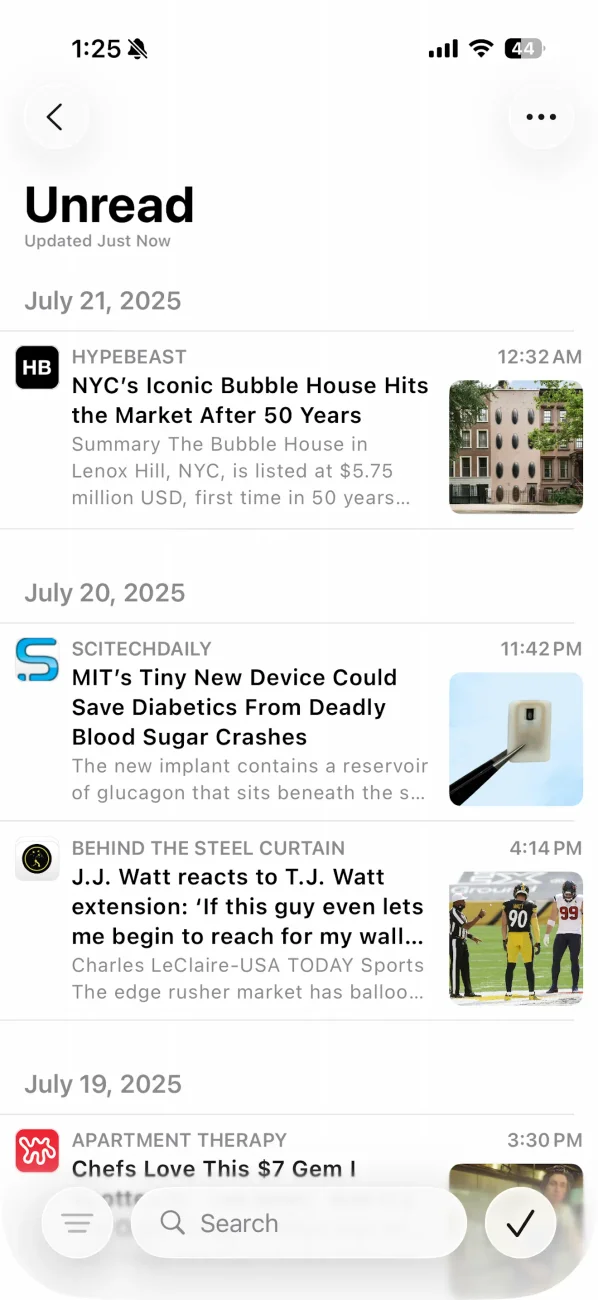
This is a smart collection of articles acting mostly as a read later service.
This will save what you want to read or reference later and syncs across devices(except local account).
CATCH UP
This is a smart collection of your articles that show up as unread after 24 hours of being published. This way you’re able to reference them on your time when you’re ready to get to them and avoid a cluttered timeline.
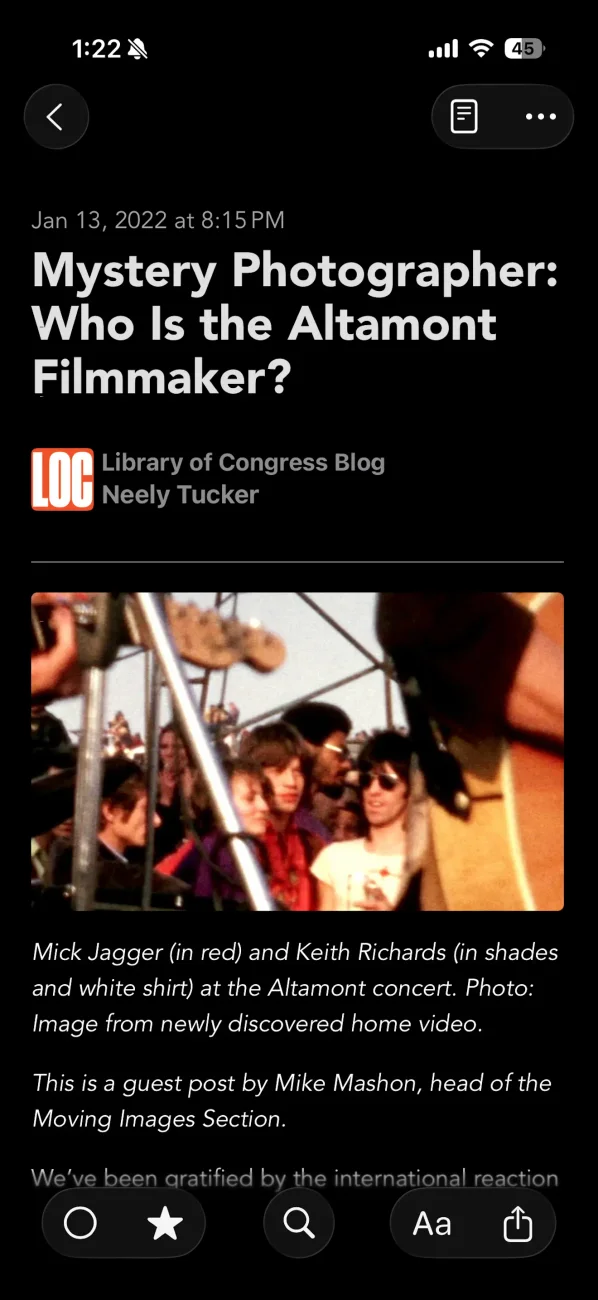
READER VIEW
This is an optional feature where it ultimately comes to preference
Does not work with extension services(Twitter - deprecated, Reddit, Mastodon)
You can find this feature in the article view
If you prefer Reader View, you can toggle this for all your subscriptions, or individually
WIDGETS
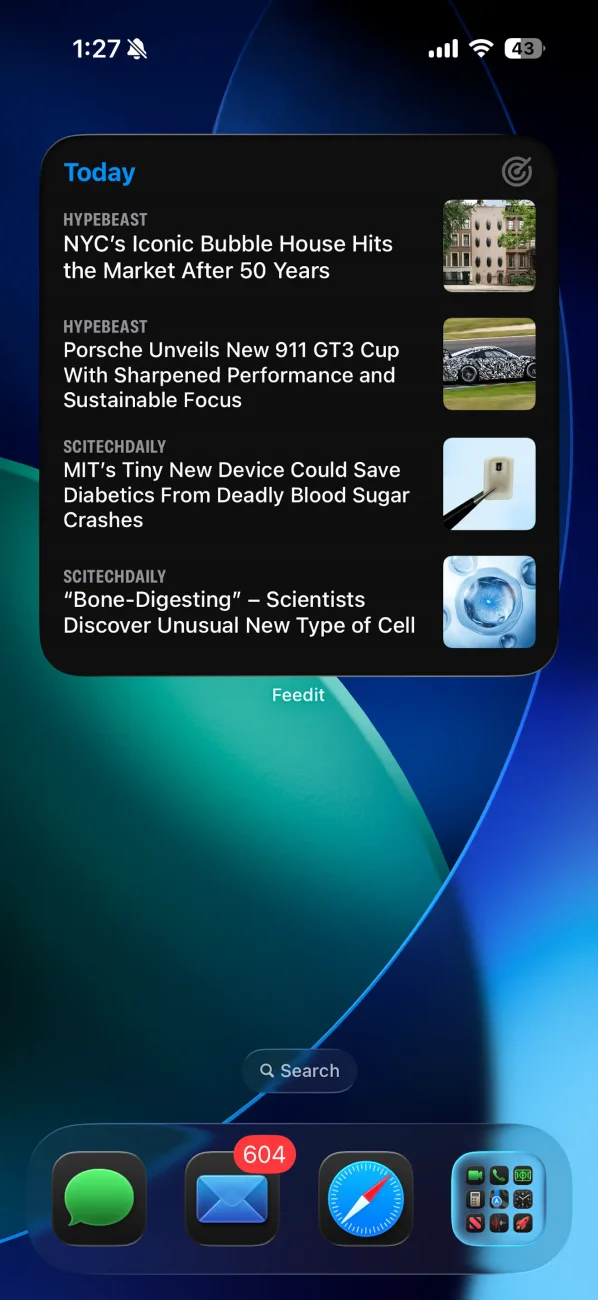
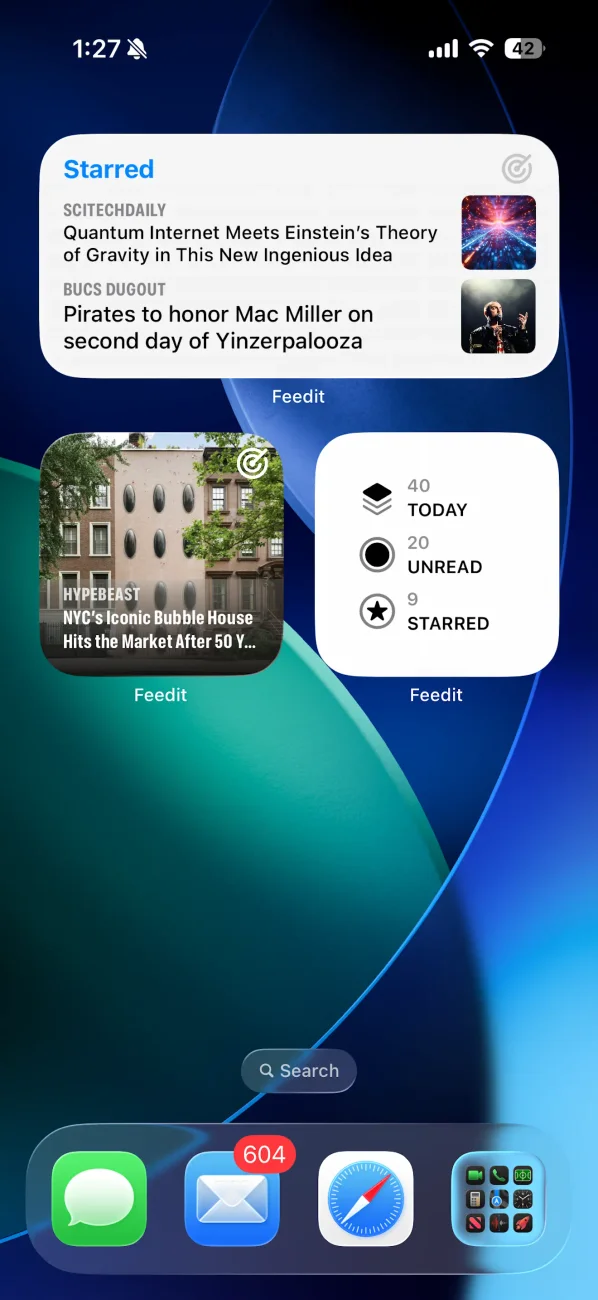
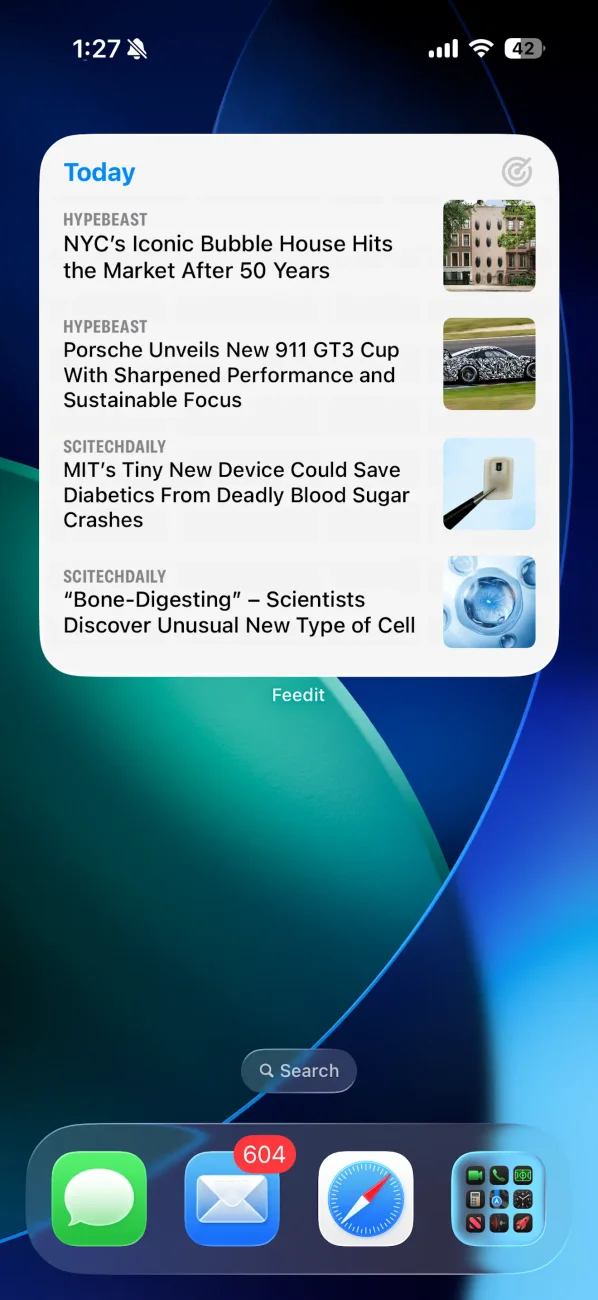
View your recent articles – comes in small, medium, large and, for devices that support it, extra large.
View your current Today, Unread and Starred filter counts – small sized widget
SAFARI WEB EXTENSION: FIND FEED
How to enable:
- Open Settings app
- Select Safari
- Select Extensions
- Select Feedit
- Turn Feedit On
- Turn on “All Websites”
From there, go to a page in Safari, bring up the Safari options, and tap “Find Feed”
Có gì mới
Phiên bản 2.03 · 22/07/2025
Version 2.03
- implemented article images in the timeline (if available)
- deep linking from widgets now navigates to the selected article
- various other bug fixes and minor tweaks to design
Quyền riêng tư của ứng dụng
Những gì Tyler Lawrence khai báo trên App Store về cách ứng dụng này xử lý dữ liệu.
-
Dữ liệu không được thu thập
Nhà phát triển không thu thập bất kỳ dữ liệu nào từ ứng dụng này.
Phương thức đảm bảo quyền riêng tư có thể khác nhau, chẳng hạn như tuỳ theo các tính năng bạn sử dụng hoặc độ tuổi của bạn.
Thông tin
- Người bán
- Tyler Lawrence
- Danh mục
- Tin Tức
- Phiên bản
- 2.03
- Cập nhật
- 22/07/2025
- Phát hành
- 25/03/2023
- Kích thước
- 38,8 MB
- Yêu cầu
- iOS 18.5 trở lên
- Độ tuổi
- 4+
- Giá
- Miễn phí
- Bản quyền
- © 2025 Tyler D Lawrence