
FiFe: Encrypted Cloud Storage
Private File Backup & Sync
Designed for iPhone, iPad, Mac, iPod touch
Free · In-app purchases
- Age rating4+
- CategoryUtilities
- Developerjeevan singh
- LanguagesEnglish+ 20 more
- Size34.4 MB
Links to the official App Store page
Download.org hosts no file of FiFe: Encrypted Cloud Storage. The button opens its official App Store page, published by jeevan singh. Listing last checked on Nov 20, 2026.
Screenshots

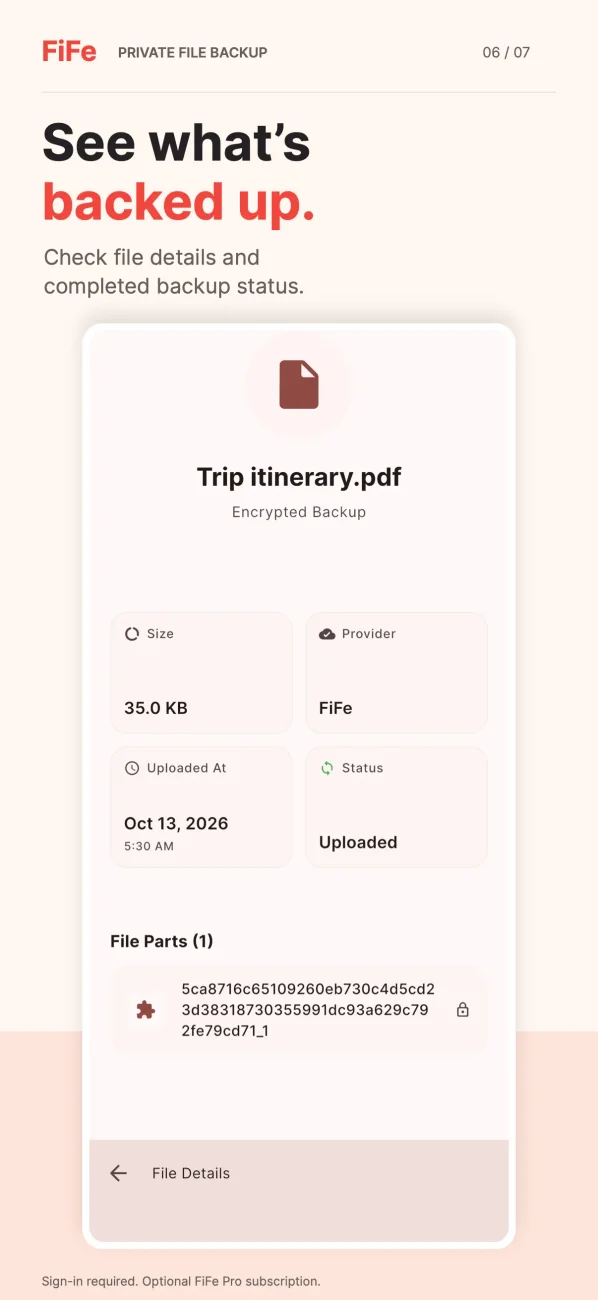
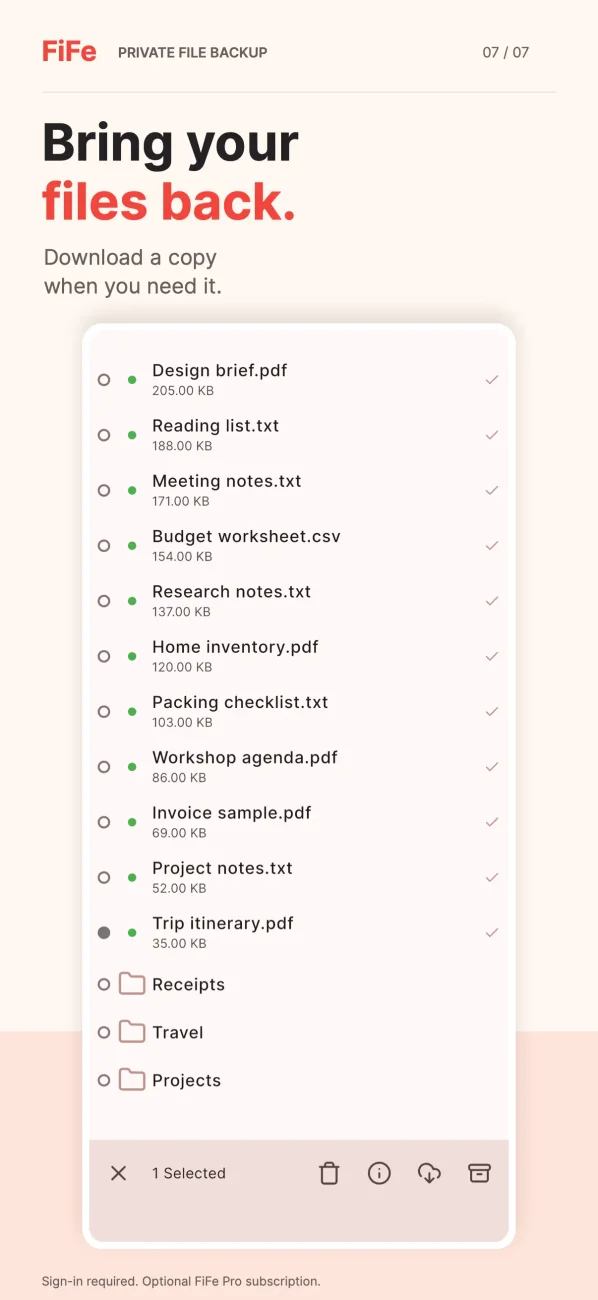
About
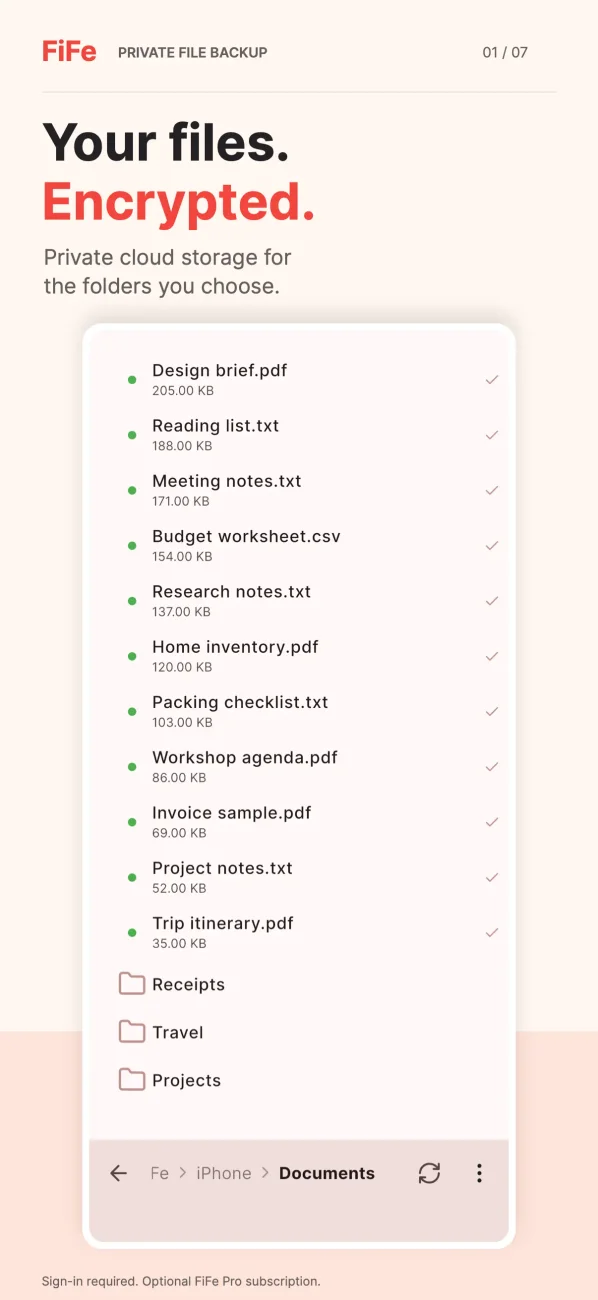
Keep your documents and personal files in encrypted cloud storage. FiFe backs up the folders you choose and helps you access your files on iPhone, iPad and Mac.
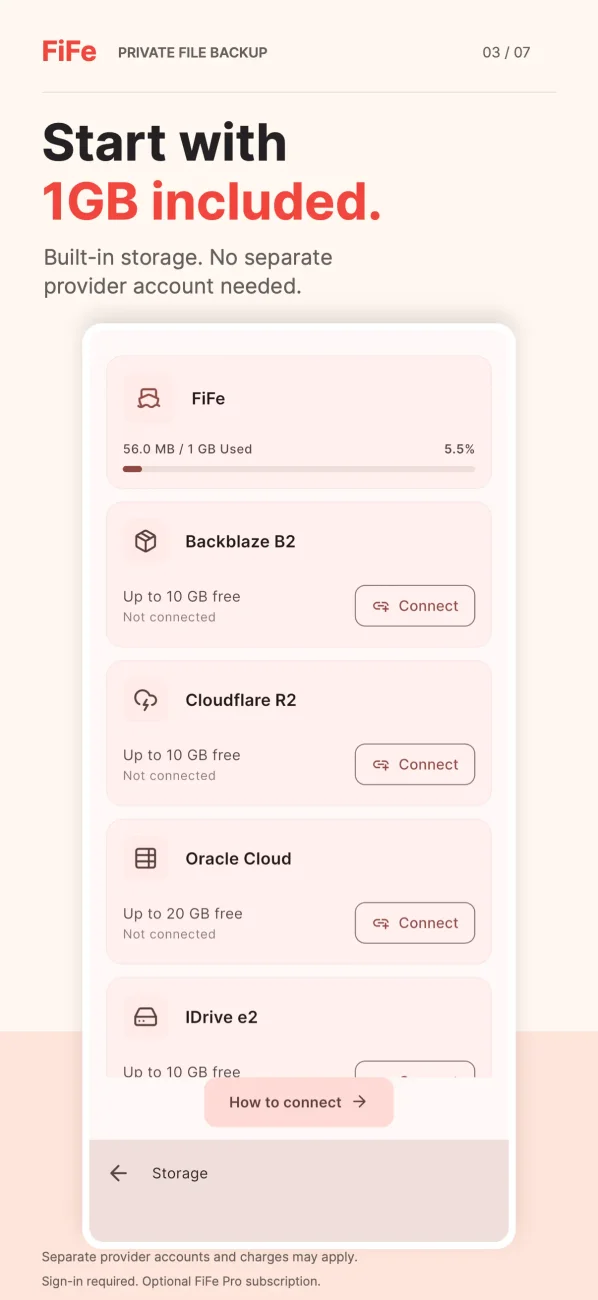
Start with 1GB of built-in storage. You do not need a separate cloud-provider account to get started.
ENCRYPT BEFORE YOU UPLOAD
File contents are encrypted on your device before they reach the cloud. Your recovery phrase protects access to your encrypted files.
BACK UP THE FOLDERS YOU CHOOSE
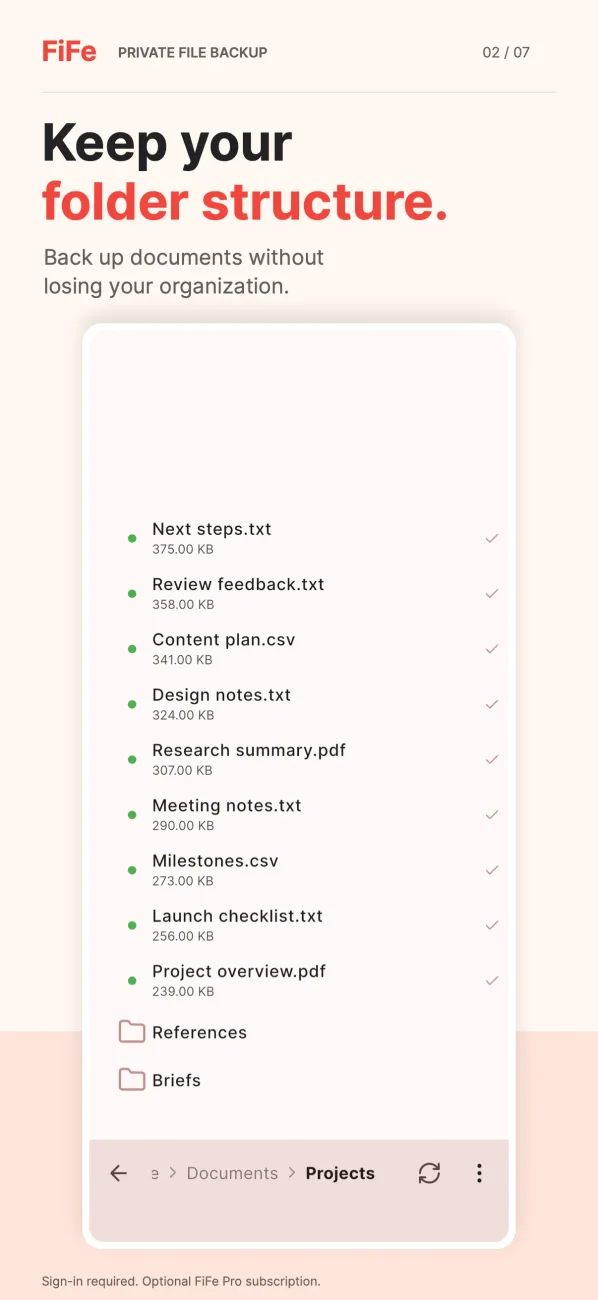
Keep your folder structure, browse your files and download the files you need. Sync selected folders across your registered devices.
USE YOUR OWN CLOUD STORAGE
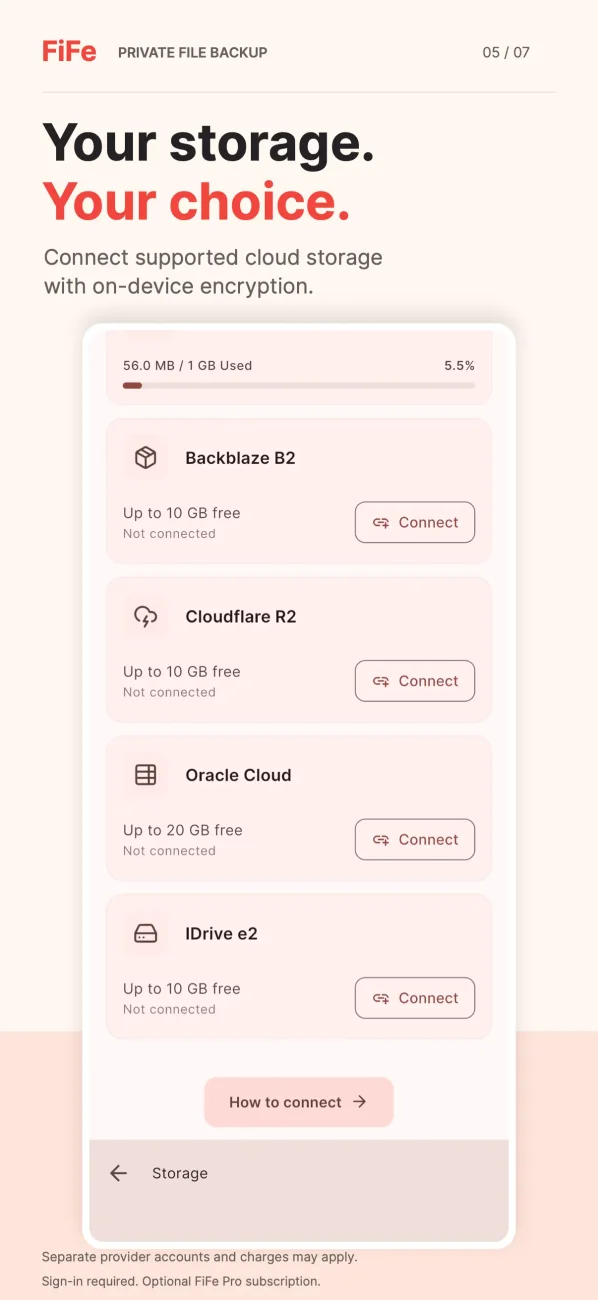
Connect supported accounts from Backblaze B2, Cloudflare R2, Oracle Object Storage, IDrive E2 or other S3-compatible providers. External storage accounts and any provider charges are separate.
OPEN SOURCE
FiFe's source code is available to review. Learn about the app and its encryption approach at https://fife.jeero.one.
FREE AND PRO
FiFe includes 1GB of built-in storage. An optional auto-renewing FiFe Pro subscription provides additional features. Current benefits and localized pricing are shown in the app before purchase. You can manage your subscription through your App Store account settings.
GET STARTED
Sign in, save your recovery phrase, choose your storage and add a folder.
Keep your recovery phrase in a safe place. It is needed to restore access to your encrypted files. If you lose it, FiFe cannot recover your encrypted files for you.
On iPhone and iPad, background activity is scheduled by the operating system. Open FiFe when you want to check transfer progress or start a sync.
Support: jeerovan@gmail.com
Privacy policy: https://fife.jeero.one/privacy
Terms of use: https://www.apple.com/legal/internet-services/itunes/dev/stdeula/
What’s new
Version 1.0.14 · Oct 28, 2026
- App lock
- Download recovery phrase
- Bug fixes
App privacy
What jeevan singh declares on the App Store about how this app handles data.
-
Data linked to you
May be collected and linked to your identity.
- Contact info
- User content
- Identifiers
Privacy practices may vary, for example with the features you use or your age.
Information
- Seller
- jeevan singh
- Category
- Utilities
- Version
- 1.0.14
- Updated
- Oct 28, 2026
- Released
- May 8, 2026
- Size
- 34.4 MB
- Requires
- iOS 15.0 or later
- Age rating
- 4+
- Price
- Free
- In-app purchases
- Yes
- Languages
- English, Arabic, Dutch, French, German, Greek, Hebrew, Hindi, Indonesian, Italian, Japanese, Korean + 9 more
- Copyright
- © 2026 Abona
You might also like
-
 Poultry Count AICount. Track. Optimize.
-
 CloudBox: Free StorageAll Your Clouds in One App
-
 Local LLM Cloud ChatOpen Source Ai
-
 Image Translator - SnapTextOffline Photo & Screenshot OCR
-
 AgePony: File EncryptionQuantum-safe encrypt and sign
-
 FileLuSync - Auto File BackupFile syncing and cloud backup
-
 Cloud Media Streamer - VideoCryptomator Rclone for Webdav
-
 Risk: SAR Risk AssessmentSAR risk assessment tools
-
 S3Drive: Cloud storageUtilities
-
 Syntetic AI - AI Art GeneratorCreate Images, Poster, Chat