File Compressor - Shrink Size
File Compressor - Compress
Designed for iPhone, iPad, iPod touch
Free · In-app purchases
- Age rating4+
- CategoryUtilities
- DeveloperAloha Labs Inc.
- LanguagesEnglish
- Size79.1 MB
Links to the official App Store page
Download.org hosts no file of File Compressor - Shrink Size. The button opens its official App Store page, published by Aloha Labs Inc. Listing last checked on Nov 15, 2026.
Screenshots
About
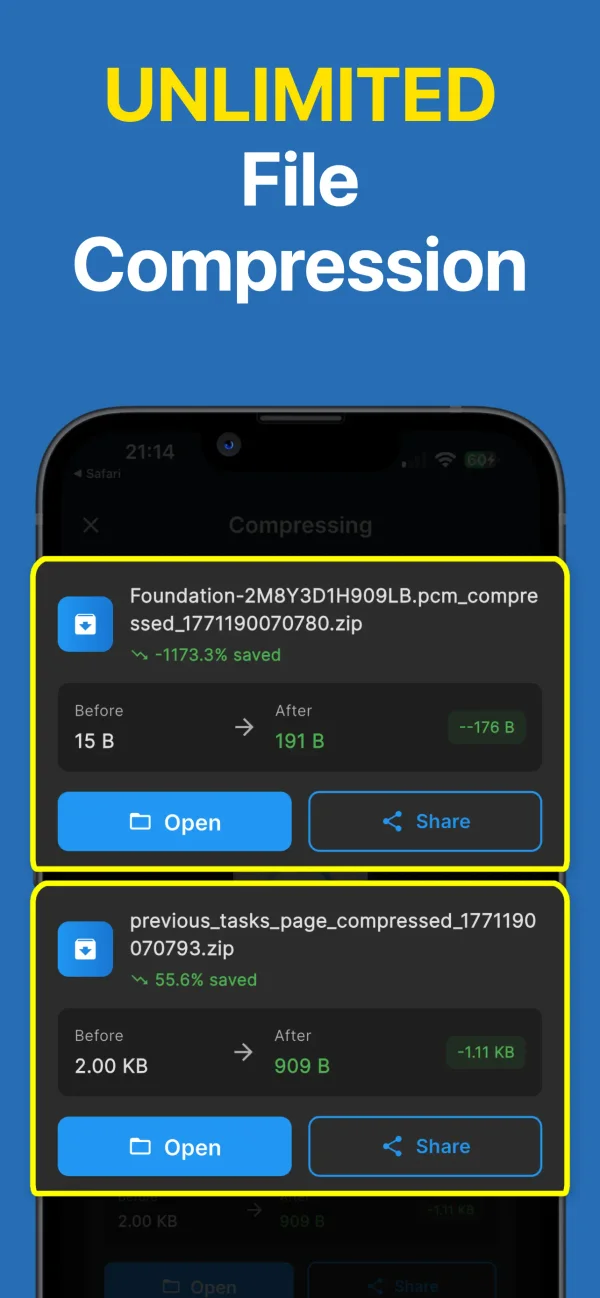
Welcome to File Compressor, the ultimate solution for all your file compression needs. Whether you're looking to compress a single file or handle bulk file compression tasks, File Compressor is designed to give you unmatched performance, speed, and efficiency. As a one-stop app for file compression, File Compressor supports a wide range of file formats and ensures that no matter what type of file you have, it can be compressed and converted with ease. If you're constantly dealing with large files and need a reliable file compressor, then File Compressor is here to make your life easier!
Why Choose File Compressor?
When it comes to file compression, not all apps are created equal. But with File Compressor, you're not just compressing files—you’re unlocking a host of advanced features that make your file management faster, smoother, and more effective. Whether you’re compressing PDFs, images, videos, or documents, File Compressor will seamlessly reduce the file size while preserving the quality. The File Compressor app has two powerful functions that will redefine how you work with files:
1. File Compression and Conversion of All Types of Files
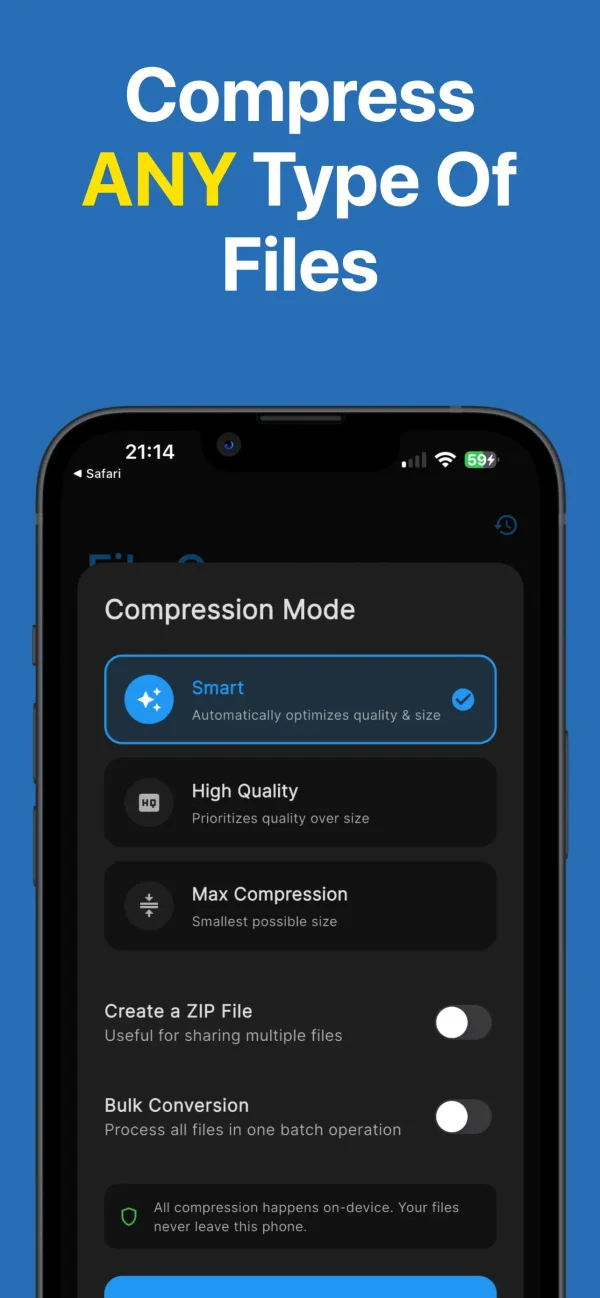
The heart of File Compressor lies in its ability to handle file compression and conversion for a wide array of file formats. From documents to media files, and even large zip folders, File Compressor has the flexibility to manage them all. The file compressor technology we use ensures that your files are converted into smaller sizes without sacrificing the integrity of the file.
Do you have a PDF that’s too large to send via email? Or maybe a high-resolution image that’s taking up too much storage? With File Compressor, you can compress these files in just a few taps. The app supports nearly every file format imaginable: from PDF, DOCX, JPG, PNG, to MP4, and many others. Our file compressor works flawlessly, ensuring that your compressed files retain the quality you need while taking up a fraction of the original space.
Imagine never worrying about large files again—whether it's a presentation for work or personal photos you want to back up, the file compressor can manage them all. You can quickly compress and convert any type of file, so you no longer have to deal with the frustration of file size limits.
2. Bulk File Conversion
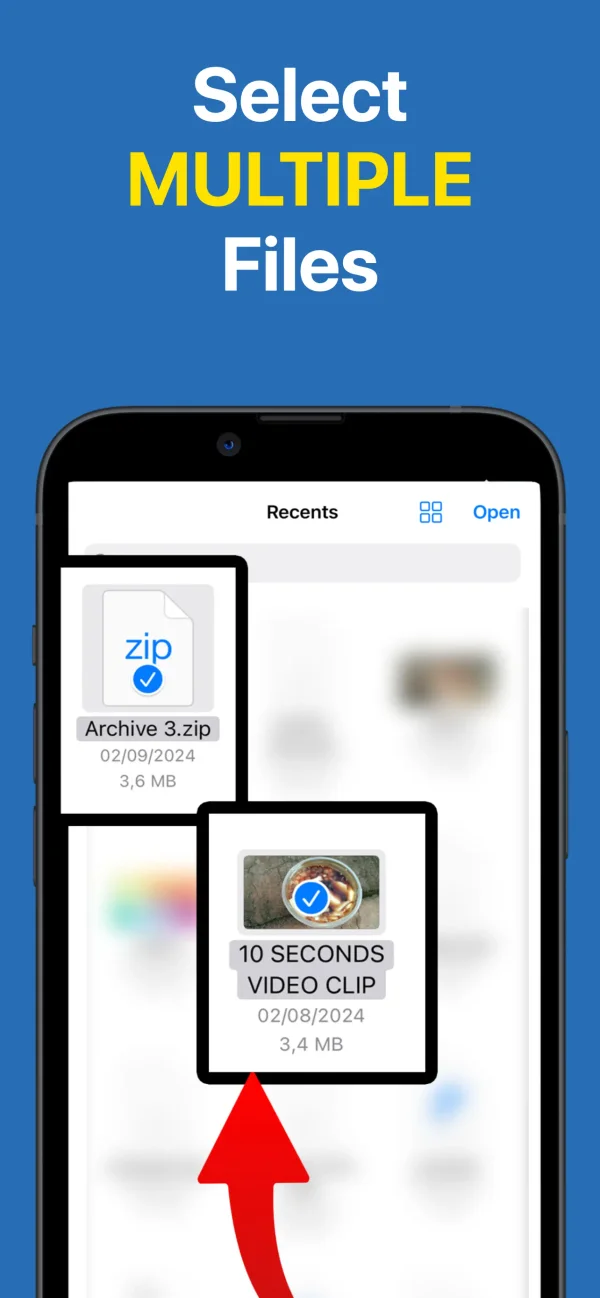
The second standout feature of File Compressor is its ability to handle bulk file conversions. If you’ve ever found yourself wasting time compressing files one by one, then our bulk file conversion feature is the game-changer you've been waiting for. With File Compressor, you can select multiple files simultaneously and compress them all at once. Whether you need to compress dozens of documents or an entire folder of images, our file compressor can handle the task in a matter of seconds.
Bulk file conversion is essential when you're working with large projects or managing multiple files at once. Imagine compressing hundreds of files in a single click, freeing up valuable storage space instantly. With File Compressor, this is not only possible but incredibly easy. You just select the files you want to compress, and our advanced file compressor takes care of the rest.
Gone are the days of manually converting files one at a time. Our bulk file conversion feature uses high-speed technology to ensure that no matter how many files you're compressing, the process remains fast and smooth.
Key Features of File Compressor:
Universal File Compression: Compress any type of file, including PDFs, images, videos, documents, and more. Our advanced file compressor ensures that every file is reduced in size without compromising on quality.
Bulk File Compression: Compress multiple files at once with our bulk file compression feature.
- Terms of use EULA: https://sites.google.com/view/xmleula/home
- Privacy Policy: https://sites.google.com/view/odtconverterreader/home
What’s new
Version 13.0.1 · Sep 5, 2026
Added: a live support chat, so you can reach us right from inside the app.
Improved: we only ask you to rate the app after you have compressed something.
Fixed: the support chat now matches the app's dark theme.
App privacy
What Aloha Labs Inc. declares on the App Store about how this app handles data.
-
Data not collected
The developer does not collect any data from this app.
Privacy practices may vary, for example with the features you use or your age.
Information
- Seller
- Aloha Labs Inc.
- Category
- Utilities
- Version
- 13.0.1
- Updated
- Sep 5, 2026
- Released
- Sep 12, 2024
- Size
- 79.1 MB
- Requires
- iOS 13.0 or later
- Age rating
- 4+
- Price
- Free
- In-app purchases
- Yes
- Languages
- English
- Copyright
- © Baid
You might also like
-
 PDF Compressor - Reduce Sizecompress & make PDF smaller
-
 File CompressorZipper・Compress ZIP Archive
-
 PDF Files CompressorCompress & Decompress Files
-
 Compress It! PDF CompressorReduce & shrink document size
-
 PDF Compressor : Compress PDFCompress PDF - PDF Compressor
-
 PDF Compressor: Size ReducePDF Compress & Reduce Size
-
 Audio Compressor - MP3 ShrinkEfficient audio compression
-
 AnyCompress - File CompressorCompress Video,Audio,PDF,Image
-
 Compress PDF - Resize PDFCompress, Resize & Create PDF
-
 Compressor: Video, Image & PDFVideo, Image & PDF Compressor