PDF Compressor: Size Reduce
PDF Compress & Reduce Size
Designed for iPhone, iPad, iPod touch
Free · In-app purchases
- Age rating4+
- CategoryUtilities
- DeveloperHardik Dhameliya
- LanguagesEnglish
- Size42.6 MB
Links to the official App Store page
Download.org hosts no file of PDF Compressor: Size Reduce. The button opens its official App Store page, published by Hardik Dhameliya. Listing last checked on Nov 15, 2026.
Screenshots
About
Welcome to PDF Compressor: Size Reduce app
If you want to reduce your PDF file size and save your disk space back and faster on uploads and downloads, ... then let PDF Compressor: Size Reduce help you.
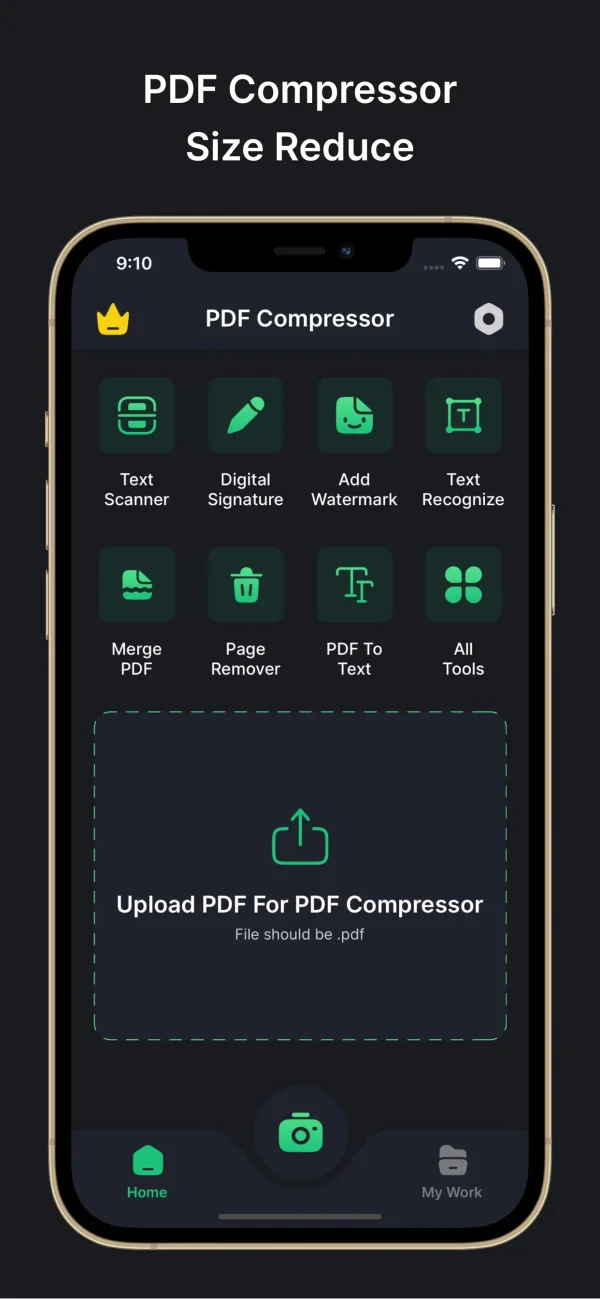
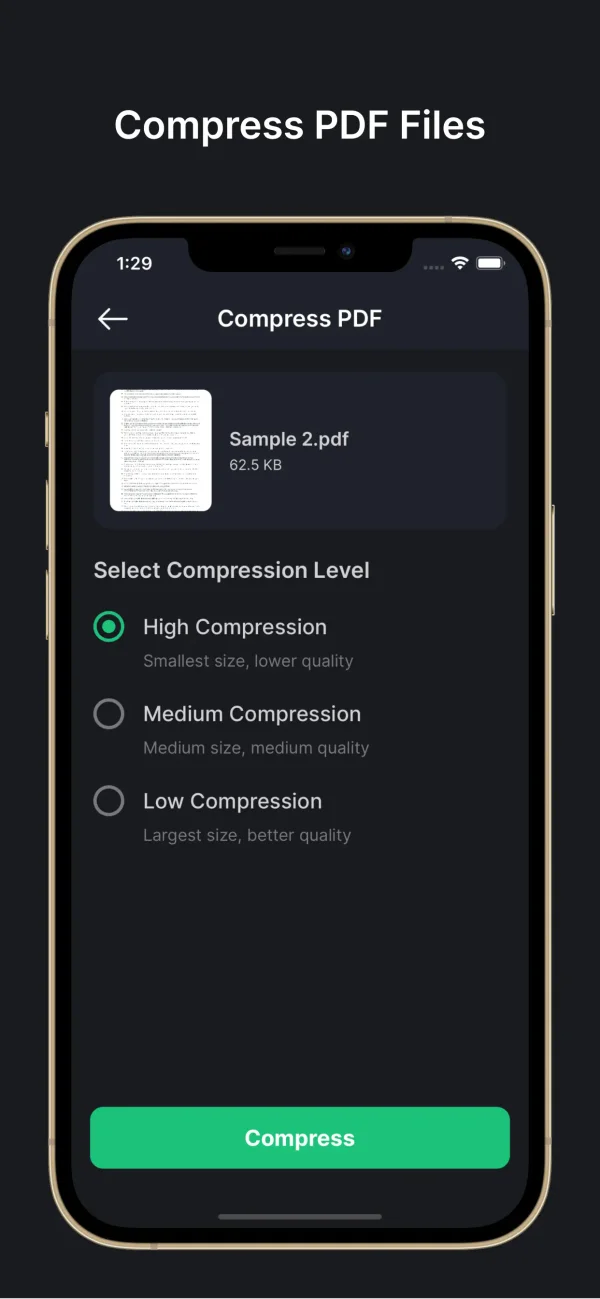
You can easily compress your PDF files right on your device, with just one tap to select your file
PDF Compressor: Size Reduce is a tool to compress PDF documents to reduce PDF file size.
PDF Compressor: Size Reduce allows you to select heavy PDF files to reduce their size.
PDF compressor will simply reduce pdf file size with a single tap.
Features:
- Simple to use compress PDF file
- Save the compressed PDF file
- Share compressed PDF file
- Read compressed PDF file
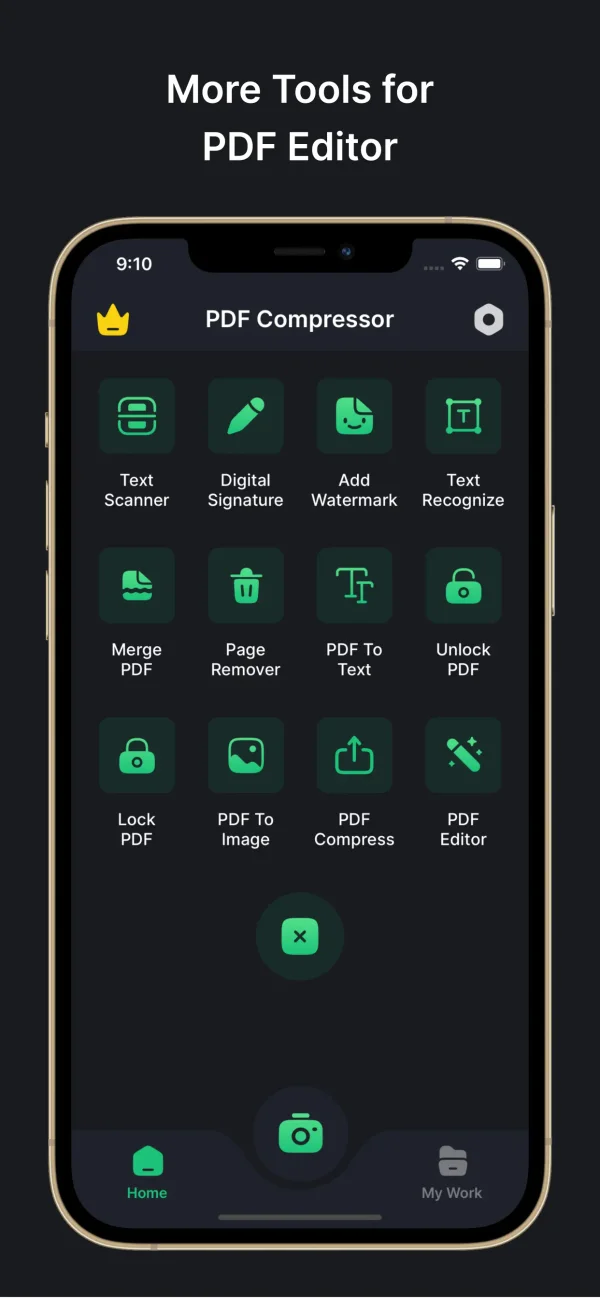
- PDF Compress
- Text Recognize
- OCR PDF
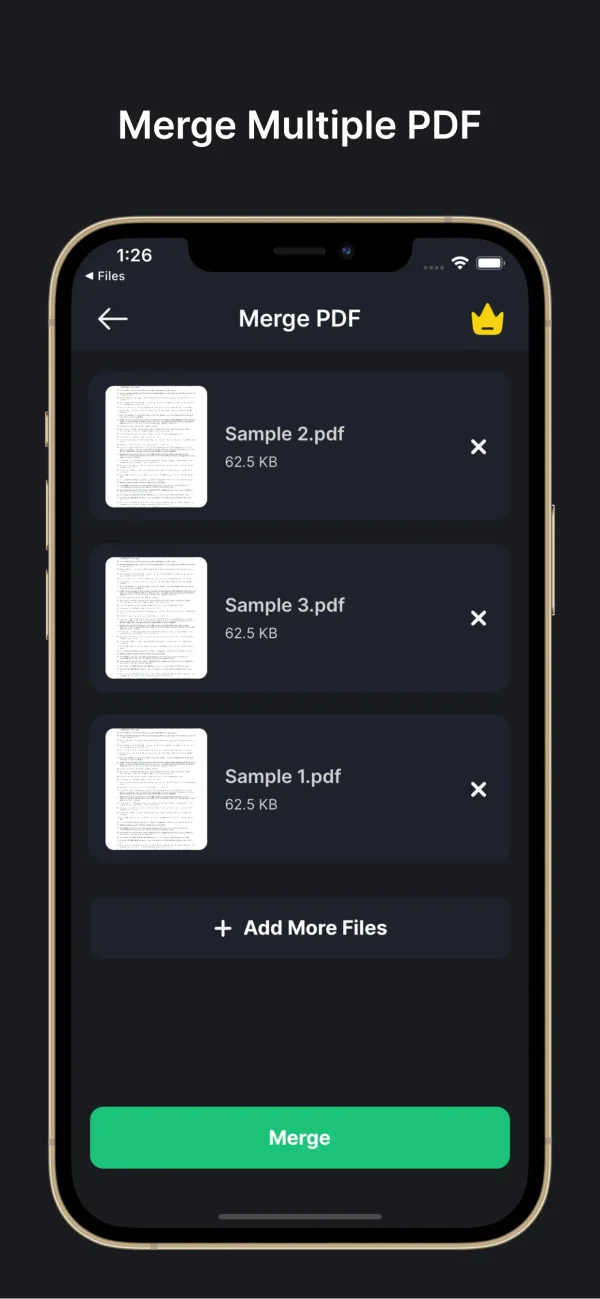
- Merge PDF
- PDF Page Remove
- Unlock PDF
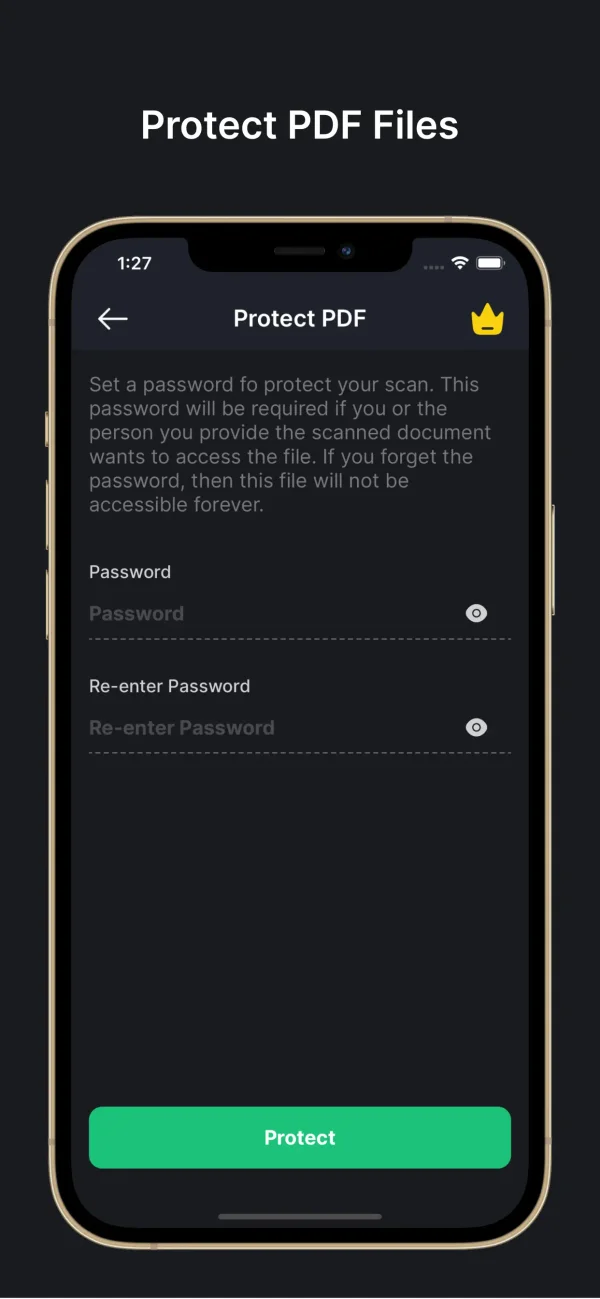
- Lock PDF
- PDF To Text
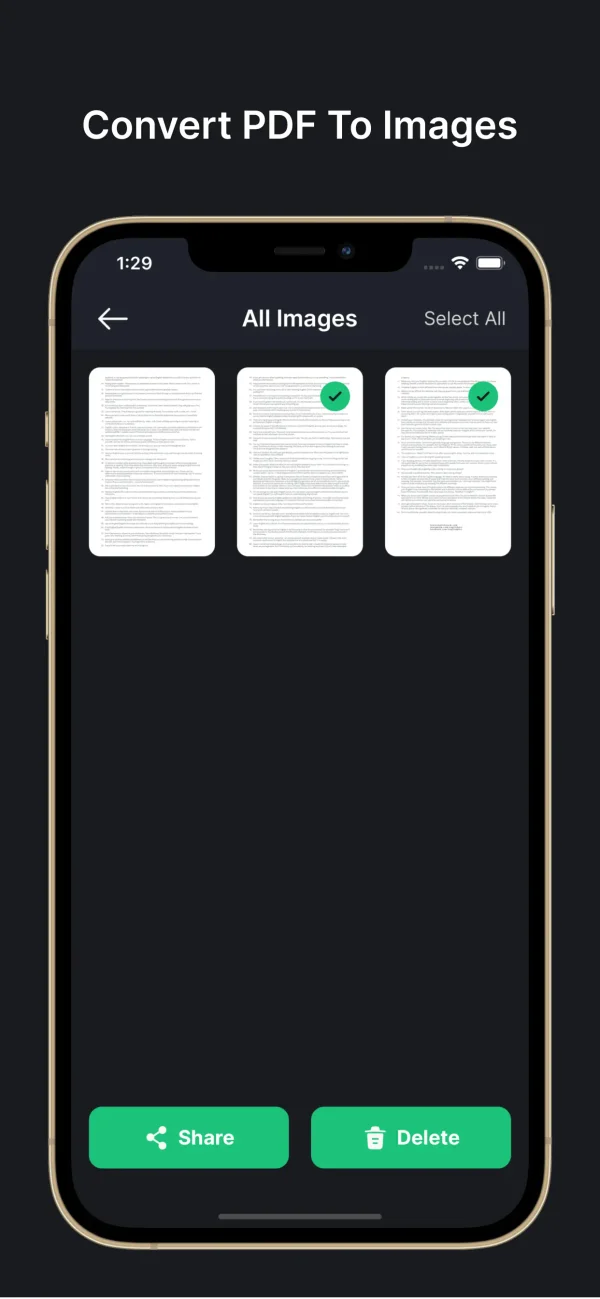
- PDF To Images
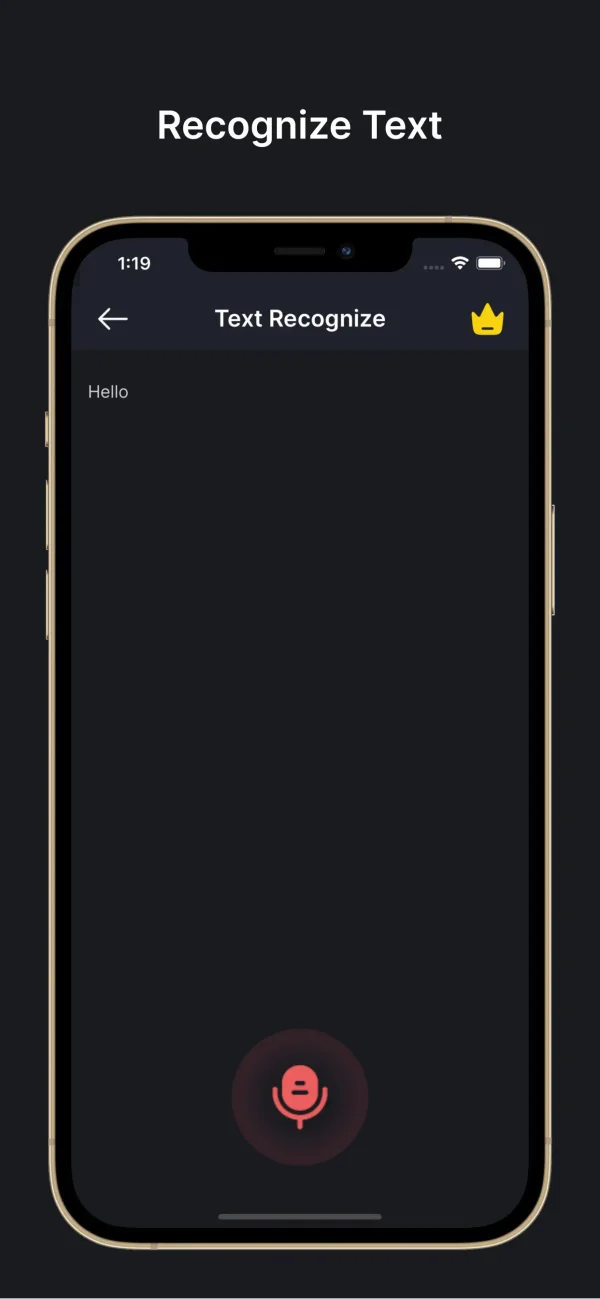
PDF Compressor: Size Reduce app is used to make Text Recognize for make text pdf files.
PDF Compressor: Size Reduce app is used to OCR PDF for get all text from photos.
PDF Compressor: Size Reduce app is used to merge multiple files and save it.
PDF Compressor: Size Reduce app is used to PDF Page Remove and save new pdf files.
PDF Compressor: Size Reduce app is used to Lock & Unlock PDF files.
PDF Compressor: Size Reduce app is used to get text files from PDF files.
PDF Compressor: Size Reduce app is used to get all images from PDF Files.
Users can merge multiple PDF files using the PDF Converter app.
Users can compress files like high, medium, and low PDF Files using the PDF Converter app.
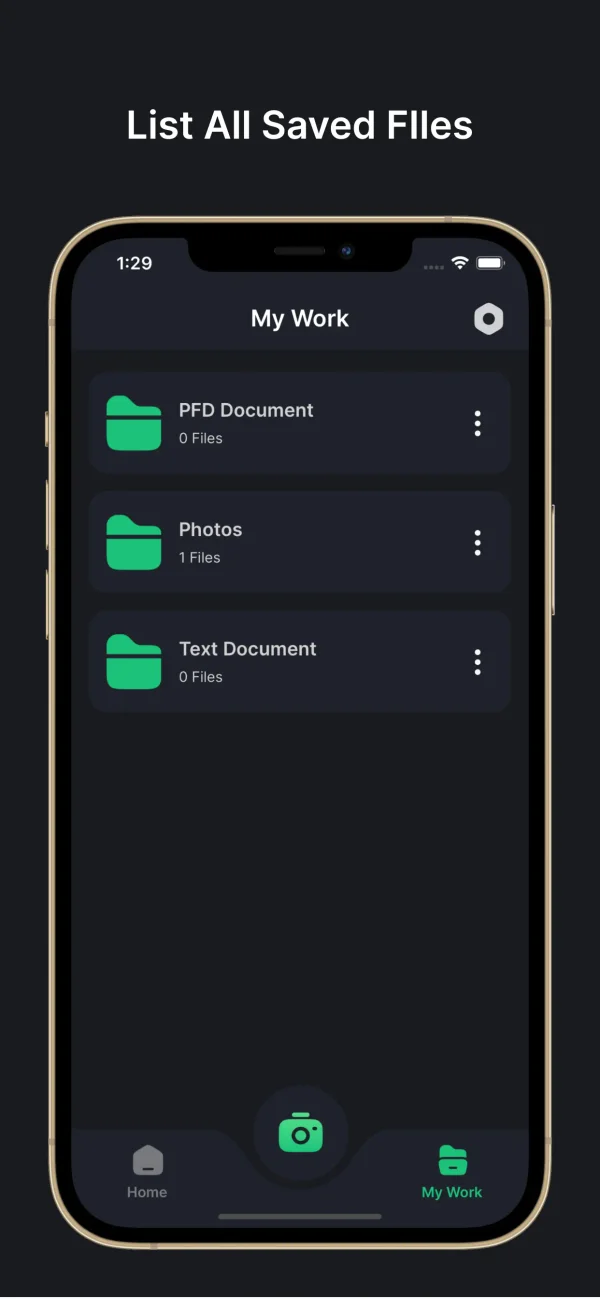
Users can show all downloaded PDF Files in saved Files using the PDF Converter app.
Users can print PDF files using the PDF Converter app.
Users can share and download all converted PDF Pages using the PDF Converter app.
Users can Export PDF Files to Document and RTF files using the PDF Converter app.
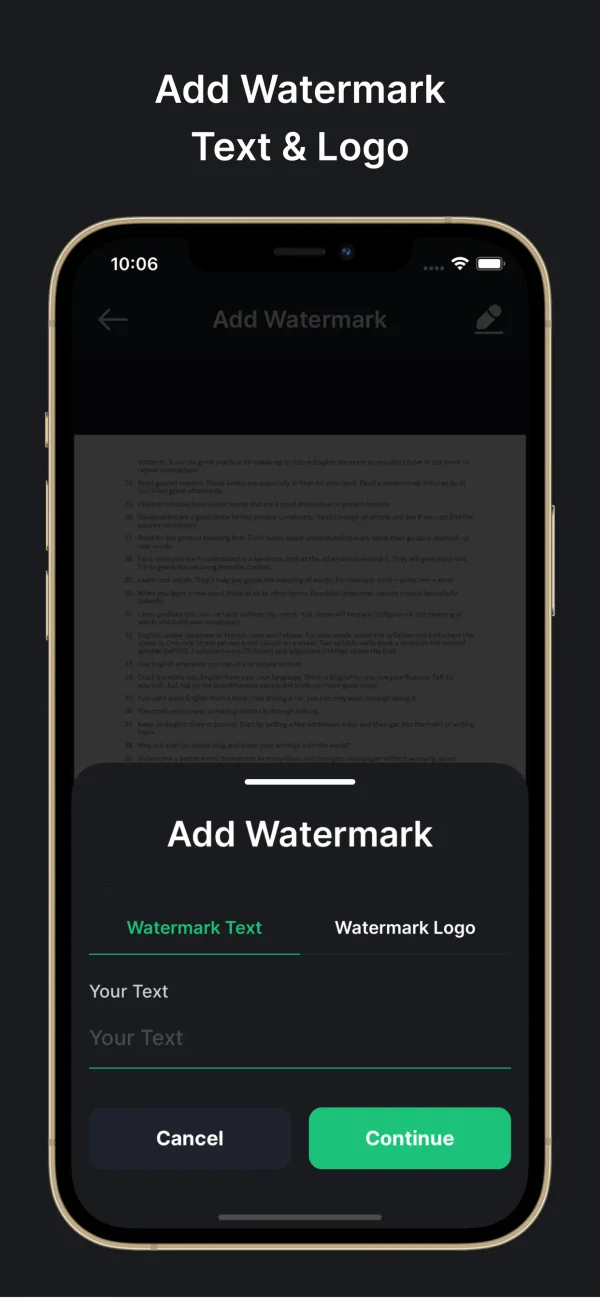
Users can add watermarks using text and logo in pdf files using the PDF Watermark app.
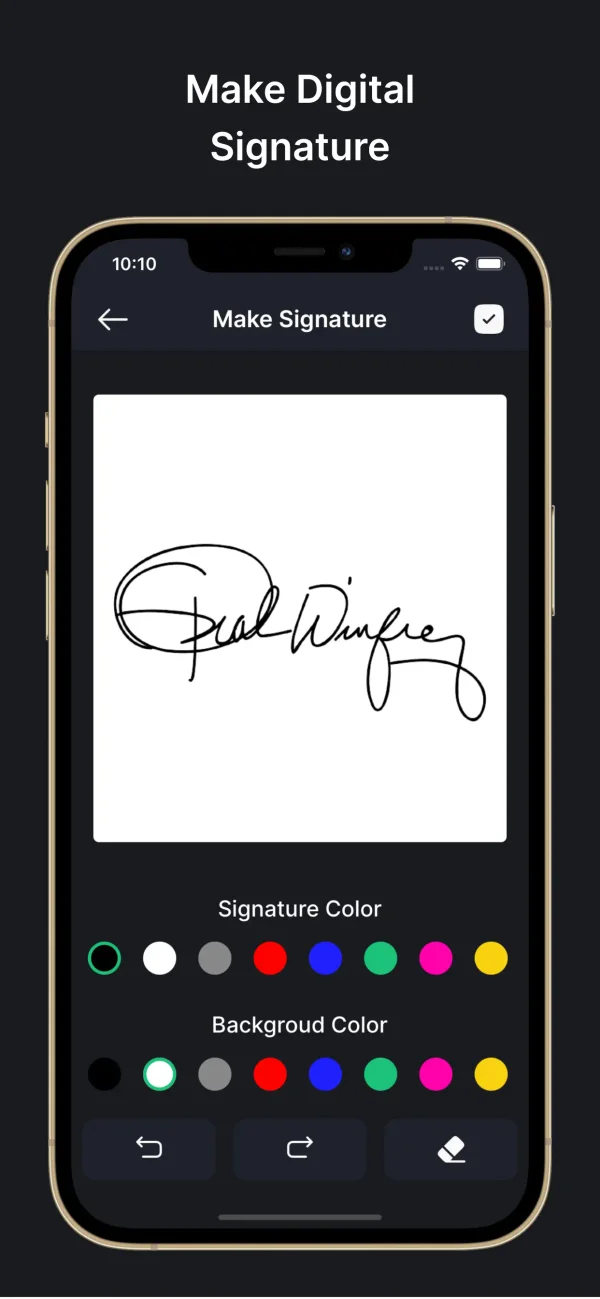
Users can add signatures using PDF Signature app.
Download and enjoy the PDF Compressor: Size Reduce app.
Privacy Policy: https://softapps.in/App_Privacy.html
Terms of use: https://softapps.in/App_TOS.html
What’s new
Version 6.0 · Oct 13, 2026
- Performance Improved
- Crashes FIxed
- iOS 27 Support added
App privacy
What Hardik Dhameliya declares on the App Store about how this app handles data.
-
Data used to track you
May be used to track you across apps and websites owned by other companies.
- User content
- Usage data
-
Data not linked to you
May be collected but is not linked to your identity.
- User content
- Usage data
Privacy practices may vary, for example with the features you use or your age.
Information
- Seller
- Hardik Dhameliya
- Category
- Utilities
- Version
- 6.0
- Updated
- Oct 13, 2026
- Released
- Sep 3, 2022
- Size
- 42.6 MB
- Requires
- iOS 15.0 or later
- Age rating
- 4+
- Price
- Free
- In-app purchases
- Yes
- Languages
- English
- Copyright
- © Hardik Dhameliya
You might also like
-
 PDF Compressor : JVCompress PDF - PDF Compressor
-
 PDF Compressor - Reduce Sizecompress & make PDF smaller
-
 Compress It! PDF CompressorReduce & shrink document size
-
 PDF Compressor : Compress PDFCompress PDF - PDF Compressor
-
 Compress PDF: Reduce File SizeScan, Compress, Merge & Edit
-
 PDF Files CompressorCompress & Decompress Files
-
 pdf compressor.small pdf,compress pdf
-
 Compress PDF - Resize PDFCompress, Resize & Create PDF
-
 File Compressor - Shrink SizeFile Compressor - Compress
-
 PDF To Word: PDF EditorConvert PDF To Word