PDF Compressor - Reduce Size
compress & make PDF smaller
Designed for iPhone, iPad, Mac
Free · In-app purchases
- Age rating4+
- CategoryUtilities
- DeveloperNextPixel apps
- LanguagesEnglish+ 19 more
- Size60.1 MB
Links to the official App Store page
Download.org hosts no file of PDF Compressor - Reduce Size. The button opens its official App Store page, published by NextPixel apps. Listing last checked on Nov 28, 2026.
Screenshots

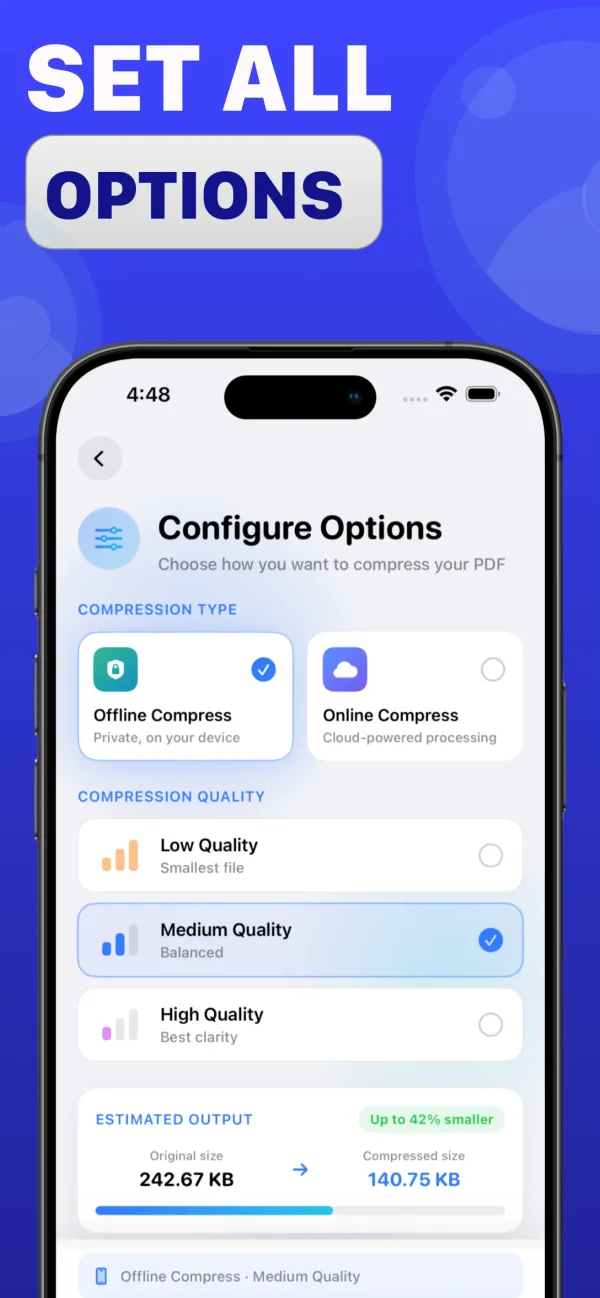
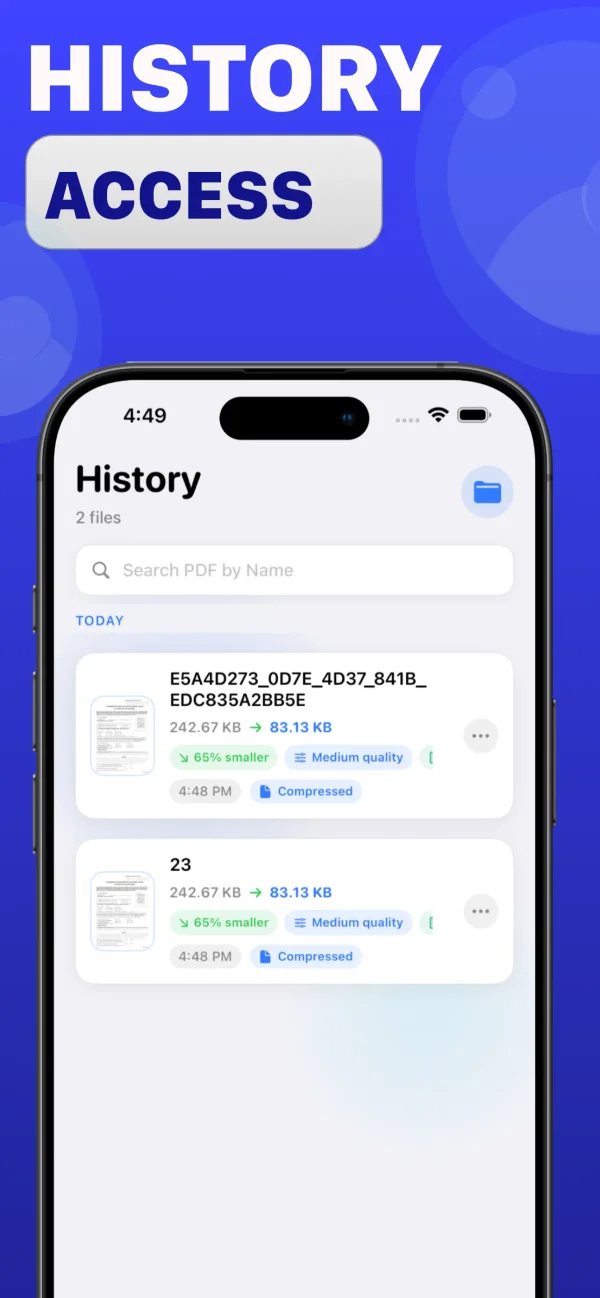

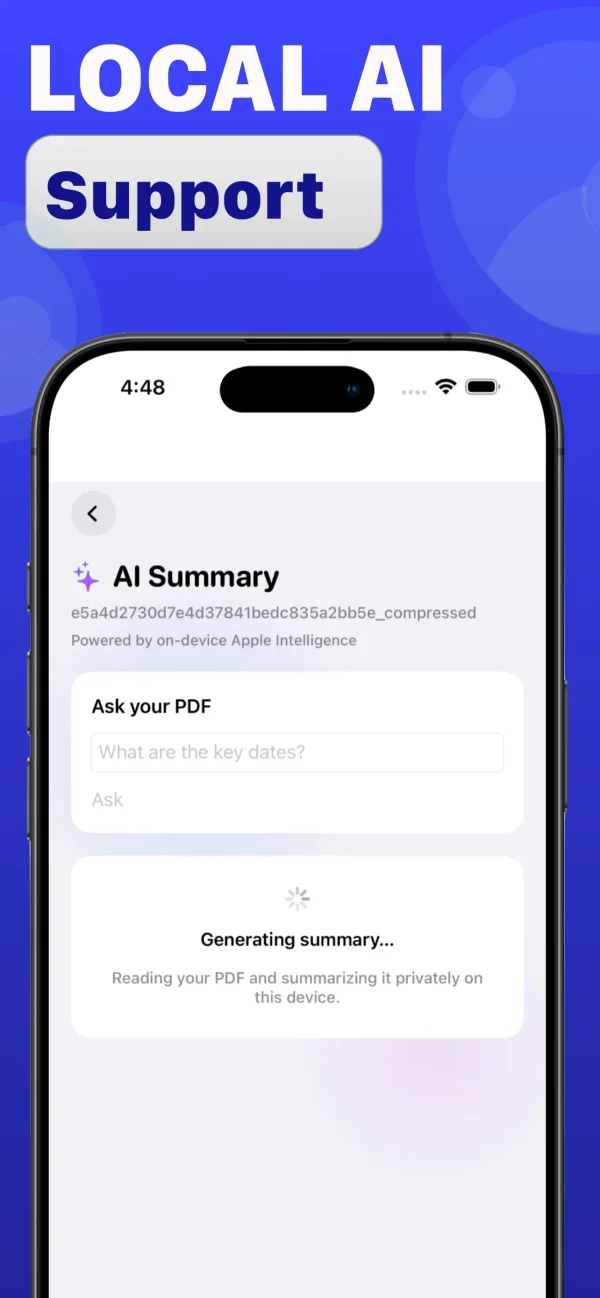
About
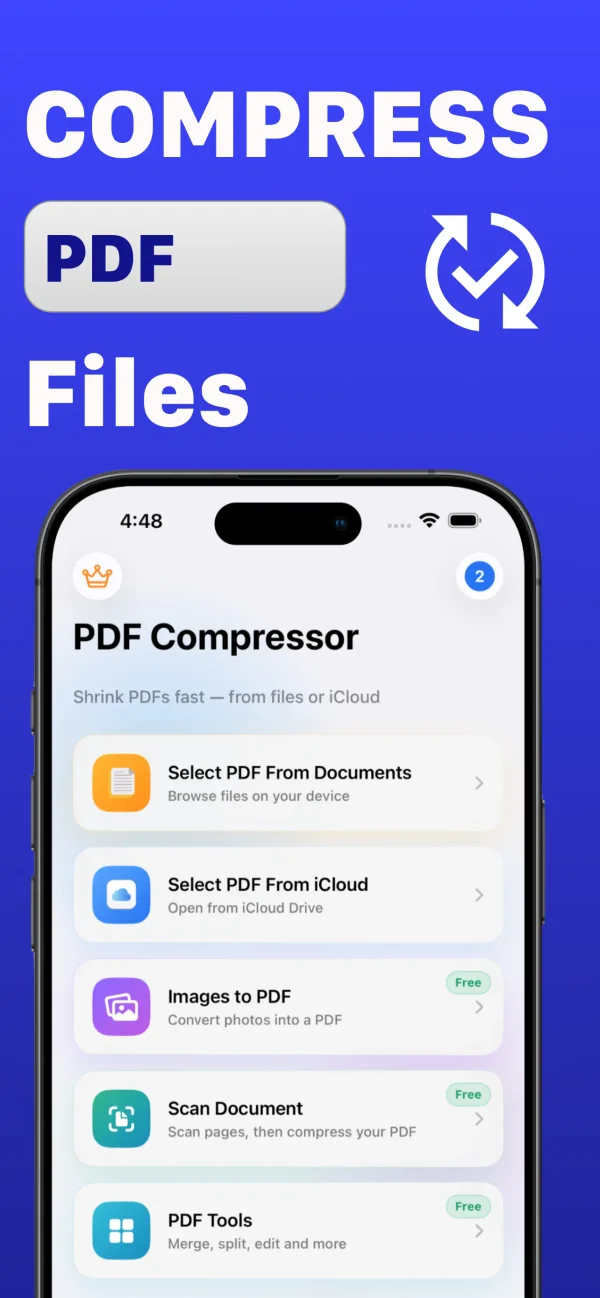
Unlock the full potential of your PDF files with our powerful PDF Compressor app! Seamlessly reduce the size of your PDF documents without compromising on quality. Whether you need to save storage space on your device, share files more efficiently, or simply optimize your PDFs for faster loading, our app has you covered.
Key Features:
Efficient Compression:
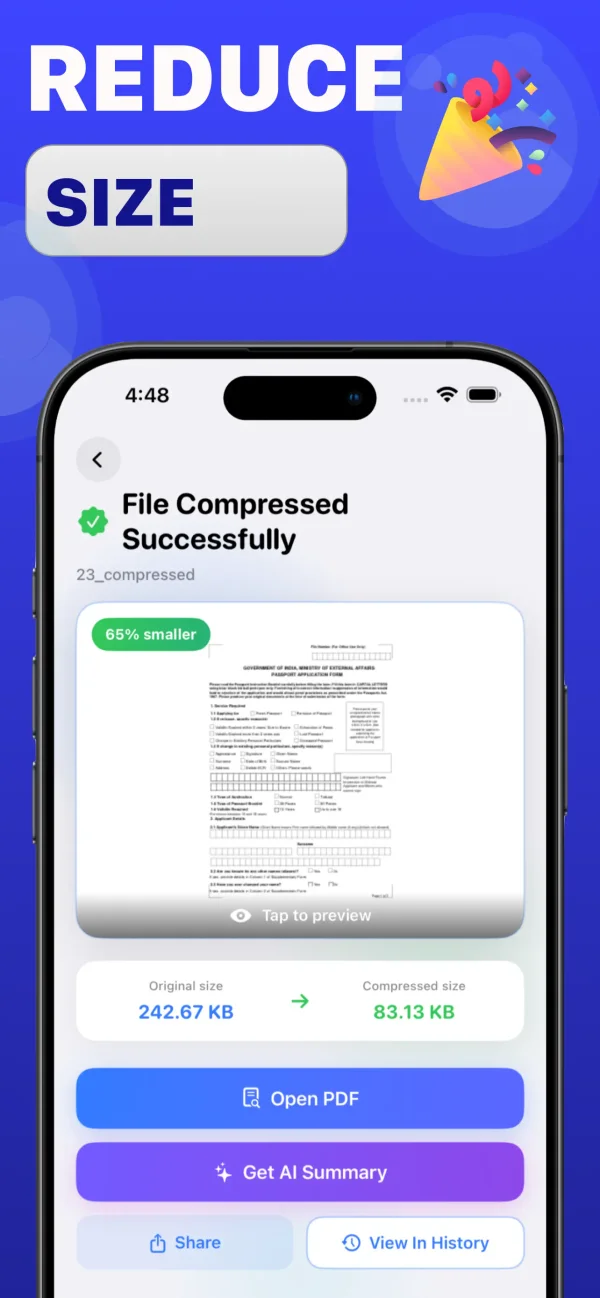
Our advanced compression algorithms ensure that your PDF files are reduced to the smallest possible size without sacrificing quality. Experience faster file transfers, quicker uploads, and more efficient storage utilization.
Retain Quality:
Rest assured that your document's quality remains intact throughout the compression process. Our app maintains the integrity of text, images, and formatting to ensure your content looks as good as ever.
File Management:
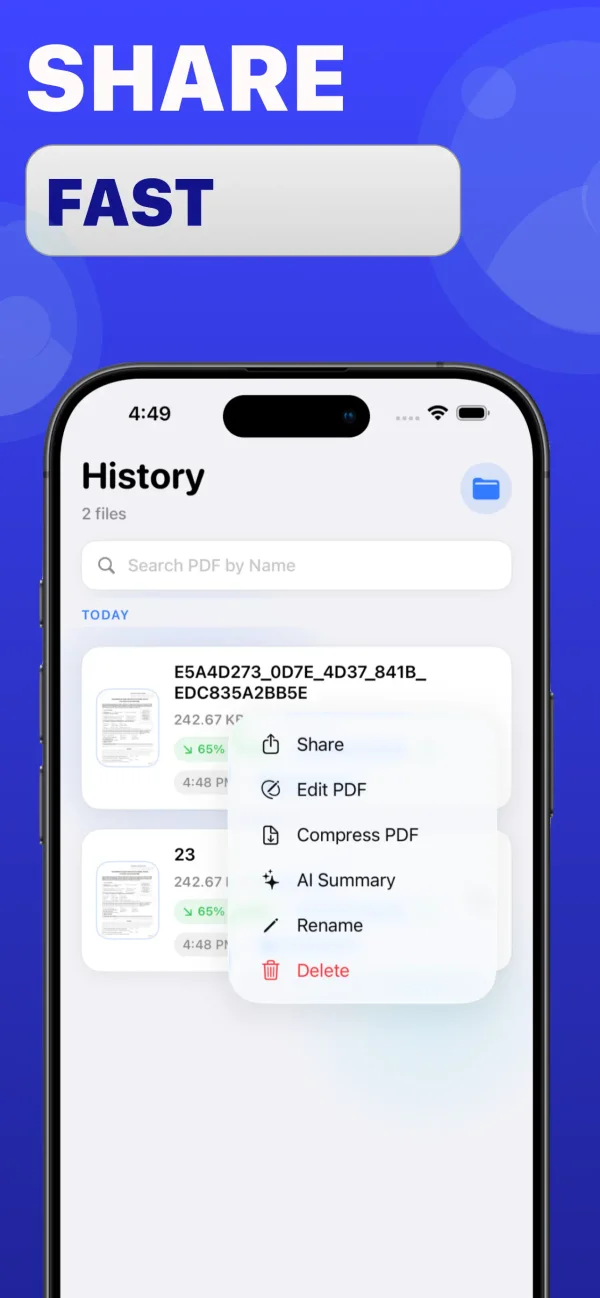
Organize and manage your compressed PDF files effortlessly. Access a user-friendly file manager to rename, delete, or share your optimized documents with ease.
Share Anywhere:
Compressed PDFs are perfect for sharing via email, messaging apps, or cloud storage. Share your files hassle-free with colleagues, clients, or friends, knowing they'll receive a lightweight yet high-quality document.
Subscription Policy
- Subscriptions are billed weekly or monthly at the rate selected depending on the subscription plan.
- Payment will be charged to iTunes Account at confirmation of purchase
- Account will be charged for renewal within 24-hours prior to the end of the current period, and identify the cost of the renewal
- Subscriptions auto-renew at the cost of the chosen package, unless cancelled 24-hours in advance prior to the end of the current period. Subscriptions may be managed by going to your iTunes Account Settings after purchase.
You may manage your subscription and turn off auto-renewal by going to your Account Settings after purchase.
Privacy Policy - https://sites.google.com/view/pdfcompress/projects
Service Terms - https://sites.google.com/view/pdfcompress/terms
What’s new
Version 2.07 · Nov 5, 2026
Images to PDF now keeps your photos in the order you pick them
Fixed a crash when creating a PDF from many large photos
Thank you for your feedback
Team
PDF Compressor
App privacy
What NextPixel apps declares on the App Store about how this app handles data.
-
Data not collected
The developer does not collect any data from this app.
Privacy practices may vary, for example with the features you use or your age.
Information
- Seller
- NEXTPIXEL APPS LLP
- Category
- Utilities
- Version
- 2.07
- Updated
- Nov 5, 2026
- Released
- Jan 18, 2024
- Size
- 60.1 MB
- Requires
- iOS 17.0 or later
- Age rating
- 4+
- Price
- Free
- In-app purchases
- Yes
- Languages
- English, Arabic, Dutch, French, German, Hindi, Indonesian, Italian, Japanese, Korean, Polish, Portuguese + 8 more
- Copyright
- © NEXTPIXEL APPS LLP
You might also like
-
 PDF Compressor: Size ReducePDF Compress & Reduce Size
-
 Compress It! PDF CompressorReduce & shrink document size
-
 File Compressor - Shrink SizeFile Compressor - Compress
-
 PDF Compressor : JVCompress PDF - PDF Compressor
-
 PDF Compressor : Compress PDFCompress PDF - PDF Compressor
-
 pdf compressor.small pdf,compress pdf
-
 PDF Files CompressorCompress & Decompress Files
-
 Compress PDF - Resize PDFCompress, Resize & Create PDF
-
 Compress PDF: Reduce File SizeScan, Compress, Merge & Edit
-
 PDF Merge - Combine & Join PDFPDF Editor App - Write on PDF