
File Transfer: Local Sharing
Designed for iPhone, iPad, iPod touch
Free · In-app purchases
- Age rating4+
- CategoryUtilities
- DeveloperDraconis Infrastructure LLC
- LanguagesEnglish
- Size80.1 MB
Links to the official App Store page
Download.org hosts no file of File Transfer: Local Sharing. The button opens its official App Store page, published by Draconis Infrastructure LLC. Listing last checked on Nov 8, 2026.
Screenshots
About
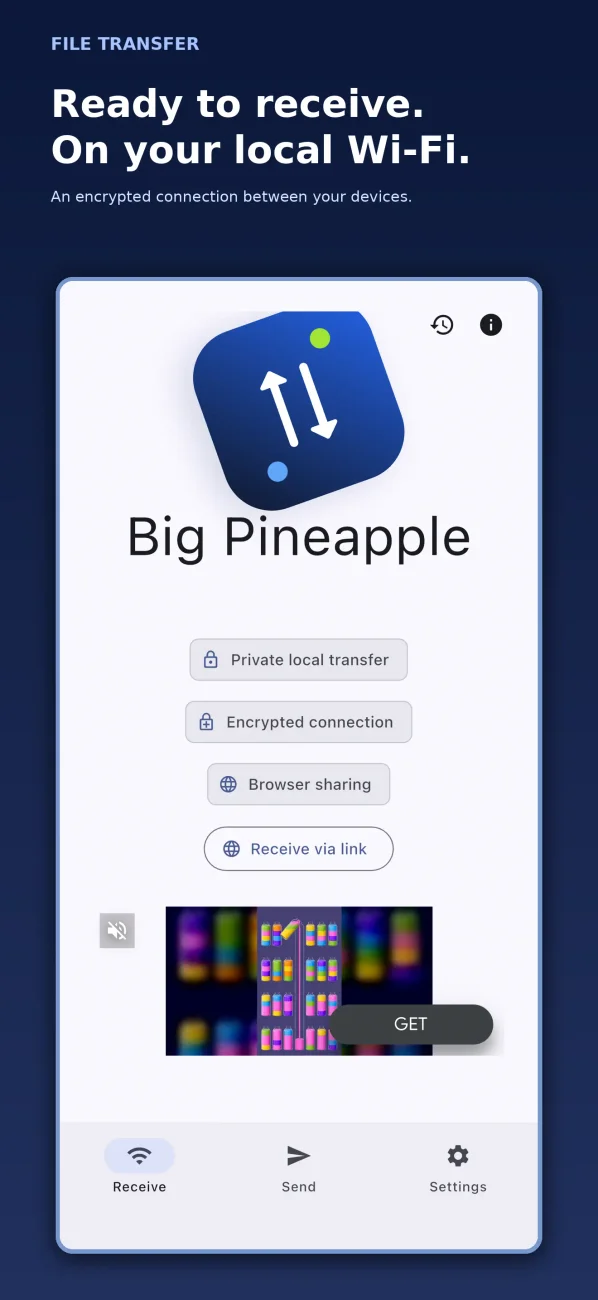
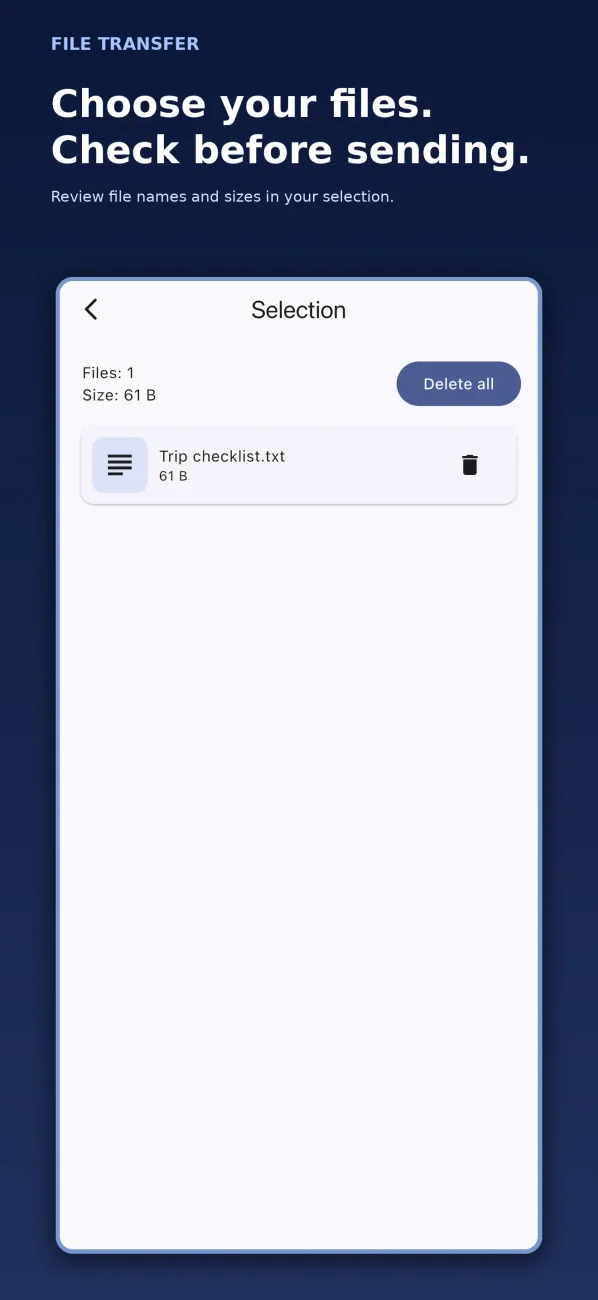
File Transfer sends files directly between compatible devices on the same local network. Choose files, folders, photos, videos or text, select the receiving device and approve the transfer there. No app account or cloud storage is required.
LOCAL FILE TRANSFERS
• Discover compatible devices on your local network.
• Send selected files, folders, media and text.
• Review incoming requests before accepting them.
• Use TLS encryption and optional PIN protection.
• Share selected files through a local browser link or QR code.
• Search and filter your received-file history.
Your devices must be able to reach each other on the local network. iOS Local Network permission is needed to discover and communicate with nearby devices. Keep the app open during transfers. Availability depends on the network, the receiving device and access to the files you select.
FREE FILE TRANSFERS AND OPTIONAL ANNUAL PRO
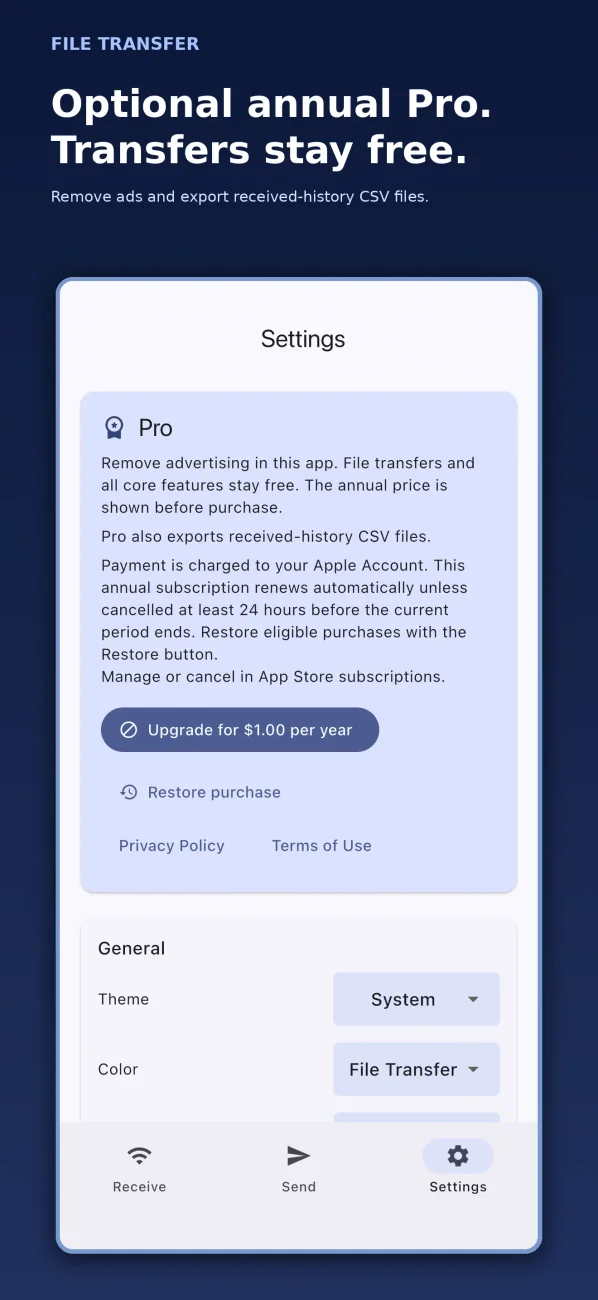
File transfers and core features remain free. Pro removes all in-app advertising and exports received-file history as CSV through the iOS Files picker. Pro does not provide cloud storage or another transfer service.
The annual price in your currency is shown before purchase. Payment is charged to your Apple Account. The subscription renews automatically unless cancelled at least 24 hours before the current period ends. Manage or cancel in App Store subscriptions, and restore eligible purchases from Settings in the app. Expiry does not delete your files or received-file history.
PRIVACY AND ADVERTISING
Transfers go directly between your devices; this app does not upload transferred files or text to cloud storage or use their contents for ad targeting. The free app uses Google AdMob. Ads do not interrupt discovery, incoming approval, active transfers, retries or errors. Advertising consent and tracking permission are optional and do not restrict transfers.
Privacy Policy: https://draconisinfrastructure.com/mobile-utilities-privacy
Terms of Use: https://www.apple.com/legal/internet-services/itunes/dev/stdeula/
What’s new
Version 1.1.5 · Sep 28, 2026
Optional annual Pro removes ads and exports received-file history as CSV. Includes purchase restoration, subscription management, clearer history controls and updated privacy information.
App privacy
What Draconis Infrastructure LLC declares on the App Store about how this app handles data.
-
Data used to track you
May be used to track you across apps and websites owned by other companies.
- Identifiers
-
Data linked to you
May be collected and linked to your identity.
- Location
- Identifiers
- Usage data
-
Data not linked to you
May be collected but is not linked to your identity.
- Diagnostics
Privacy practices may vary, for example with the features you use or your age.
Information
- Seller
- Draconis Infrastructure LLC
- Category
- Utilities
- Version
- 1.1.5
- Updated
- Sep 28, 2026
- Released
- Sep 24, 2026
- Size
- 80.1 MB
- Requires
- iOS 15.0 or later
- Age rating
- 4+
- Price
- Free
- In-app purchases
- Yes
- Languages
- English
- Copyright
- © 2026 Draconis Infrastructure, LLC
You might also like
-
 PhotonDrop: File TransferAir-Gapped Optical QR Share
-
 Ping. Internet Speed TestCheck WiFi, broadband & 5G
-
 Wifile | File TransferShare files over Wi-Fi offline
-
 LanShare – File TransferSend files. No internet.
-
 FileBolt: File TransferSend folders privately
-
 LanSend: Wi‑Fi File TransferWi‑Fi file sharing, no cloud
-
 FileShift: Send Files OfflineTransfer data offline
-
 FileBusFast File Transfer & Share
-
 Tiny IntercomUtilities
-
 File Manager: File Finder ProManage Files, Music & Movies