Filerev for Google Drive
Organize Files in Google Drive
Designed for iPhone, iPad, iPod touch
Free · In-app purchases
- Age rating4+
- CategoryUtilities
- DeveloperFilerev
- LanguagesEnglish
- Size19.1 MB
Links to the official App Store page
Download.org hosts no file of Filerev for Google Drive. The button opens its official App Store page, published by Filerev. Listing last checked on Nov 20, 2026.
Screenshots



About
Organize your Google Drive™ files and free up storage. Filerev scans your account, sorts every file into categories such as duplicates, large files, hidden files, empty folders and old files, and lets you move or delete them in bulk, all from your iPhone or iPad.
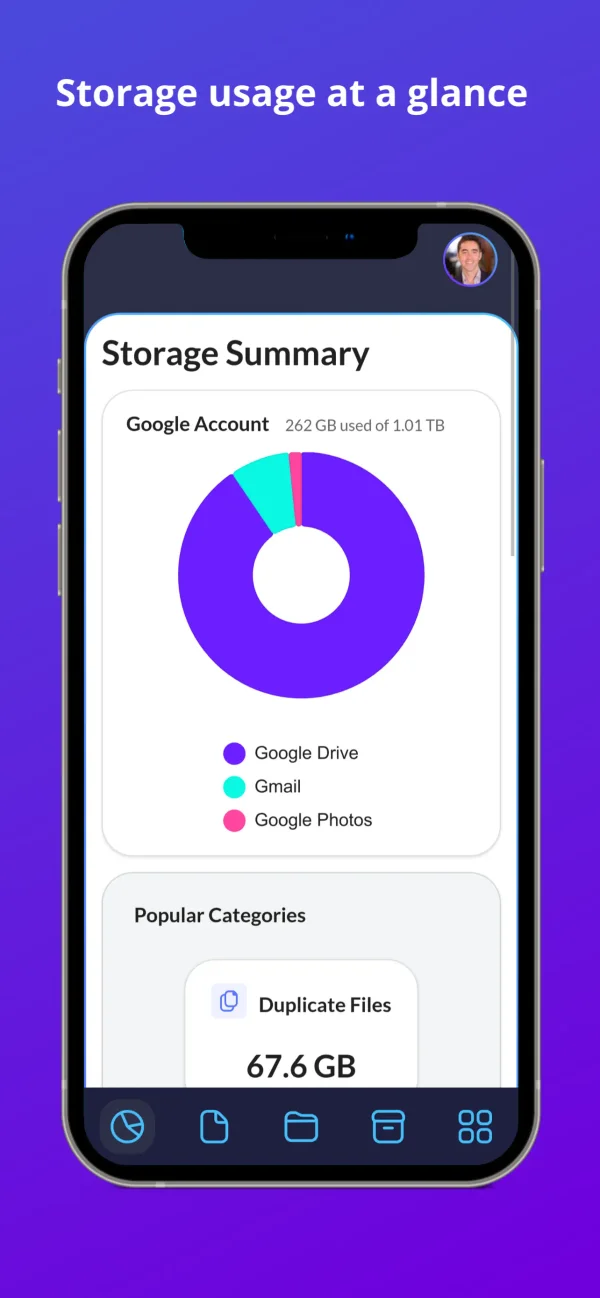
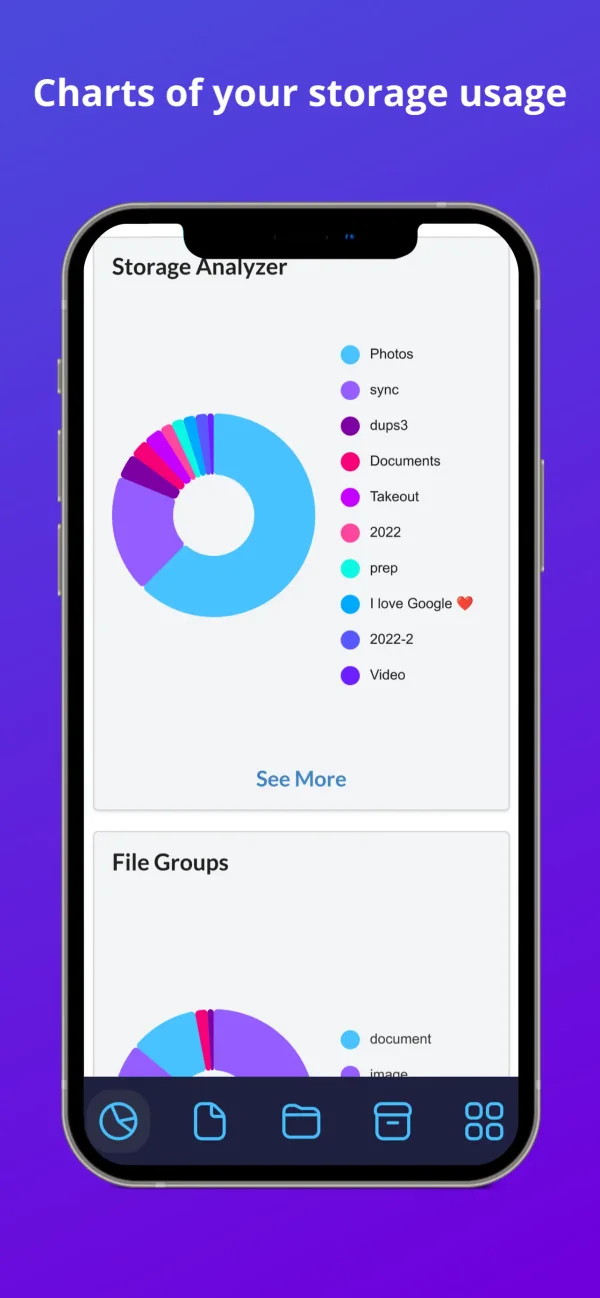
When you sign in with your Google account, Filerev scans your files and shows a report of how your storage is used across Google Drive, Gmail and Google Photos, the number of files and folders in your account, and which categories and file types take the most space.
Filerev sorts your Google Drive into categories so you can see what you have and organize it:
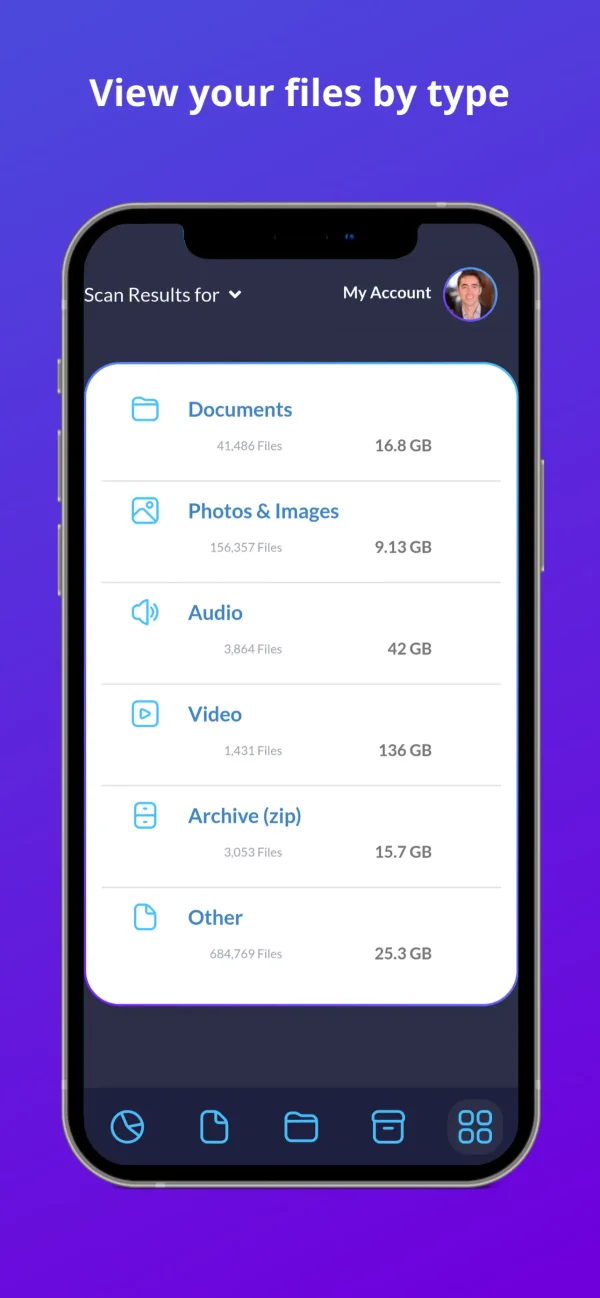
• Files by Type and Extension: Documents, Photos & Images, Audio, Video, Archives and more
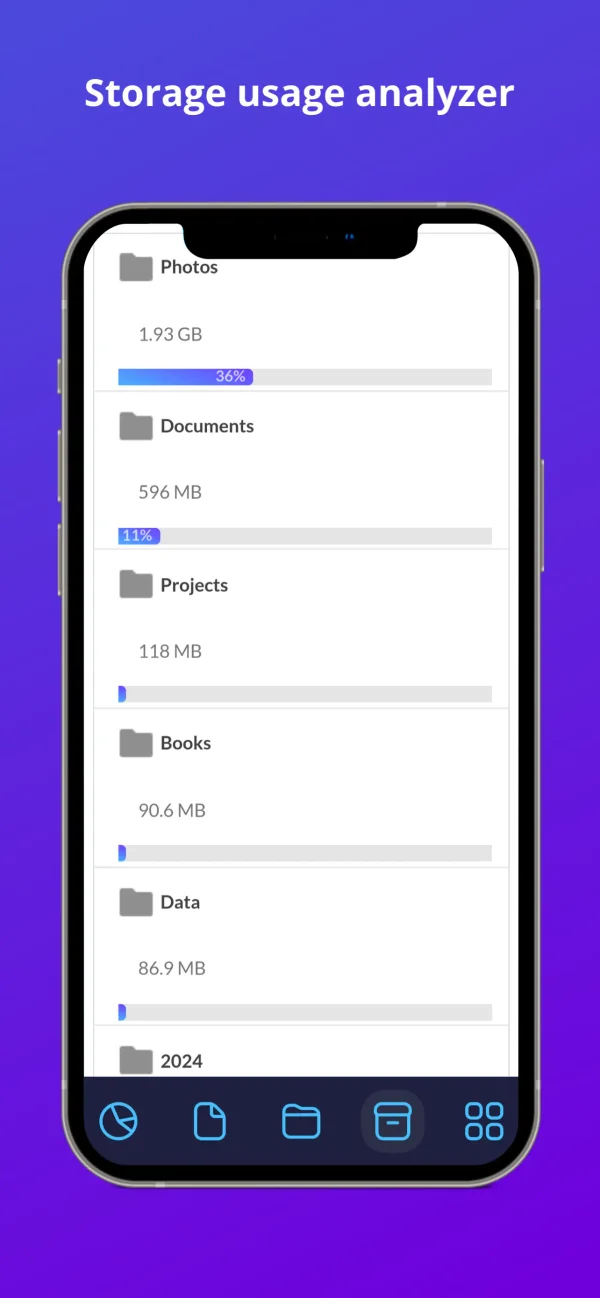
• Large Files and Large Folders: the biggest items first, with a Storage Analyzer to browse folders by size
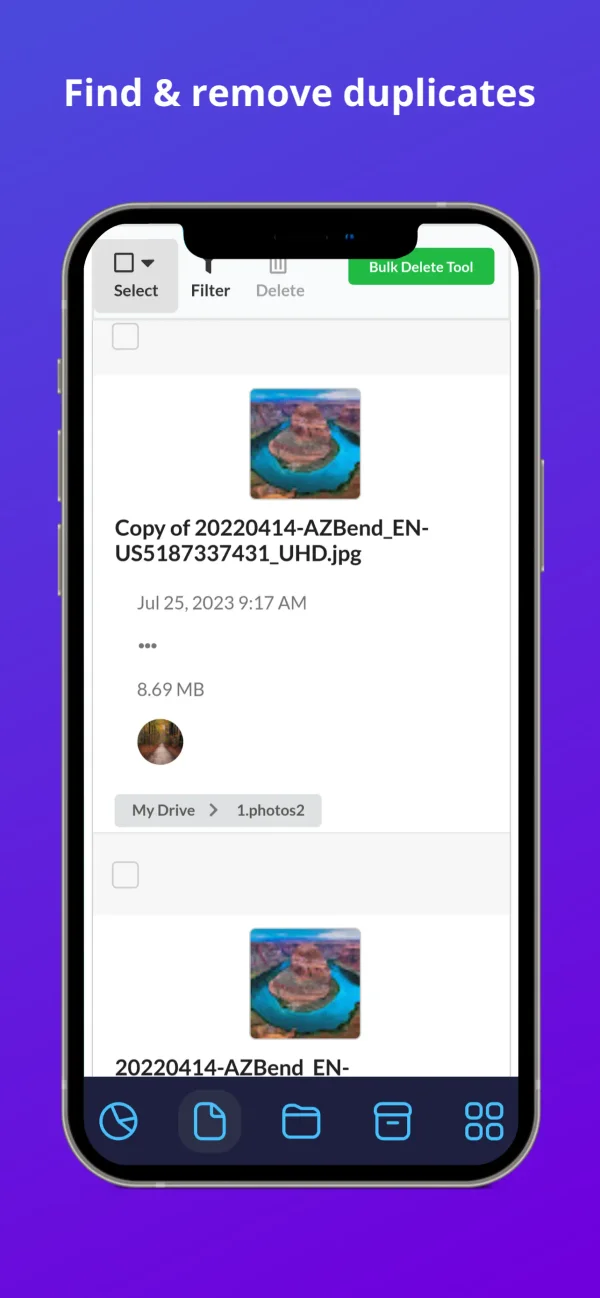
• Duplicate Files: exact, byte-identical matches, with thumbnails, folder and owner for each copy; filter to Photos & Images to find duplicate photos
• Move Files: move the files you select into any folder, in bulk
• Old Files: everything older than a year, or any age you choose
• Hidden Files: files that still count against your storage but no longer sit in any folder you can open
• Empty Files and Empty Folders
• Files Not Owned by Me, Temporary Files, and Google Drive Trash
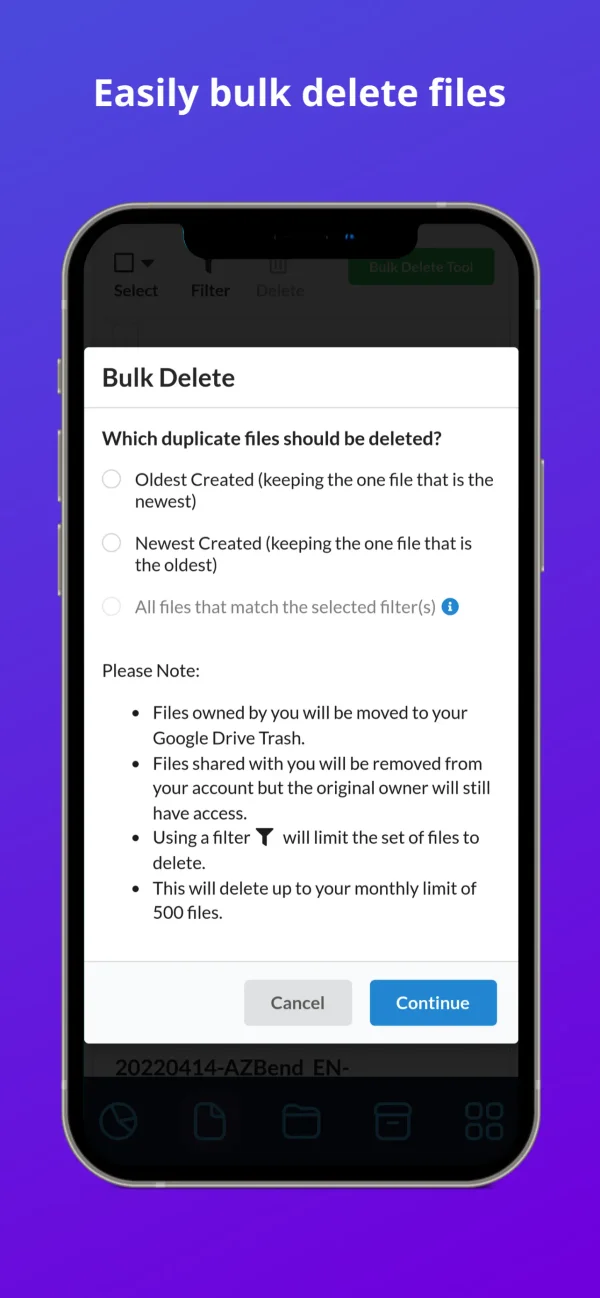
• Bulk Delete: clear a whole category, or a filtered part of it, in one step
• Restore from Trash: put everything in the Google Drive trash back where it was, in one step (Basic plan and up)
• Clear Google Drive: remove every file in the account when you want a fresh start
• Shared Drives: scan Google Workspace Shared Drives with the same categories (Premium plan)
• Export File List: download any category or filtered view as a CSV file (Standard plan and up)
In every category you see the total storage used and the number of files, and can filter by folder, owner, date, type or size. Deleted files go to the Google Drive trash, so they stay recoverable for 30 days.
FREE PLAN
Scan up to 1 million files in your Google Drive account, see where your storage goes, and delete or move up to 500 files or folders each month. No trial, no card: the free plan does not expire.
Paid plans start at $4 per month (billed annually) and add filters, more scans, higher move and delete limits, the full Storage Analyzer, CSV export and Shared Drive scanning. Compare plans at https://filerev.com/pricing
PRIVATE BY DESIGN
Filerev connects through official Google APIs and reads file metadata only. It never downloads, reads or stores the contents of your files, and it never moves or deletes anything until you choose to. Filerev passes an independent security assessment every year. Details: https://filerev.com/help/faq/is-filerev-safe/
Filerev finds and cleans up photos stored in Google Drive. It does not scan Google Photos.
Terms of Use (EULA): https://www.apple.com/legal/internet-services/itunes/dev/stdeula/
Terms of Service: https://filerev.com/terms
Privacy Policy: https://filerev.com/privacy
Google Drive is a trademark of Google Inc. Use of this trademark is subject to Google Permissions.
What’s new
Version 3.936.0 · Nov 19, 2026
Features & Enhancements
App privacy
What Filerev declares on the App Store about how this app handles data.
-
Data linked to you
May be collected and linked to your identity.
- Contact info
- Identifiers
Privacy practices may vary, for example with the features you use or your age.
Information
- Seller
- Filerev Inc
- Category
- Utilities
- Version
- 3.936.0
- Updated
- Nov 19, 2026
- Released
- Oct 31, 2023
- Size
- 19.1 MB
- Requires
- iOS 15.0 or later
- Age rating
- 4+
- Price
- Free
- In-app purchases
- Yes
- Languages
- English
- Copyright
- © Filerev Inc
You might also like
-
 Forms: for Google FormsCreate Forms & View Responses
-
 DeDuplicate - Cloud CleanerRemove cloud duplicates
-
 Search Console for SEOSearch Console App
-
 Zero Duplicates: File CleanerDelete Duplicate Files Fast
-
 Find PROFind anything online
-
 easySearch - File Search ToolFind text, bookmark & research
-
 GnameUtilities
-
 File Manager: Documents ViewerFiles Explorer: Unzip & Opener
-
 Any: File Explore & ViewerExplore, Search, View Files
-
 Samurai Search: text or PDFiCloud sync, search, preview.