
Zero Duplicates: File Cleaner
Delete Duplicate Files Fast
Designed for iPhone, iPad
Free · In-app purchases
- Age rating4+
- CategoryUtilities
- DeveloperChristopher Brock
- LanguagesEnglish+ 6 more
- Size20.1 MB
Links to the official App Store page
Download.org hosts no file of Zero Duplicates: File Cleaner. The button opens its official App Store page, published by Christopher Brock. Listing last checked on Nov 23, 2026.
Screenshots
About
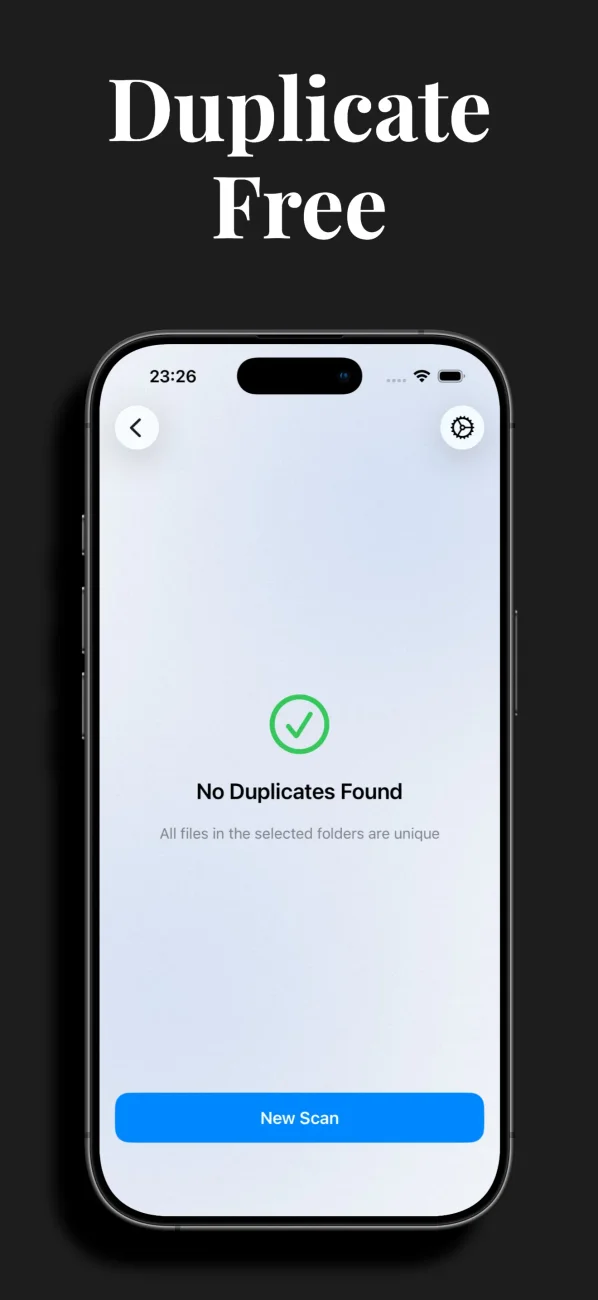
Most cleaning apps on the App Store focus on the photo library. Zero Duplicates focuses on your files: the downloads, documents, PDFs, videos and audio files that pile up in the Files app and quietly fill your storage.
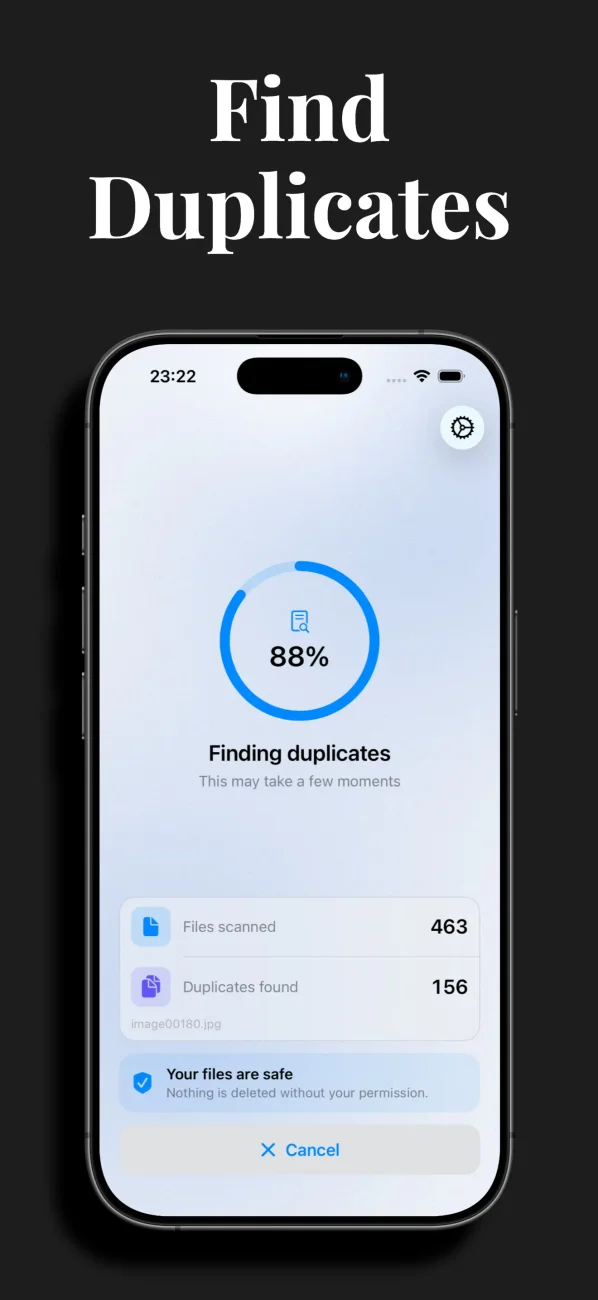
Zero Duplicates compares files by their content, not by their names. A renamed download, an attachment saved twice, a document copied into three folders: all of them are found, even when the file names look nothing alike.
MADE FOR THE FILES ON YOUR DEVICE
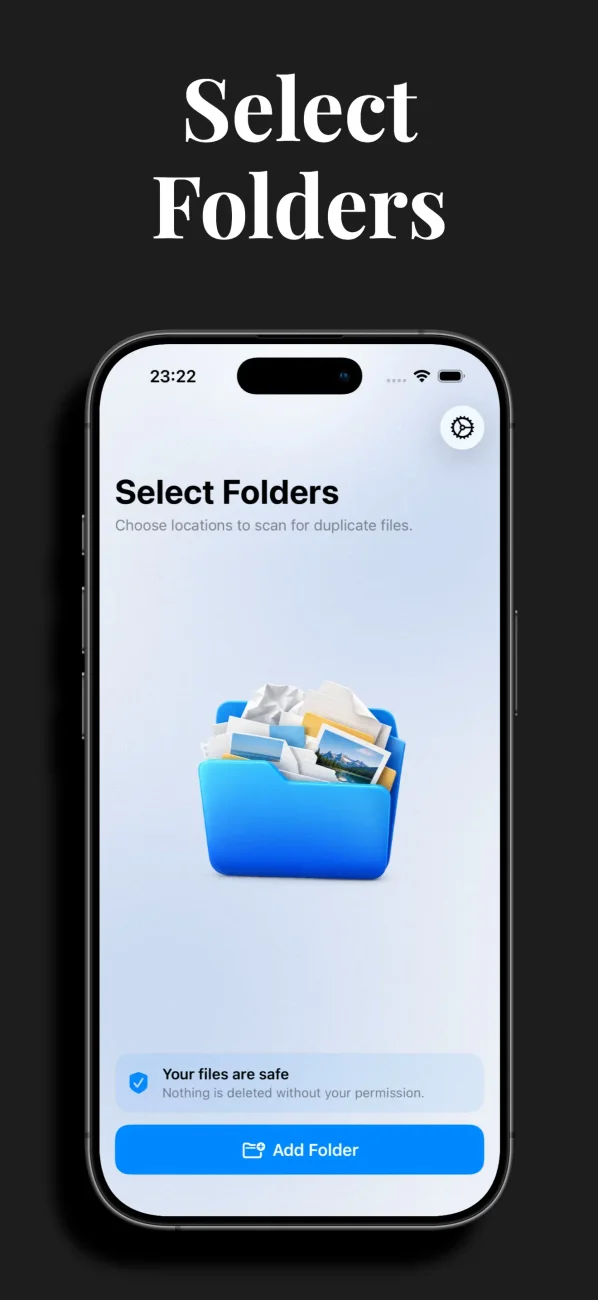
• Scan any folder you choose: On My iPhone, iCloud Drive, external drives
• Downloads from Safari, Mail and Messages
• Documents: PDF, Word, Excel, Pages, Numbers, Keynote
• Images, videos, audio recordings, archives and more
• USB drives and SD cards (with adapter)
CONTENT MATCHING
File names lie. Zero Duplicates reads the actual content of every file, so duplicates are found even when they were renamed, moved or saved from different apps.
AUTO-SELECT IN SECONDS
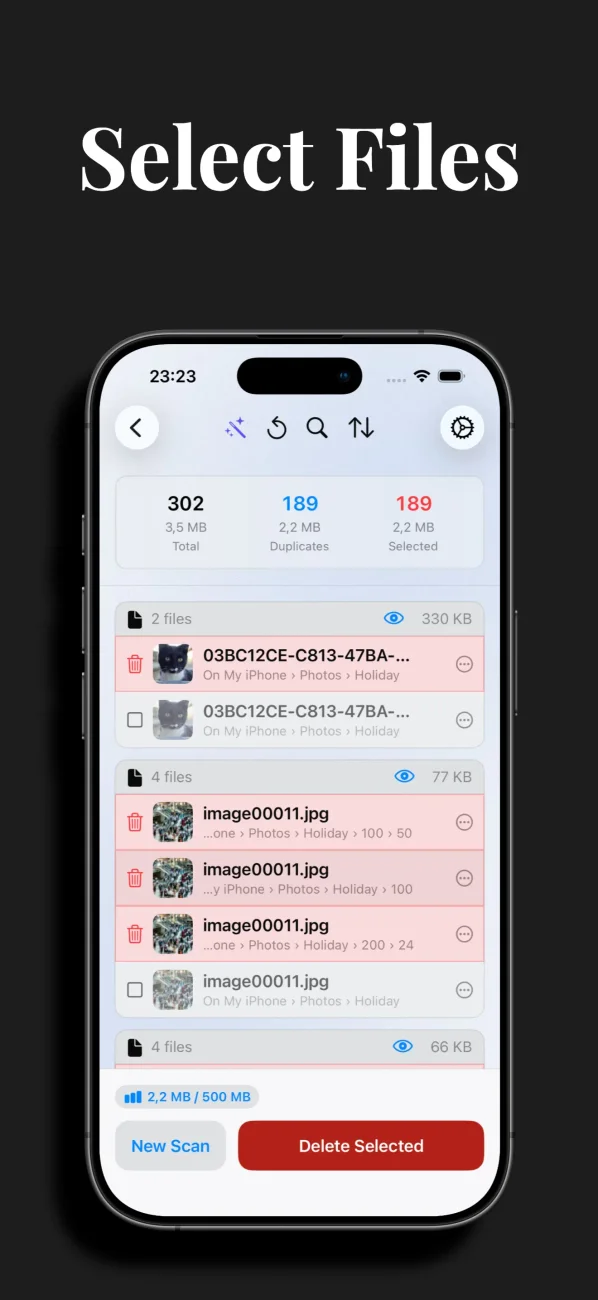
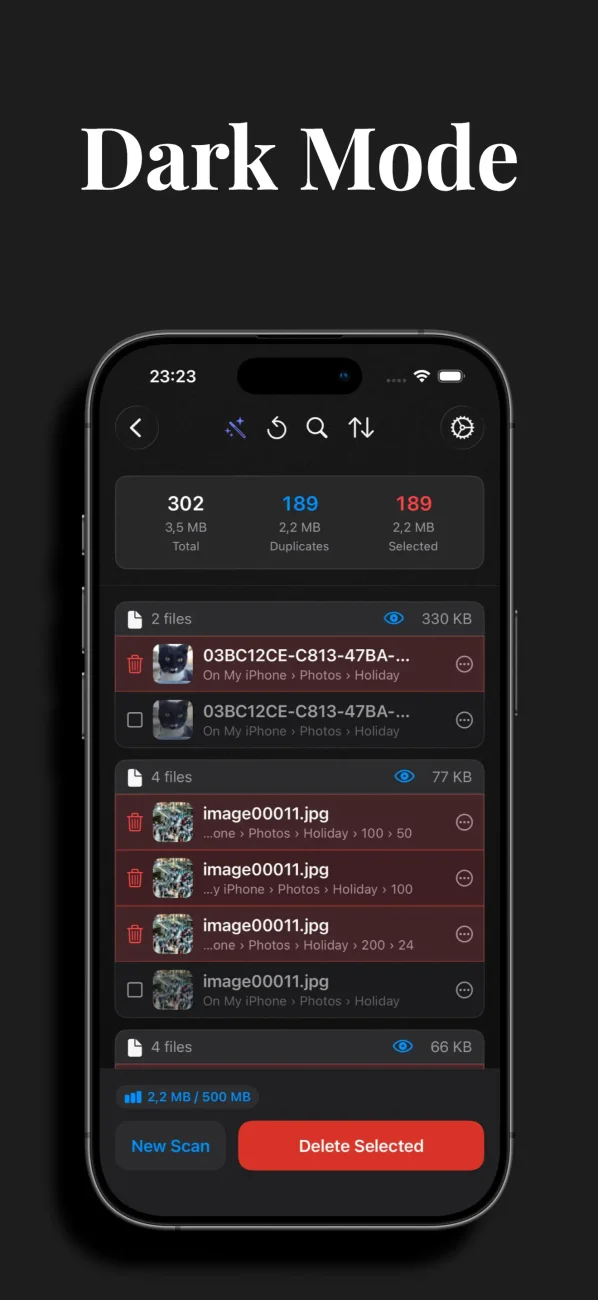
Automatic selection keeps the newest or the oldest file in every duplicate group. Review, tap once, done. No scrolling through hundreds of files by hand.
SEE BEFORE YOU DELETE
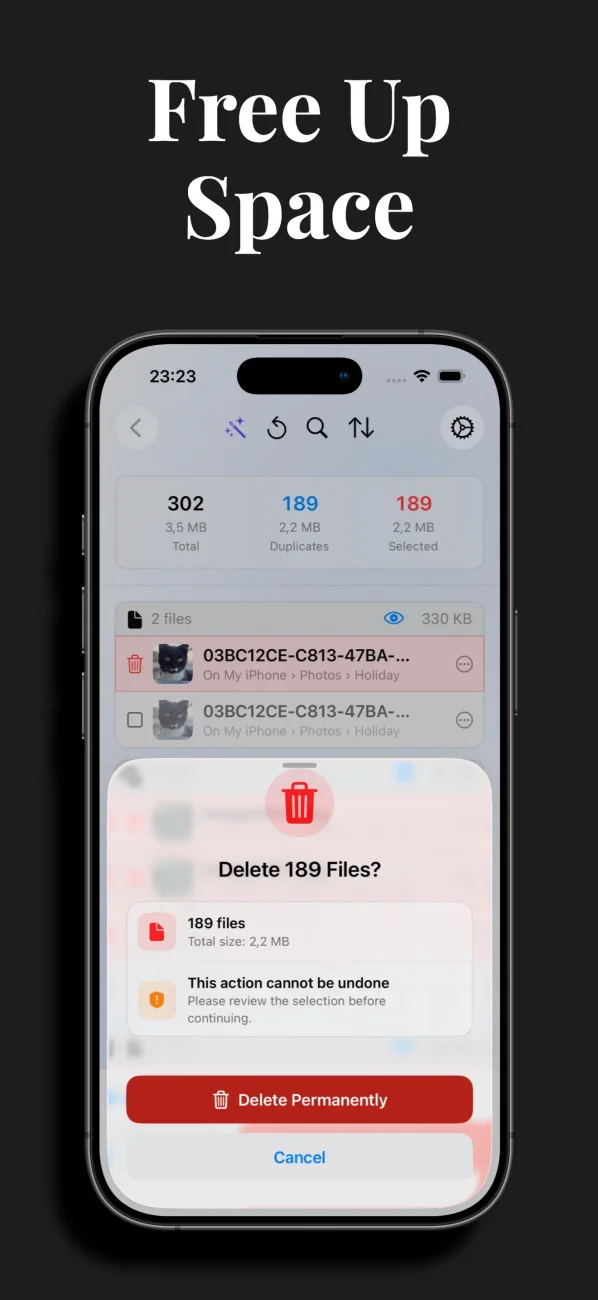
Every duplicate can be previewed before deletion, and you choose which copy stays. At least one version of every file always remains, so losing all copies is impossible. Deletion is permanent, so nothing is removed without a clear confirmation first.
PRIVATE BY DESIGN
Scanning happens entirely on your device. Your files are never uploaded anywhere.
HOW IT WORKS
Pick a folder, scan, review what was found, delete with confidence. Three steps to a cleaner device. System files are protected automatically.
Perfect for:
• Anyone seeing "Storage Almost Full" warnings
• People who download and share lots of files
• Managing documents, media and work files on the go
• Cleaning up iCloud Drive across devices
TRY WITHOUT RISK
Free to download • Unlimited scans • 500 MB free deletion
Premium unlocks unlimited deletion and advanced features.
Terms of Use: https://zeroduplicates.com/terms
What’s new
Version 1.5 · Oct 5, 2026
Scans keep running while you use other apps, and a notification tells you when the results are ready.
Switch off individual subfolders before a scan.
After a cleanup, a summary shows how much space you freed, with an option to share it.
Files stored only in the cloud are skipped instead of downloaded, and the results say how many.
Send feedback directly from Settings, and find the new app icon on your Home Screen.
App privacy
What Christopher Brock declares on the App Store about how this app handles data.
-
Data linked to you
May be collected and linked to your identity.
- Contact info
-
Data not linked to you
May be collected but is not linked to your identity.
- User content
- Usage data
- Diagnostics
Privacy practices may vary, for example with the features you use or your age.
Information
- Seller
- Christopher Brock
- Category
- Utilities
- Version
- 1.5
- Updated
- Oct 5, 2026
- Released
- Nov 12, 2025
- Size
- 20.1 MB
- Requires
- iOS 17.0 or later
- Age rating
- 4+
- Price
- Free
- In-app purchases
- Yes
- Languages
- English, French, German, Japanese, Korean, Simplified Chinese, Spanish
- Copyright
- © Christopher Brock
You might also like
-
 DupCleanerCompare files. Choose to keep.
-
 DupeSiftFind duplicate files locally
-
 Duplicate Storage Cleaner AIDisk Cleanup & Photo Remover
-
 DupFinderBuy lunch, not a cleaner app
-
 DeDuplicate - Cloud CleanerRemove cloud duplicates
-
 DustByte: Duplicate CleanerClean Similar Photos & Videos
-
 Filerev for Google DriveOrganize Files in Google Drive
-
 File CleanerRemove duplicate files safely
-
 LudyActions190+ Actions for Shortcuts
-
 File Manager - Files ExplorerZip Unzip Files & Documents