Flatten Scan: Offline PDF
Private document scanner
Designed for iPhone, iPad
Free · In-app purchases
- Age rating4+
- CategoryProductivity
- DeveloperManish Kapoor
- Size1.9 MB
Links to the official App Store page
Download.org hosts no file of Flatten Scan: Offline PDF. The button opens its official App Store page, published by Manish Kapoor. Listing last checked on Nov 18, 2026.
Screenshots

About
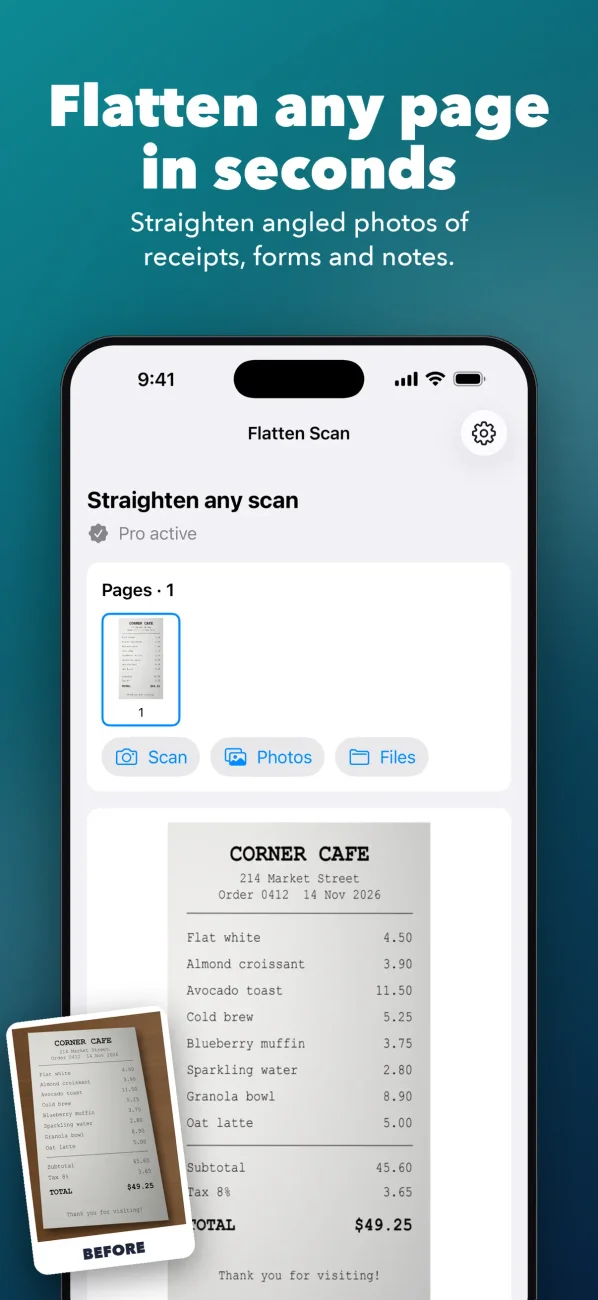
Turn an angled photo of a receipt, form, or page of notes into a scan you can read and share. Flatten Scan processes your documents on your iPhone or iPad.
• Import images from Photos or Files, open an existing PDF, or scan a page with the camera on supported devices.
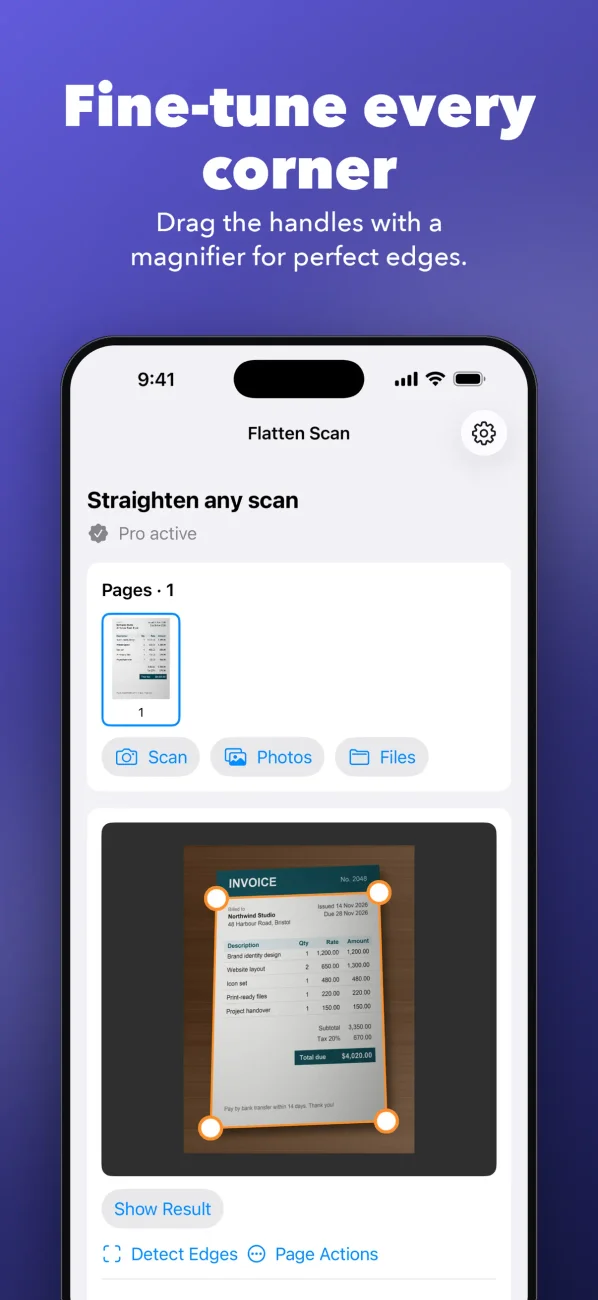
• Start with detected page edges, then fine-tune the four corners using the magnifier.
• Choose color, clean, grayscale, or black and white. Adjust clarity and shadow lift on each page.
• Save a JPEG or export a single-page PDF with a page size and file size that suit your needs.
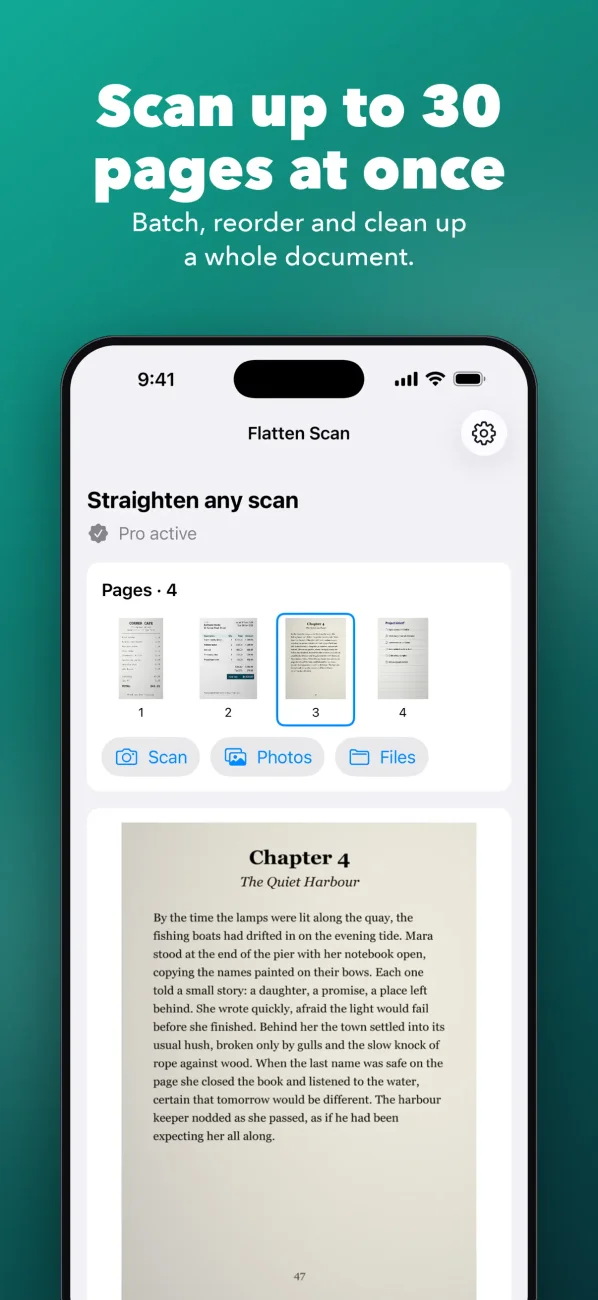
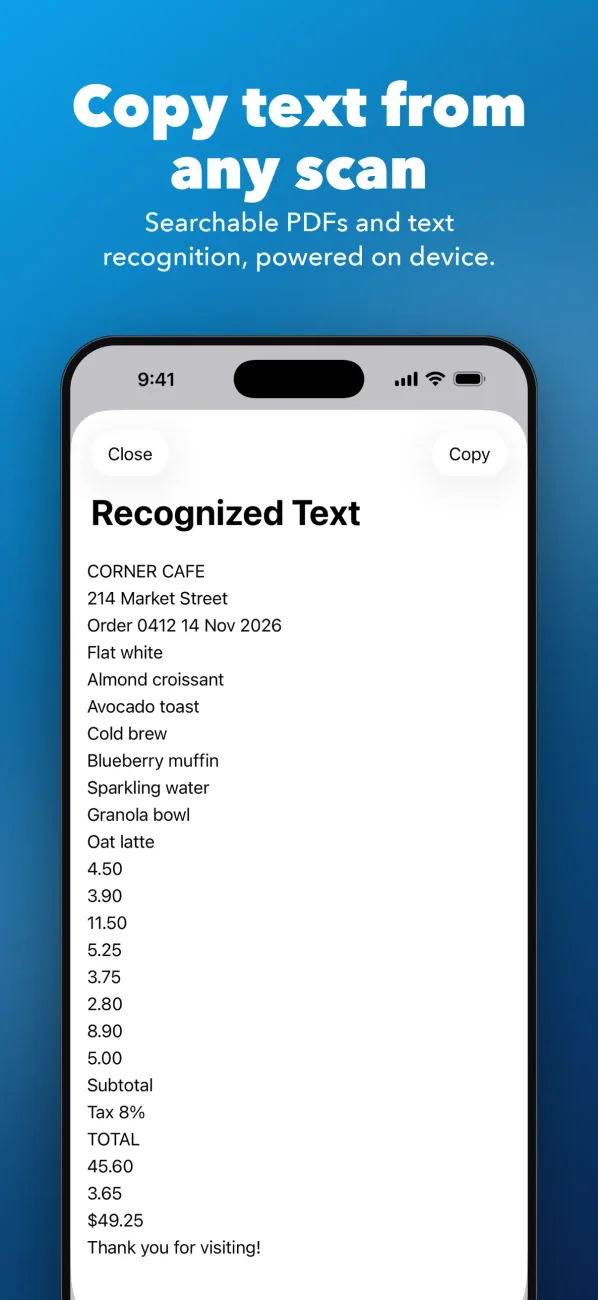
The free plan includes three new pages per day. Pro unlocks unlimited daily processing, batches of up to 30 pages, searchable PDFs, and on-device text recognition. Subscription prices and any eligible introductory offers are shown by the App Store.
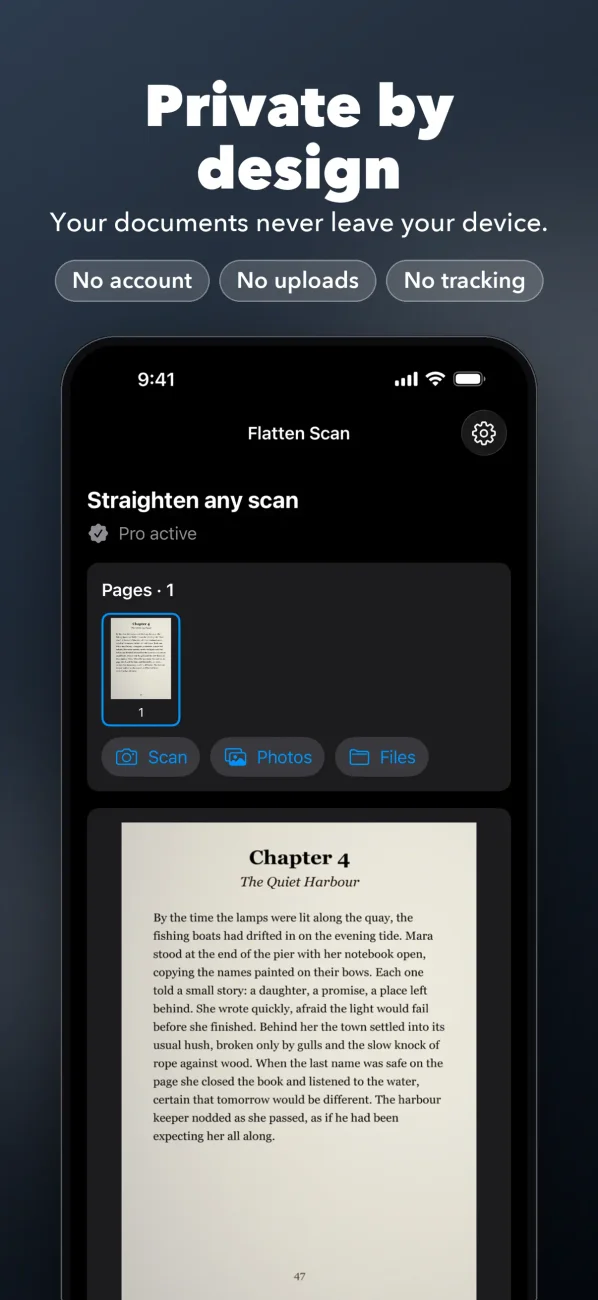
No account, uploads, ads, or tracking. Some actions, such as downloading an iCloud file or purchasing Pro, may need an internet connection.
Privacy Policy: https://bytesweavers.tech/documentflattenerios/privacy.html
Terms of Use: https://bytesweavers.tech/documentflattenerios/terms.html
What’s new
Version 1.1.0 · Nov 15, 2026
Open PDFs as well as images, and export single-page PDFs on the free plan. Adjust corners more precisely, rotate pages both ways, and see clearer progress and error messages. Pro adds searchable PDFs and text you can copy from a scan. This update also improves Dark Mode, page detection, and the handling of large batches.
App privacy
What Manish Kapoor declares on the App Store about how this app handles data.
-
Data not collected
The developer does not collect any data from this app.
Privacy practices may vary, for example with the features you use or your age.
Information
- Seller
- Manish Kapoor
- Category
- Productivity
- Version
- 1.1.0
- Updated
- Nov 15, 2026
- Released
- Jul 11, 2026
- Size
- 1.9 MB
- Requires
- iOS 17.0 or later
- Age rating
- 4+
- Price
- Free
- In-app purchases
- Yes
- Copyright
- © 2026 BytesWeavers
You might also like
-
 Numly: PDF Page NumbersPage N or N of total, any spot
-
 TruScan: Doc & Photo ScannerPDF Documents, Passport & ID
-
 MyPDFScanner: Document ScanPhotograph letters as PDF
-
 PDF Page Numbers, Any FormatNo ads, one-time purchase
-
 iScanKit: Offline ScannerOffline Scan·OCR·On-device
-
 DocuCleanClear, crisp, and print-ready.
-
 PDF Studio: PDF Editor & ScanSign, annotate & merge PDFs
-
 Doc Align - Perspective FixerPDF Scanner & OCR Text Convert
-
 Scan Cam PDF: Document ScannerOffline OCR, sign, no ads
-
 Add Page Numbers to PDFPDF Numbering Tool & Editor