Floathing: PiP for everything
Timer, notes, images n more
Designed for iPhone, iPad
Free · In-app purchases
- Age rating4+
- CategoryProductivity
- DeveloperLuu Thi Tuyet Minh
- LanguagesEnglish+ 4 more
- Size17.0 MB
Links to the official App Store page
Download.org hosts no file of Floathing: PiP for everything. The button opens its official App Store page, published by Luu Thi Tuyet Minh. Listing last checked on Nov 12, 2026.
Screenshots

About
Floathing – Floating Everything on iPhone
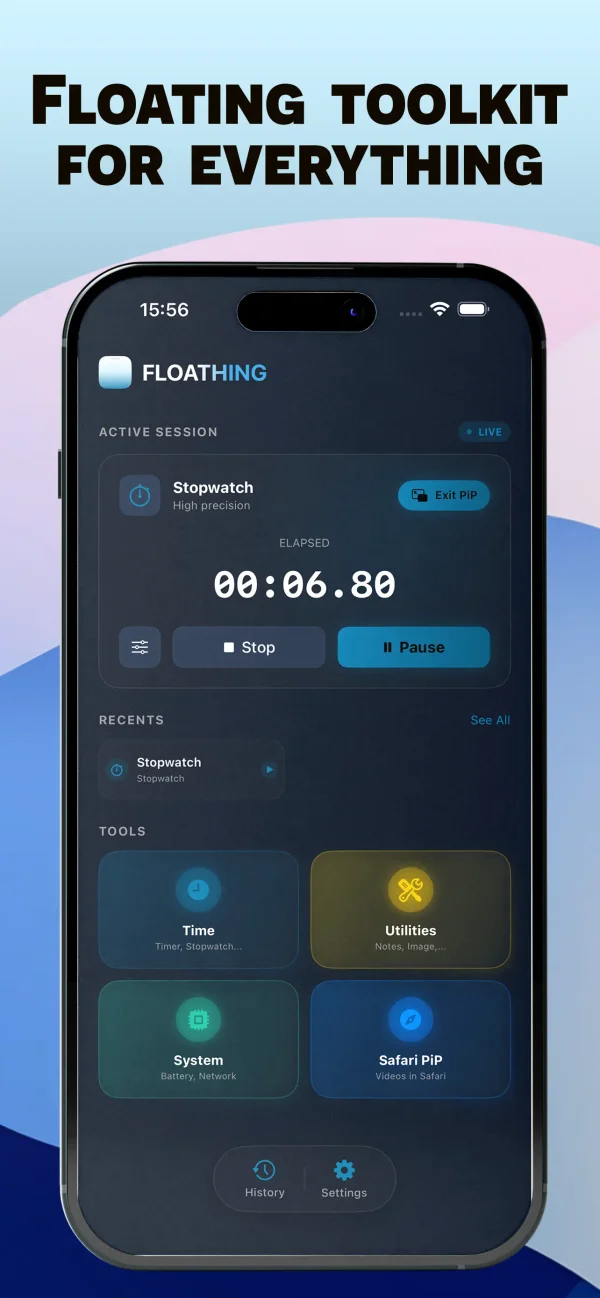
Floathing turns your iPhone into a powerful floating toolkit: teleprompter, timer, stopwatch, countdown, world clock, sticky notes, reference images, system monitors, and even web videos — all running in a Picture-in-Picture window that stays on top of any app.
Stop switching apps just to check your teleprompter, timer, notes, or videos while recording, studying, or presenting. Keep everything visible in one small floating window.
Always-On-Top Floating Window
-Picture-in-Picture keeps your tools floating over Camera, Safari, Notes, and social apps.
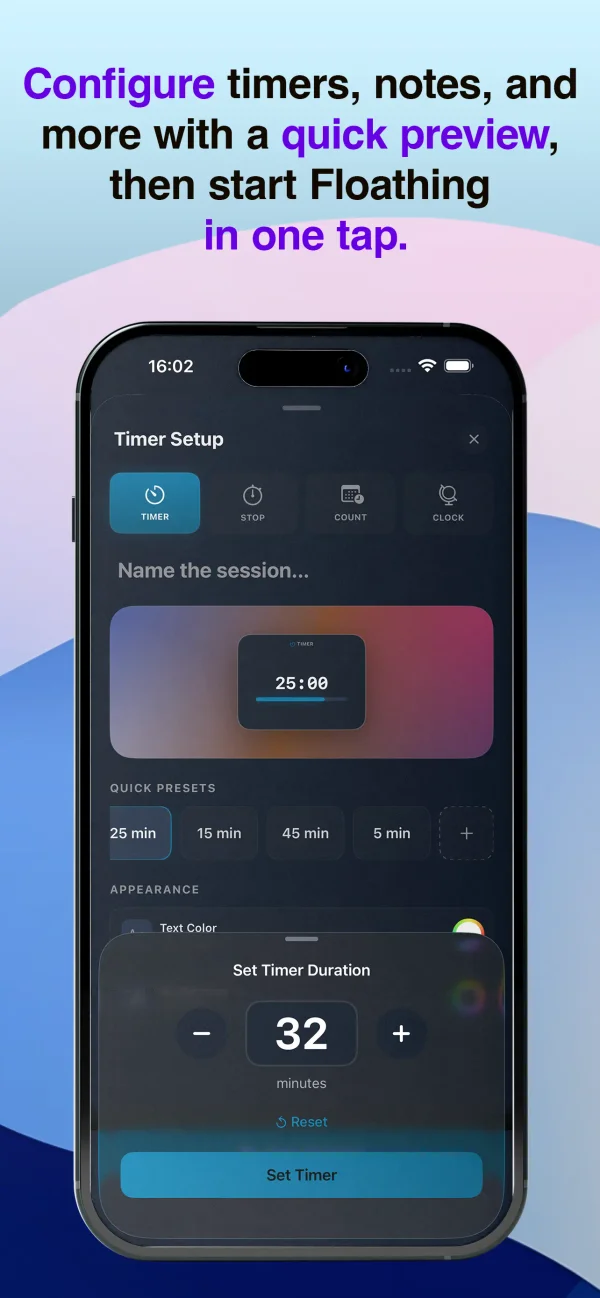
-Start from the dashboard: pick a tool, configure it, preview it live, then tap to float.
-Floating Teleprompter & Time Tools
Floating teleprompter with auto-scroll, perfect for TikTok, Reels, vlogs, and speaking to camera.
Floating timer, stopwatch, and countdown for study sessions, workouts, presentations, and focus time.
Sticky Notes & Reference Images
-Floating sticky notes for key points, to-dos, or reminders during meetings and online classes.
-Pin reference images, slides, mockups, or formulas as an overlay while you draw, code, or write.
Safari Web Videos
-Watch almost any web video in Picture-in-Picture mode using our Safari Extension.
-Keep videos floating while browsing, chatting, taking notes, or multitasking.
-Tested on popular sites such as YouTube, Vimeo, Dailymotion, Twitch, and more.
System Monitors
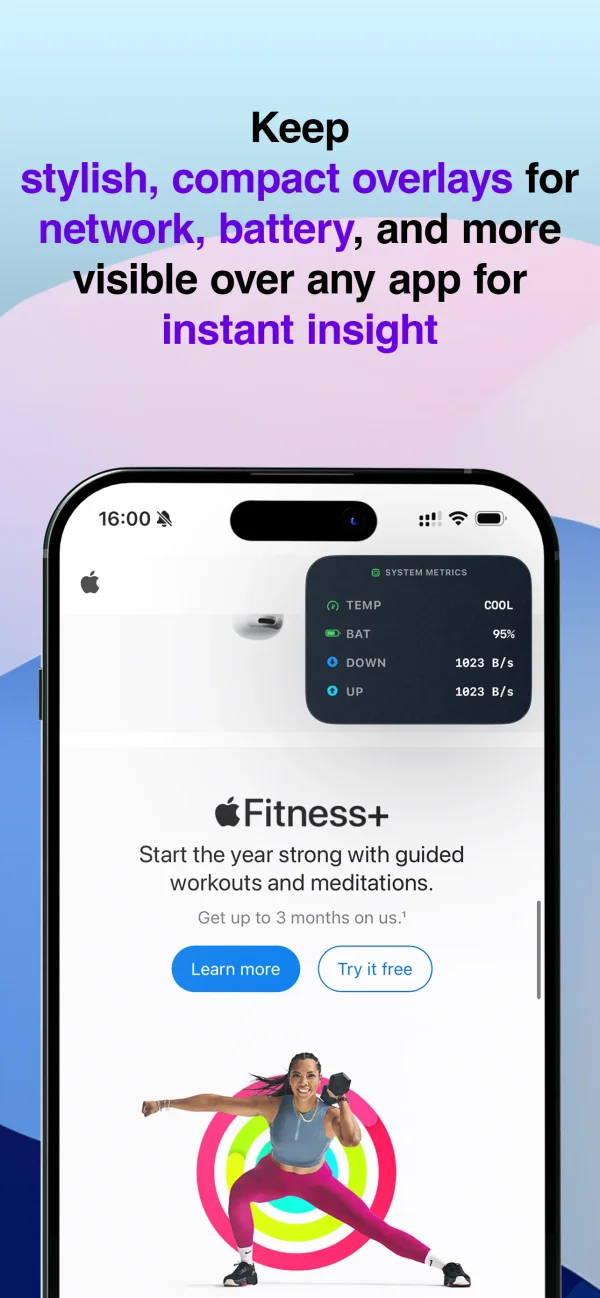
-Floating widgets for network status, battery & thermal info, and speedometer, always visible at a glance.
Fast & Simple
-Save presets for videoprompters, floating study timers, or your favorite setups.
-Live preview before floating anything on screen.
Unlimited access to all features
- You can subscribe to enjoy all the app's features without limit.
- Subscription fees are charged monthly or annually, depending on your chosen subscription plan. Or lifetime pro, purchase once, own forever.
- Subscriptions automatically renew unless auto-renewal is turned off at least 24 hours before the end of the current subscription period.
By using Floathing, you agree to our Privacy Policy and Terms of Use:
* Privacy Policy: https://mecapps.fun/floathing/privacy
* Terms of Use: https://mecapps.fun/floathing/terms
What’s new
Version 1.6 · Oct 19, 2026
- Now you can import multi images.
- Optimize and fix bugs.
App privacy
What Luu Thi Tuyet Minh declares on the App Store about how this app handles data.
-
Data not collected
The developer does not collect any data from this app.
Privacy practices may vary, for example with the features you use or your age.
Information
- Seller
- Luu Thi Tuyet Minh
- Category
- Productivity
- Version
- 1.6
- Updated
- Oct 19, 2026
- Released
- Jan 20, 2026
- Size
- 17.0 MB
- Requires
- iOS 18.6 or later
- Age rating
- 4+
- Price
- Free
- In-app purchases
- Yes
- Languages
- English, Japanese, Korean, Simplified Chinese, Vietnamese
- Copyright
- © 2025 by ME Creative VN
You might also like
-
 Picture in Picture Notes - PiPPiP Notes, Notepad, Notebook
-
 Pip Up: Persist/Float Post-ItOverlay Photo/Web/Note On Top
-
 Floaty - PiP & Floating ViewerSplit Screen - Dual Window
-
 SuperX - PIP ExtensionPicture-in-Picture Everything
-
 Floating Notepad -Overlay-Your AlwaysVisible Sticky Note
-
 FloatTextFloating prompt for video
-
 Cronometro FlutuantePara você usar com outros apps
-
 Floating Clock - TeleprompterTop Window timer, text, script
-
 Split Screen - Floating AppsPiP Splitware Dual Window View
-
 Turn Off the Lights for SafariDarkens the rest of the web