Floating Clock Pro
Floating Clock · Flash Sales
Designed for iPhone, iPad, iPod touch
Free · In-app purchases
- Age rating4+
- CategoryUtilities
- Developer科茗 王
- LanguagesEnglish+ 11 more
- Size4.2 MB
Links to the official App Store page
Download.org hosts no file of Floating Clock Pro. The button opens its official App Store page, published by 科茗 王. Listing last checked on Nov 15, 2026.
Screenshots


About
Keep time in view. Be ready when the moment arrives.
Floating Clock Pro brings floating clocks, network time references, countdowns, and personal training together in one convenient toolkit.
• Keep time visible
Use system Picture in Picture to view your clock while switching between apps. Everyday countdowns and world clocks help you stay organized across tasks and time zones.
• Prepare for important moments
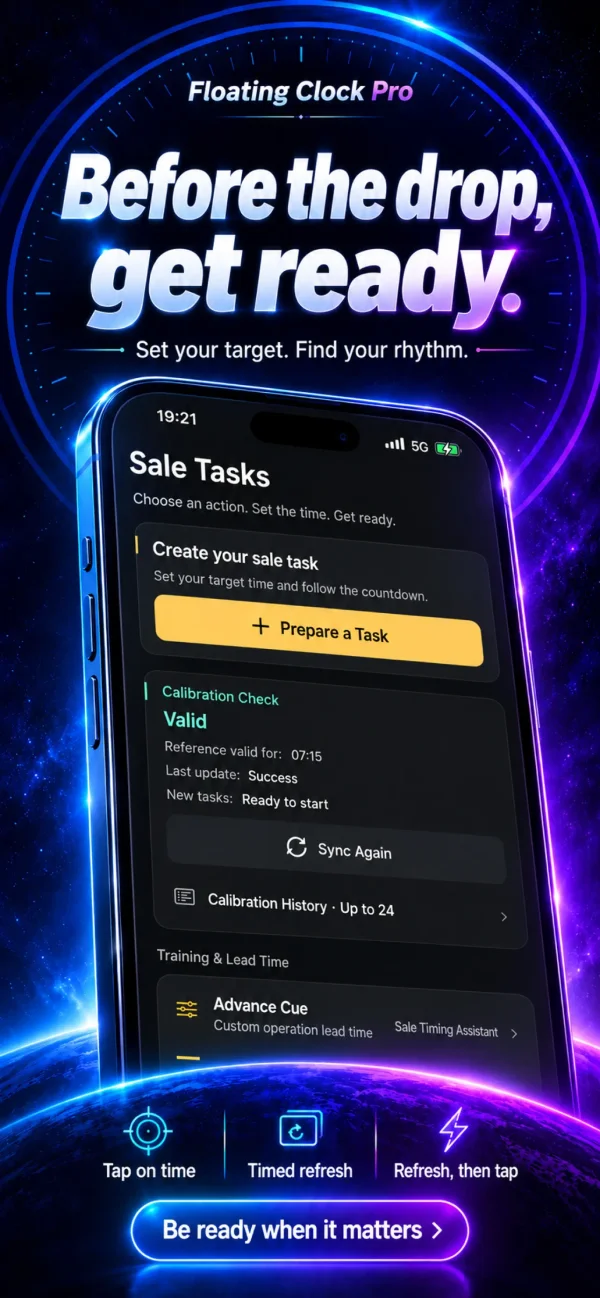
Choose Tap on Time, Timed Refresh, or Refresh Then Tap. Set a target time and follow clear preparation cues, a continuous countdown, and target-time prompts.
• Understand your time reference
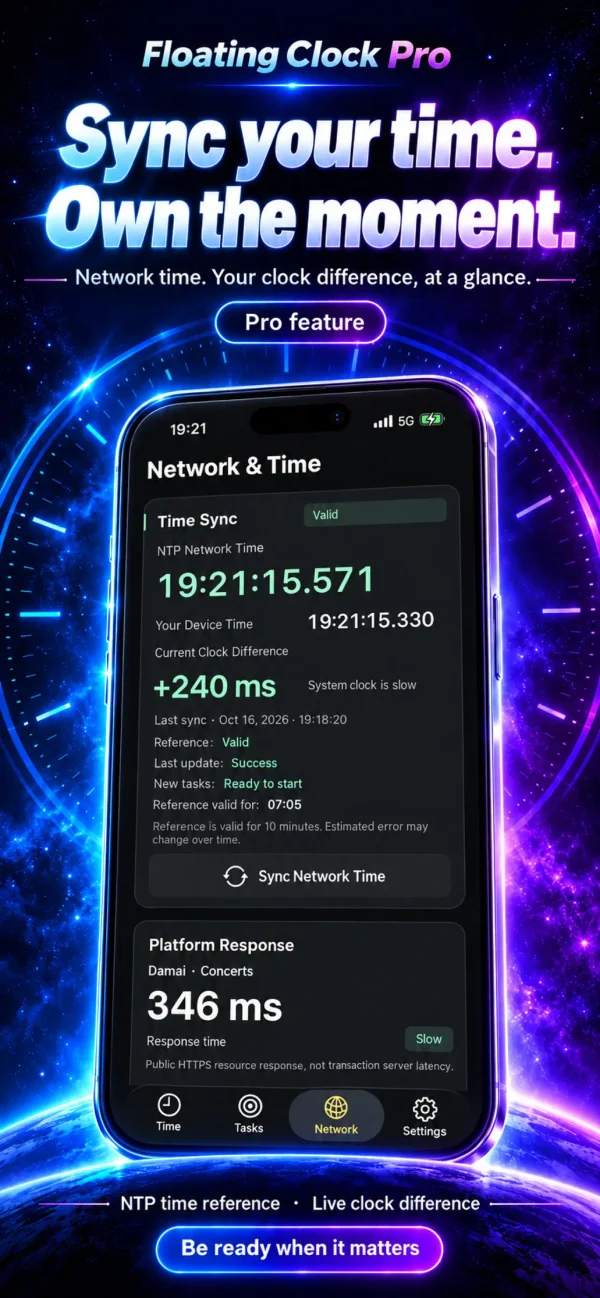
Use NTP synchronization to view a network time reference, the current difference from system time, synchronization status, and remaining reference validity. Check response times for public web resources on supported platforms.
• Find your own rhythm
Tap and reaction training provides personalized early-cue recommendations. Adjust your timing manually and see the lead time actually used by each task.
• Make it yours
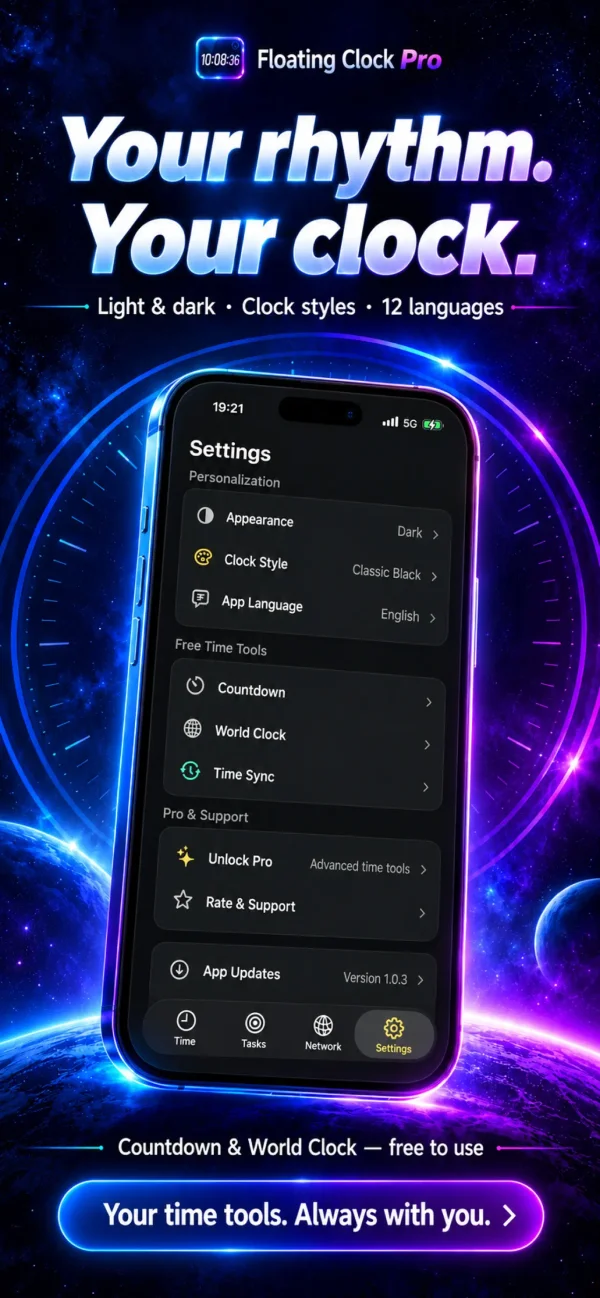
Choose light or dark appearance, explore floating clock styles, and use the app in 12 languages.
Basic clocks, basic floating display, standard countdowns, and world clocks are free. Network synchronization, the Sale Timing Assistant, training recommendations, and advanced themes require Pro. Pro is a one-time purchase with permanent access and supports Restore Purchases.
What’s new
Version 1.0.3 · Oct 17, 2026
Feel more prepared for every key moment:
- Introducing the Sale Timing Assistant with three guidance modes: Tap on Time, Timed Refresh, and Refresh Then Tap.
- New tap and reaction training provides personalized early-cue recommendations.
- Improved floating countdowns with clearer preparation cues, target-time prompts, and a final-second scale.
- Improved network time synchronization and retry handling. Calibration references now remain valid for 10 minutes.
- Added response-time checks for Damai and other popular platforms.
- Improved task reuse, navigation, and multilingual display, with bug fixes and stability enhancements.
App privacy
What 科茗 王 declares on the App Store about how this app handles data.
-
Data not collected
The developer does not collect any data from this app.
Privacy practices may vary, for example with the features you use or your age.
Information
- Seller
- 科茗 王
- Category
- Utilities
- Version
- 1.0.3
- Updated
- Oct 17, 2026
- Released
- Aug 17, 2026
- Size
- 4.2 MB
- Requires
- iOS 15.0 or later
- Age rating
- 4+
- Price
- Free
- In-app purchases
- Yes
- Languages
- English, Arabic, French, German, Japanese, Korean, Portuguese, Russian, Simplified Chinese, Spanish, Thai, Traditional Chinese
- Copyright
- © Tools Freedom
You might also like
-
 Micro Clock: Floating TimerCountdown, Stopwatch & Focus
-
 Floating Clock: Digital TimerStopwatch, Countdown & Seconds
-
 Floating Clock &StopWatchOverlay, Always-on screen time
-
 FloClock - Flash Sale Clockpomodoro countdown stopwatch
-
 Floating Clock - ms levelRush Buy Helper/Net Speed Test
-
 iFloating Clock - RealtimeClock, Timer and Countdown
-
 Pop Out Timer Stopwatch ClockOn-screen floating above apps
-
 BNStopwatchWith big numbers!
-
 Big Timer - SimpleLarge and easy to see
-
 Stopwatch & Countdown TimerStudy, cooking, HIIT & fitness