Micro Clock: Floating Timer
Countdown, Stopwatch & Focus
Designed for iPhone, iPod touch
Free · In-app purchases
- Age rating4+
- CategoryUtilities
- Developer俊贤 黄
- LanguagesEnglish+ 12 more
- Size6.0 MB
Links to the official App Store page
Download.org hosts no file of Micro Clock: Floating Timer. The button opens its official App Store page, published by 俊贤 黄. Listing last checked on Nov 15, 2026.
Screenshots


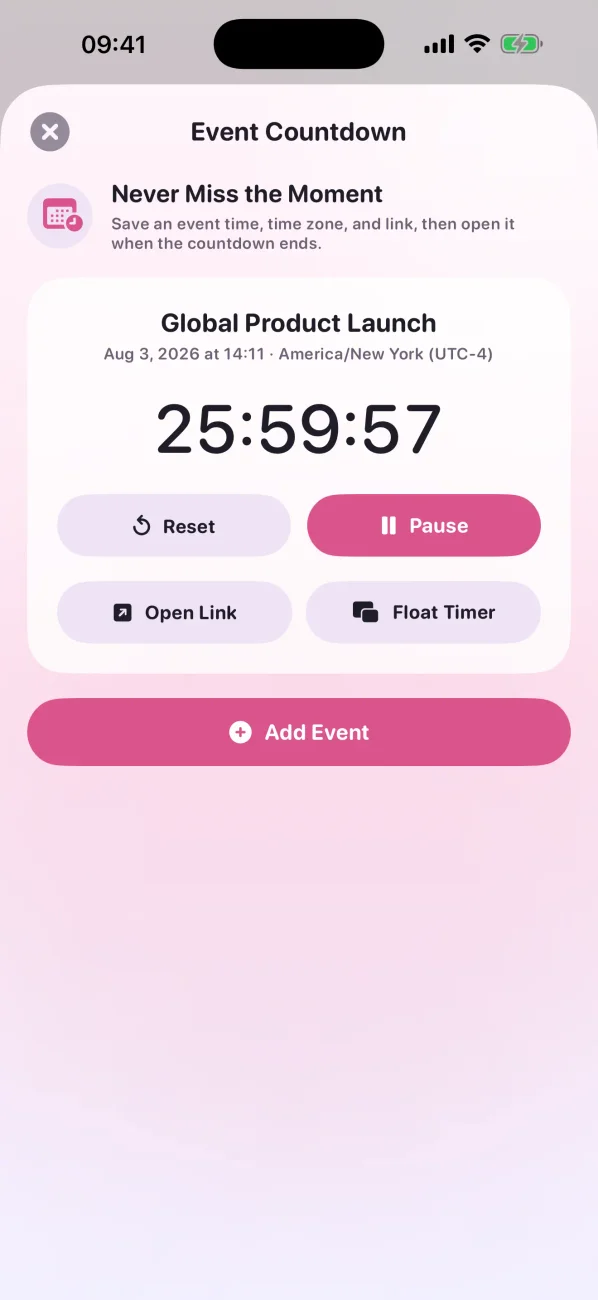
About
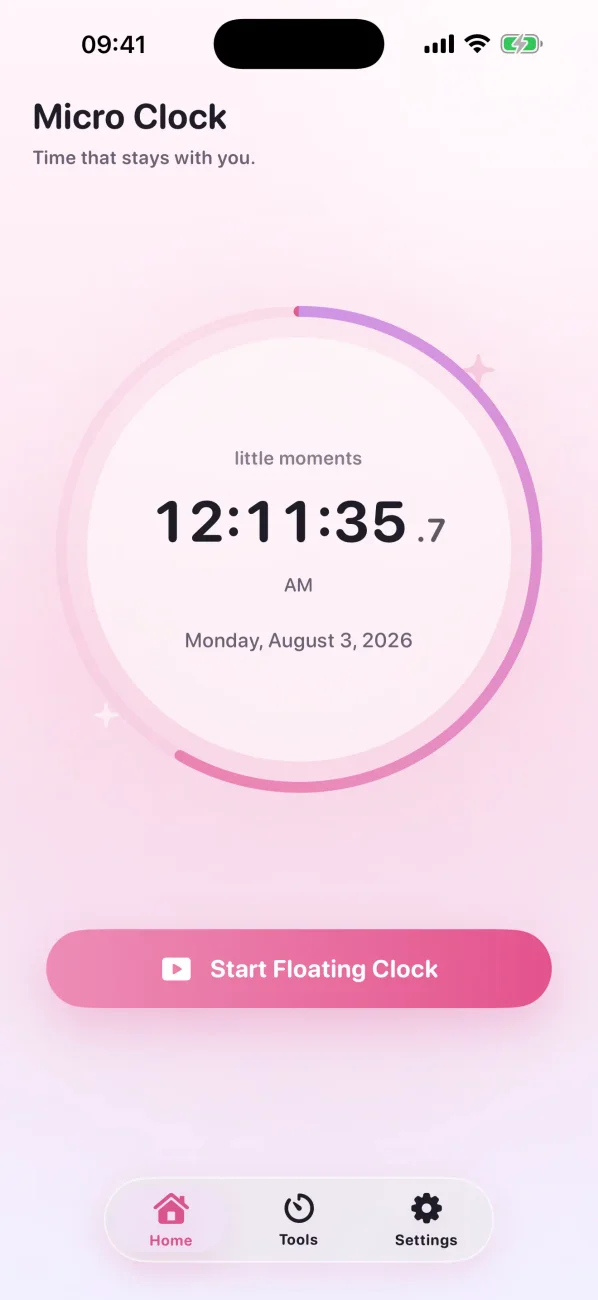
Micro Clock keeps time visible while you use other apps. Start a Picture in Picture clock, countdown, or stopwatch, then return to the Home Screen, a presentation, a browser, or your work app without losing sight of the timer.
CORE FEATURES
• Floating clock with seconds
• System 12-hour or 24-hour format
• Countdown with accurate background recovery
• Stopwatch with tenths of a second
• Quick launch with Siri and Shortcuts
• Timer data stored locally by default
ADVANCED TOOLS
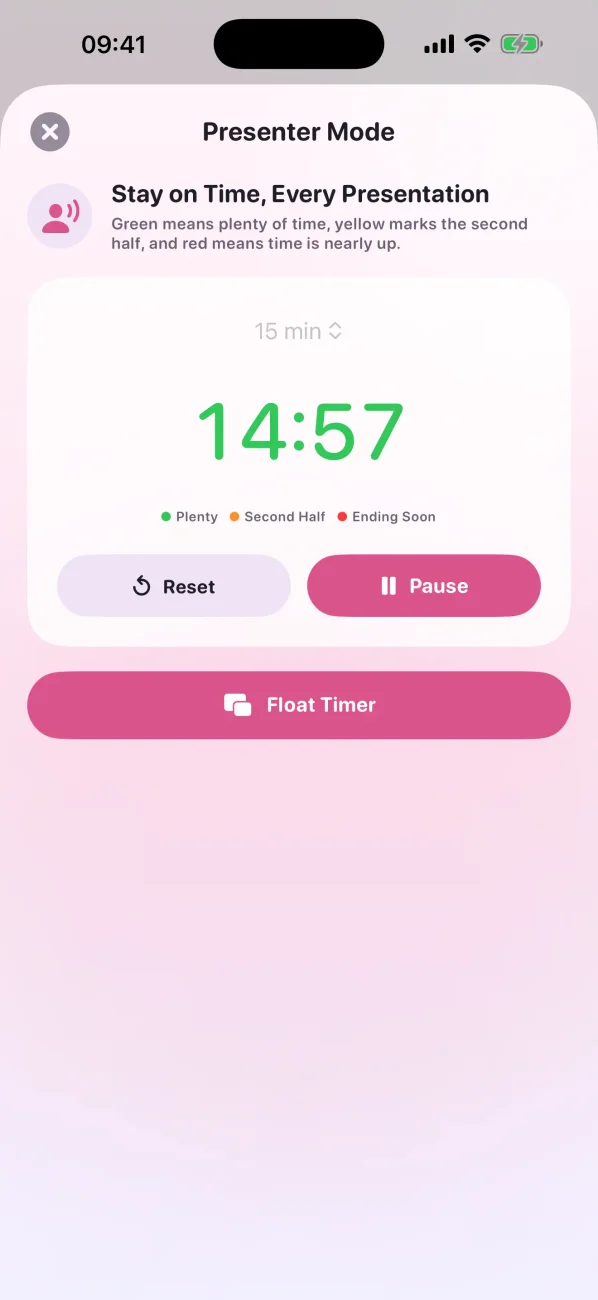
• Presenter Mode with green, yellow, and red time stages
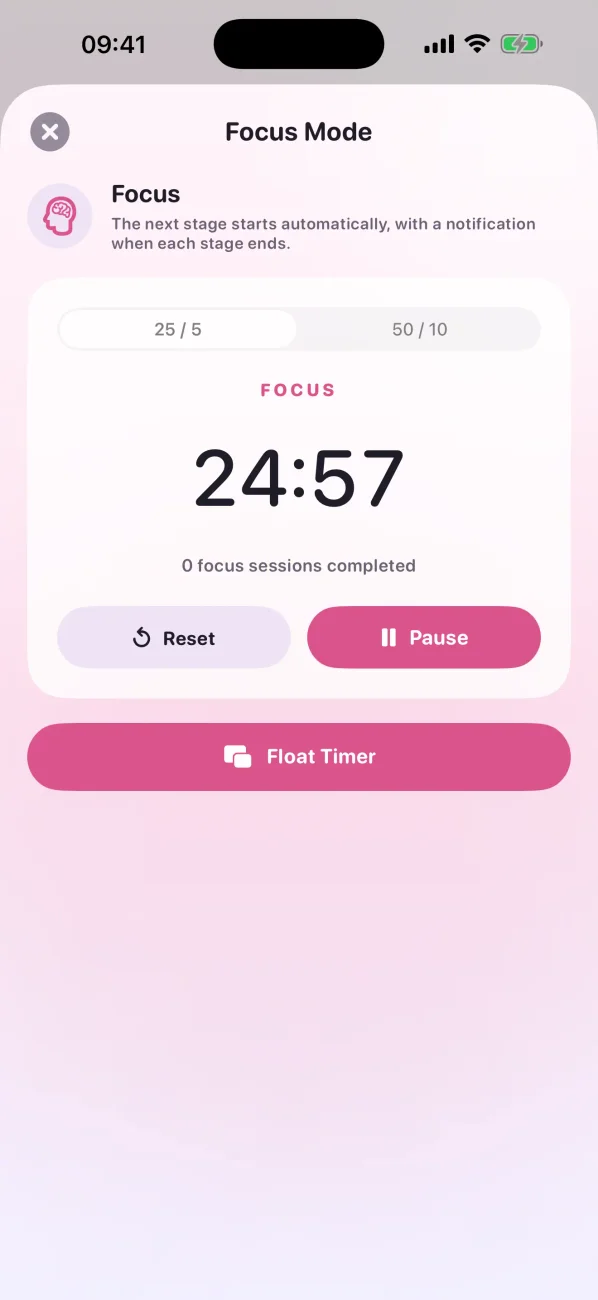
• Focus Mode with automatic 25/5 and 50/10 cycles
• Event Countdowns with saved time zones and links
• Event reminders 5, 10, or 30 minutes in advance
• Floating Picture in Picture display for every advanced mode
PRIVACY BY DEFAULT
No advertising or analytics SDKs. Core timer data and feature usage stay on your device. Core timer features require no account.
Picture in Picture and notification behavior may depend on iOS settings and system conditions. Micro Clock is not intended for safety-critical timing.
What’s new
Version 2.3.0 · Sep 3, 2026
New in 2.3.0:
• Set custom focus and break durations in Focus Mode
• See an active focus timer on Dynamic Island and the Lock Screen
• Fixed switching between Stopwatch and Countdown
• Added a one-time update guide so the latest features are easy to discover
App privacy
What 俊贤 黄 declares on the App Store about how this app handles data.
-
Data linked to you
May be collected and linked to your identity.
- Identifiers
-
Data not linked to you
May be collected but is not linked to your identity.
- Identifiers
- Usage data
- Diagnostics
Privacy practices may vary, for example with the features you use or your age.
Information
- Seller
- 俊贤 黄
- Category
- Utilities
- Version
- 2.3.0
- Updated
- Sep 3, 2026
- Released
- Apr 22, 2026
- Size
- 6.0 MB
- Requires
- iOS 15.0 or later
- Age rating
- 4+
- Price
- Free
- In-app purchases
- Yes
- Languages
- English, French, German, Indonesian, Italian, Japanese, Korean, Portuguese, Simplified Chinese, Spanish, Thai, Traditional Chinese + 1 more
- Copyright
- © 2026 Junxian Huang
You might also like
-
 Floating Clock ProFloating Clock · Flash Sales
-
 PiPomo: Floating Timer ScriptPomodoro, Teleprompter, Clock
-
 Floating Clock &StopWatchOverlay, Always-on screen time
-
 Multiple Timers - GumTimerCountdown, Stopwatch & PiP
-
 FloClock - Flash Sale Clockpomodoro countdown stopwatch
-
 iFloating Clock - RealtimeClock, Timer and Countdown
-
 Pop Out Timer Stopwatch ClockOn-screen floating above apps
-
 Big Timer - SimpleLarge and easy to see
-
 MultiTimer: Multiple timersVisual countdown seconds timer
-
 Stopwatch & Countdown TimerStudy, cooking, HIIT & fitness