Focus Timer Desk Clock
Pomodoro, White Noise & Study
Designed for iPhone, iPod touch
In-app purchases
- Age rating4+
- CategoryProductivity
- DeveloperPhuc Tran Ba
- LanguagesEnglish+ 19 more
- Size70.8 MB
Links to the official App Store page
Download.org hosts no file of Focus Timer Desk Clock. The button opens its official App Store page, published by Phuc Tran Ba. Listing last checked on Nov 11, 2026.
Screenshots



About
Focus Timer Desk Clock turns your iPhone into an elegant, minimalist desk clock — completely free, zero ads, for all core features.
Prop it on your desk: a refined black-screen clock with large digital time. Switch to focus mode anytime — tap to start, swipe to adjust brightness, volume, and ambient sound with silky-smooth gestures.
ELEGANT DESK CLOCK
Turn your phone into a refined, minimalist desk clock. Large digits on a calm black screen. The interface rotates with your phone in any orientation — perfect for landscape desk setups. Clock mode and focus timer in one beautifully simple app.
FOCUS TIMER & STOPWATCH
Set any countdown up to 99 hours. Start at 00:00:00 for stopwatch mode. Tap anywhere to start or pause. Optional periodic haptic reminders during long sessions. Flexible sessions — not a rigid pomodoro cycle, but works great for 25-minute blocks too.
POMODORO MODE
Optional automatic Pomodoro cycling — alternate focus and break sessions hands-free while the countdown runs, with a fully customizable break length. Off by default; countdown mode only.
DISTRACTION-FREE PROGRESS BAR
Swipe with two fingers to flip to a minimal progress bar — track time left without digits competing for your attention. Swipe back anytime for the numbers.
SILKY-SMOOTH GESTURES
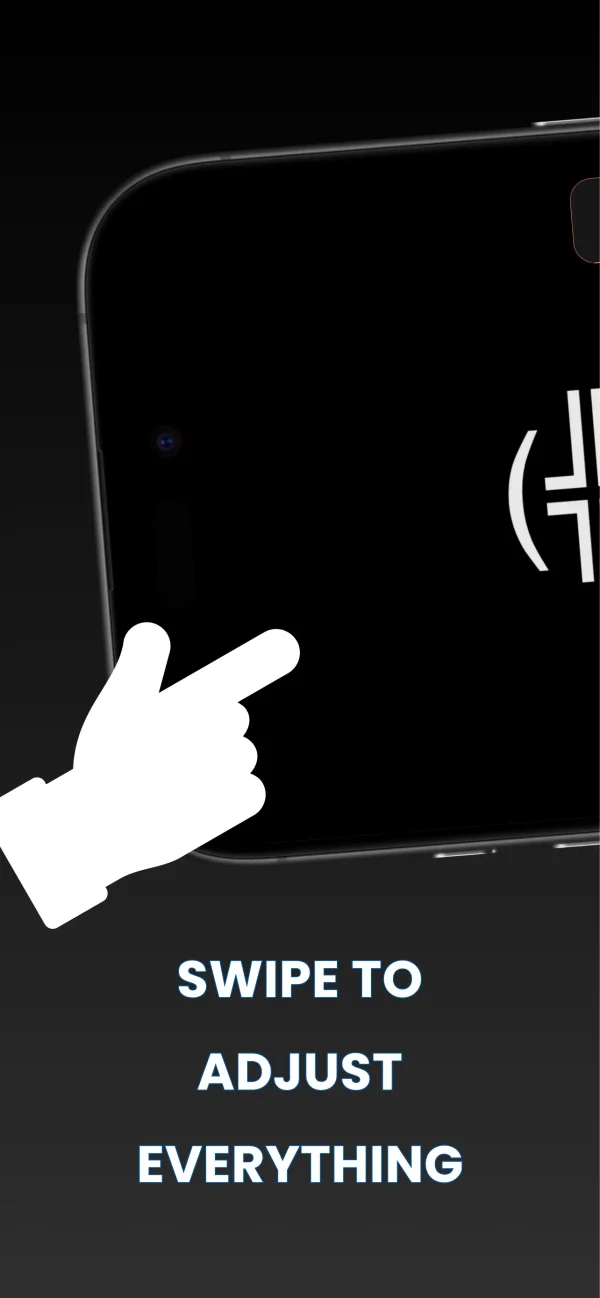
Swipe left for brightness. Swipe right for volume. Swipe horizontally to change ambient sound. Gesture-first design keeps the running screen clean and effortless.
AMBIENT SOUNDS
Built-in ambient sounds for study, deep work, and calm focus. Rain, ocean, café murmur, library quiet, binaural beats, white noise, and more. Swipe to switch without leaving the timer.
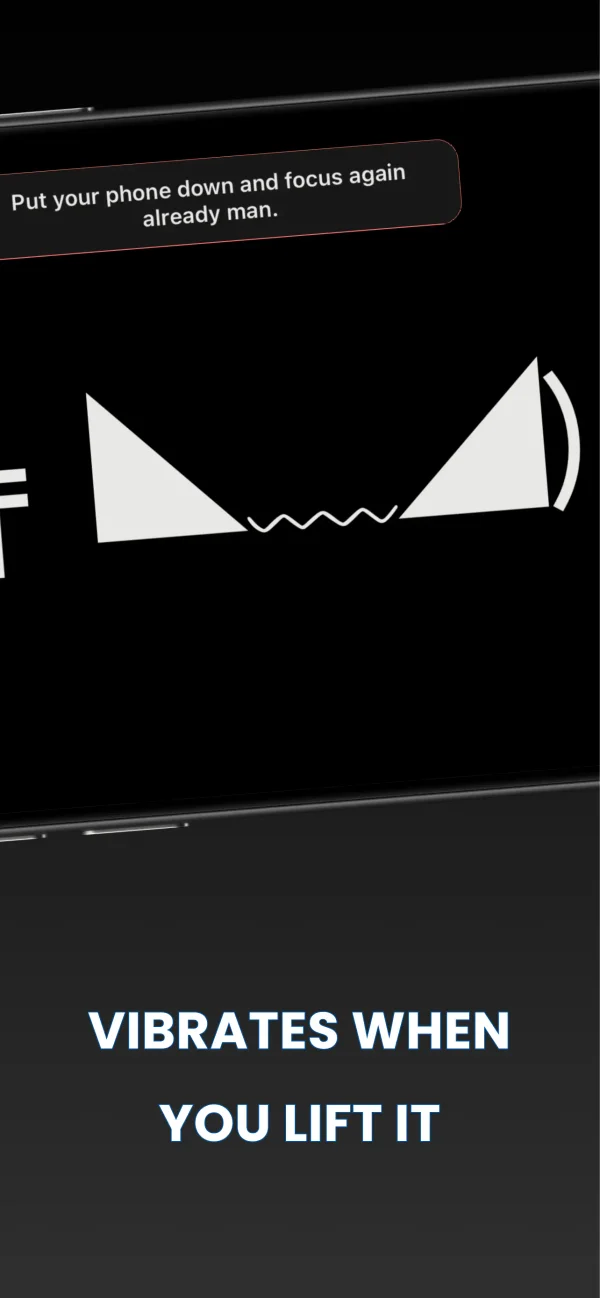
LIFT LOCK
Optional Lift Lock encourages phone-down focus. Pick up your phone mid-session and the app helps you put it back down.
FOCUS STATISTICS
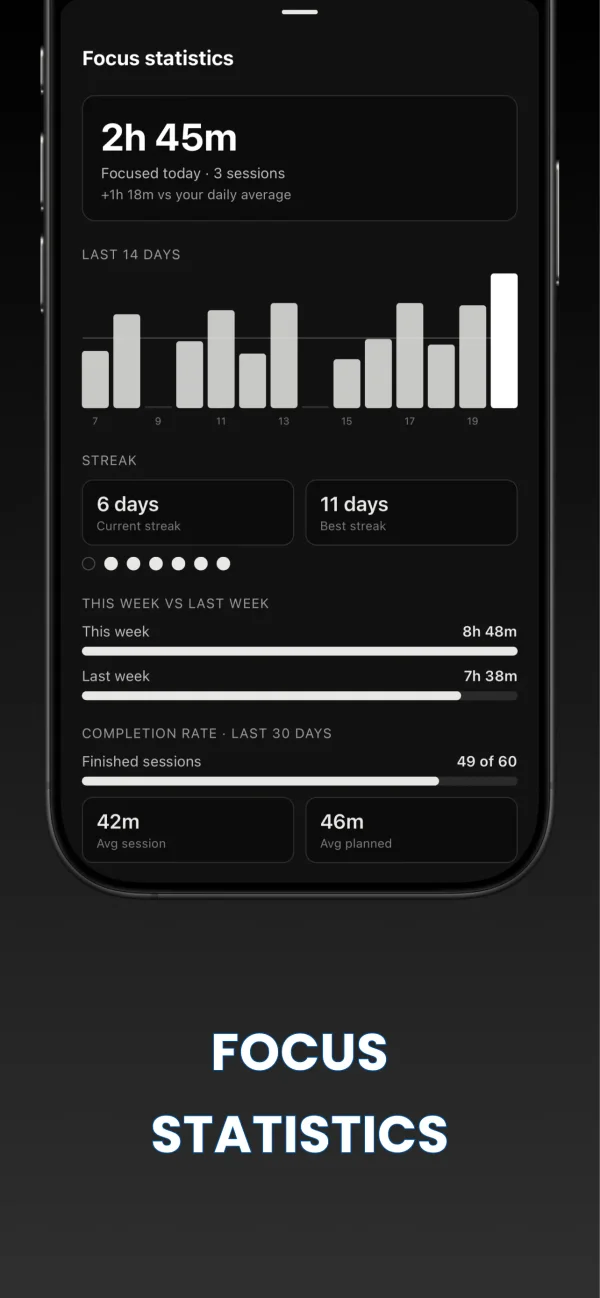
See how much you actually focused. Today's total, session count, and how today compares to your daily average — plus average session length and completion rate, free. Premium unlocks the full history: streaks, this week vs last week, best focus hours, and all-time totals. Everything stays on your device — no account, no sign-in.
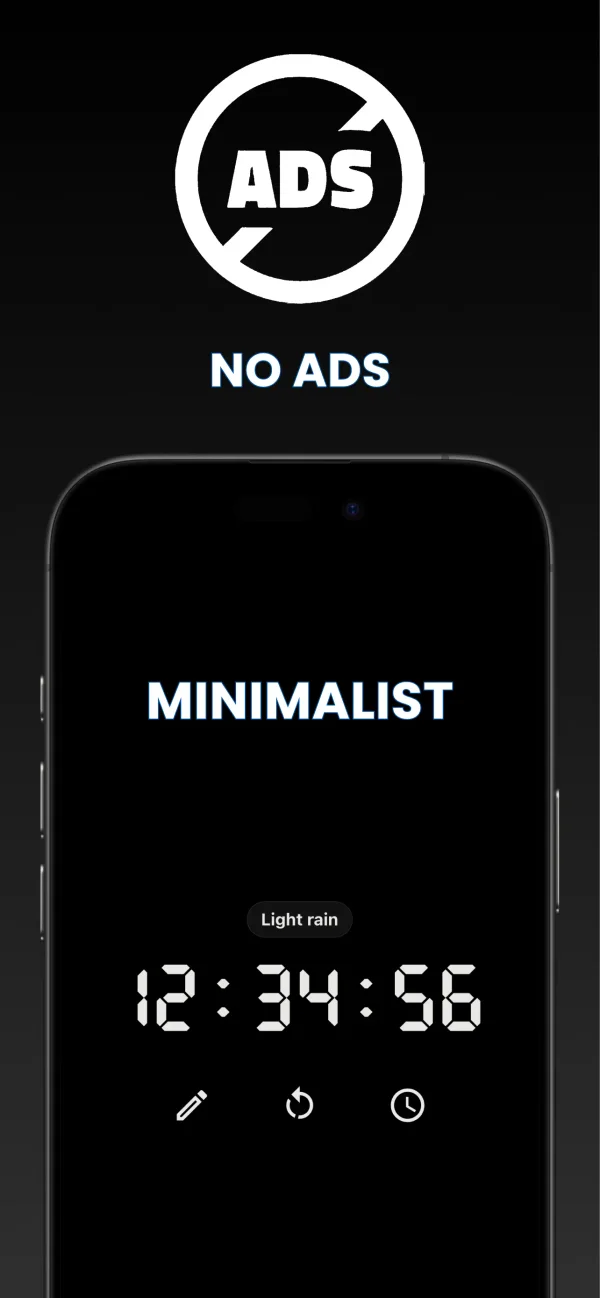
ZERO ADS. EVER.
No banner ads, no interstitials, no rewarded videos. Nothing interrupts your session. Open the app and you're immediately in the zone — pure, clean, distraction-free. Rare in this category.
COMPLETELY FREE
Every core feature is free: timer, stopwatch, desk clock, ambient sounds, Lift Lock, swipe controls, and your daily focus stats. No signup. No account. No ads. No paywall on what matters.
Ultra-minimal. One screen. Open and start.
Timer completion uses on-screen alerts and haptics.
Optional monthly auto-renewable subscription: unlocks the full premium focus experience — premium ambient sounds, animated focus companions, and the complete focus statistics history — with new sounds and animations added every month. Subscription name, length, and price are shown in the in-app purchase sheet before purchase.
Terms of Use (EULA): https://tranbaphuc99.github.io/WBBDocs/focus-timer/terms-of-use
Privacy Policy: https://tranbaphuc99.github.io/WBBDocs/focus-timer/privacy-policy
What’s new
Version 1.2.1 · Nov 1, 2026
Premium is now free for your first 7 days — no card, nothing to tap.
Restoring a purchase on a new device is more reliable.
The clock now drifts a few pixels every minute, so hours on your desk won't leave the digits burned into an OLED screen.
Still zero ads, still no account.
App privacy
What Phuc Tran Ba declares on the App Store about how this app handles data.
-
Data not linked to you
May be collected but is not linked to your identity.
- Usage data
Privacy practices may vary, for example with the features you use or your age.
Information
- Seller
- Phuc Tran Ba
- Category
- Productivity
- Version
- 1.2.1
- Updated
- Nov 1, 2026
- Released
- May 29, 2026
- Size
- 70.8 MB
- Requires
- iOS 15.2 or later
- Age rating
- 4+
- In-app purchases
- Yes
- Languages
- English, Arabic, Dutch, French, German, Hindi, Indonesian, Italian, Japanese, Korean, Polish, Portuguese + 8 more
- Copyright
- © 2026 Vincent Tran
You might also like
-
 Pomodoro Focus Timer - PomojiStudy Timer & Revision Tracker
-
 FlipTick: Time Block PlannerDaily Schedule, To-Do & Focus
-
 OpenFocusopen. the timer is running.
-
 Pomodoro Timer - DeskmateBlock social apps, Focus Timer
-
 PomodoroLite - Focus TimerSimple Focus Timer
-
 RoutinacciShape Your Day the Natural Way
-
 Tiimer: Focus Timer & PomodoroCute Aesthetic Flip Clock
-
 Dovilo: Focus, Build & To-DoFocus, Tasks, AI & Your City
-
 Pomodoro Focus Timer: PomTimerStudy & Work Hours Tracker
-
 Klokk: Focus & Pomodoro TimerDeep Work, Study & Flow