
Focusin Pro
Pomodoro focus timer & stats
Designed for iPhone, iPad, Mac
Free · In-app purchases
- Age rating4+
- CategoryProductivity
- DeveloperBin Chen
- LanguagesEnglish
- Size16.2 MB
Links to the official App Store page
Download.org hosts no file of Focusin Pro. The button opens its official App Store page, published by Bin Chen. Listing last checked on Nov 21, 2026.
Screenshots


About
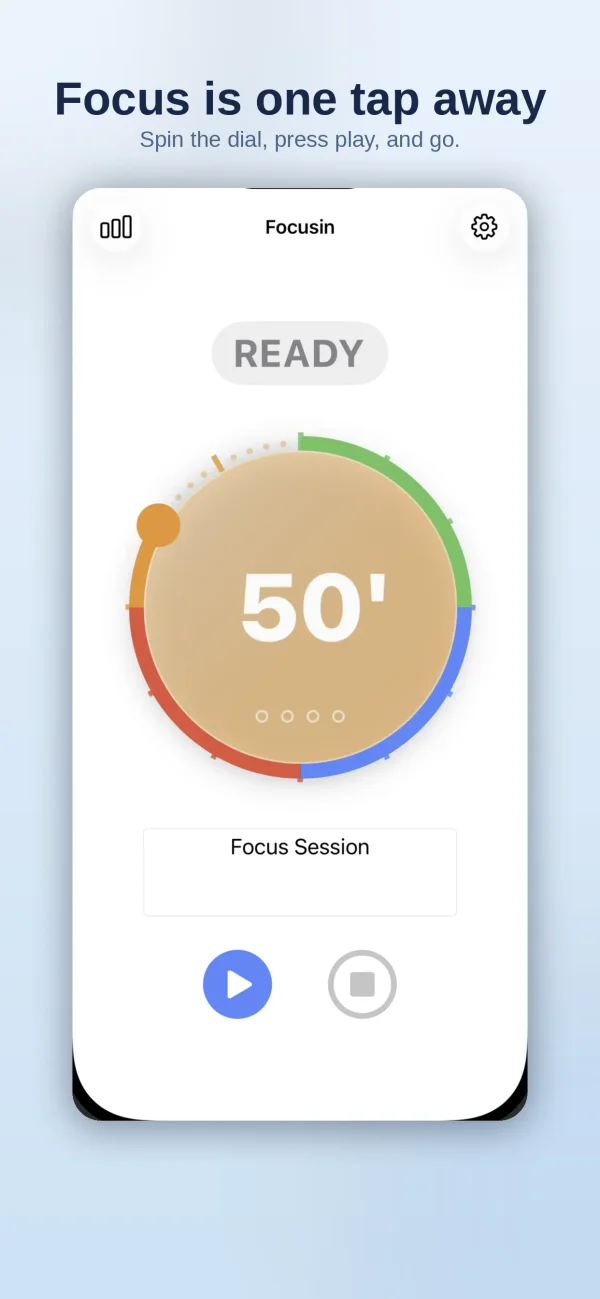
Focusin Pro is a Pomodoro timer that stays out of your way — a quiet pie-clock in your menu bar that fills as you focus.
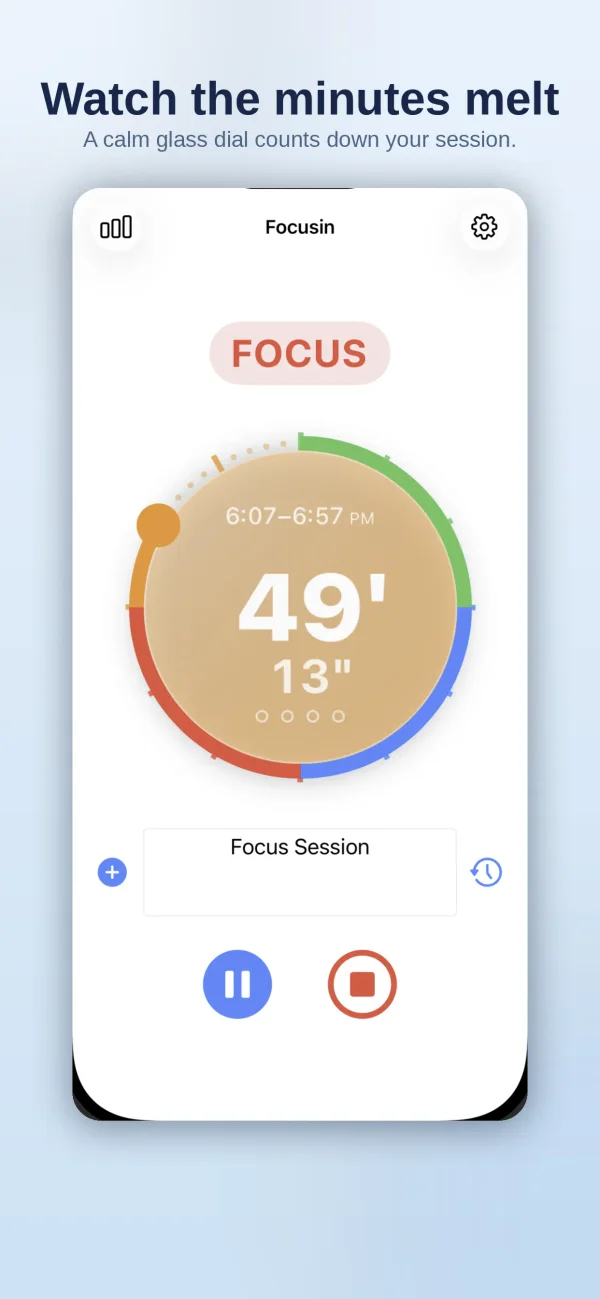
Click it and a glass clock face opens: drag the knob to set your session length, press play, and get to work. The dial counts down in minutes you can feel, right beside the menu-bar clock. When the session ends, Focusin rings, shows an optional celebration popup, and rolls into your break — a long one every fourth session.
DESIGNED FOR THE MENU BAR
• A live pie-clock countdown next to your clock, with an optional time label
• One-click start, pause, and stop — no window to manage, no Dock icon
• Pause for up to 5 minutes; step away longer and the session resets, keeping your stats honest
• An optional session-complete popup you can't miss (and can switch off)
• Adjust the session on the fly — drag the knob mid-timer to add or trim time
WORK, THEN RECHARGE
• Automatic breaks with their own green dial counting down your rest
• Auto-start the next session after a break, if you like momentum
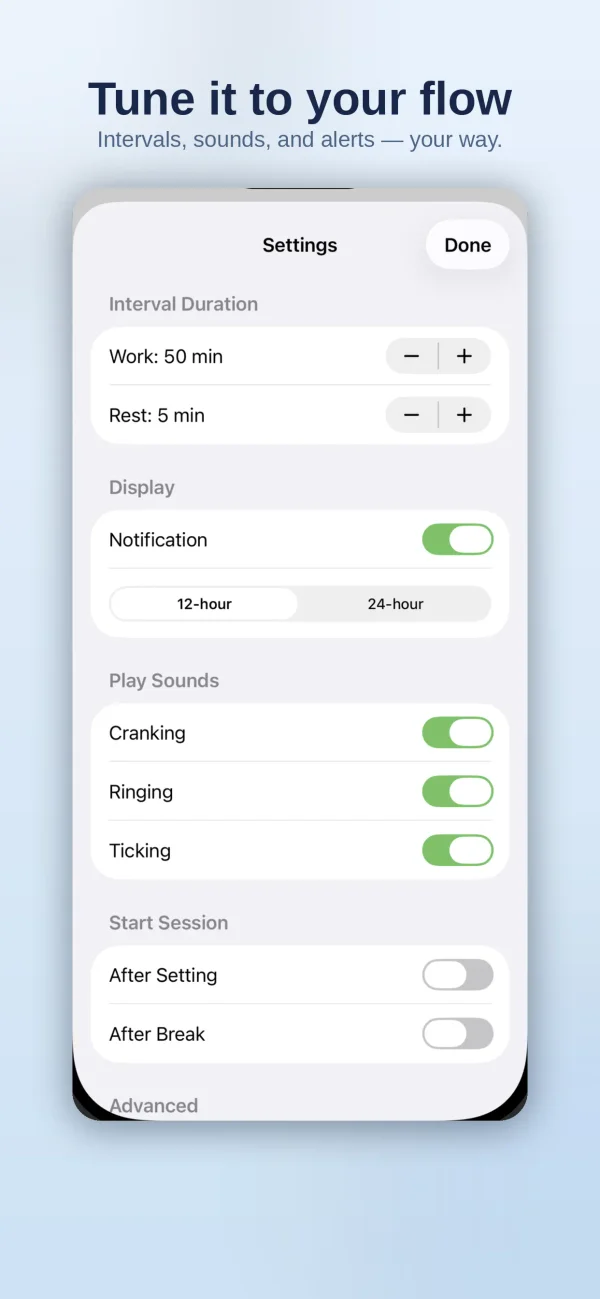
• Set work and rest lengths with the dial knob or the steppers
MAKE IT YOURS
• Name your task — the title travels with your session everywhere
• Windup, ticking, and ringing sounds, each individually switchable
• 12- or 24-hour time, notifications, and display options
ON EVERY DEVICE
Focusin Pro includes iPhone, iPad, and Apple Watch companion apps. Buy Pro once — on any platform — and every Pro feature unlocks on all of them.
FOCUSIN PRO (subscription or one-time lifetime purchase)
• iCloud sync — start on your Mac, watch it tick on iPhone and Apple Watch; pause anywhere and your task, statistics, and history follow
• Statistics — three views: a Daily timeline, a weekly chart, and a monthly heat-map calendar that deepens to orange on your most focused days
• Daily timeline — every completed session and break for the day, with start–end times, duration, and any paused time; delete an entry or copy the whole day as Markdown
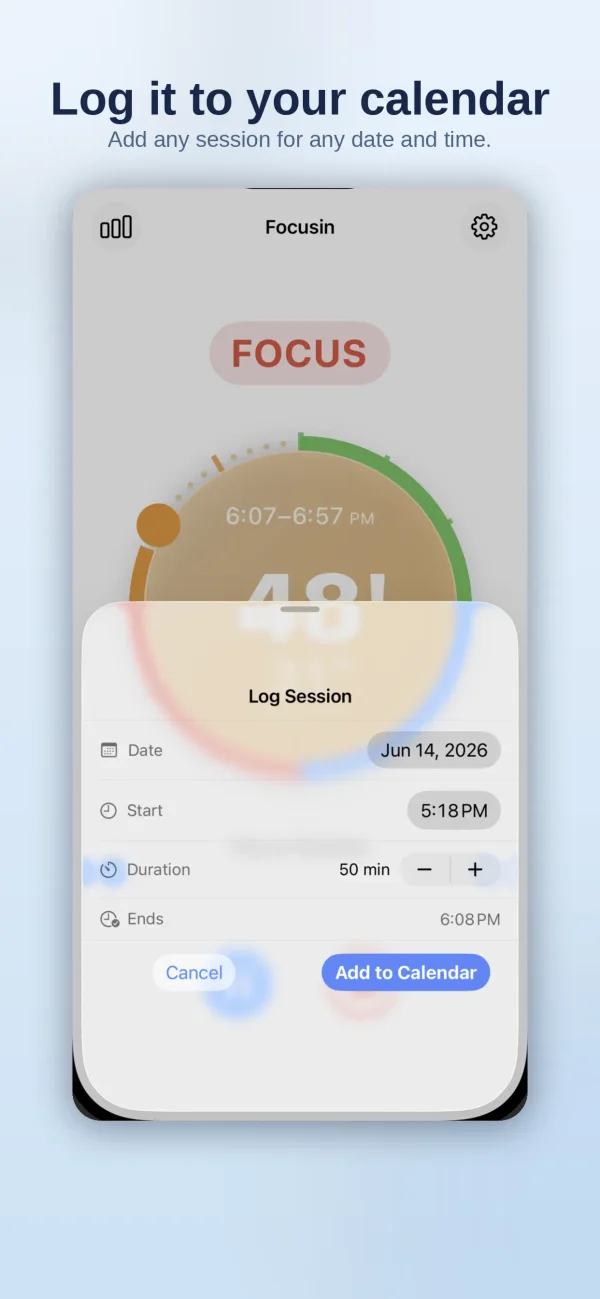
• Calendar logging — completed sessions are written to your calendar automatically, with one clean event per session across all your devices
• Manual logging — missed a session, or worked away from your devices? Log it for any date and time in two clicks; it lands in your stats, Daily timeline, and calendar
• Task history — re-select your most recent tasks with a single click, and pin the ones you return to
A small tip jar is there if Focusin Pro earns a place in your day.
Focusin Pro is built with the Pomodoro Technique in mind: 25 minutes of work, short breaks, a long break every four sessions. All durations are adjustable. (Pomodoro Technique is a registered trademark of Francesco Cirillo; Focusin Pro is not affiliated.)
Terms of Use (EULA): https://www.apple.com/legal/internet-services/itunes/dev/stdeula/
Privacy Policy: https://bbchen.wixsite.com/focusin/privacy-policy
What’s new
Version 1.6 · Oct 22, 2026
* Added Rate App function
App privacy
What Bin Chen declares on the App Store about how this app handles data.
-
Data not collected
The developer does not collect any data from this app.
Privacy practices may vary, for example with the features you use or your age.
Information
- Seller
- Bin Chen
- Category
- Productivity
- Version
- 1.6
- Updated
- Oct 22, 2026
- Released
- Jun 26, 2026
- Size
- 16.2 MB
- Requires
- iOS 17.0 or later
- Age rating
- 4+
- Price
- Free
- In-app purchases
- Yes
- Languages
- English
- Copyright
- © 2026 Bin Chen
You might also like
-
 RequizProductivity
-
 MindWiki: AI Agent MemorySecond Brain & Knowledge Vault
-
 Don't Forget: ADHD Task TimerTask Switching & Focus Tracker
-
 Tupp: Focus Timer & HabitsPomodoro, Study & Time Tracker
-
 Work Timer: Pomodoro FocusFlip Clock, Widgets & Study
-
 HomeLog: Home InventoryFind items. Track expiry.
-
 Pomodoro.me - Focus on TasksSay No to Procrastination
-
 Ariha AI: AI Assistant & CoachSmart AI Assistant & Coach
-
 FocusDown: Flip to Focus TimerADHD Study, Live Town Clock
-
 Transcription ProSpeech to Text · Offline