FocusLock - Smart App Lock
Smart App Lock · Focus Better
Designed for iPhone, iPad
$0.99
- Age rating4+
- CategoryUtilities
- Developer顺飞 邹
- LanguagesEnglish+ 43 more
- Size25.9 MB
Links to the official App Store page
Download.org hosts no file of FocusLock - Smart App Lock. The button opens its official App Store page, published by 顺飞 邹. Listing last checked on Nov 20, 2026.
Screenshots

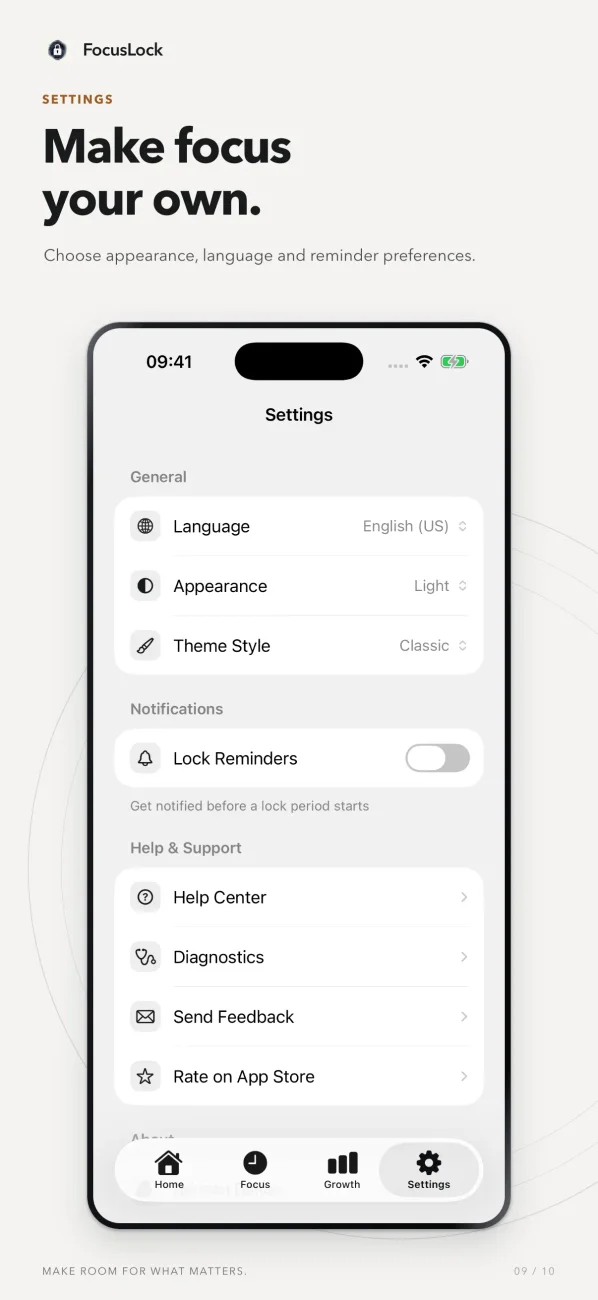
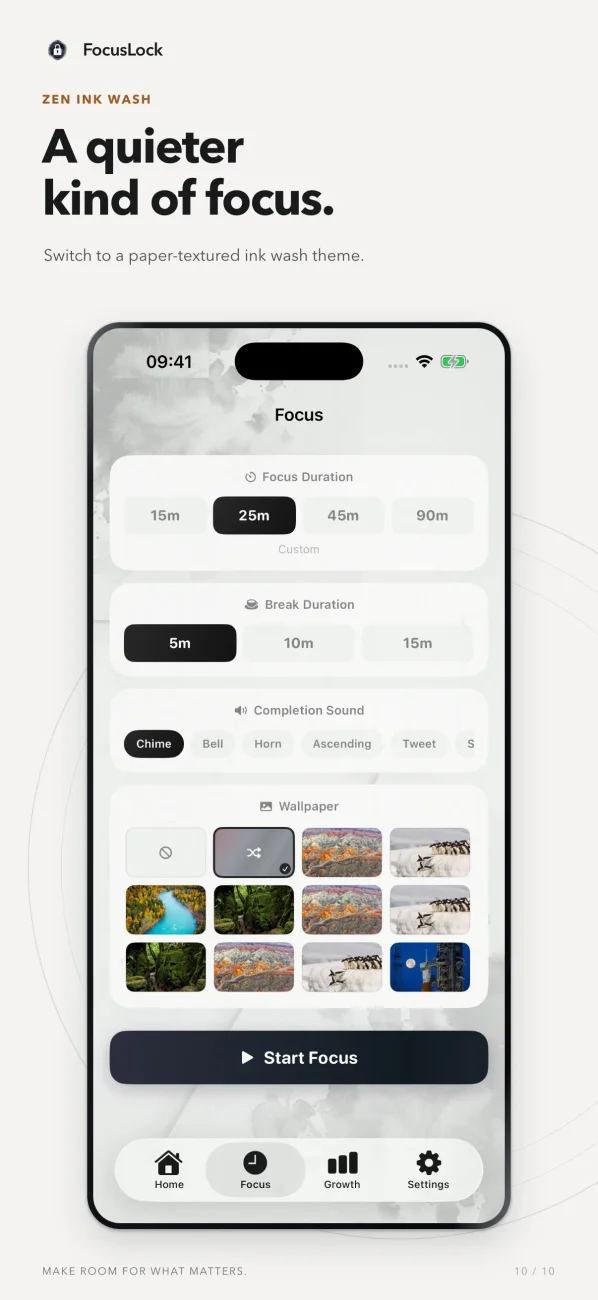
About
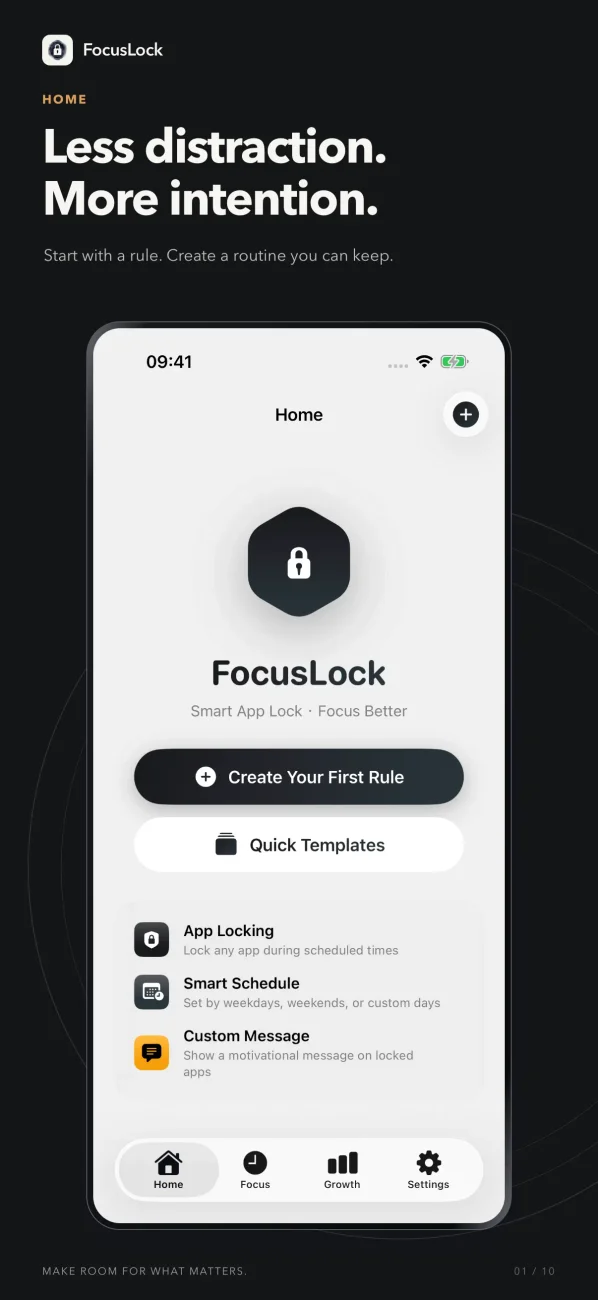
FocusLock helps you limit distracting apps and protect time for work, study and rest.
Up to 5 hours for temporary unlocks, daily quotas, focus and break timers. Temporary unlocks use your remaining daily quota.
APP RESTRICTIONS
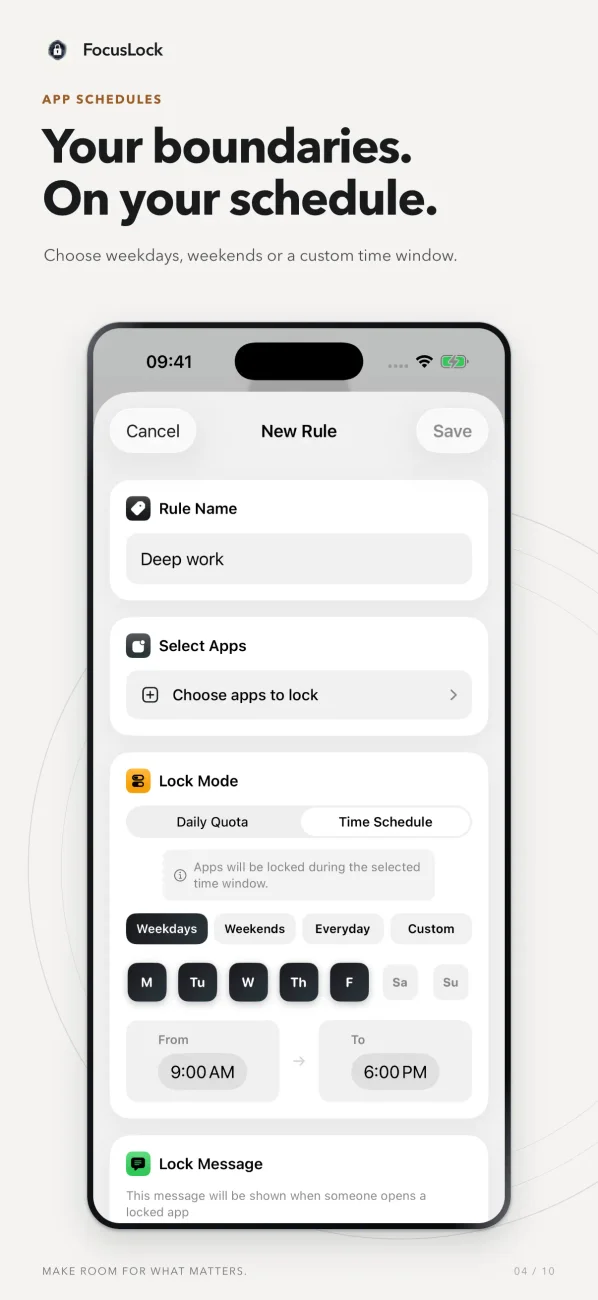
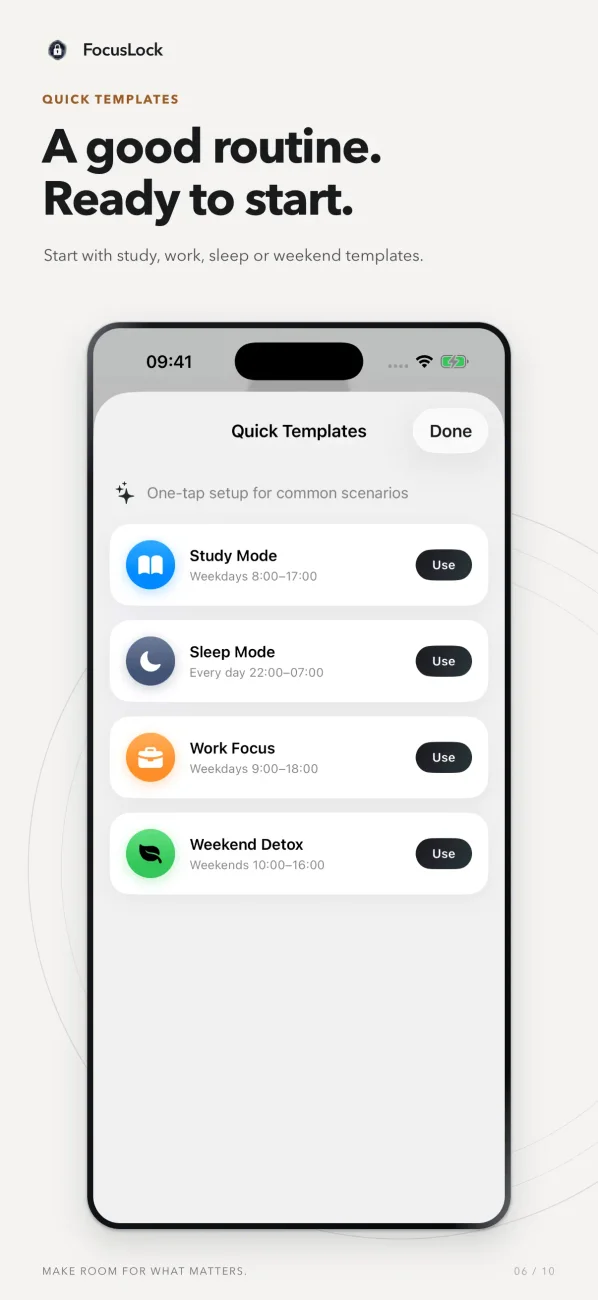
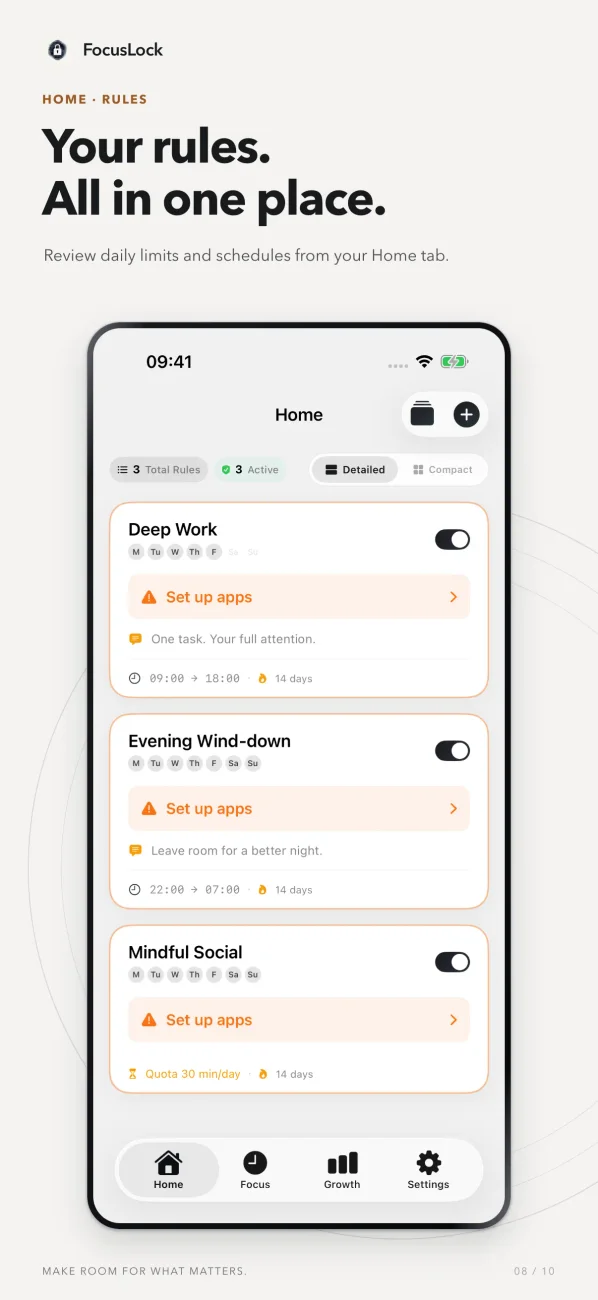
Choose apps, categories and websites, then set recurring lock hours by weekday. Rule cards show whether restrictions are active, waiting for a schedule, or need permission or app selection. Manage saved selections individually, including selections for uninstalled apps.
DAILY UNLOCK QUOTA
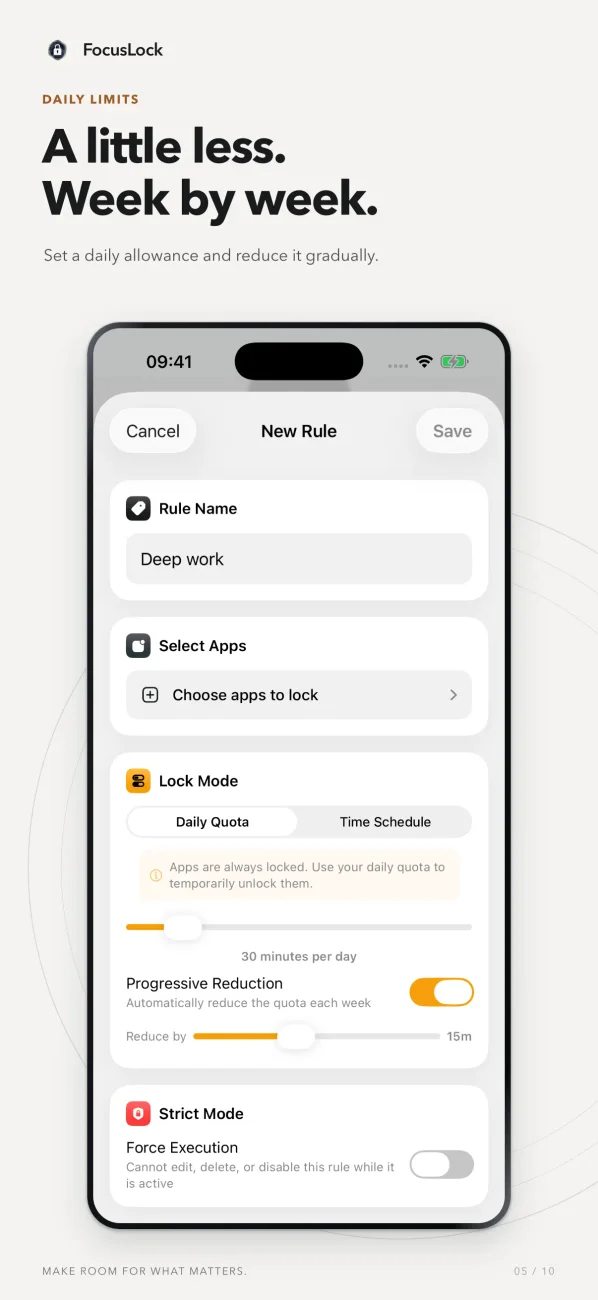
Quota rules keep selected apps locked while enabled. Use your daily quota to start a temporary unlock. Time counts down continuously after unlocking, even when you are not using those apps. End the unlock early to save remaining time. Optionally reduce the allowance each week.
STRICT MODE
Protect active rules from edits, deletion and disabling. Quota rules stay protected while enabled. The emergency process requires waiting and confirmation, then disables the rule and its strict mode. You must manually turn them on again.
FOCUS TIMER
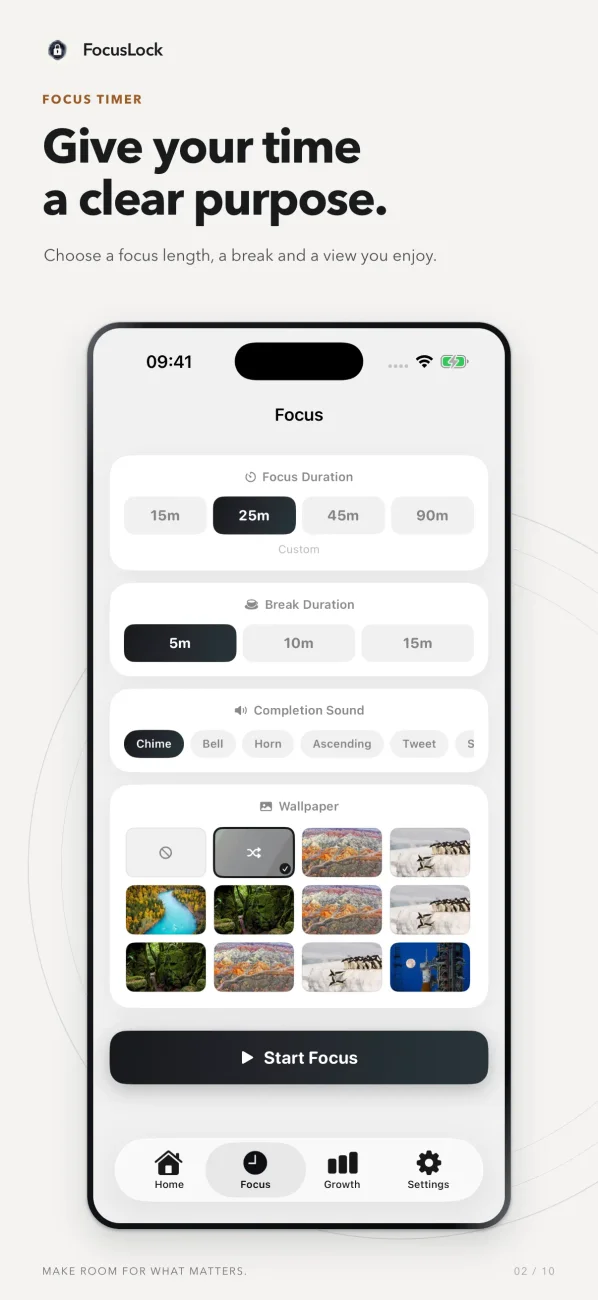
Choose a focus and break duration, with optional sound and wallpaper. Link a rule to restrict its selected apps during focus. Return to the app while the countdown continues. Start focus from widgets, Control Center, Siri, Shortcuts or Spotlight. Live Activities and, on supported iOS versions, AlarmKit help you follow the countdown.
PROGRESS AND PRIVACY
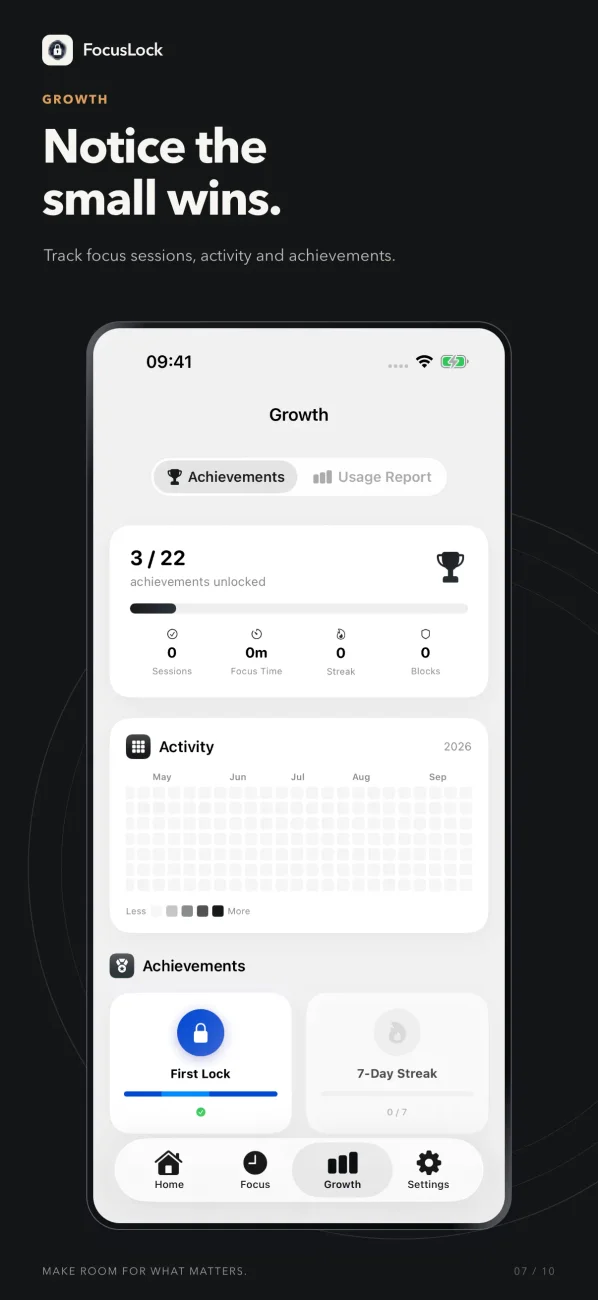
Review focus time, completed sessions, automatic lock events, streaks and achievements. Automatic lock events are schedule executions, not attempts to open blocked apps. Apple's Screen Time report shows on-device activity data.
App selections stay on each device. Rule metadata and focus history can sync through your private iCloud account. No third-party analytics, ads or tracking. Supports 50 languages, light and dark themes, and iPad layouts.
App restrictions require Screen Time authorization. System features vary by iOS version and device.
Dark icons and widgets with clearer contrast. Light mode keeps the original design. Clear and tinted Home Screen appearances follow the system.
What’s new
Version 1.1.5 · Nov 14, 2026
1.1.5
• Dark icons and widgets with clearer contrast. Light mode keeps the original design. Clear and tinted Home Screen appearances follow the system.
App privacy
What 顺飞 邹 declares on the App Store about how this app handles data.
-
Data not collected
The developer does not collect any data from this app.
Privacy practices may vary, for example with the features you use or your age.
Information
- Seller
- 顺飞 邹
- Category
- Utilities
- Version
- 1.1.5
- Updated
- Nov 14, 2026
- Released
- Apr 13, 2026
- Size
- 25.9 MB
- Requires
- iOS 17.4 or later
- Age rating
- 4+
- Price
- $0.99
- Languages
- English, Arabic, Bengali, Catalan, Croatian, Czech, Danish, Dutch, Finnish, French, German, Greek + 32 more
- Copyright
- © 2025-2026 DKluge.com
You might also like
-
 App Blocker・Focus LockScreen Time & Website Limits
-
 iPass Secure AuthTwo-Factor Login & OTP Codes
-
 TOTALIFY - Trading JournalJournal and stats for MT5
-
 OnlyLockApp Blocker, Limit Screen Time
-
 先正达扫描Utilities
-
 Focus Lock: App Blocker TimerScreen Time & Self Control
-
 ++Counter - Tally CounterTally Counter
-
 NoloopKeep Calm
-
 MobyFonUtilities
-
 Tally Counter: Tap & ClickClicker, tasbeeh, row counter