
OnlyLock
App Blocker, Limit Screen Time
Designed for iPhone, iPad
In-app purchases
- Age rating4+
- CategoryUtilities
- Developer凡滨 林
- LanguagesEnglish
- Size5.4 MB
Links to the official App Store page
Download.org hosts no file of OnlyLock. The button opens its official App Store page, published by 凡滨 林. Listing last checked on Nov 13, 2026.
Screenshots


About
OnlyLock is a focus tool that truly helps you lock distractions.
It does more than remind you to use your phone less. During the time you choose, OnlyLock directly locks distracting apps and websites, helping you reduce repeated checking, endless switching, and mindless scrolling so you can take your time back.
Whether you want to get into deep work, stay focused while studying, or simply cut down on social media and short-form video distractions, OnlyLock gives you a more direct and effective way to stay in control.
▶ Take Control of Your Screen Time
Reduce wasted screen time and create clearer boundaries for yourself.
You can create lock tasks based on a start time, end time, or duration, so the apps and websites that distract you most stay out of the way when you need to focus.
▶ Why OnlyLock
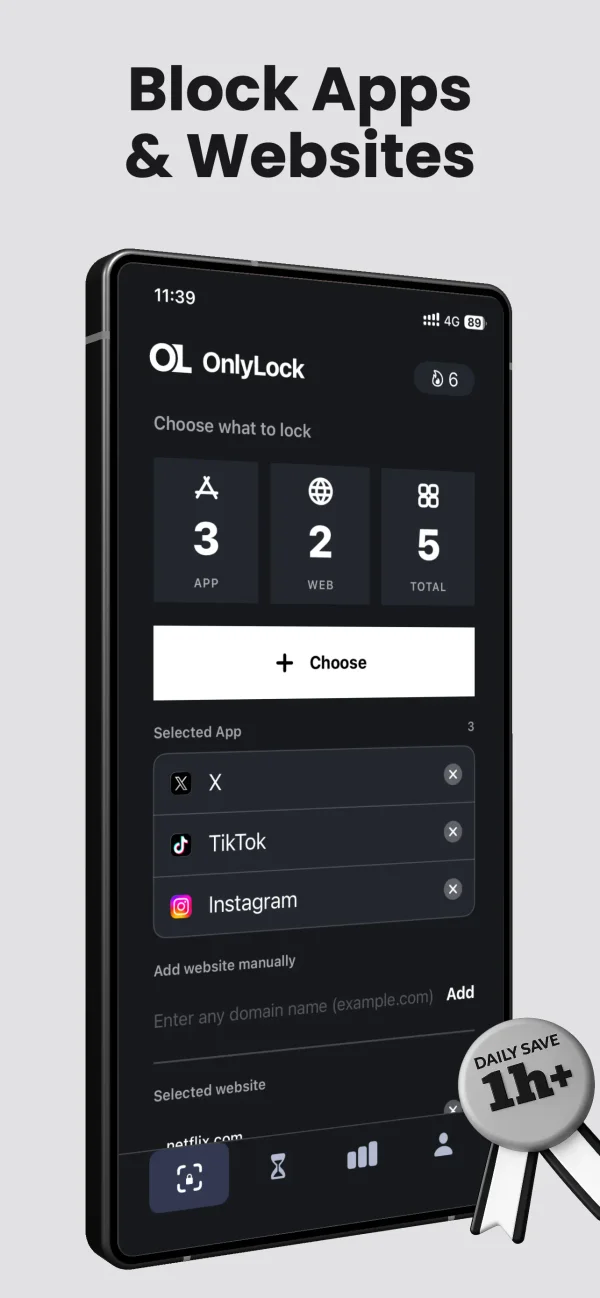
- App blocking: lock social media, short-form video, games, or anything that pulls you away from your goals
- Website blocking: restrict distracting sites or unwanted web content
- Time-based locking: create lock tasks by start time, end time, or duration
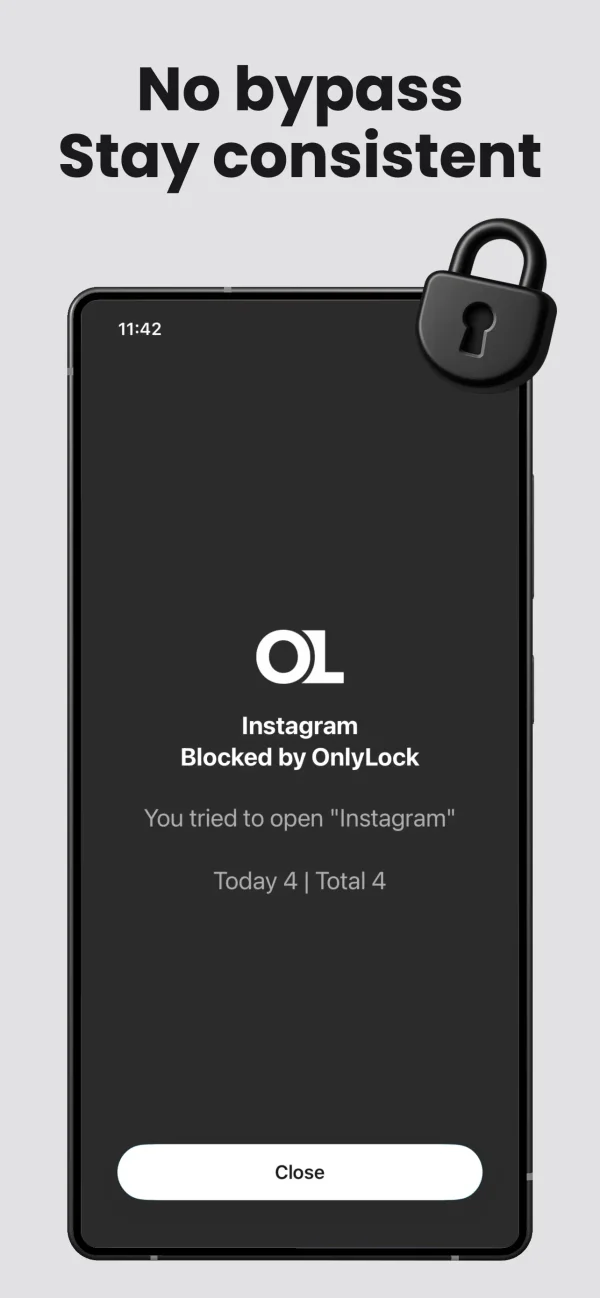
- Hardcore lock: reduce workarounds and enforce your limits instead of just reminding you
- App and website support: cover more sources of distraction in one place
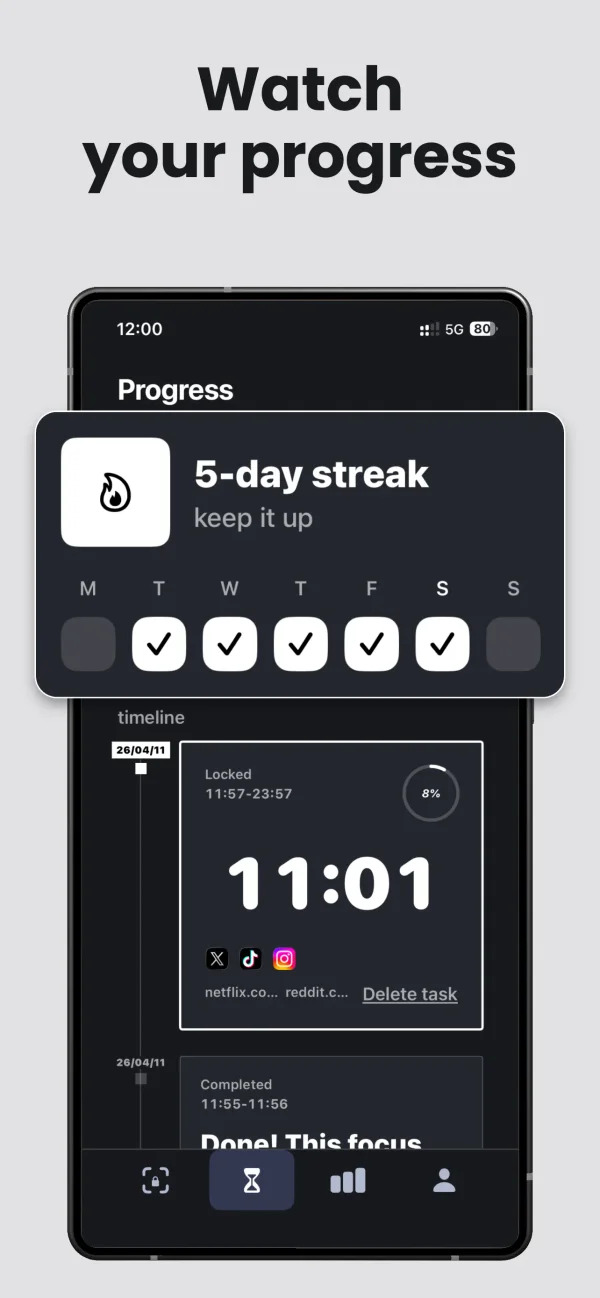
- Progress tracking: streaks, timelines, and task states make your consistency visible
▶ Stay Focused and Build Better Habits
OnlyLock is not just about using your phone less. It helps you build a more stable rhythm for focus.
- Study with fewer interruptions
- Work with less switching and distraction
- Set clearer boundaries at night
- Build more consistent habits through streaks and progress feedback
▶ Insights and Weekly Recaps
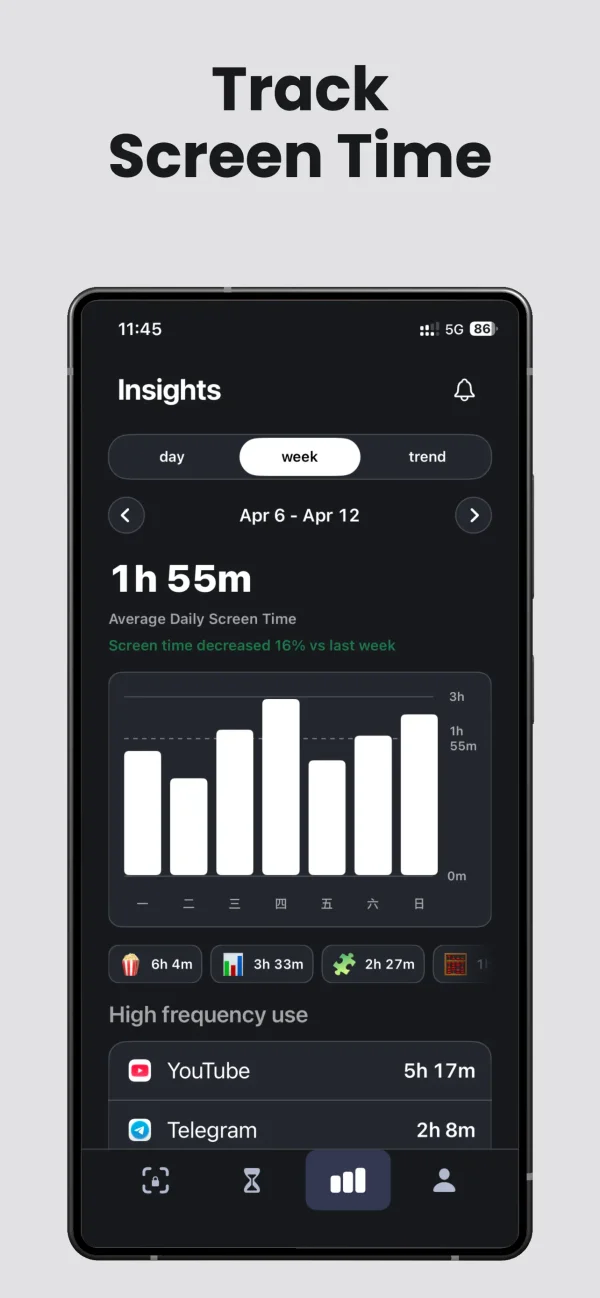
OnlyLock gives you clear screen time insights so you can see where your time actually goes.
- Daily and weekly screen time insights
- High-frequency usage statistics
- Weekly screen time reports
- Weekly trends and focus score recaps
▶ Privacy and Support
OnlyLock works with Apple’s Screen Time capabilities.
Its locking and analytics features rely on system authorization, and your data is protected by Apple’s privacy framework.
Privacy Policy:
https://vbin210327-real.github.io/OnlyLock/privacy/
Terms of Use:
https://www.apple.com/legal/internet-services/itunes/dev/stdeula/
Contact:
3196206659@qq.com
「App and website locking and other advanced features, require payment」
What’s new
Version 1.4.0 · Oct 31, 2026
Bug fixes and improvements for a smoother experience.
App privacy
What 凡滨 林 declares on the App Store about how this app handles data.
-
Data not collected
The developer does not collect any data from this app.
Privacy practices may vary, for example with the features you use or your age.
Information
- Seller
- 凡滨 林
- Category
- Utilities
- Version
- 1.4.0
- Updated
- Oct 31, 2026
- Released
- Apr 14, 2026
- Size
- 5.4 MB
- Requires
- iOS 17.0 or later
- Age rating
- 4+
- In-app purchases
- Yes
- Languages
- English
- Copyright
- copyright ©️ OnlyLock 2026
You might also like
-
 ScreenHush- Focus & SleepBedtime Screen Time Rules
-
 Quiet Time: App BlockerScreen Timer for Parents
-
 FocusLock - Smart App LockSmart App Lock · Focus Better
-
 Focus Lock: App Blocker TimerScreen Time & Self Control
-
 布谷 Bugu - 显化愿望与每日落地一步Utilities
-
 执业药师真题库Utilities
-
 Format Conversion格式转换 -万能格式全能王文档格式转换&手机铃声制作&图片音频格式转换的工具
-
 NoloopKeep Calm
-
 Lims123Utilities
-
 衡熵Utilities