
Fullnotes: PDF Notes & Canvas
PDF Reader, Annotate & Markup
Designed for iPhone, iPad
Free · In-app purchases
- Age rating4+
- CategoryProductivity
- DeveloperKomchan Maneechai
- LanguagesEnglish
- Size226.0 MB
Links to the official App Store page
Download.org hosts no file of Fullnotes: PDF Notes & Canvas. The button opens its official App Store page, published by Komchan Maneechai. Listing last checked on Nov 23, 2026.
Screenshots

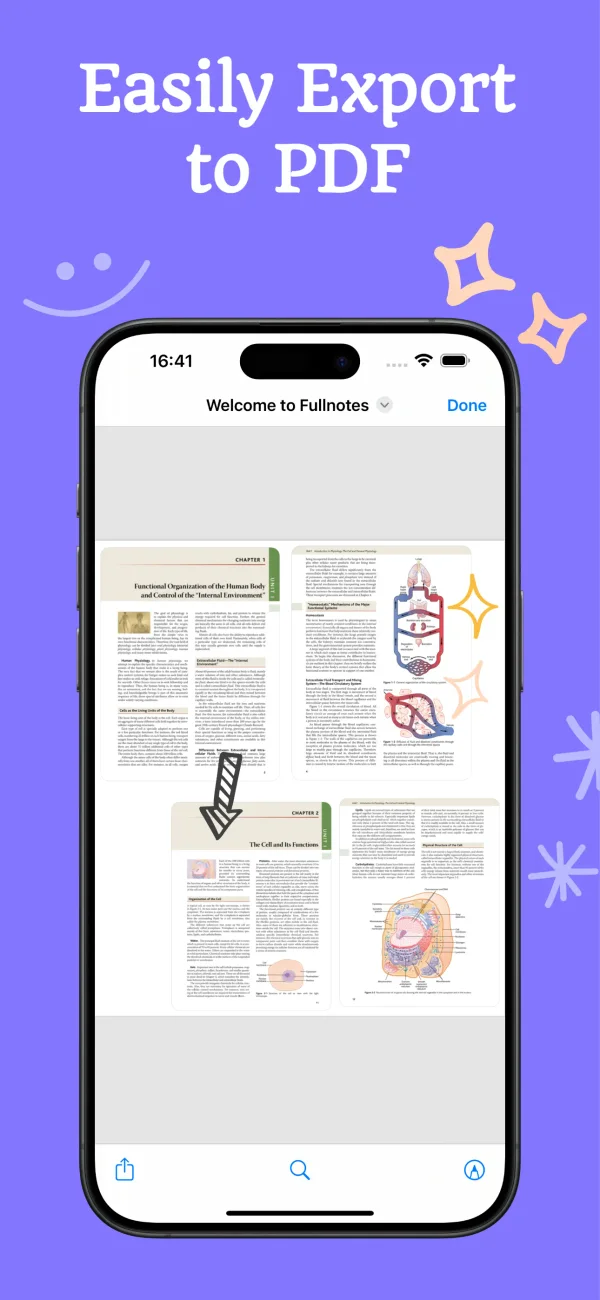

About
Fullnotes: PDF Meet Infinite Canvas, Mindmap, Sticky notes
Key Features:
• Endless space to write, draw, and organize
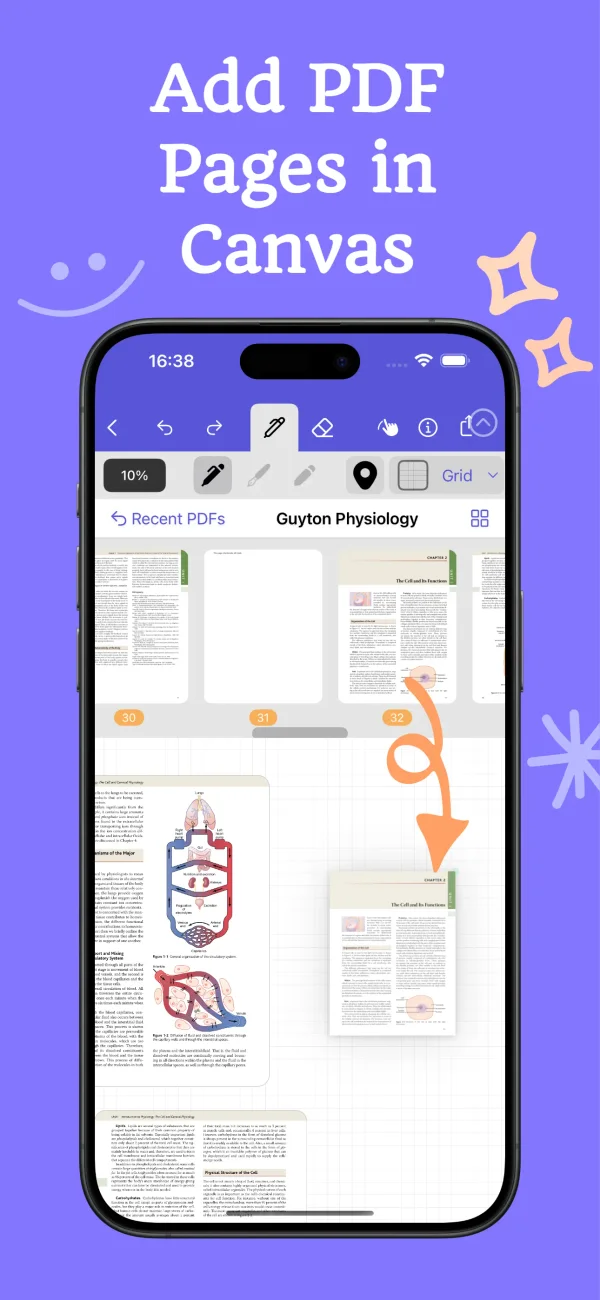
• Import, add and annotate PDFs on your canvas
• Organize PDF pages in visual way
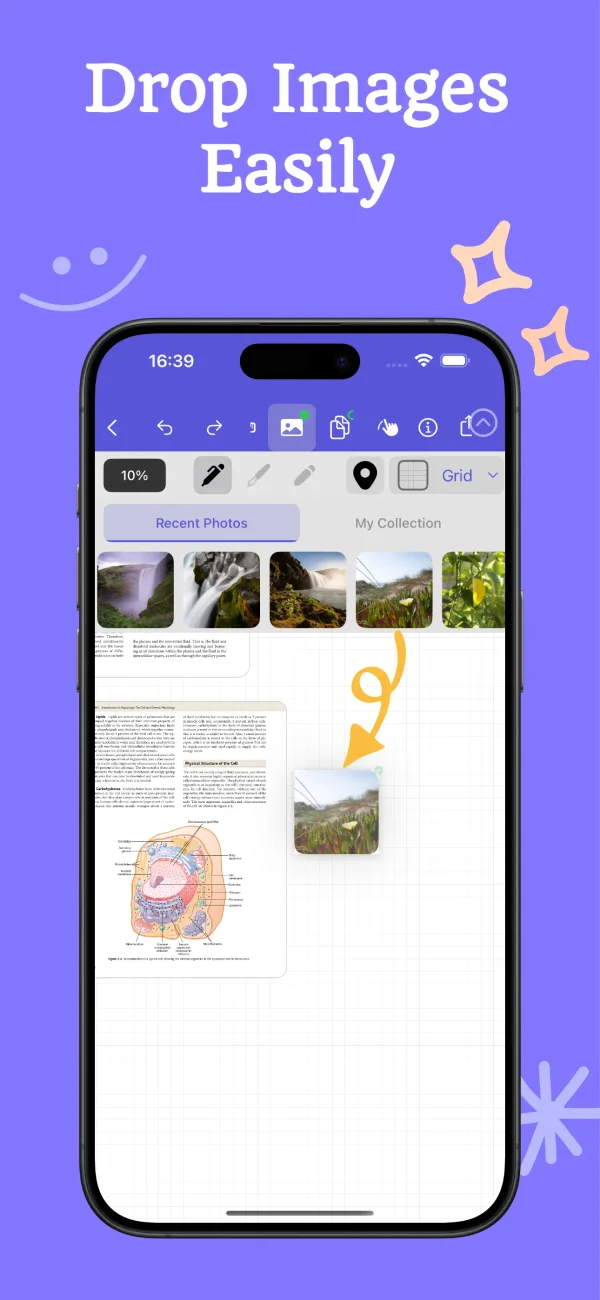
• Add images into canvas
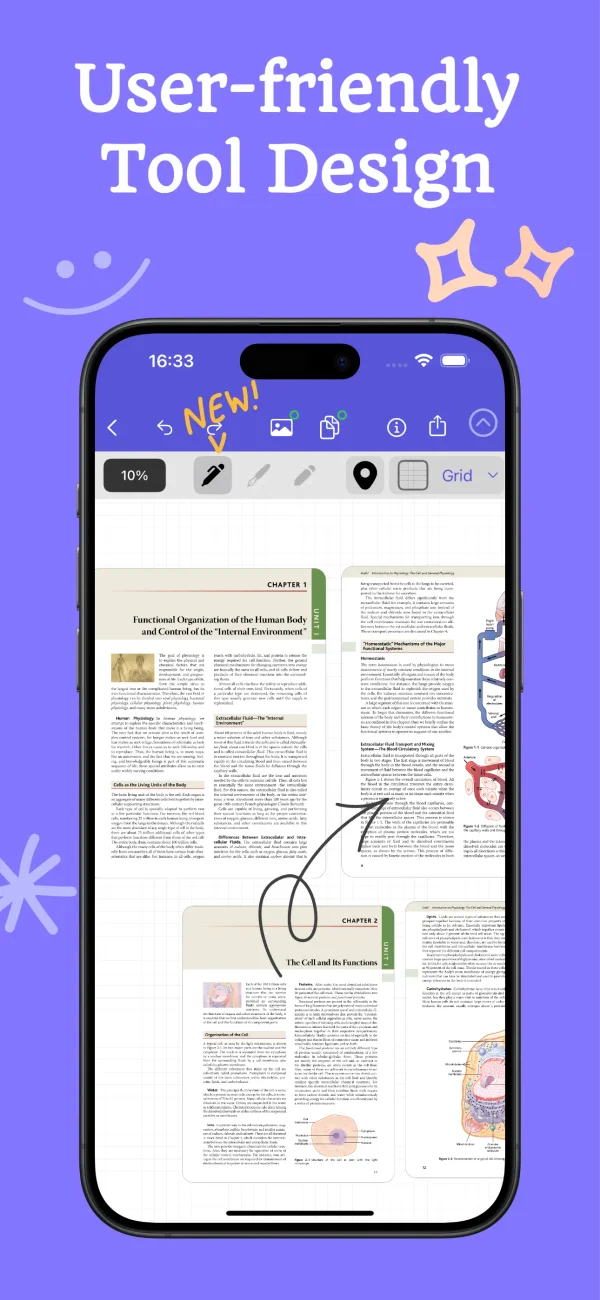
• Intuitive drawing and highlighting tools
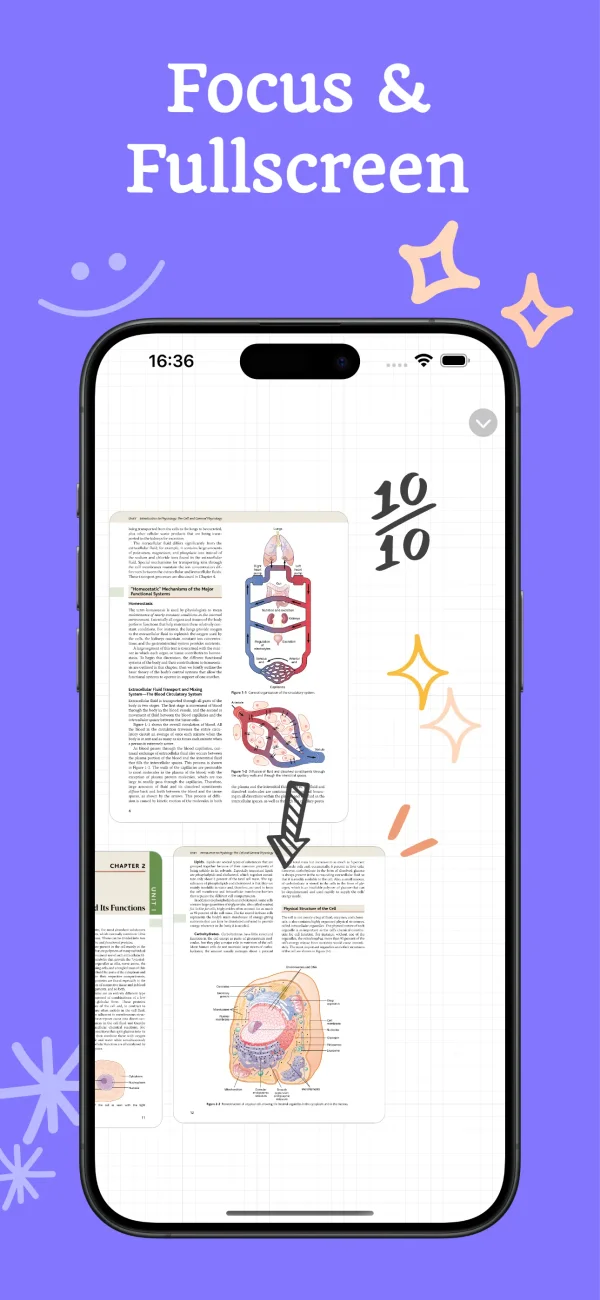
• Easy zoom in/out for detail or overview
• Choose many different backgrounds
• Export your work to share with others
• iCloud sync across all your devices
• Clutter-free, distraction-free workspace
Seamlessly integrate with your existing tools - import from camera, document scanners, and other productivity apps.Bring your PDF pages, images, and sketches together in one intuitive app on an infinite canvas. Edit PDFs directly, use it as sticky notes, and organize your thoughts visually in spatial freeform notes.
Perfect for studying, summarizing idea, brainstorming, research, and project planning and making the good notes.
" Perfect for students, professionals, artists, and visual thinkers! "
Terms of Use: https://www.apple.com/legal/internet-services/itunes/dev/stdeula/
Privacy Policy: https://drive.google.com/file/d/1XROsA7XKc4tfOqbGLvdXG-PR5gzXHpsi/view?usp=sharing
Fullnotes offers optional in-app purchases, including a one-time lifetime unlock and auto-renewable subscription options.
What’s new
Version 3.7.3 · Nov 21, 2026
Thank you for your support and for using Fullnotes!
We promise to make the app better in every way possible.
Here's what we've updated:
• New Draw with Finger switch in the menu button, in notebook and canvas: write, highlight, erase, lasso, point with the laser and take screenshots with your finger on iPhone and iPad, without an Apple Pencil. While it's on, scroll with two fingers, and hold a finger still to paste or select PDF text
• Fixed long-pressing a blank part of a PDF page showing "No selectable text here" instead of Paste
• New Ink Prediction switch in the pen style menu in notebook mode: turn it on and ink reaches ahead to keep up with your Apple Pencil tip
App privacy
What Komchan Maneechai declares on the App Store about how this app handles data.
-
Data not linked to you
May be collected but is not linked to your identity.
- Purchases
- Identifiers
Privacy practices may vary, for example with the features you use or your age.
Information
- Seller
- Komchan Maneechai
- Category
- Productivity
- Version
- 3.7.3
- Updated
- Nov 21, 2026
- Released
- Feb 28, 2024
- Size
- 226.0 MB
- Requires
- iOS 17.0 or later
- Age rating
- 4+
- Price
- Free
- In-app purchases
- Yes
- Languages
- English
- Copyright
- © 2025 Komchan Maneechai
You might also like
-
 Trio: Mindful Todo ListGentle Task Manager for Goals
-
 Unbound Note: Infinite CanvasHandwriting, links & pkm
-
 AI Podcast Maker - PODLMLLM Notes - Text To Speech
-
 Focus Timer: Pomodoro StudyMeditation, Tasks & ADHD
-
 Ahmni: Infinite CanvasMindmap, Infinite Zoom, PDFs
-
 Todoable: Family CalendarDaily Schedule, Planner, To-do
-
 Patagonia Chat - Private AIAI that respects your privacy
-
 PDF Editor-Scan & ConverterScan Documents, Fill & eSign
-
 UltraNotes - Note Taking & PDFType, Write & Annotate PDF
-
 AI Meeting Notes - TabloTranscribe, Summarize, ToDos