Formula Canvas - Math Editor
Math Notes & LaTeX Export
Designed for iPhone, iPad
Free · In-app purchases
- Age rating4+
- CategoryUtilities
- Developer杏娣 吴
- LanguagesEnglish+ 7 more
- Size2.7 MB
Links to the official App Store page
Download.org hosts no file of Formula Canvas - Math Editor. The button opens its official App Store page, published by 杏娣 吴. Listing last checked on Nov 17, 2026.
Screenshots
About
Formula Canvas is a native math workspace for writing formulas, building study notes, and preparing clean LaTeX without fighting plain text syntax.
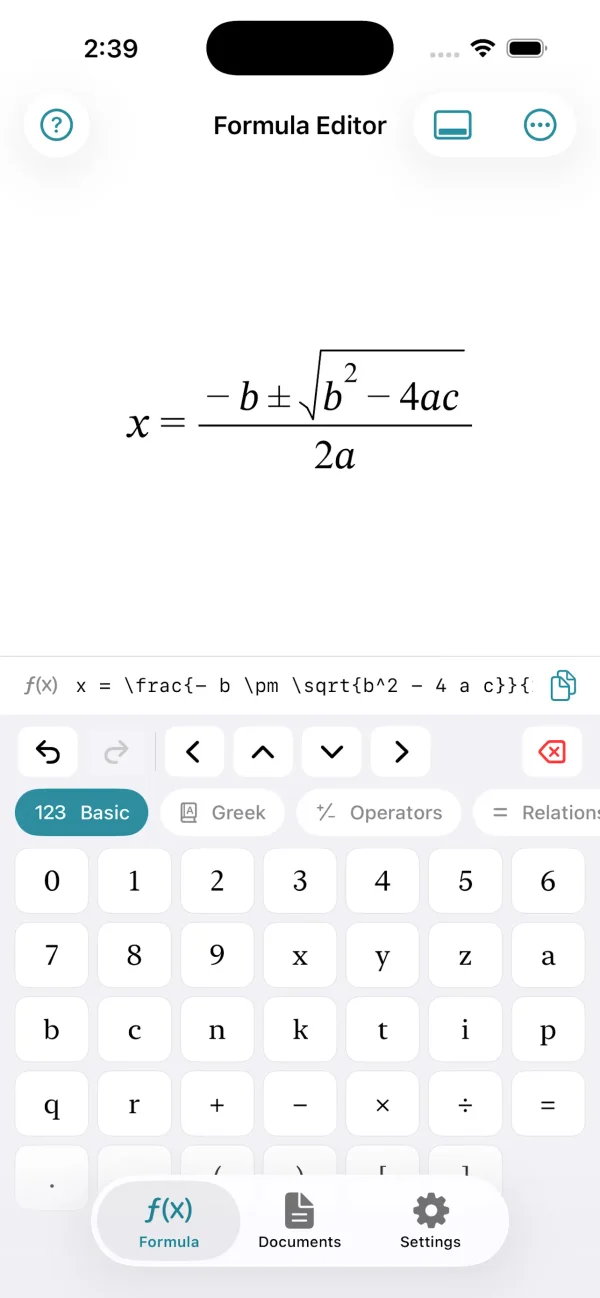
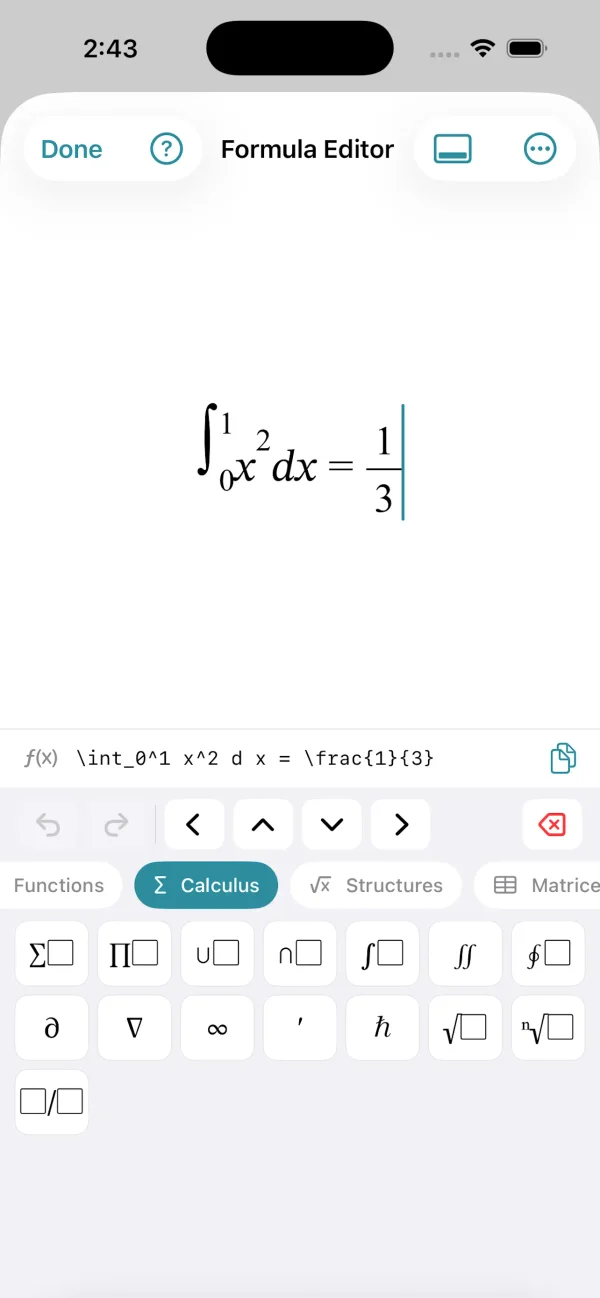
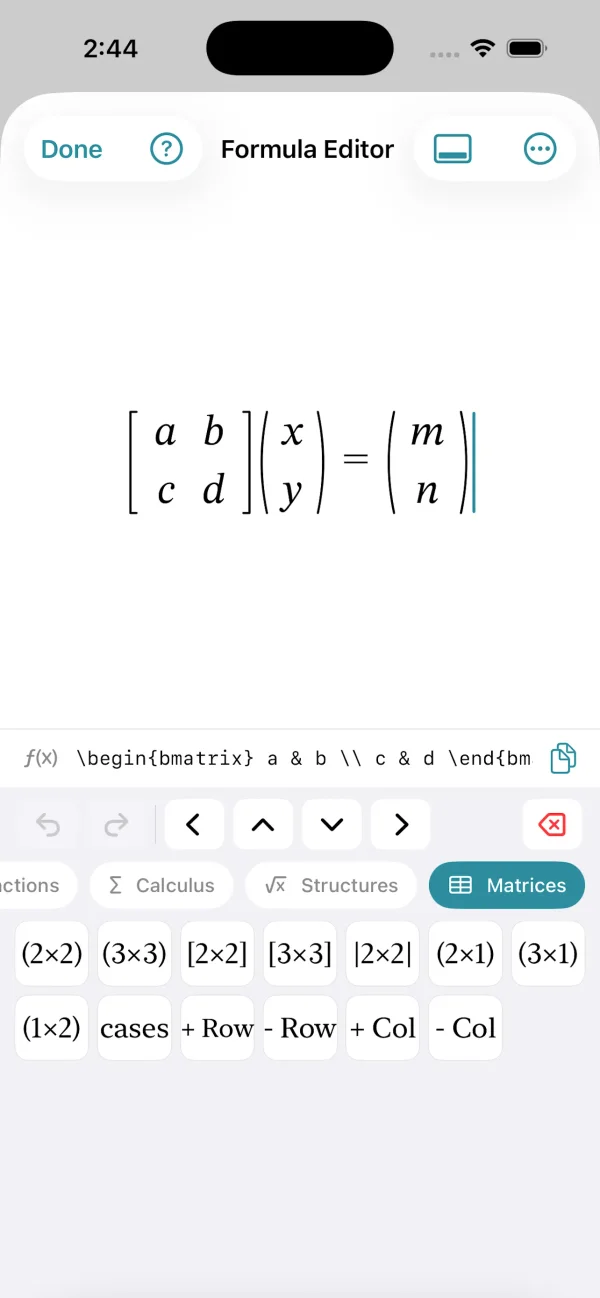
Create expressions visually with a structured math keyboard. Add fractions, radicals, superscripts, subscripts, sums, products, integrals, scalable brackets, matrices, equation systems, accents, Greek letters, arrows, relations, set symbols, and common functions. Tap to place the cursor, move through formula structures with direction controls, and undo or redo edits as you work.
The live LaTeX preview keeps your source visible while you edit. Copy LaTeX instantly, or unlock advanced export and sharing with Formula Canvas Pro.
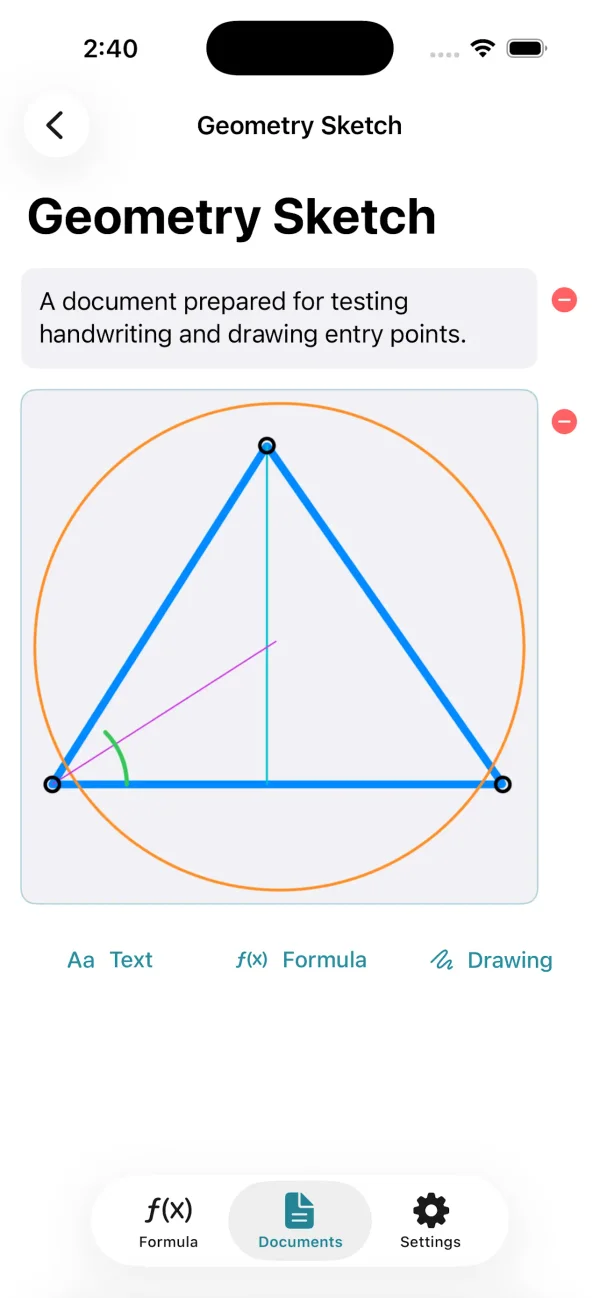
Formula Canvas also includes a document workspace for longer notes. Combine text blocks, formula blocks, and handwriting blocks in the same document, then keep everything organized in a local document list.
Use the drawing canvas for quick geometry sketches, annotations, diagrams, and handwritten ideas. Apple Pencil is supported through PencilKit, and built-in shape stamps help you insert lines, arrows, rectangles, and ellipses quickly.
Built fully native with Swift and Core Graphics, Formula Canvas is designed for responsive formula editing on iPhone and iPad.
Key features:
- Visual WYSIWYG math formula editing
- Structured keyboard for symbols, functions, calculus, matrices, and formulas
- Fractions, roots, scripts, limits, integrals, matrices, delimiters, and accents
- Tap-based cursor placement and structural navigation controls
- Live LaTeX preview with copy support
- Multi-block documents with text, formulas, and handwriting
- PencilKit drawing with Apple Pencil support
- Shape stamps for lines, arrows, rectangles, and ellipses
- Local document storage on your device
- Optional one-time Pro upgrade, no subscription
Formula Canvas Pro unlocks unlimited formula documents, advanced LaTeX export and sharing, and handwriting and drawing tools.
App privacy
What 杏娣 吴 declares on the App Store about how this app handles data.
-
Data not collected
The developer does not collect any data from this app.
Privacy practices may vary, for example with the features you use or your age.
Information
- Seller
- 杏娣 吴
- Category
- Utilities
- Version
- 1.0.0
- Updated
- Jun 26, 2026
- Released
- Jun 26, 2026
- Size
- 2.7 MB
- Requires
- iOS 16.0 or later
- Age rating
- 4+
- Price
- Free
- In-app purchases
- Yes
- Languages
- English, Arabic, French, German, Japanese, Korean, Simplified Chinese, Spanish
- Copyright
- © 2026 Xingdi Wu
You might also like
-
 Sigmakey: Math KeyboardType LaTeX, fractions, roots
-
 FormudragDrag-and-Drop Formulae
-
 Formula to TeX: Math & PhysicsTurn formula photos into LaTeX
-
 CalcKeep: AI Calculator MakerSave & Reuse Custom Formulas
-
 PaperwristNotes and PDF on your Watch
-
 Keyboard Math: Symbols & UnitsUtilities
-
 Angles PracticeMaster angles, ace geometry!
-
 SymMath - Symbolic CalculatorAdvanced Symbolic Calculator
-
 Numeris 3D Graphing CalculatorScientific & 3D plotting
-
 Used Phone InspectorCheck IMEI + 15 Hardware Tests